






AI Music Tools News
Hands-on coverage of AI music tools, vetted for musicians.
I cover the latest tool launches and updates, write step-by-step tutorials, rank the best AI music tools by use case, run head-to-head comparisons, and publish explainers on how the tools work. Every recommendation comes from hands-on testing.
- 12 Oct
 Tool News & Updates 12 Oct
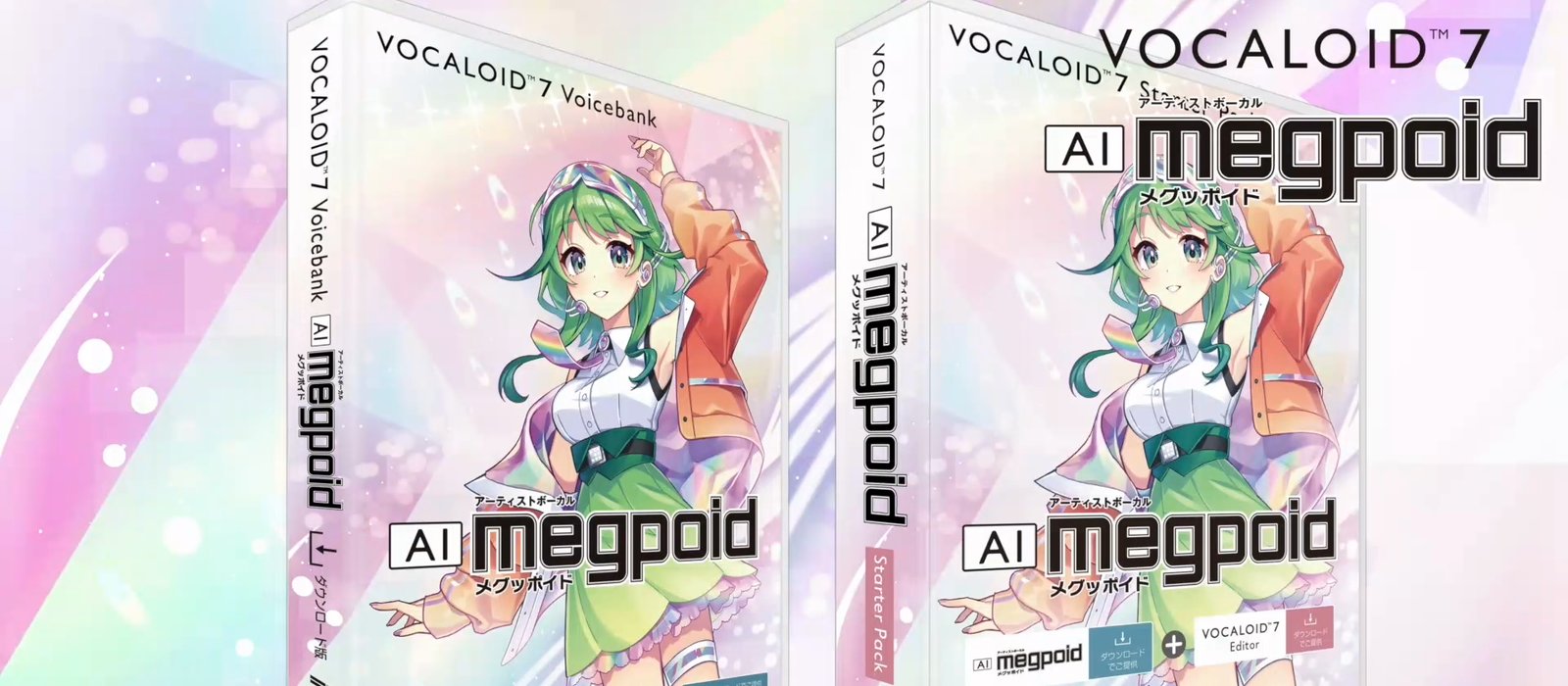
Yamaha announces VOCALOID7 for November 11, 2026, with AI Megpoid as a day-one voicebank
- Yamaha announced VOCALOID7 on October 9, 2026, and the VOCALOID7 Editor goes on sale on November 11 for $129 before tax (16,500 yen in Japan).
- Owners of VOCALOID3 through VOCALOID6 can upgrade for $69, or $39 between November 11 and December 20, 2026.
- Internet Co. releases VOCALOID7 Voicebank AI Megpoid, built on singer Megumi Nakajima's voice with 8 voice types, on the same day.
- 09 Oct
 Tool News & Updates 09 Oct
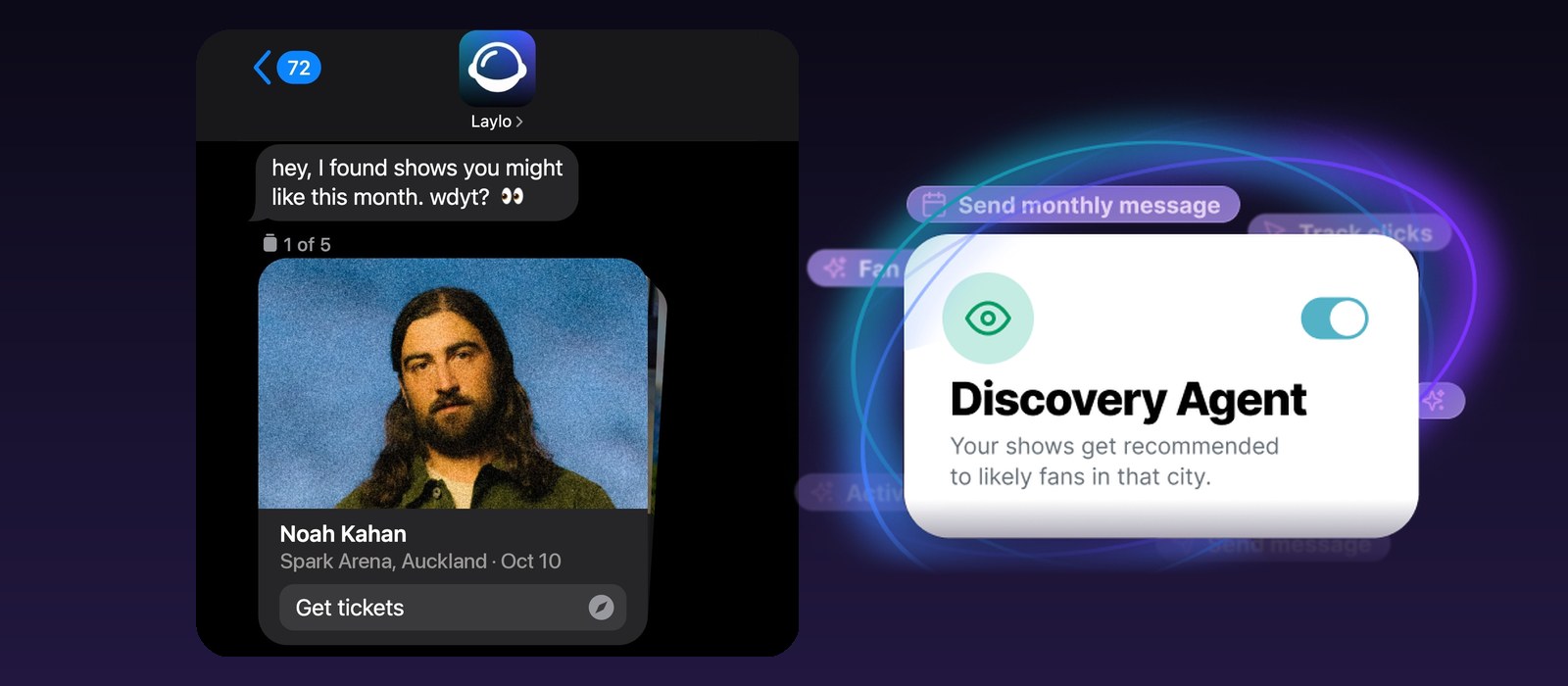
Laylo's Discovery Agent pitches your shows to 250,000+ fans who stream you but don't follow you yet
- Laylo launched Discovery Agent on October 8, 2026, an AI agent that recommends artists' upcoming shows to fans who are not on the artist's own list.
- Fans opt in at discover.laylo.com, connect Spotify, and get one text a month with up to 5 shows near them by artists they already listen to.
- Laylo says its network has more than 250,000 opted-in fans, and that Discovery Agent has already sent 80,000+ show recommendations for nearly 600 artists.
- 09 Oct
 Tool News & Updates 09 Oct
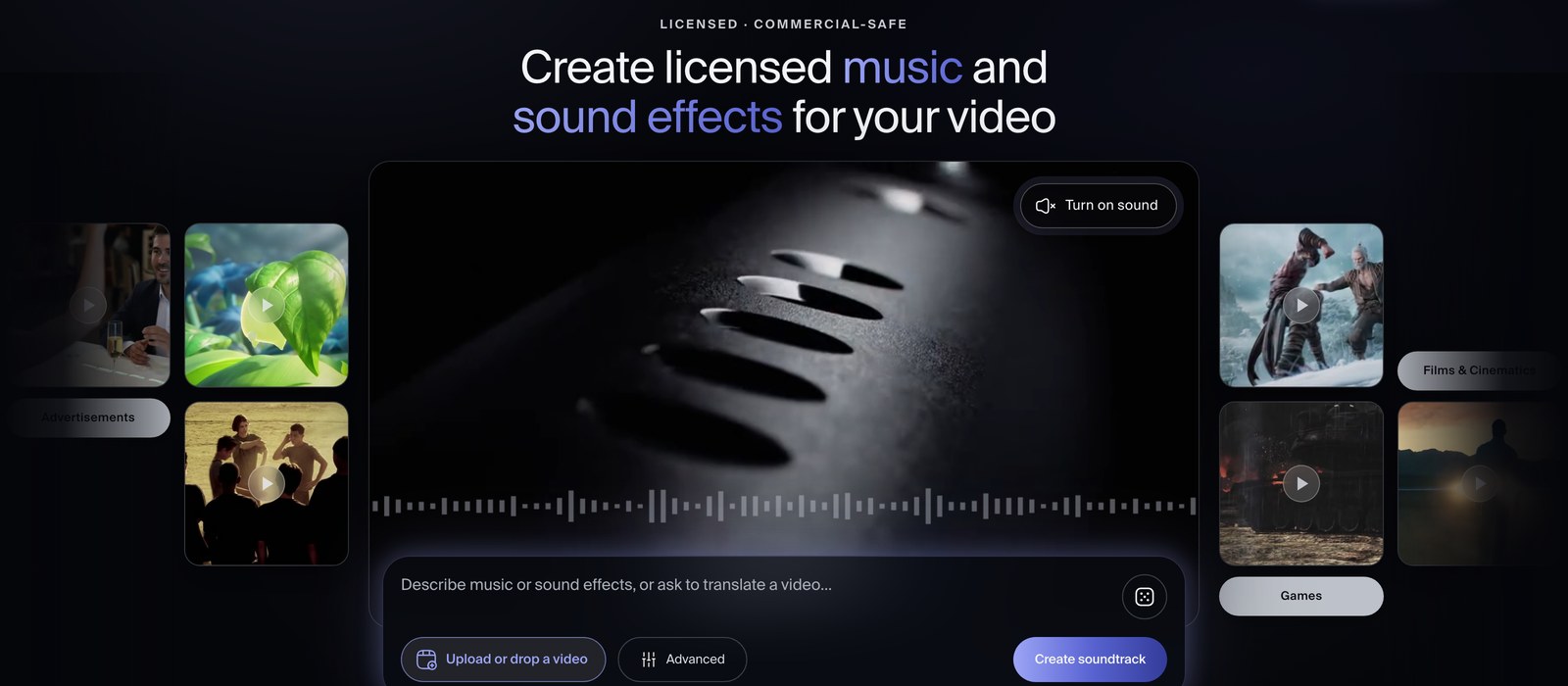
TikTok veterans raise $11M for Sonilo, an AI that writes music and sound effects to match your video
- Sonilo raised $11 million in a round led by B Capital, with Redpoint taking part, Variety reported on October 8, 2026.
- The San Francisco startup was founded by former TikTok staff, including CEO Shawn Song, who led multimodal AI work at TikTok, and COO Keli Li, who ran TikTok's global music operation.
- Sonilo's Sound World Model writes music and sound effects timed to a video's pacing, emotion and scene changes, from an uploaded clip, a text prompt or both.
- 08 Oct
 Tool News & Updates 08 Oct
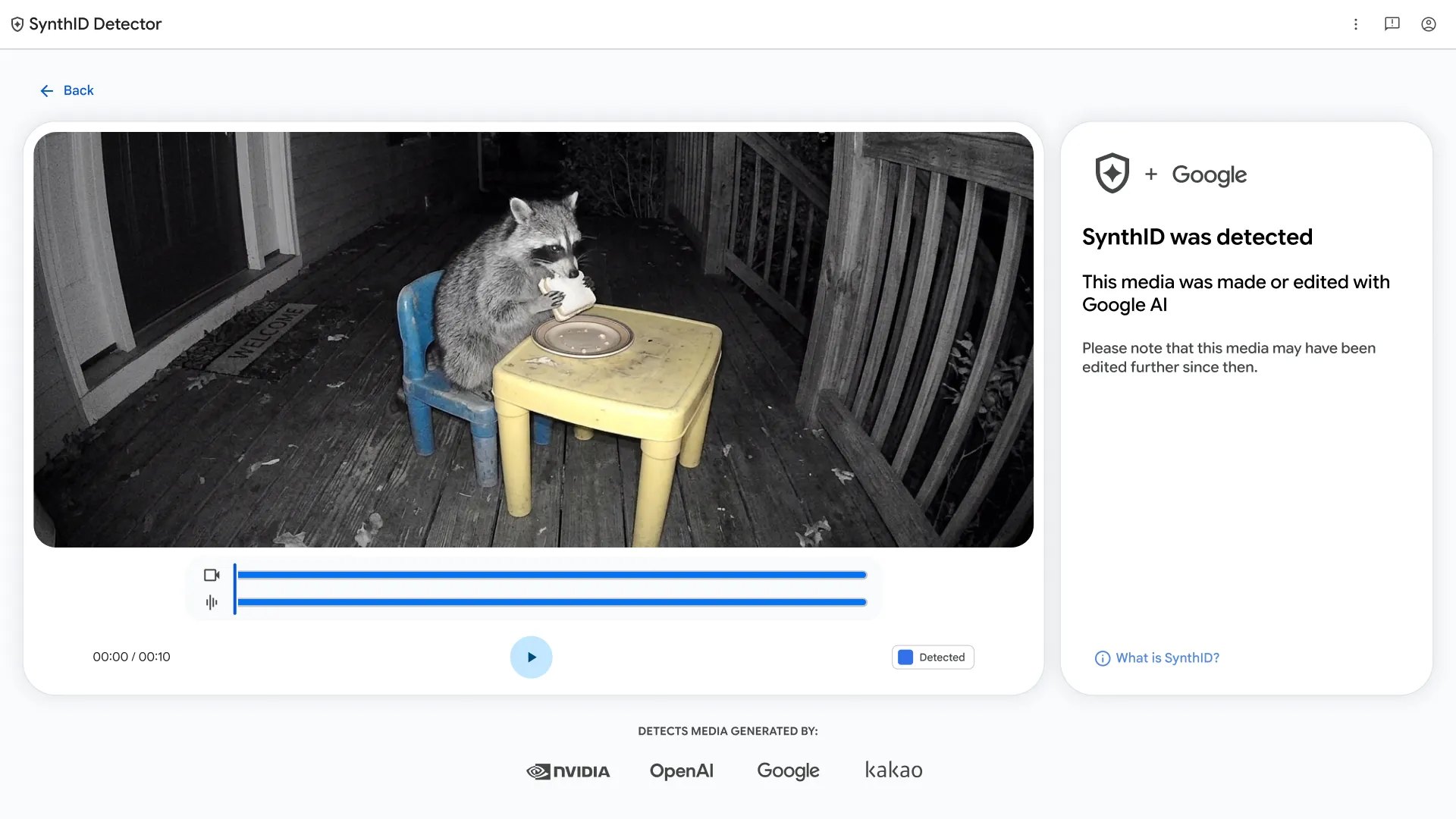
Google opens SynthID Detector to everyone, and it can check a song for Lyria's watermark but not Suno's
- Google opened SynthID Detector to everyone on October 7, 2026, as a free web tool at synthid.com, available worldwide in English.
- The tool checks images, video and audio for SynthID, the invisible watermark in Lyria songs and in output from partners OpenAI, NVIDIA and Kakao, with Apple next.
- Google says 240,000 years of audio now carry SynthID, 4 times the 60,000 years it reported at Google I/O in May 2026.
- 08 Oct
 Tool News & Updates 08 Oct
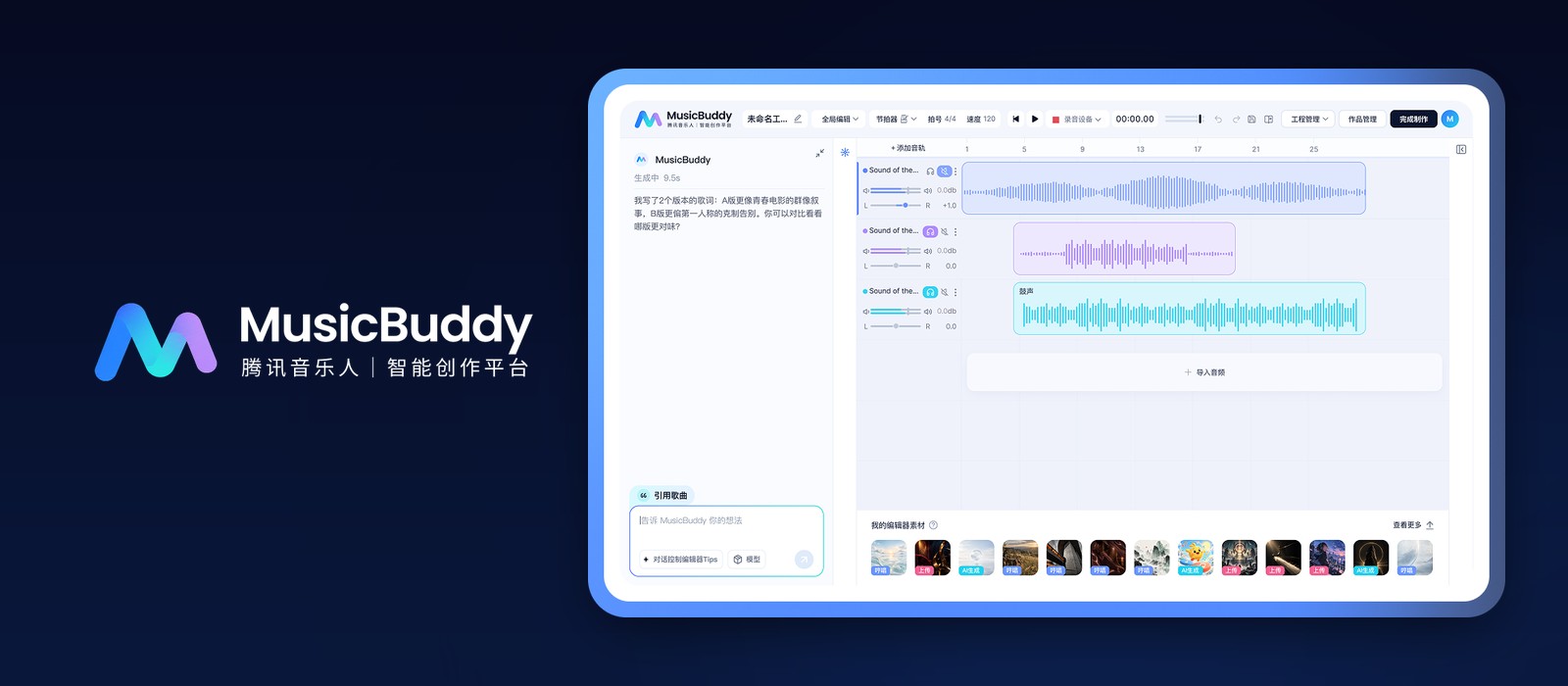
What is Tencent MusicBuddy? Tencent Music's closed-beta AI agent takes a song from first idea to release and promotion
- Tencent Music's MusicBuddy website went live around September 22, 2026, and the tool is still in closed beta.
- MusicBuddy docks an AI chat panel beside a multitrack editor, so you change vocals, instruments, reverb and lyrics by typing.
- Tencent's page promises one-click release to multiple platforms, an auto-made music video and promo poster, and incentive money for songs that meet its bar.
- 08 Oct
 Comparison 08 Oct
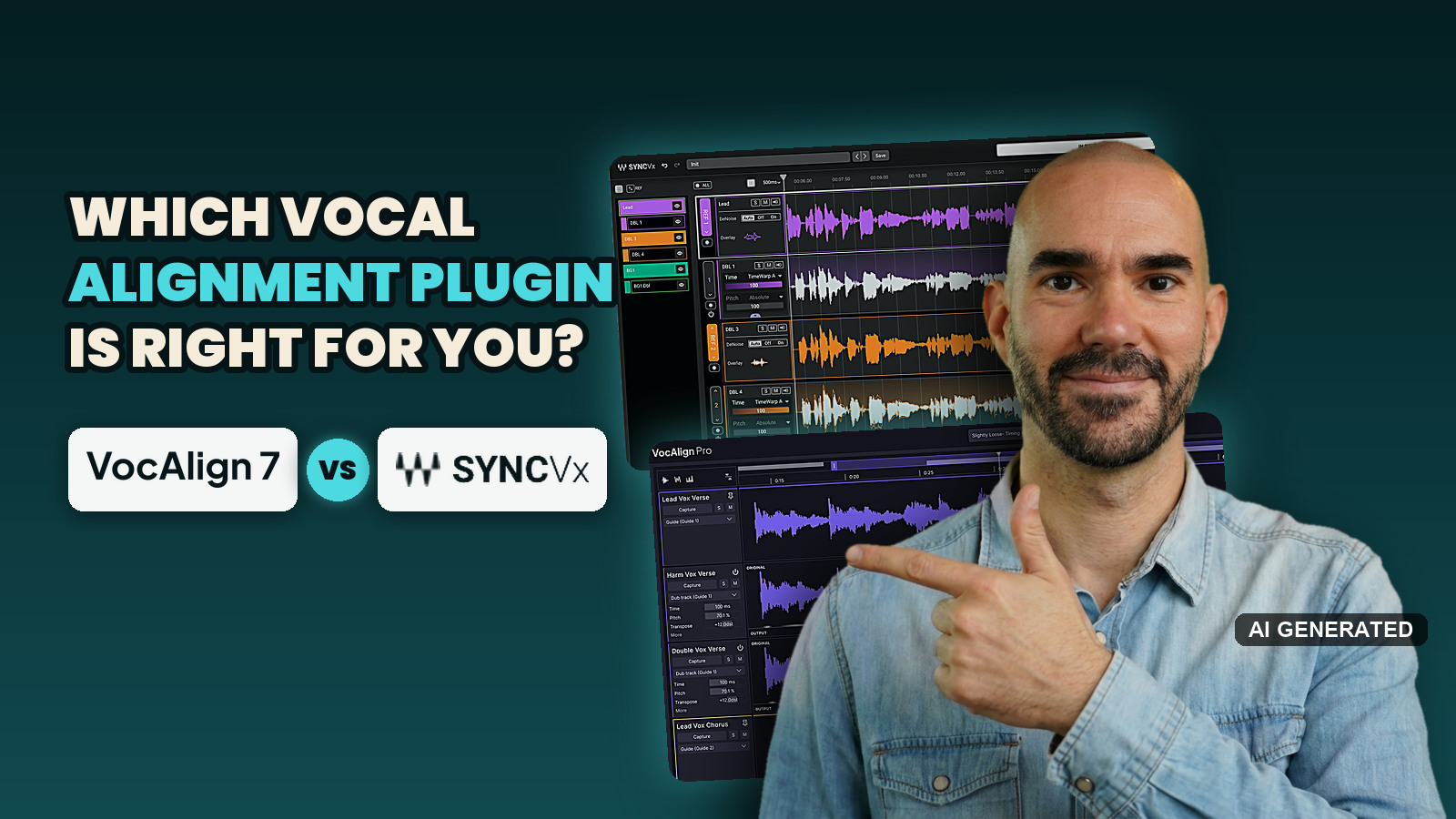
VocAlign 7 vs Sync Vx: which vocal alignment plugin should you buy in 2026?
- Sync Vx and VocAlign 7 Pro both rate 4.2 out of 5 on sound, workflow, control and price, scored from my own session and, on sound, mostly from expert tests.
- Sync Vx came out ahead in about 6 of 9 first-hand comparisons people have published, and every one of them was run against VocAlign 6, not VocAlign 7.
- VocAlign 7 Pro has no track limit, SmartPitch for harmonies and a live link to RePitch 2, while Sync Vx stops at 16 mono tracks.
- 07 Oct
 Tool News & Updates 07 Oct
Audiotool's Let's Build! hackathon winners range from a 3D bunny party game to a BBC Maida Vale reverb
- Audiotool named 6 Let's Build! hackathon winners on October 7, 2026, picked from more than 2,000 sign-ups and a shortlist of 18 apps.
- Every winning app runs on NEXUS, Audiotool's open-source SDK, and sends its music into a real, editable Audiotool project.
- Score IO, which converts Audiotool projects to and from MusicXML sheet music, was the judges' only unanimous pick.
-
FREE AI music newsletter
Get this in your inbox — free
- AI Music Briefing — the week's biggest AI music news, the AI Music Lawsuit Tracker, and Music Intelligence.
- 1 tutorial every week — AI music promotion: from a 4-week song-release strategy to a music video in under 10 minutes.
- 07 Oct
 Tool News & Updates 07 Oct
Cyanite will scan Paradise Worldwide's releases for AI music before they reach streaming services
- Paradise Worldwide will run Cyanite's AI music detection over its releases before delivering them to streaming services, MusikWoche reported on September 25, 2026.
- DSPs get a recommendation on AI labelling for tracks Cyanite reads as fully or partly AI-generated, and the streaming service keeps the final decision.
- Cyanite's detector covers Suno, Udio, Lyria, Mureka and ElevenLabs, and the company works with more than 200 music companies.
- 07 Oct
 Tool News & Updates 07 Oct
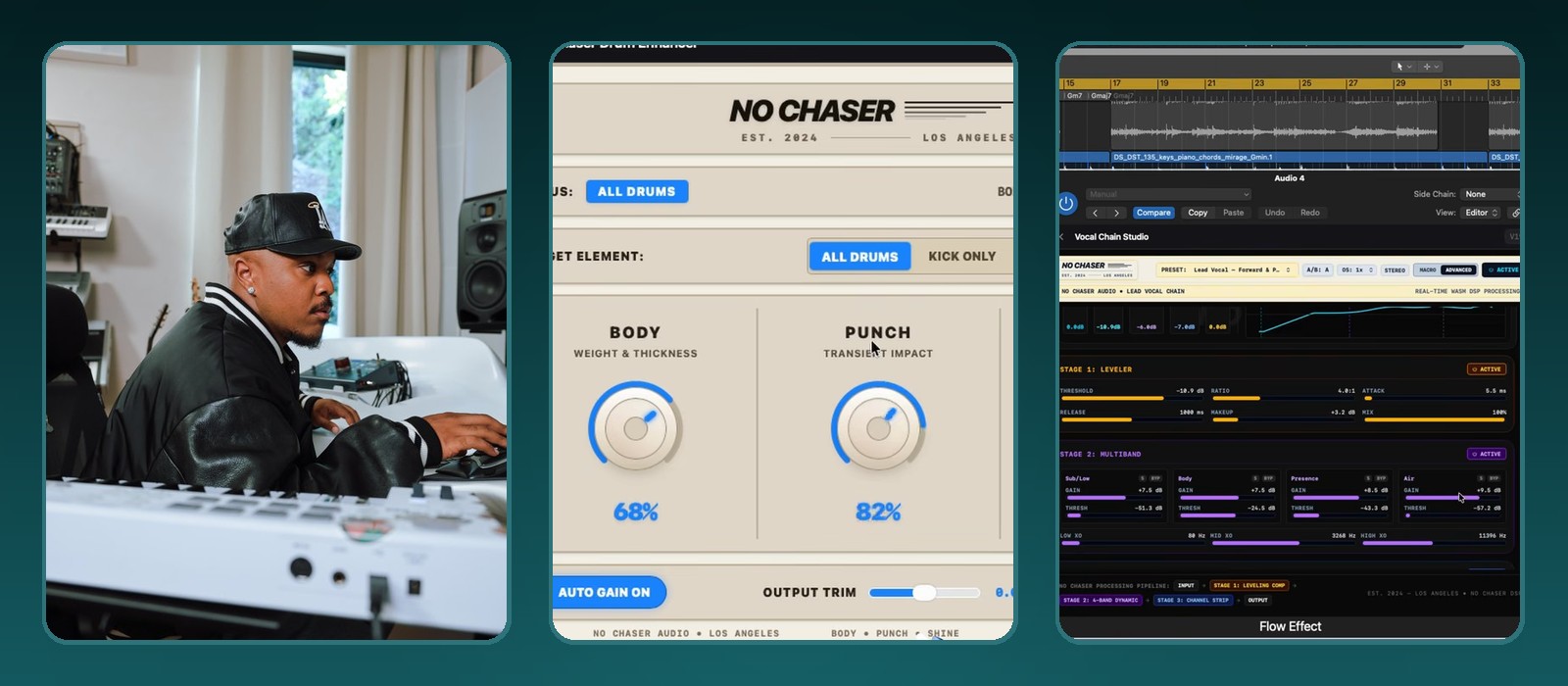
Google Flow Music now exports your AI-built instruments and effects as VST3 and AU plugins, Mac only for now
- Google announced on October 6, 2026 that producers can export custom Spaces from Google Flow Music as VST3 and AU plugins.
- You download each instrument or effect as an .fmx file and load it into 2 plugins called Flow Instrument and Flow Effect.
- Google's help page names Ableton Live, Logic Pro and FL Studio as example DAWs.
- 07 Oct
 Tool News & Updates 07 Oct
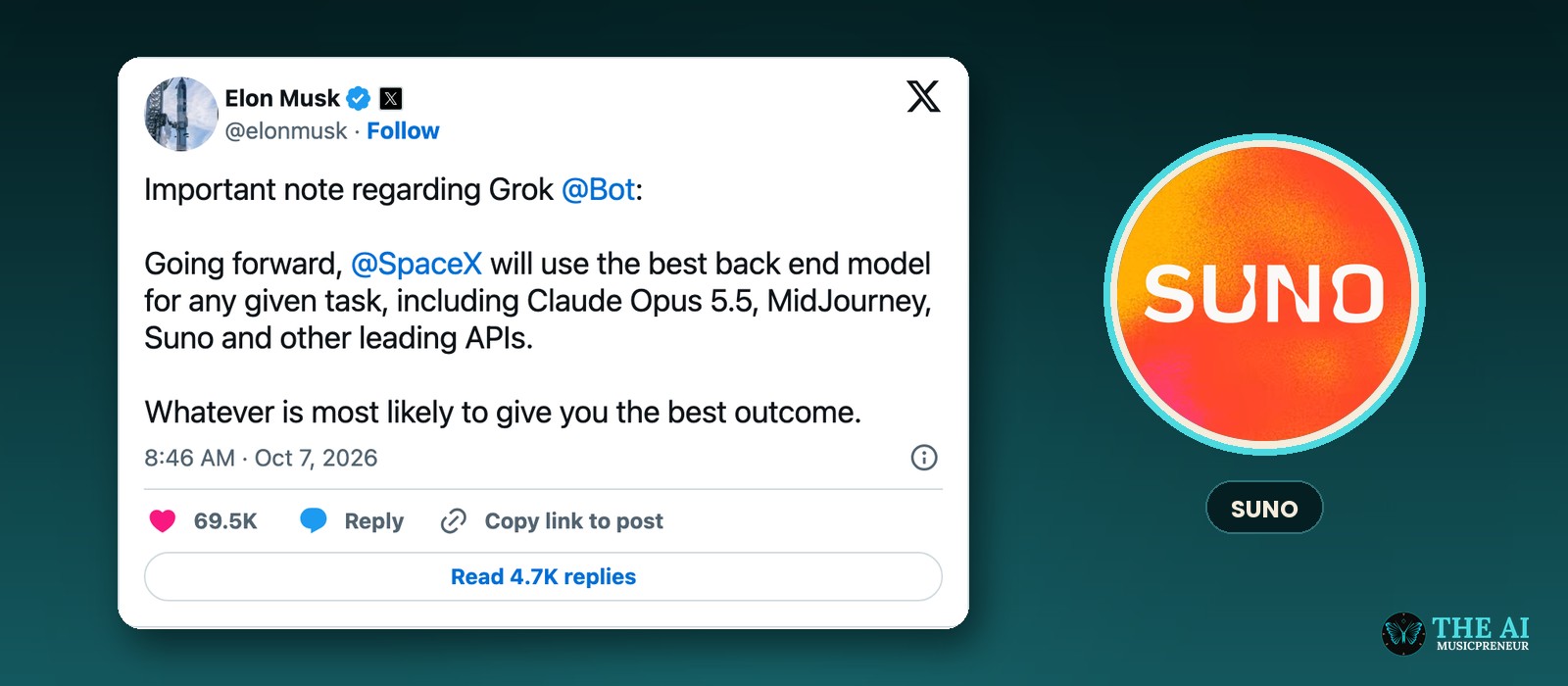
Elon Musk says Grok Bot will hand tasks to Suno, alongside Claude Opus 5.5 and Midjourney
- Elon Musk posted on October 7, 2026 that SpaceX will use the best back-end model for any given task in Grok Bot.
- He named Claude Opus 5.5, Midjourney and Suno, plus "other leading APIs."
- Musk didn't say which tasks go to Suno, when it starts, or what the commercial terms are.
- 07 Oct
 Tool News & Updates 07 Oct
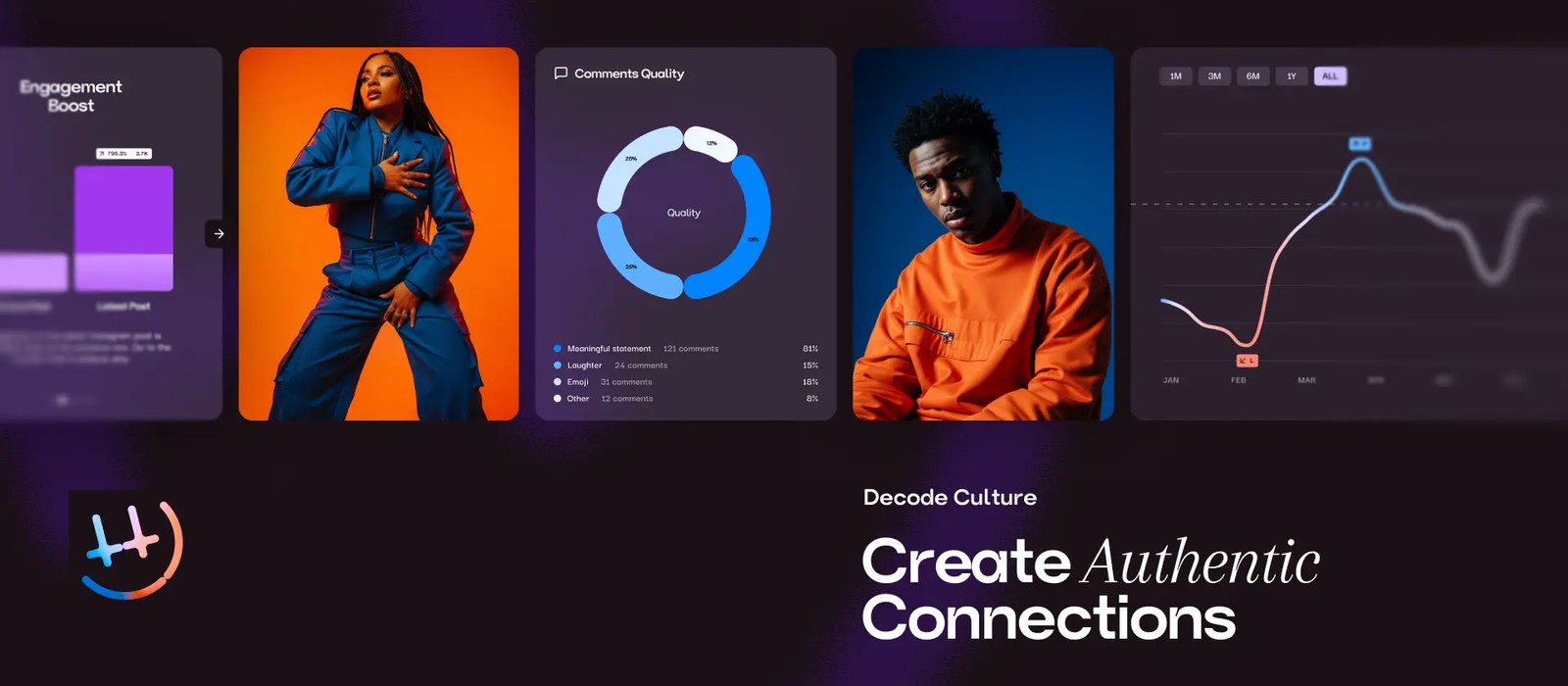
HumanCulture's AI predicts how your Instagram and TikTok posts will land before you post them, from £65 a month
- HumanCulture launched the full version of its platform on October 1, 2026, with an AI creative strategist called Jasper.
- Its first clients include Defected Records, Red Light Management, Armada Big Family, Arketyp, Knox Artists and FourFour Digital.
- It analyses up to 12 months of an artist's Instagram and TikTok posts, about 400 posts, including video, audio, captions and comments.
- 06 Oct
 Tool News & Updates 06 Oct
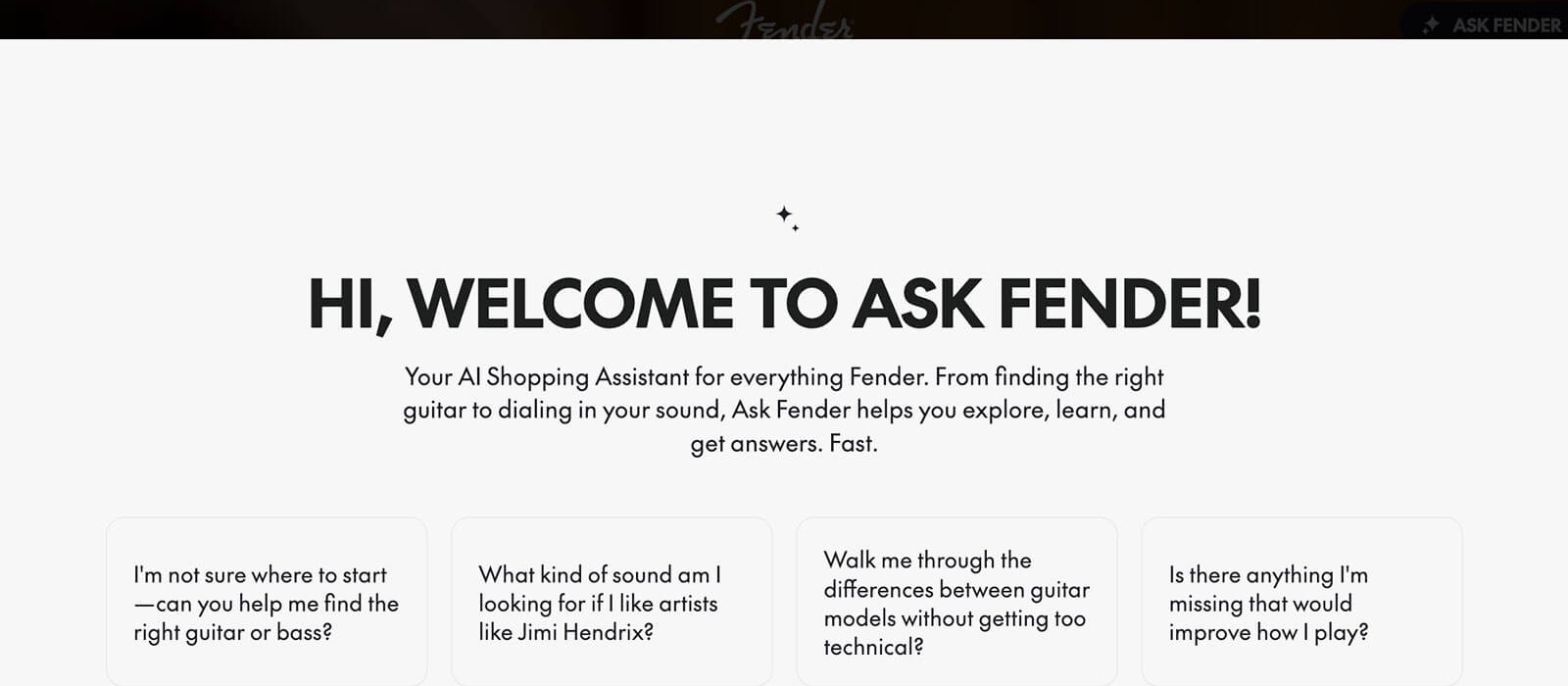
Fender relaunches Fender.com with Ask Fender, an AI shopping assistant that recommends guitars, starting in the US
- Fender relaunched Fender.com on October 5, 2026, with an AI shopping assistant called Ask Fender.
- Ask Fender takes plain-language questions and recommends instruments based on playing style, experience and needs.
- Ask Fender launches in the US first.
- 06 Oct
 Tool News & Updates 06 Oct
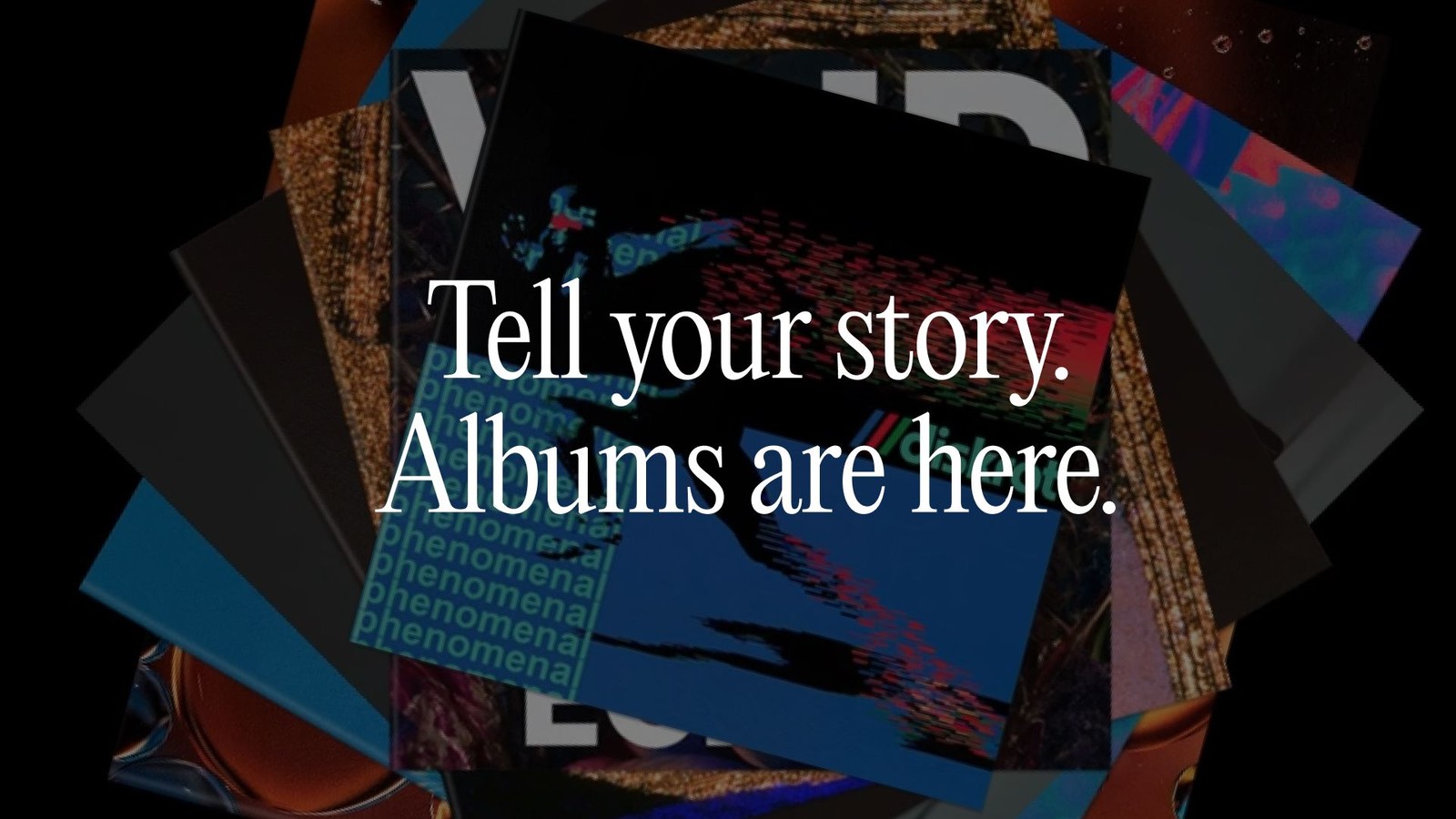
Suno launches Albums, letting you publish an EP or LP on Suno and notify your followers
- Suno launched Albums on October 5, 2026, on web, iOS and Android.
- You can publish a set of your songs as an LP or EP, with a title, description, cover art and track order.
- Your followers get a push notification when you publish an album.
- 05 Oct
 Tutorial 05 Oct
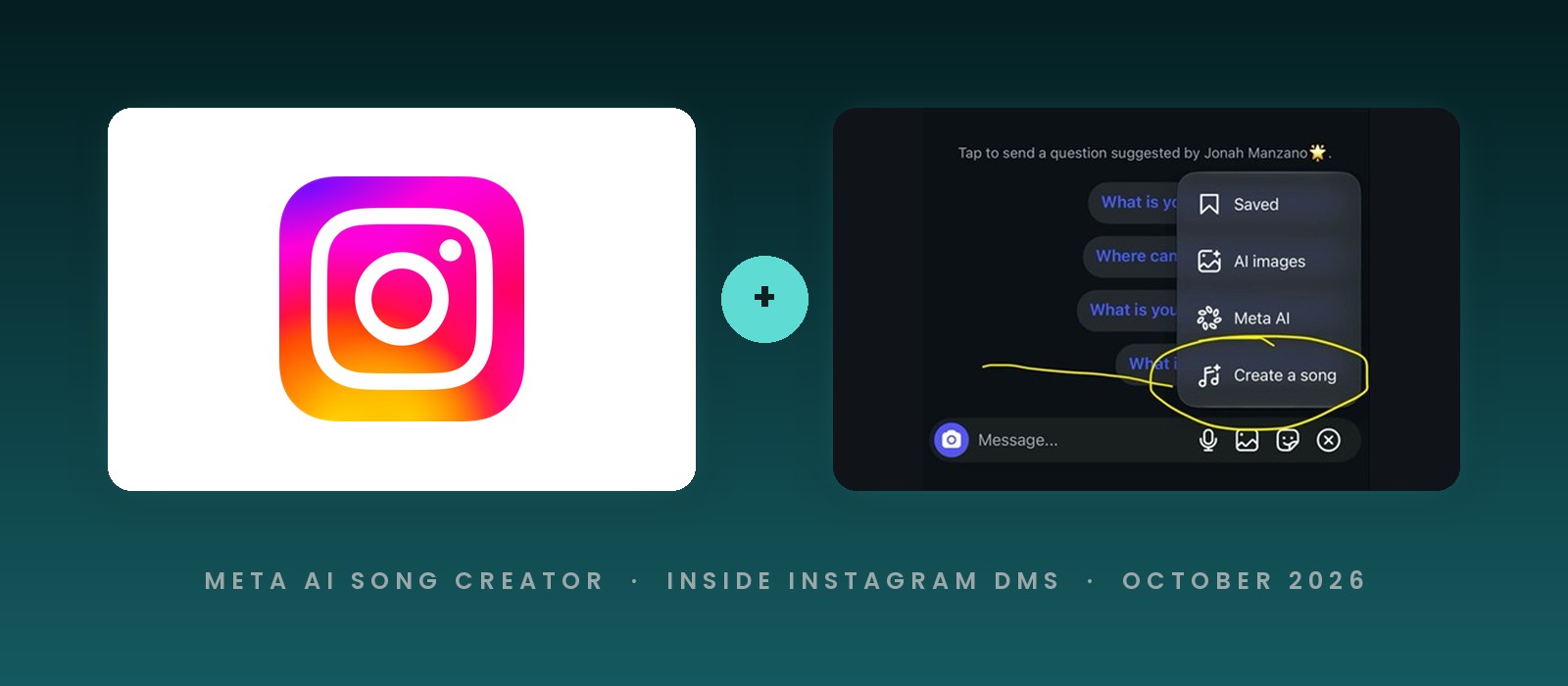
How to make an AI song in Instagram DMs with Meta AI's Create a song
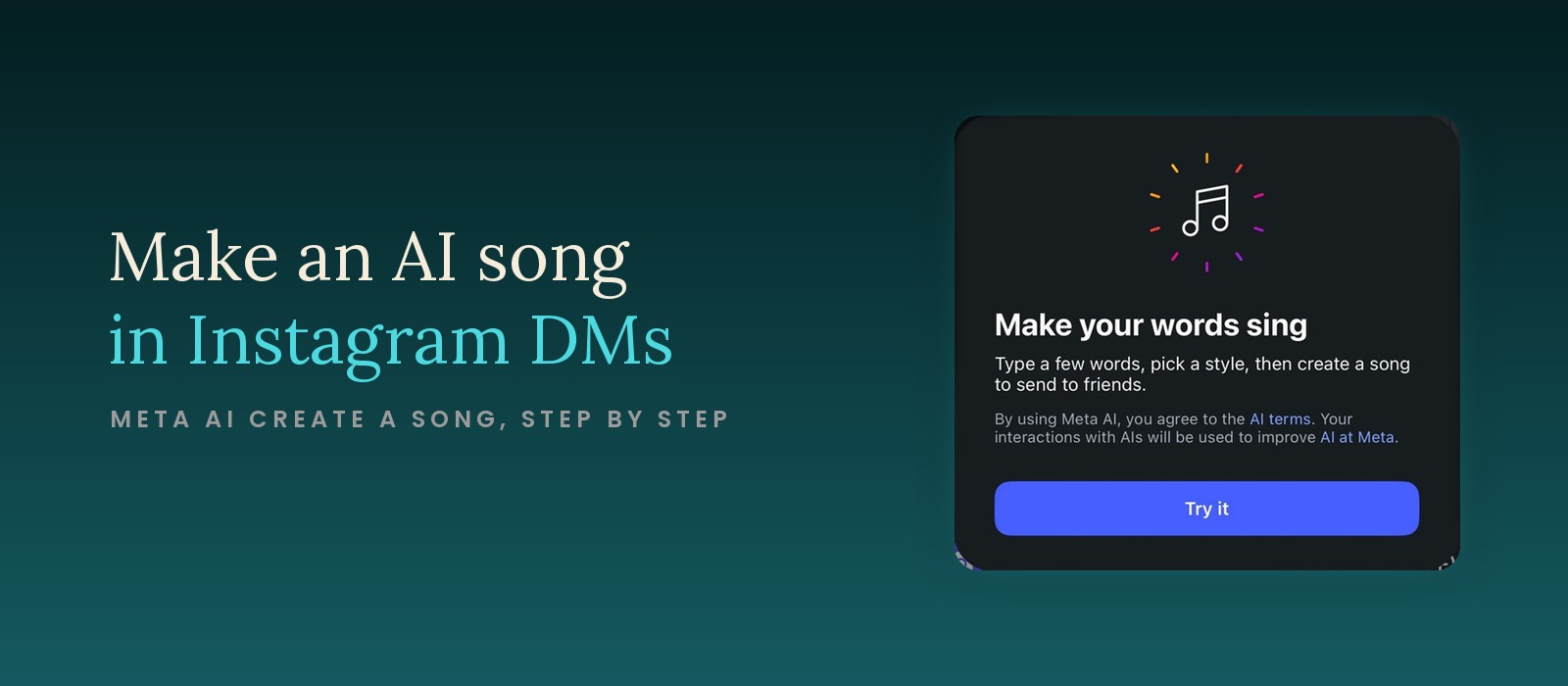
- Instagram's Create a song option lives in the menu at the right end of the message bar inside a DM chat.
- The intro card asks you to type a few words, pick a style, and create a song to send to friends.
- The feature runs on Meta AI, and the card says your interactions are used to improve AI at Meta.
- 05 Oct
 Tool News & Updates 05 Oct
Instagram adds a Meta AI song creator to DMs
- Instagram has added a Create a song option to the menu inside direct messages, next to AI images and Meta AI.
- The intro card reads "Make your words sing" and asks you to type a few words, pick a style and create a song to send to friends.
- The card says your interactions with the feature will be used to improve AI at Meta.
- 05 Oct
 Tool News & Updates 05 Oct
Sean Parker is rebuilding Stability AI around music, and the next update lets you hum or beatbox to steer it
- Napster co-founder Sean Parker told The Information he wants Stability AI to be the go-to AI toolmaker for music professionals.
- Parker joined an $80 million rescue of Stability AI in June 2024 and became its executive chairman, with Prem Akkaraju as CEO.
- Sony, Warner and Universal joined Stability's $76 million round in August 2026 and licensed their catalogs for training.
- 02 Oct
 Tool News & Updates 02 Oct
ElevenLabs closes a $300 million employee tender at a $22 billion valuation, 4 times Suno's
- ElevenLabs said on September 30, 2026 that it closed a $300 million employee tender offer valuing the company at $22 billion.
- That is double the $11 billion valuation of its Series D in February 2026, and about 4 times Suno's $5.4 billion from June.
- Wellington and T. Rowe Price led the tender, and GIC and EQT, both investors in the music business, bought in for the first time.
Frequently asked questions
Where can I find the latest AI music tool launches and updates?
The AI music tool news category lists every launch, feature update, partnership, and pricing change, newest first. New stories go up most weekdays, and the Wednesday AI Musicpreneur newsletter rounds up the best tools and tutorials of the week.
Does The AI Musicpreneur test the AI music tools it covers?
Yes. Reviews, tutorials, and comparisons come from hands-on use on real music projects. Each tool page in the AI music tools directory lists pricing, pros, and cons from that testing. Launch coverage is marked as news; the review follows once I've used the tool.