






AI Mixing
AI mixing tools take your separate stems and set the balance, EQ, compression and stereo placement a mix engineer would dial in by hand. Some handle mixing alone, others cover AI mixing and mastering in one pass. This directory tracks what each tool does to your audio, what it costs, and which ones let you test a track before paying.
Tools for this job
Learn: guides to do it yourself
- Roundup
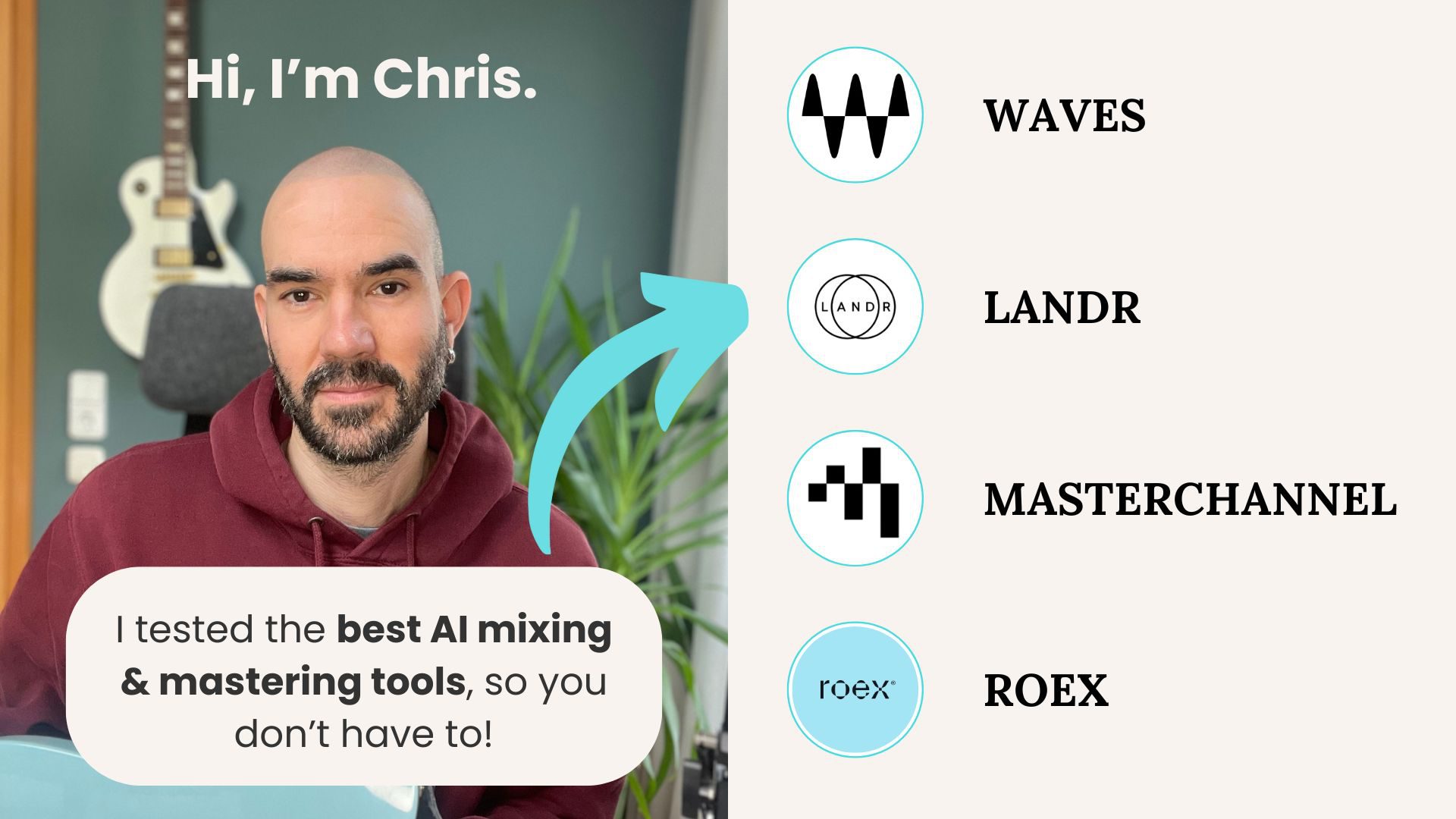
I tested the 4 best AI mixing and mastering tools in 2026 – Here's what happened:
- Tutorial
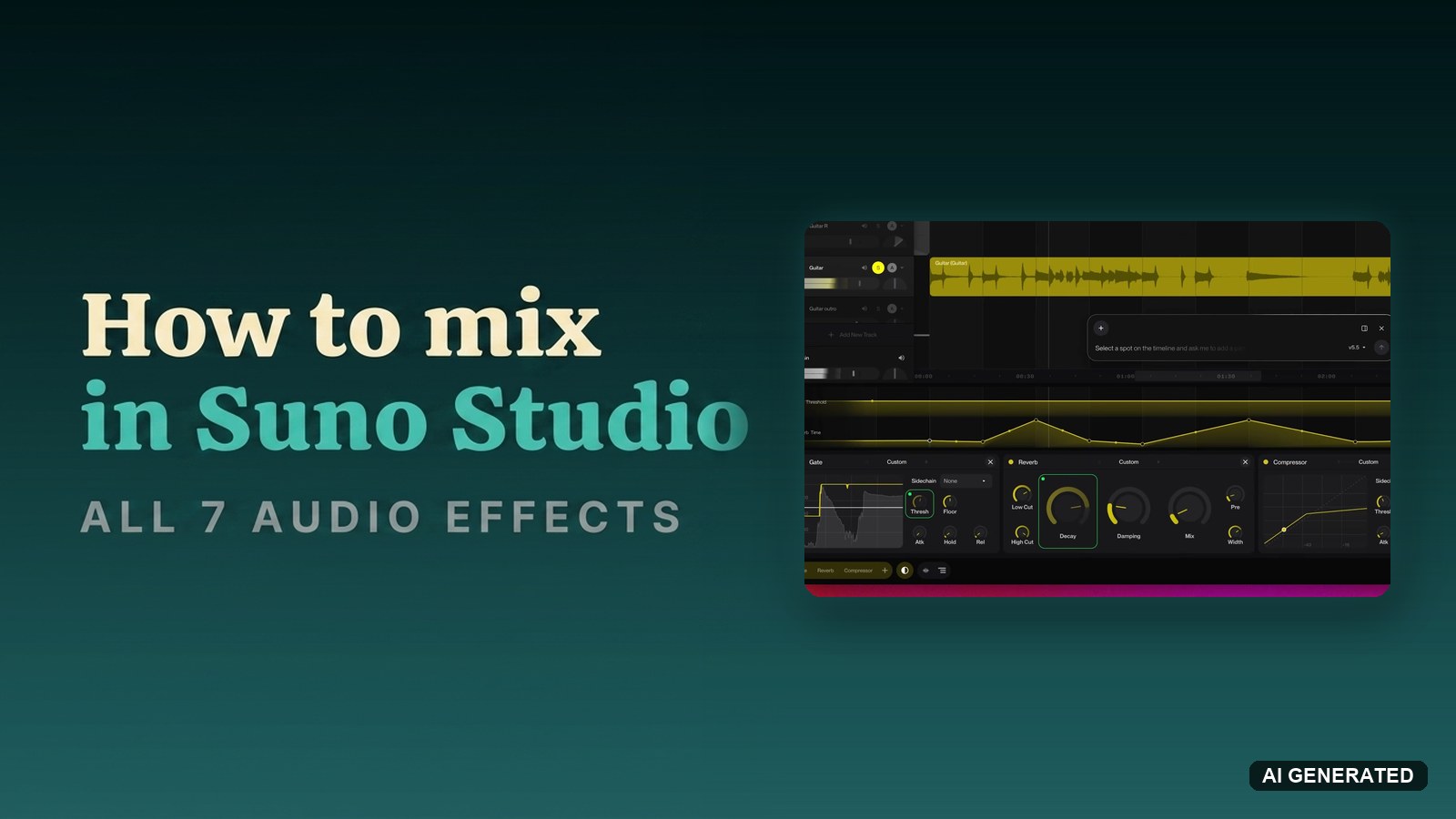
How to mix a track in Suno Studio with all 7 audio effects
No guides match these filters yet. Reset a filter to see more.
AI Mixing: common questions
What does an AI mixing tool actually do?
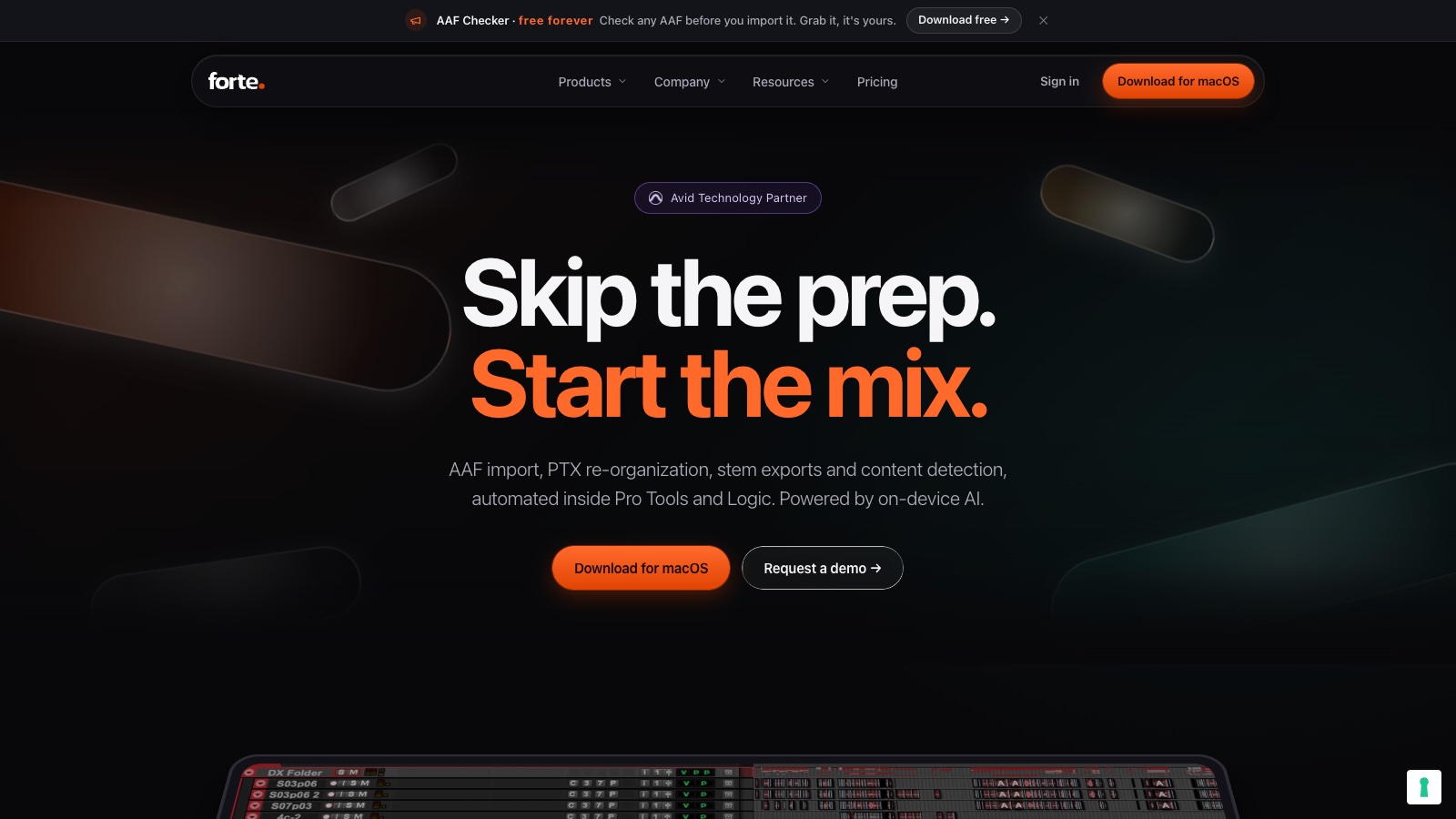
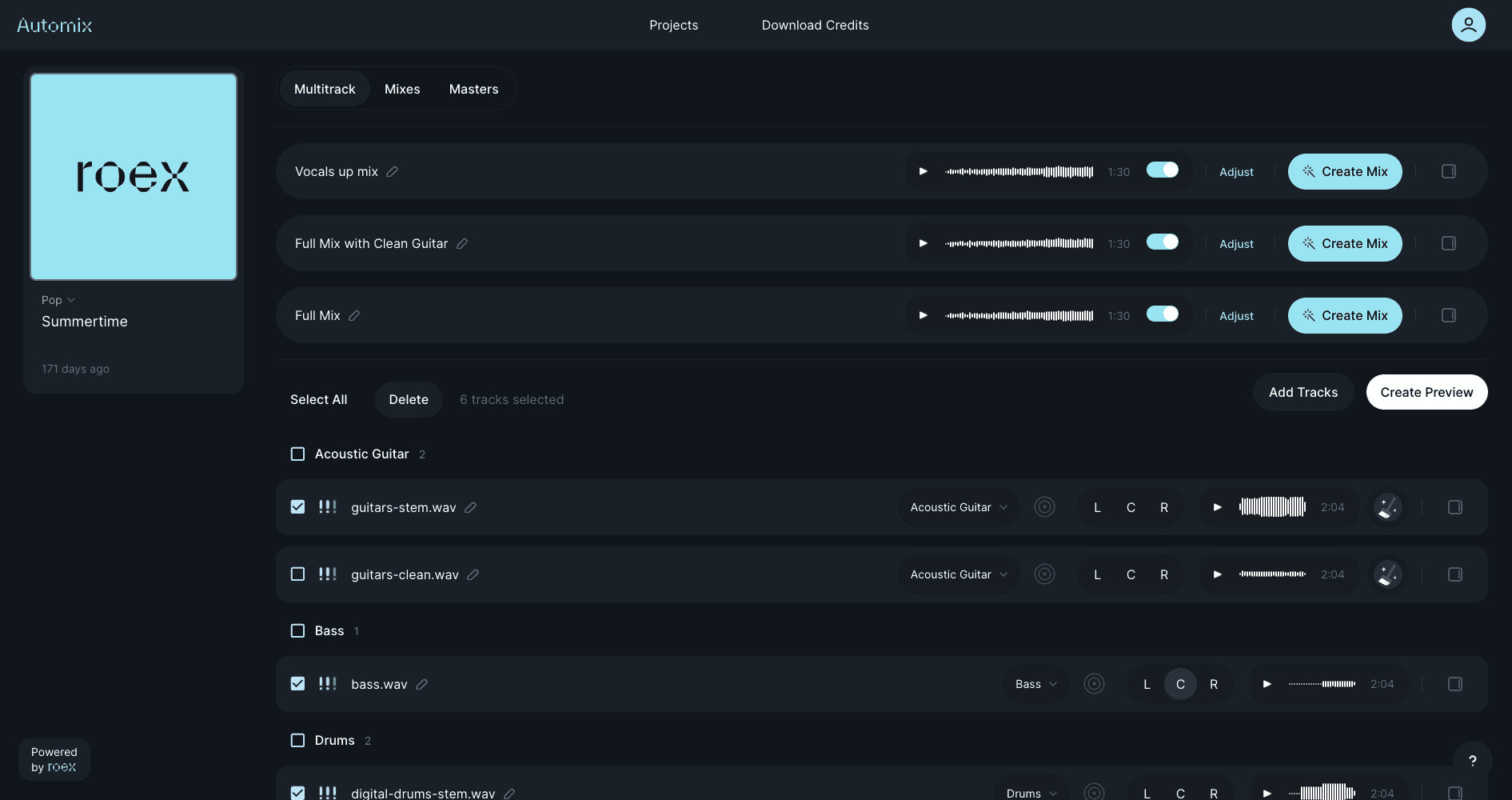
It analyses your stems and sets the balance, EQ, compression, and stereo placement that a mix engineer would dial in by hand. RoEx handles a full automatic mix from uploaded stems, while Forte AI focuses on mix prep, cleaning and organising tracks before the mixing itself starts.
What is the difference between AI mixing and AI mastering?
Mixing balances the individual stems against each other. Mastering treats the finished stereo file as one object and prepares it for release. You mix first, then master. Several tools do both, and I compared them in the best AI mixing and mastering tools test.
Can AI mixing replace a mix engineer?
Not for a record where the mix is part of the artistic statement. It gets a demo, a reference bounce, or a rough idea to a listenable state fast, which is where most of its value sits. A human engineer still makes the decisions that give a mix character rather than correctness.
Do AI mixing tools need separate stems?
Most do. If you only have a stereo bounce, run it through an AI stem splitter first to recover the parts, though separated stems carry artefacts that a mixing model then has to work around.