Moises
Moises is the musician's creative suite: stem separation, AI Studio, Voice Studio, chord detection, and practice tools across web, iOS, and desktop. Free tier.
What is Moises and how does it work?
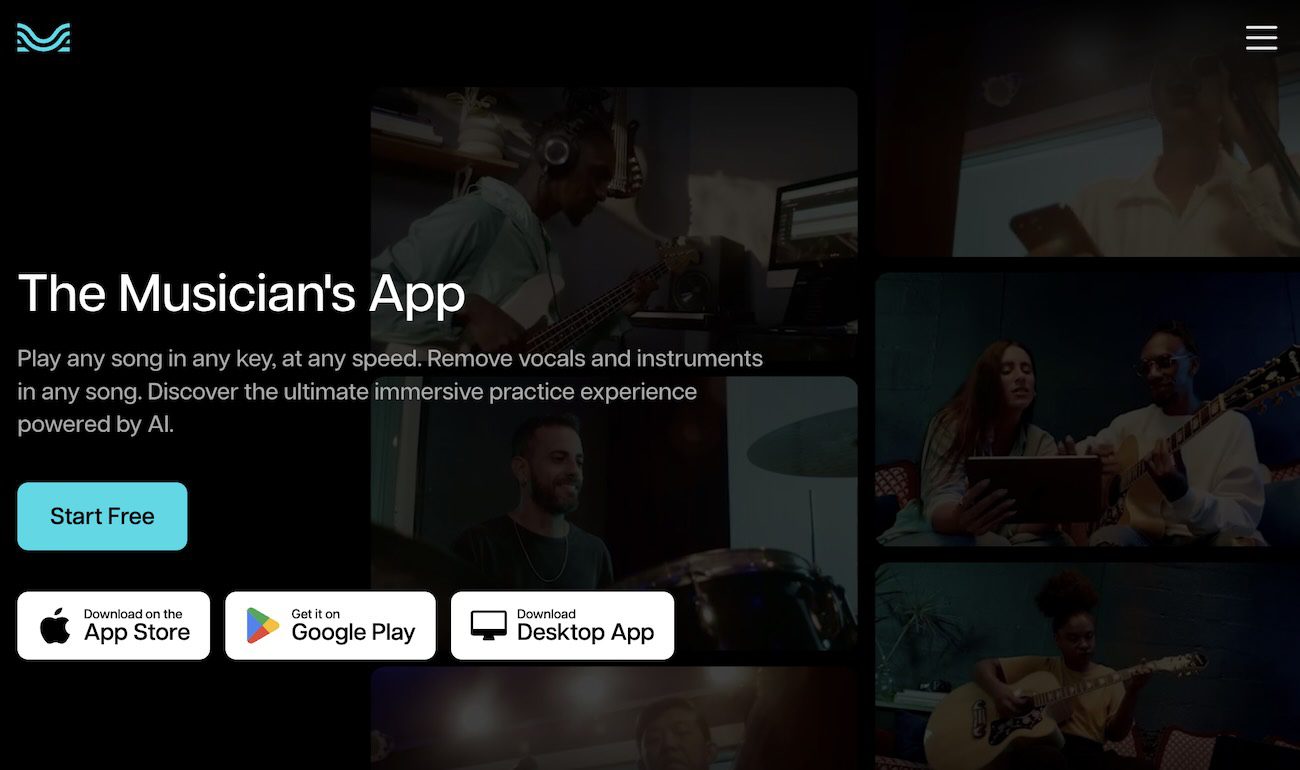
Moises is the creative suite for musicians, used by more than 70 million people and counting artist and Chief Music Officer Charlie Puth among its backers. It started as a stem separator for practicing musicians and now spans separation, AI Studio, Voice Studio, video recording, and a full set of practice tools. You can run all of it from the browser at moises.ai or the iOS, Android, and desktop apps.
The core is still stem separation, with practice and production layers built on top.
How it works:
- Upload a song or paste a link, on web, mobile, or desktop
- Moises separates vocals, drums, bass, guitar, and keys into individual tracks
- Use practice tools: slow down without pitch change, transpose, loop, and isolate parts
- Use creation tools: generate context-aware stems in AI Studio or vocals in Voice Studio
- Export stems or share collaborative setlists with your bandmates
How much does Moises cost?
Moises offers three tiers:
| Plan | Price | What you get |
|---|---|---|
| Free | $0 | 5 tracks/month, basic 2-stem separation, ads |
| Premium | $3.99/mo | Unlimited tracks, all stem types, chord detection, speed control, no ads |
| Pro | $9.99/mo | Highest-quality models, API access, batch processing |
Annual billing lowers the effective rate, with Premium dropping to roughly $2.99/mo. Pricing changes frequently, so verify current plans at the Moises site. At $3.99/mo, Premium is strong value for any musician who separates tracks or uses chord detection weekly.
What do AI Studio and Voice Studio add?
They turn Moises from a separation app into a creation tool:
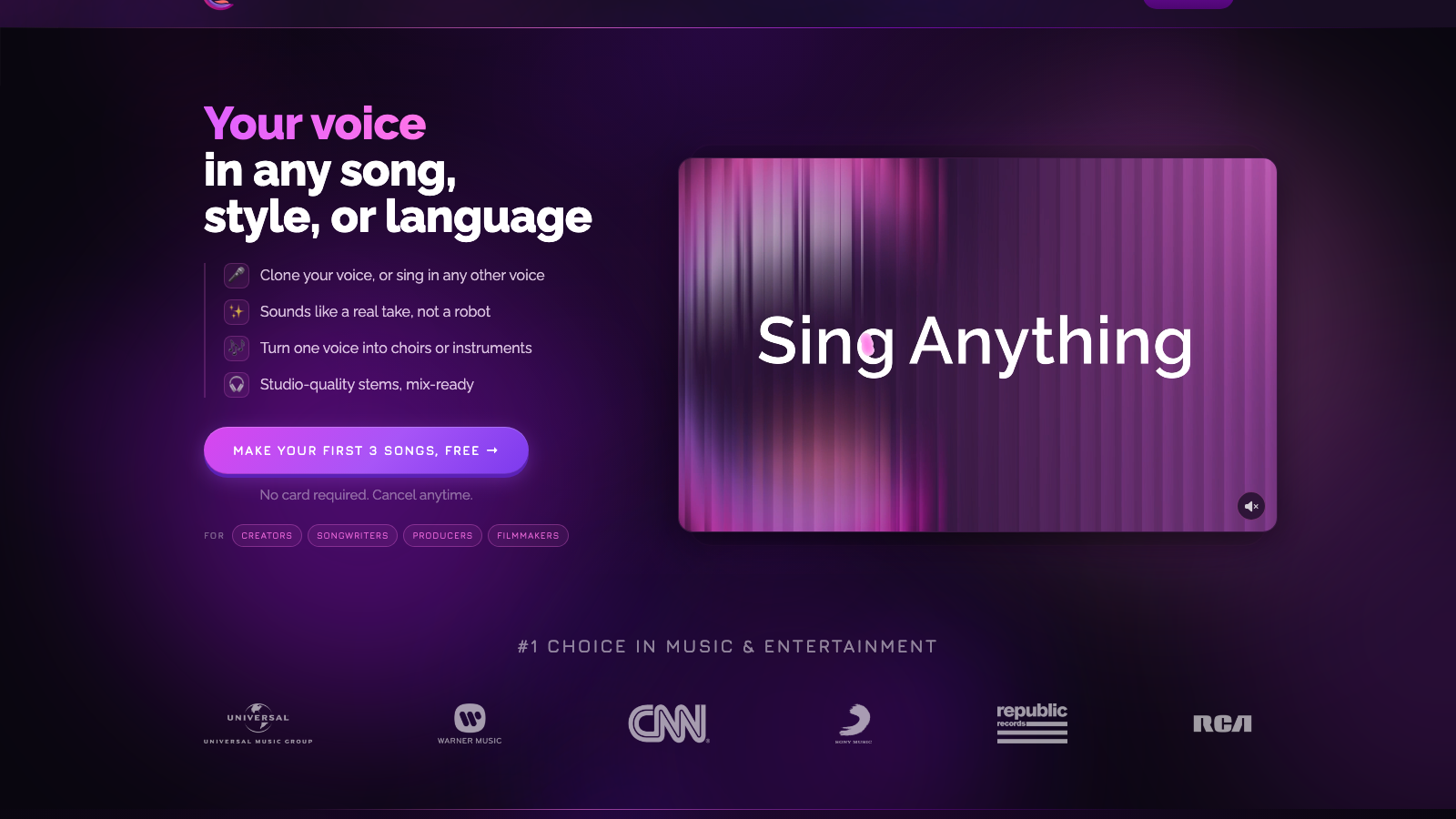
- AI Studio generates new stems that match the context of your track, so you can extend an arrangement instead of only pulling one apart
- Voice Studio adds track-ready vocals modeled from real singers across a range of styles and timbres
- Both keep the licensing clean by working from cleared voice and audio sources
- You can record performances with synced audio and video in the same app
- I walked through the creation flow in detail in my Moises AI Studio tutorial
How does Moises compare to Music AI and LALAL.AI?
Moises is the all-in-one consumer option next to focused professional tools.
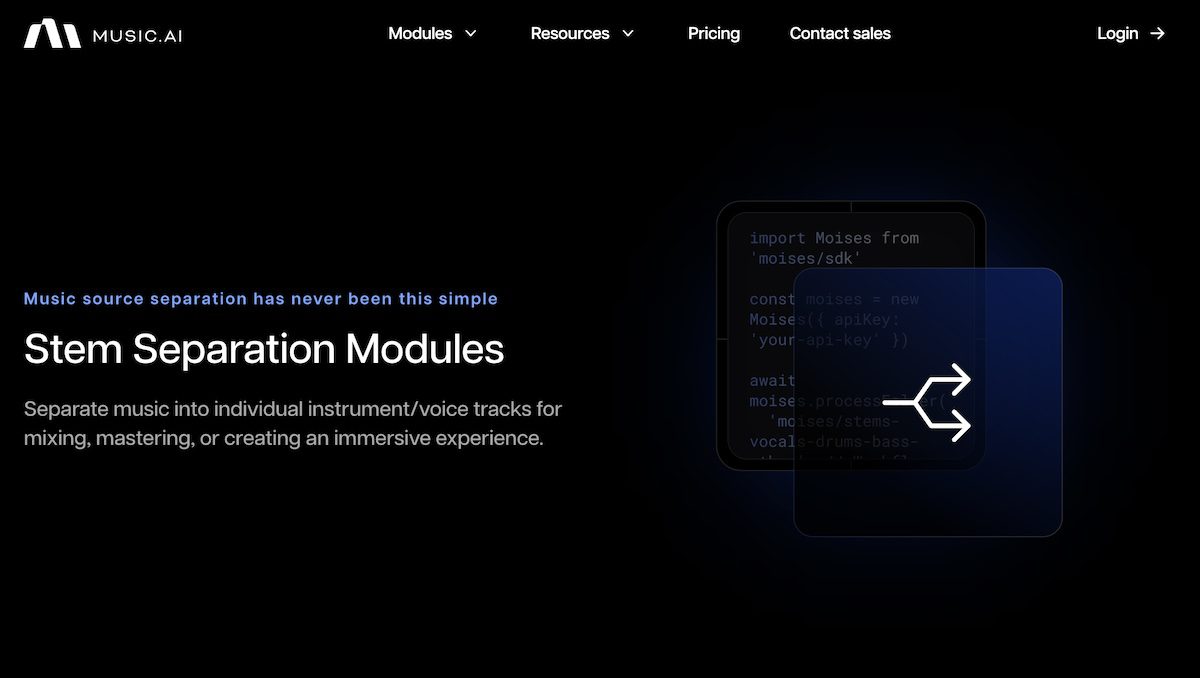
| Moises | Music AI | |
|---|---|---|
| Starting price | Free, then $3.99/mo | Free, then $25/mo |
| Core use case | Practice, separation, and creation app | Pro audio platform plus API |
| Key differentiator | Friendly suite for musicians | Many modules and developer access |
| Free tier | Yes (5 tracks/mo) | Yes (48h storage) |
| Best for | Players and creators | Developers and pipelines |
| Moises | LALAL.AI | |
|---|---|---|
| Starting price | Free, then $3.99/mo | Per-minute packs |
| Core use case | Suite with practice tools | Focused stem separation |
| Key differentiator | Practice, chords, and vocals included | Fast one-off splits |
| Free tier | Yes | Limited free minutes |
| Best for | Practicing musicians | Quick high-quality separation |
Choose Music AI when you need a professional platform or an API from the same company. Choose LALAL.AI when you only want fast, clean splits. Choose Moises when you want practice, separation, and creation in one subscription.
What are some use cases for Moises?
- Practicing songs: isolate parts, slow down solos, and transpose to your key
- Covers and rehearsals: share setlists with separated stems for the whole band
- Songwriting over references: strip vocals and write your own over the instrumental
- Quick stems for remix: fast separation for sampling and remix work
- Karaoke and vocal practice: instrumental versions of any song on demand
- Demo creation: AI Studio and Voice Studio get you a rough demo without studio time
- Teaching: break recordings down to teach specific instruments and arrangements
Moises is most valuable to musicians who play instruments and want practice tools, plus creators who want separation, vocals, and chord detection in one place. For where it fits in a wider stack, see my top AI tools for indie musicians.
Frequently Asked Questions
Is Moises free?
Moises has a free tier that covers 5 tracks per month with basic separation and ads. Premium at $3.99/mo removes the cap and the ads and unlocks all stem types and chord detection.
Can you use Moises commercially?
Yes. Separated stems and Voice Studio vocals are intended for use in your own productions, and Moises sources its voice models from cleared, licensed singers. Check the current terms for any release-specific limits.
Does Moises work offline?
Core separation runs in the cloud, but the desktop and mobile apps support offline use on higher tiers for tracks you have already processed. A connection is needed to separate or generate new audio.
What file formats does Moises export?
Moises exports separated stems as audio you can drop into any DAW, and you can pull songs in from uploads or shared links. Higher tiers unlock higher-quality export models.
What is Moises AI Studio?
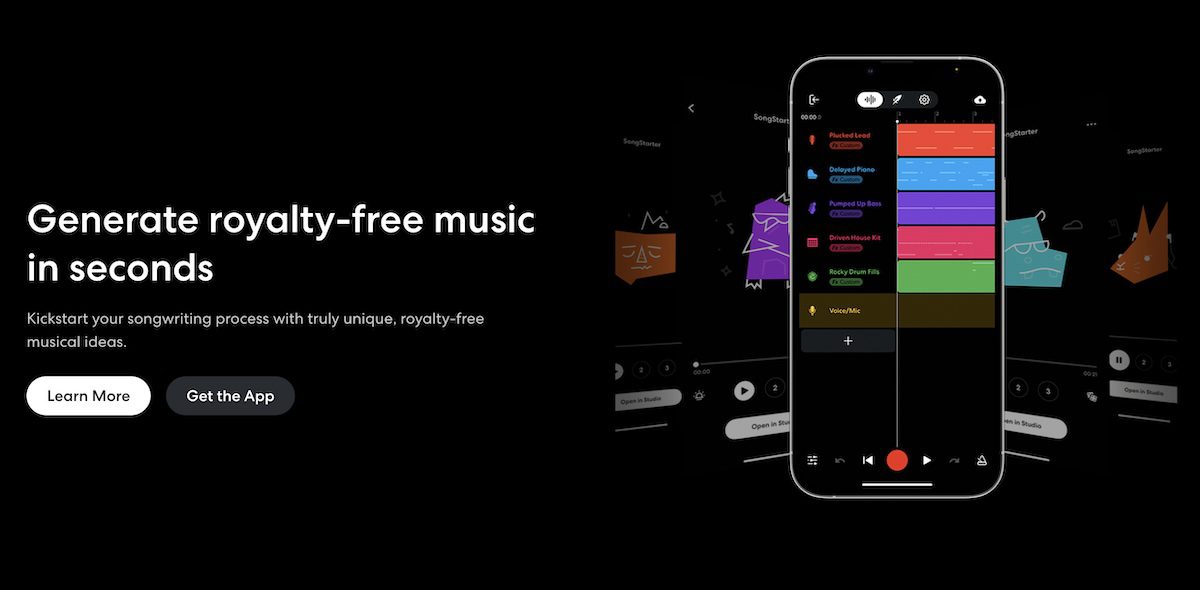
AI Studio is the creation feature that generates context-aware stems to match your track, so you can extend an arrangement rather than only separating an existing song.