RipX DAW
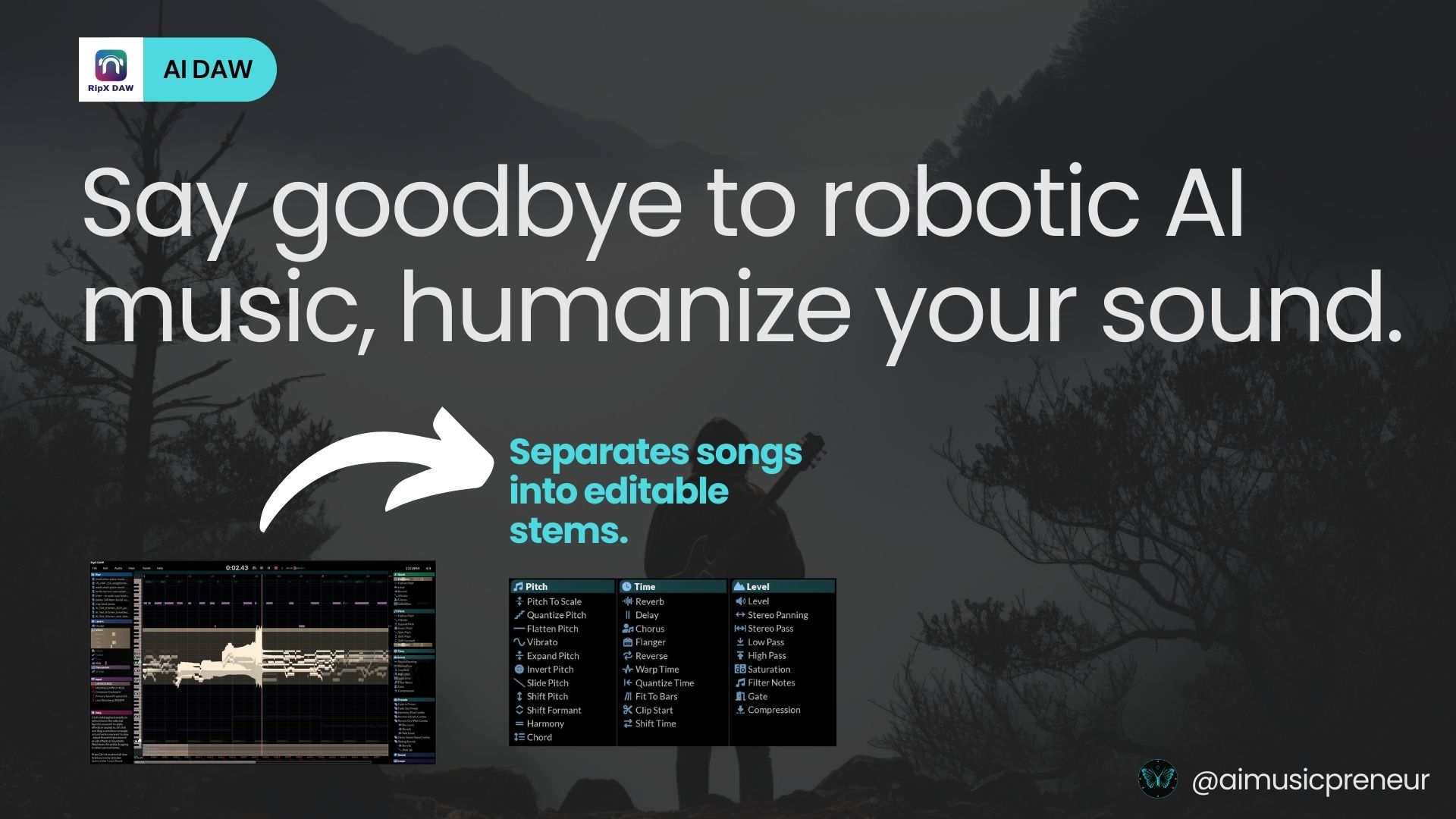
RipX DAW separates any song into editable stems and lets you edit audio at the note level — remove pops, change melodies, fully remix mixed tracks.
What is RipX DAW and how does it work?
RipX DAW is an AI-powered digital audio workstation built around note-level audio editing. Unlike traditional DAWs that operate on full audio clips, RipX uses AI to separate any track into individual stems — vocals, bass, drums, guitar, piano — and then lets you edit each one down to individual notes.
That second part is the differentiator. RipX visualizes audio as editable note data, so you can adjust a single off-pitch vocal note, remove a single drum hit, replace a bass line, or remove unwanted artifacts (pops, breaths, mic bleed) surgically without affecting the rest of the mix.
The workflow:
- Import any audio file — mixed track, demo, recording
- RipX runs AI stem separation in the background
- Each stem appears as a piano-roll-like view of individual notes
- Edit notes, change pitch, remove unwanted elements, or replace sections
- Export the edited mix or individual stems
How much does RipX DAW cost?
RipX DAW uses a one-time purchase model with multiple tiers:
- RipX DeepCreate — core audio editing and stem separation
- RipX DeepRemix — adds advanced remixing and creative tools
- Educational pricing — discounted tiers for students and educators
- Subscription option — available for users who prefer monthly billing
Pricing changes frequently — verify current plans on the official RipX DAW page before purchasing.
How does RipX DAW compare to other stem splitters?
RipX is in a category of its own among stem-related tools:
- vs Sesh / LALAL.AI — those isolate stems and stop there; RipX edits inside the stems at the note level
- vs Logic Pro / Ableton stem splitters — DAW-built-in splitters extract stems for use in the host DAW; RipX gives you a dedicated environment with deeper editing
- vs iZotope RX — RX is forensic audio repair; RipX overlaps but adds creative remixing and stem-based editing
- vs SpectraLayers — closest competitor for spectral-and-note-level audio editing; RipX leans more into music creation, SpectraLayers more into post-production
Choose RipX DAW when you need to edit audio surgically — change a note, remove a sound, remix a finished mix. Choose a basic stem splitter when you just need stems and will produce in your own DAW.
What are some use cases for RipX DAW?
- Remix and mashup production — separate stems and rebuild tracks from existing recordings
- Audio repair — remove unwanted sounds from podcasts, live recordings, and field captures
- Vocal tuning at the source — fix individual notes in a recorded vocal performance
- Sampling and flips — extract specific elements (a single guitar lick, a drum break) from any song
- Music education and analysis — visualize how a record is constructed at the note level
- DJ and producer edits — clean up sample sources or build remixes faster than in a traditional DAW
- Forensic and archival audio work — restore old recordings by isolating and repairing individual elements
RipX DAW is most valuable to producers, remixers, and audio engineers who need to edit existing recordings at a granular level — and don’t mind learning a deeper interface in exchange for capabilities no other DAW offers.