Forte AI
Forte AI preps your Pro Tools or Logic session with on-device AI: track naming, routing, and stem exports. From €18/month, 7-day free trial.
What is Forte AI and how does it work?
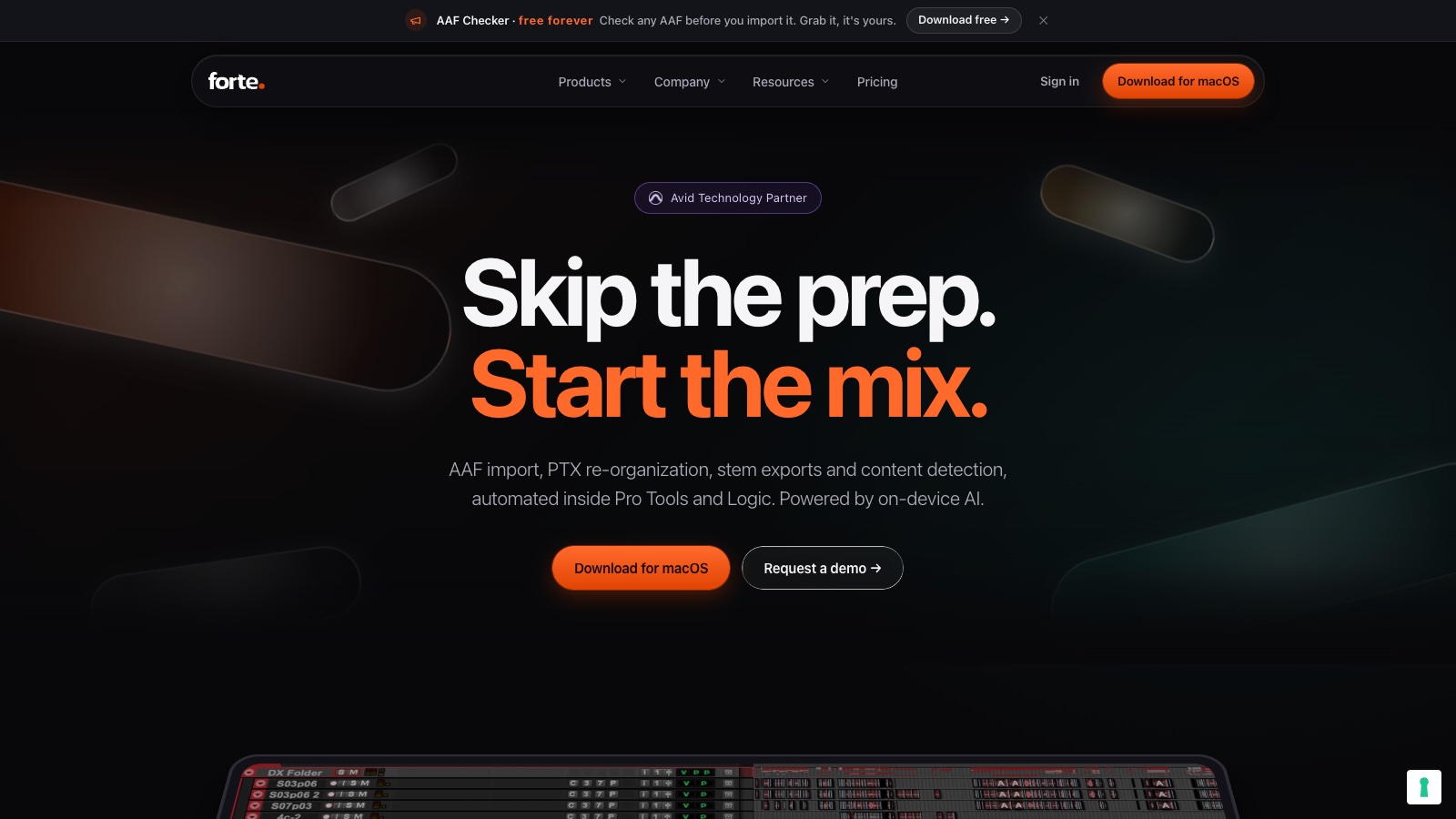
Forte AI is a macOS app from Turin-based Forte Audio, and it attacks the least glamorous part of mixing: session prep. Its fMusic product takes a folder of raw audio files and turns it into a mix-ready Pro Tools or Logic session. I first covered it in 2024 in my Forte AI mix prep article, and the company has since become an Avid Technology Partner and taken investment from Midwich (July 2026).
How it works:
- Point fMusic at a folder of raw session files.
- The on-device AI-R engine recognizes each instrument, then names, color-codes, and categorizes every track.
- Tracks route into your own mix template automatically, with strip silence and stereo-to-mono handled.
- You open the DAW and start mixing instead of doing 2 hours of housekeeping.
- For delivery, pre-defined stem and alt-mix print lists fire from a keyboard shortcut and render in the background, across whole albums if needed.
It fits mixing engineers and producers who take in outside sessions and lose billable hours to prep.
How much does Forte AI cost?
fMusic is a subscription with a lifetime option; a separate fPost line covers audio post work.
| Plan | Price | What you get |
|---|---|---|
| fMusic Monthly | €18/mo | All features, 2 seats, Pro Tools + Logic |
| fMusic Yearly | €109/yr | Same, at half the monthly rate |
| fMusic Lifetime | €499 one-time | Same, with free updates forever |
The free AAF Checker tool stays free forever, and fPost Studio (AAF import for post-production) runs €399/year. Every plan starts with a 7-day trial, no credit card, no auto-charge. Pricing changes frequently, so verify current plans on the Forte AI pricing page.
If you mix client work weekly, the yearly plan pays for itself in 1 or 2 saved prep sessions.
Does the on-device AI matter?
Yes, for 2 reasons: speed and confidentiality.
- AI-R instrument recognition runs locally on Apple silicon, so a 60-track session preps without an upload queue.
- No audio leaves the machine, which matters when you handle unreleased major-label material under NDA.
- Content detection flags what’s on each track before you solo a single fader.
- Recognition feeds your own template, so the output matches how you already work instead of forcing a new layout.
Production Expert put working engineers on it and gave it a Gold Award; their real-world test is worth a read.
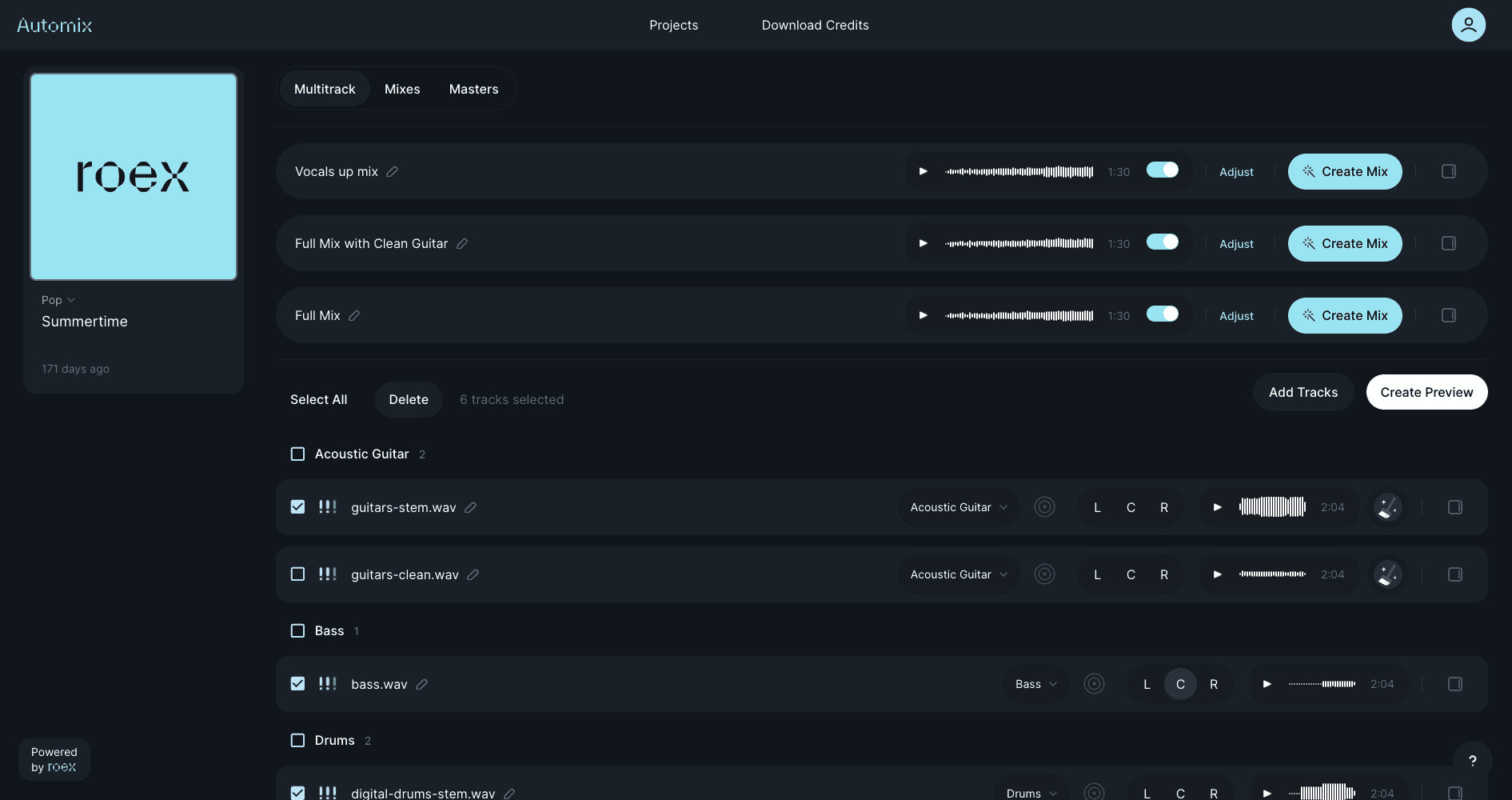
How does Forte AI compare to SoundFlow and RoEx Automix?
Forte automates the workflow around the mix; these 2 sit on either side of it.
| Forte AI | SoundFlow | |
|---|---|---|
| Starting price | €18/mo | $12.99/mo |
| Core use case | AI session prep + stem export | Macro automation for DAWs |
| Key differentiator | AI instrument recognition | Scriptable custom workflows |
| Free tier | 7-day trial | Free plan with limits |
| Best for | Prep without building macros | Engineers who script their own |
| Forte AI | RoEx Automix | |
|---|---|---|
| Starting price | €18/mo | $5.99 per download |
| Core use case | Prepping sessions you mix yourself | AI mixing the whole session |
| Key differentiator | Runs inside Pro Tools/Logic workflow | Cloud mix + master from stems |
| Free tier | 7-day trial | 1 free download |
| Best for | Engineers keeping creative control | Artists without an engineer |
Choose SoundFlow if you enjoy building automation yourself. Choose RoEx if you want AI to do the mixing too. Choose Forte if you mix by hand and want the boring 20% handled.
What are some use cases for Forte AI?
- Client session intake: raw files from 5 different home studios arrive labeled “Audio_01”; fMusic sorts all of it into your template.
- Album stem delivery: print lists batch-export stems for a full record overnight instead of blocking your rig for a day.
- Mix template discipline: every project lands in the same routing, so your muscle memory works from minute 1.
- Post-production prep: fPost Studio automates AAF import and session organization in Pro Tools.
- NDA material: on-device processing keeps unreleased audio off the cloud.
Mixing engineers bill for taste, and Forte gives the hours back where none of it needs taste.
Frequently asked questions
Is Forte AI free?
No, but the 7-day trial includes every feature with no credit card, and the AAF Checker utility is free forever. Paid plans start at €18/month or €109/year.
Does Forte AI work on Windows?
No. Forte AI is macOS 13+ only, on both Apple silicon and Intel Macs. Windows users need a different prep workflow for now.
Which DAWs does Forte AI support?
fMusic supports Pro Tools 2024.3+ and Logic Pro 11.1+. fPost is Pro Tools only. Ableton, Cubase, and Studio One sessions are unsupported.
Does Forte AI mix my song?
No. It preps the session (naming, routing, cleanup) and automates stem exports. The EQ, compression, and balance decisions stay yours; my AI mixing overview covers tools for the mixing itself.
Does my audio upload to Forte’s servers?
No. All AI processing runs on your Mac. Nothing uploads, which makes it safe for unreleased or NDA-bound sessions.