






AI VST Plugins
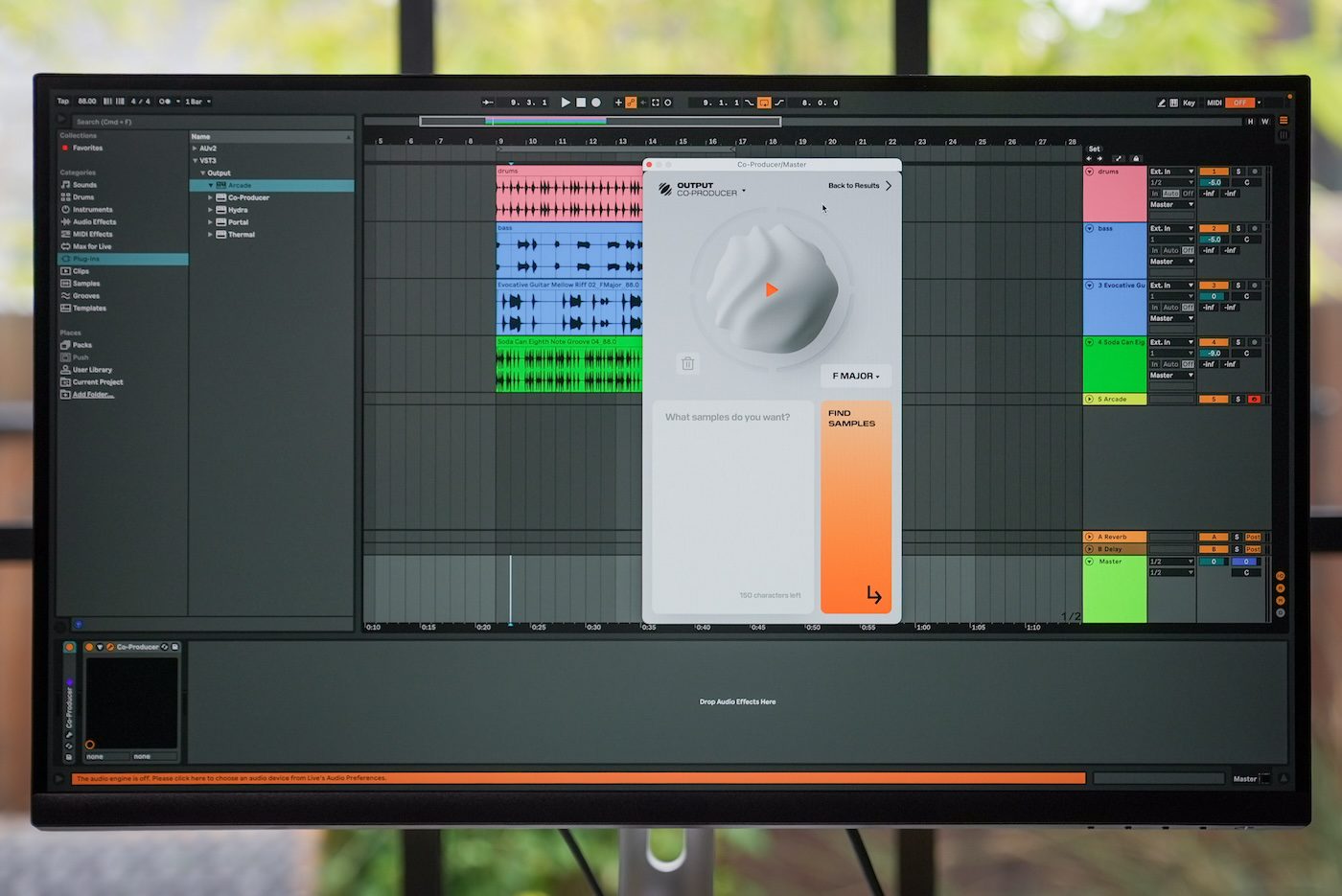
AI VST plugins run a model inside your DAW instead of a browser tab, so generation and processing stay in the session alongside your other plugins. They cover MIDI ideas, melody writing, drum programming and assistive mastering. This directory tracks the plugins I follow, the formats they ship in, and what each costs to own or subscribe to.
Tools for this job
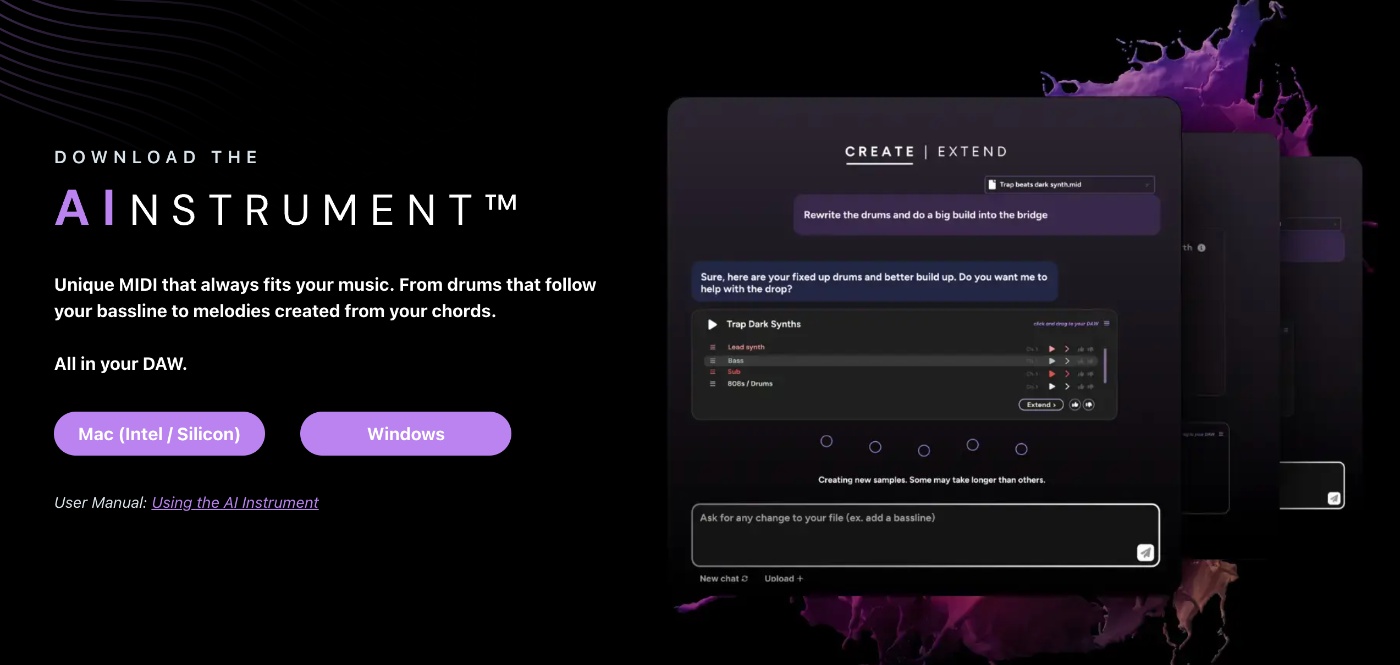
Learn: guides to do it yourself
- Roundup
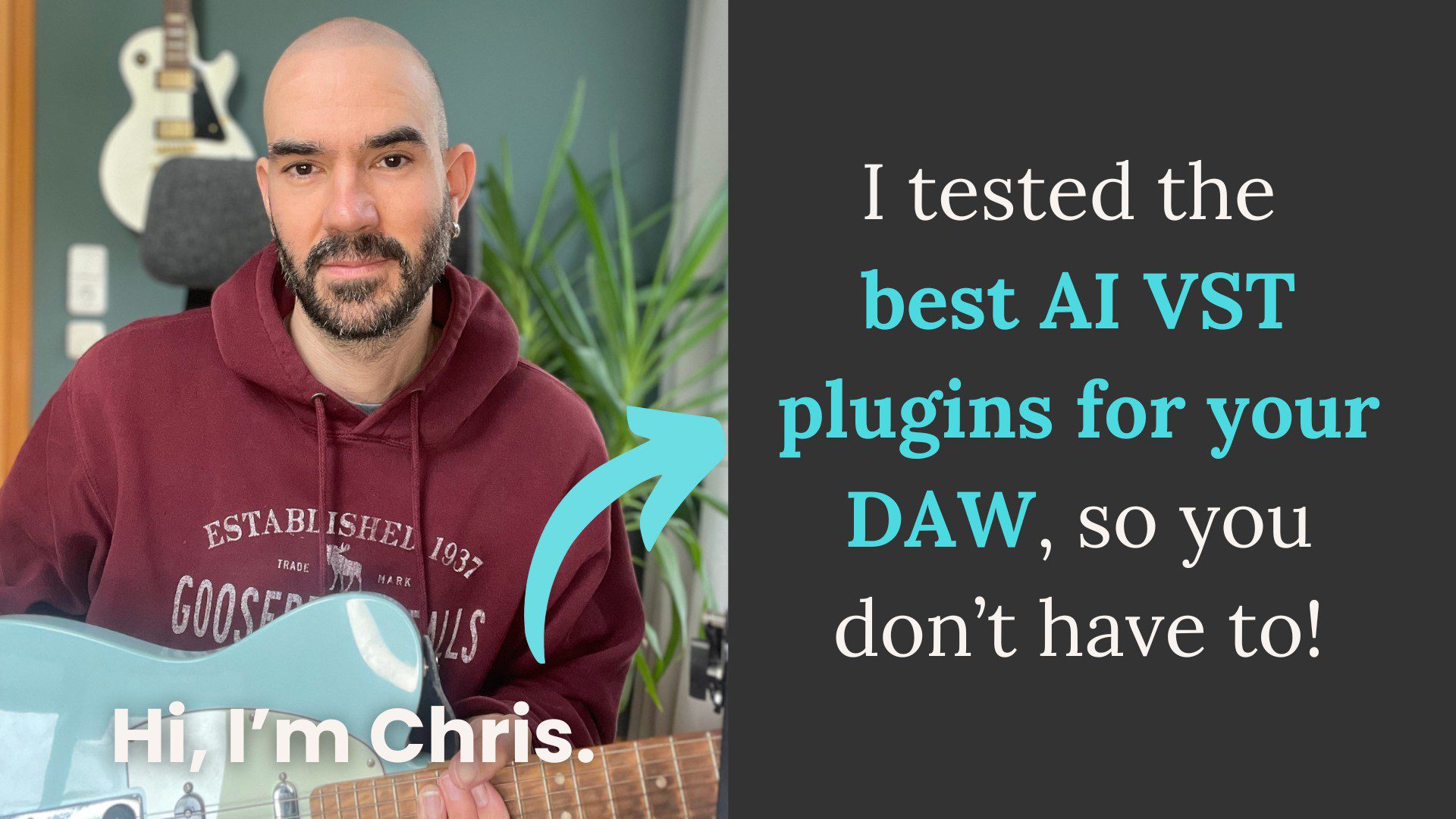
I tested the 11 best AI VST plugins for music production in 2025 – Here’s what you need to know:
- Comparison
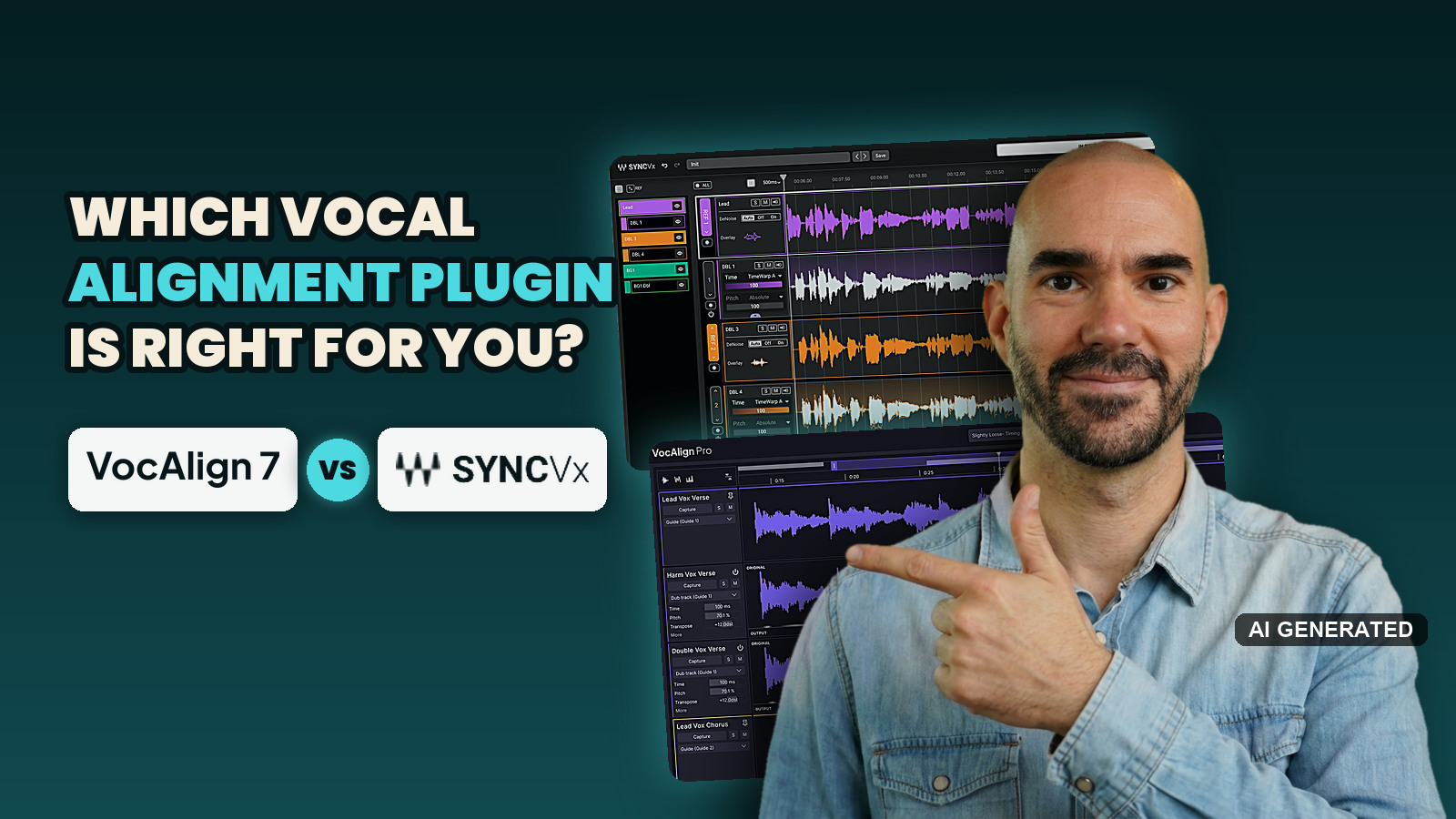
VocAlign 7 vs Sync Vx: which vocal alignment plugin should you buy in 2026?
- Tutorial
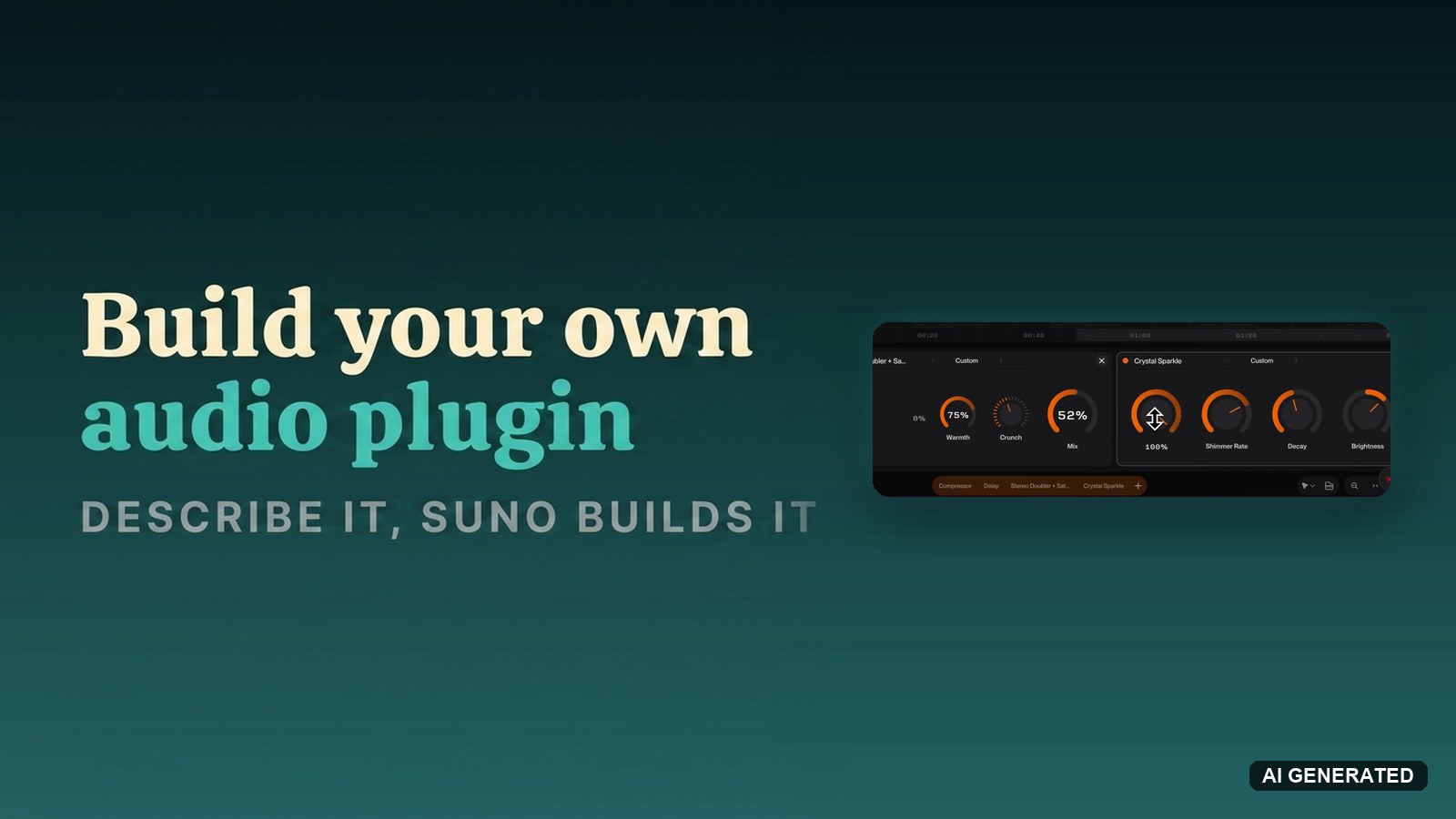
How to build your own audio plugin in Suno Studio by describing it
No guides match these filters yet. Reset a filter to see more.
AI VST Plugins: common questions
What is an AI VST plugin?
An AI VST plugin runs a model inside your DAW rather than in a browser, so generation and processing happen in session alongside your other plugins. I tested the field in the 12 best AI VST plugins roundup.
Why use an AI plugin instead of a web-based AI tool?
It stays in your session. No exporting stems, uploading, waiting, downloading, and reimporting, and your audio does not leave your machine on plugins that process locally. For anything you iterate on repeatedly, the round-trip saving is the whole argument.
What can AI VST plugins actually do?
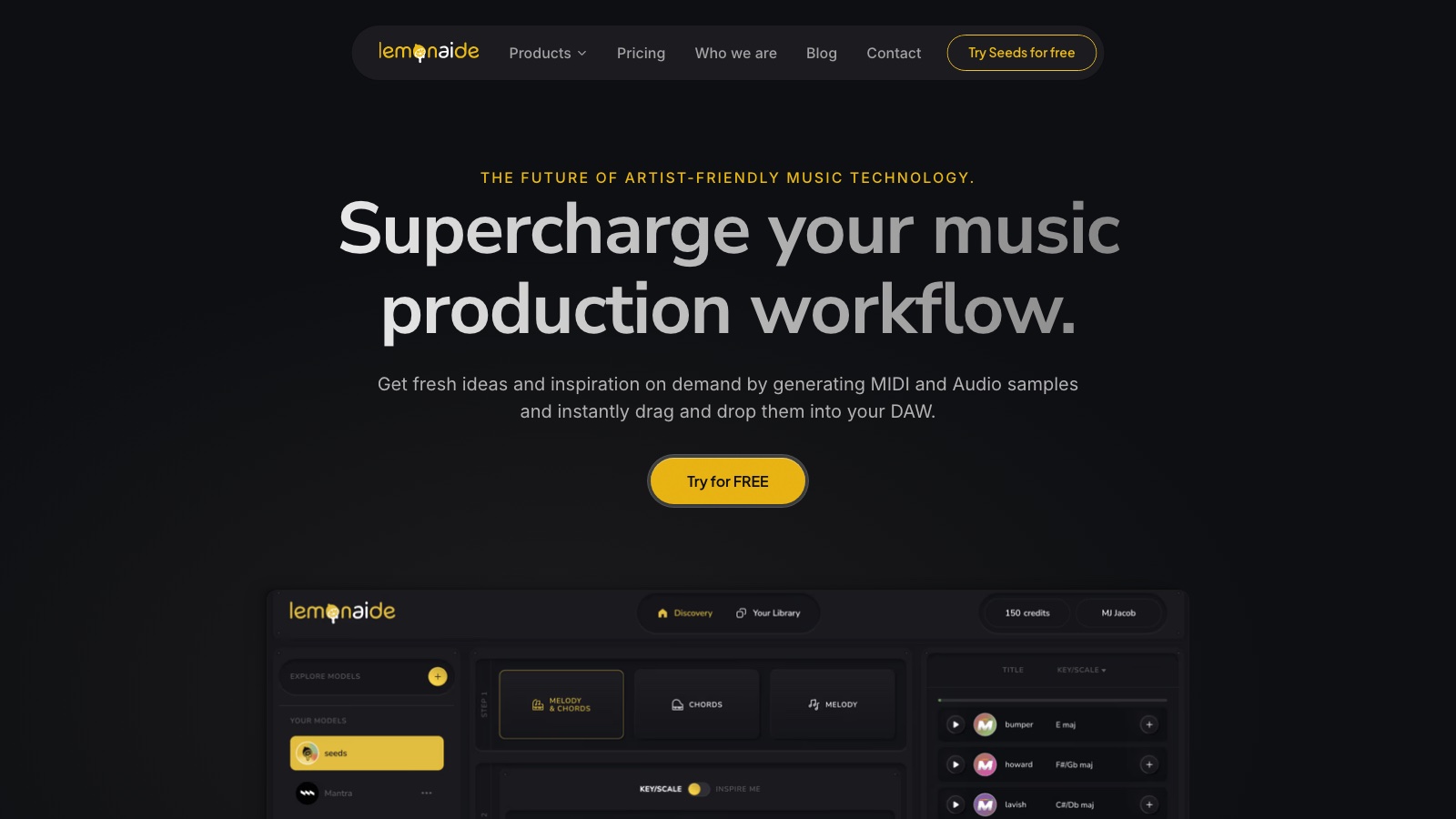
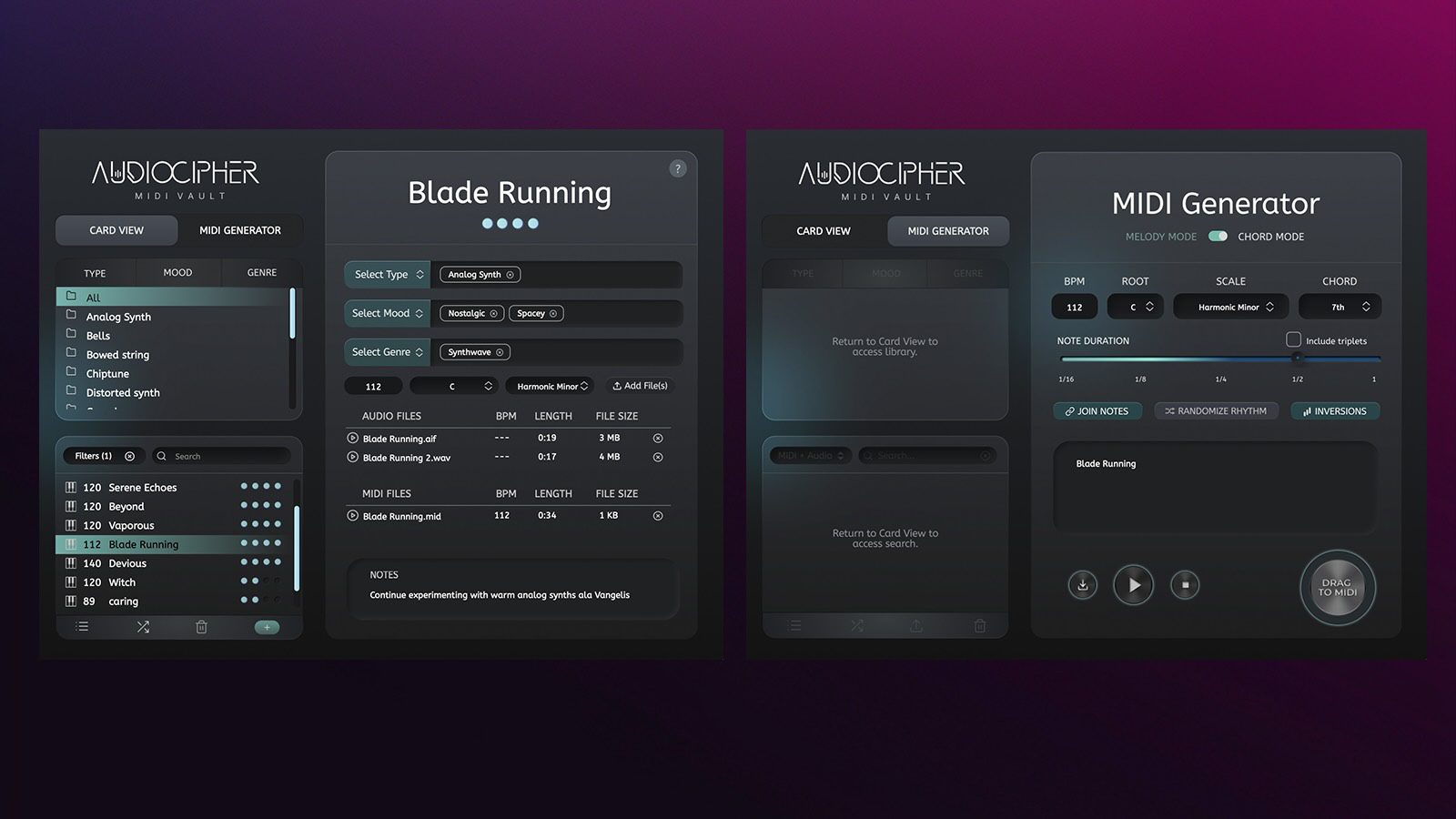
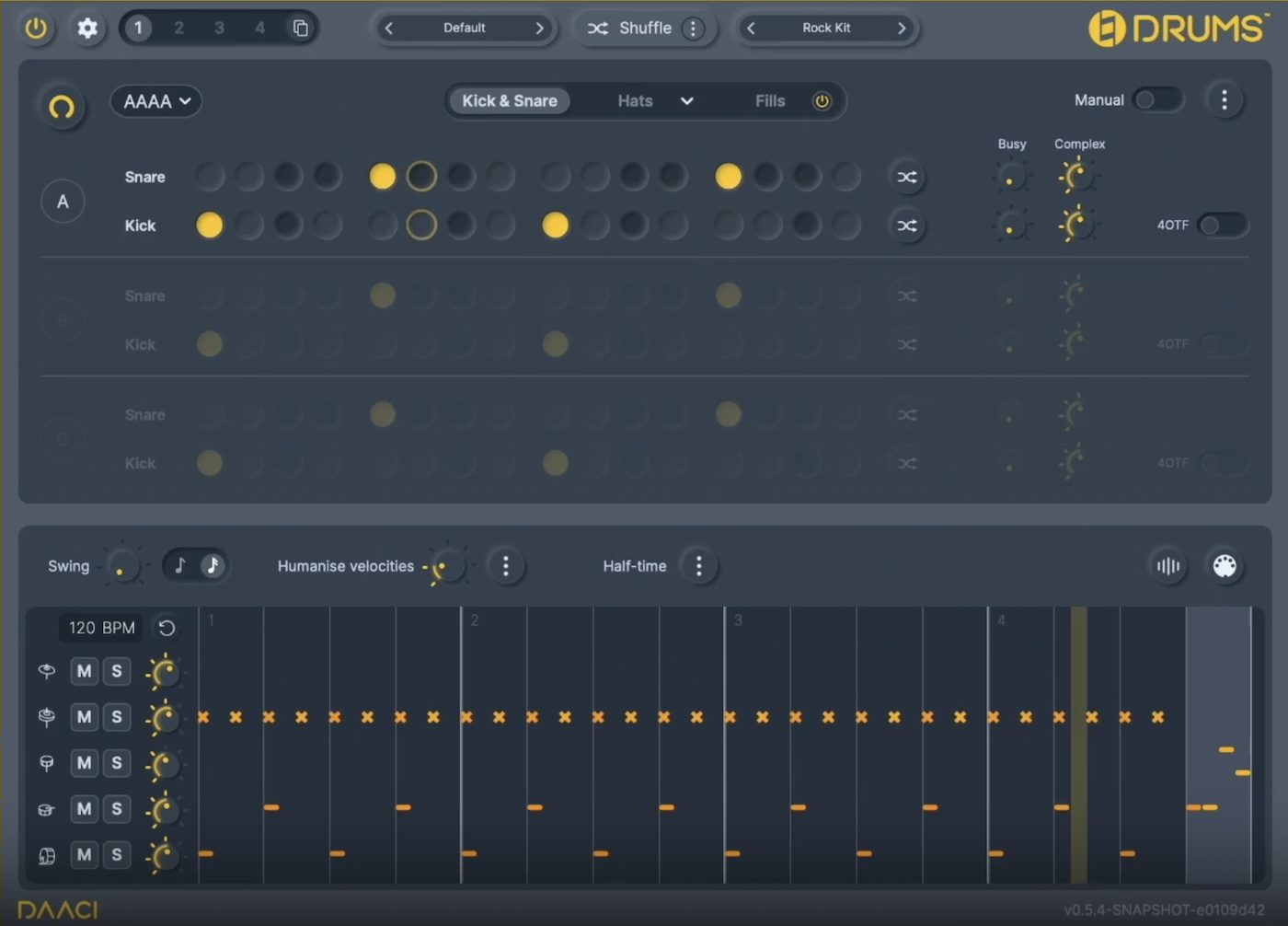
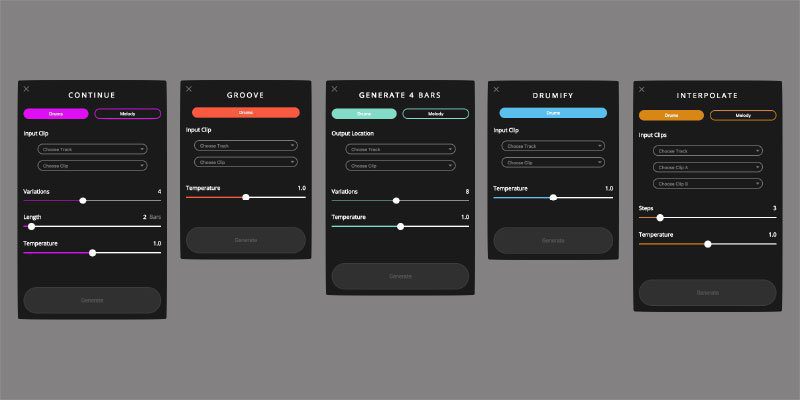
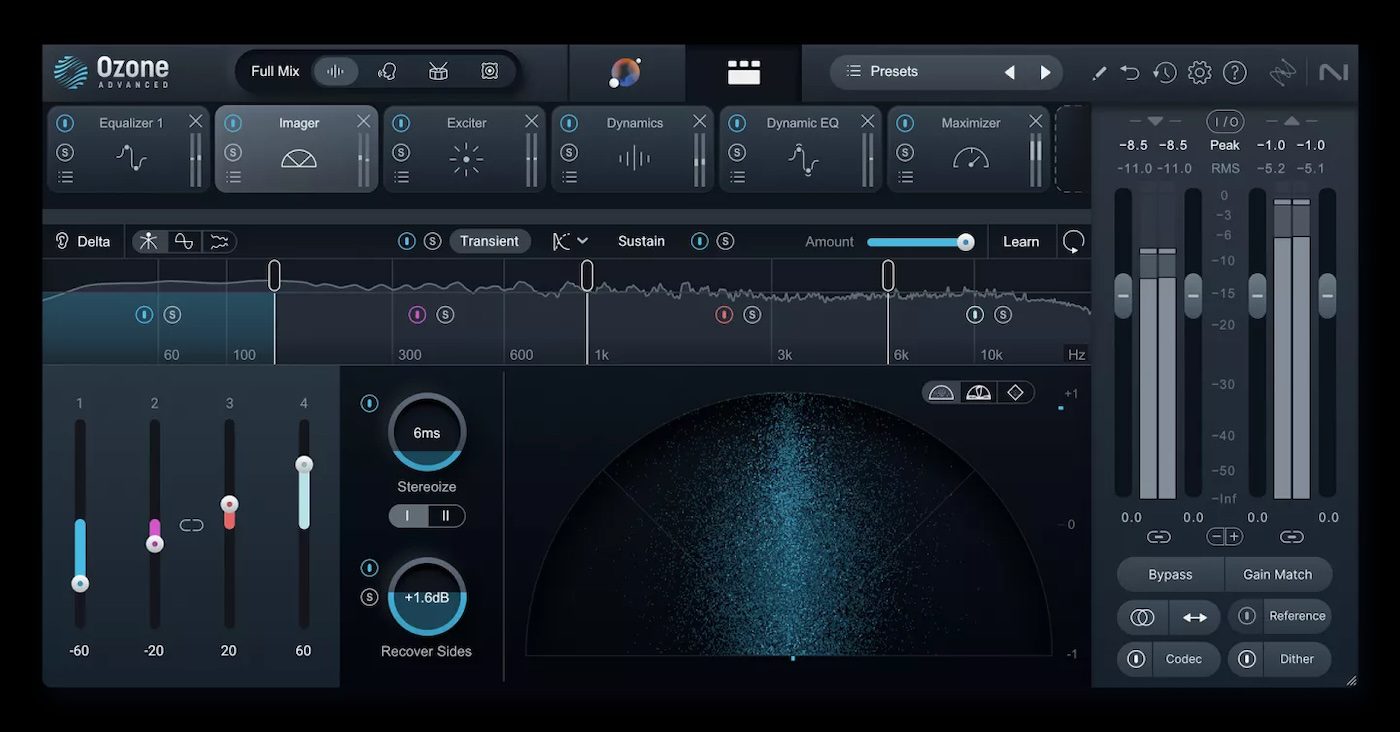
The category splits by job. AudioCipher and Staccato generate MIDI ideas, Lemonaide AI produces melodies and samples, DAACI Natural Drums handles drum programming, and Ozone applies assistive AI to mastering.
Are there free AI VST plugins?
Magenta Studio from Google is free and open source. Most others are one-time purchases or subscriptions, and several offer a trial before you commit.
Do AI VST plugins work in every DAW?
Check the format before buying. Support varies across VST3, AU, and AAX, and a few tools ship as standalone applications with DAW integration rather than as true plugins.