







AI DAWs
An AI DAW builds generative and assistive features into the recording environment itself rather than leaving them to plugins. The practical difference is editing recorded audio as if it were MIDI, moving a single note inside a finished chord. This directory tracks the DAWs I follow that ship AI natively, plus pricing and platform support.
Tools for this job

Learn: guides to do it yourself
- Roundup
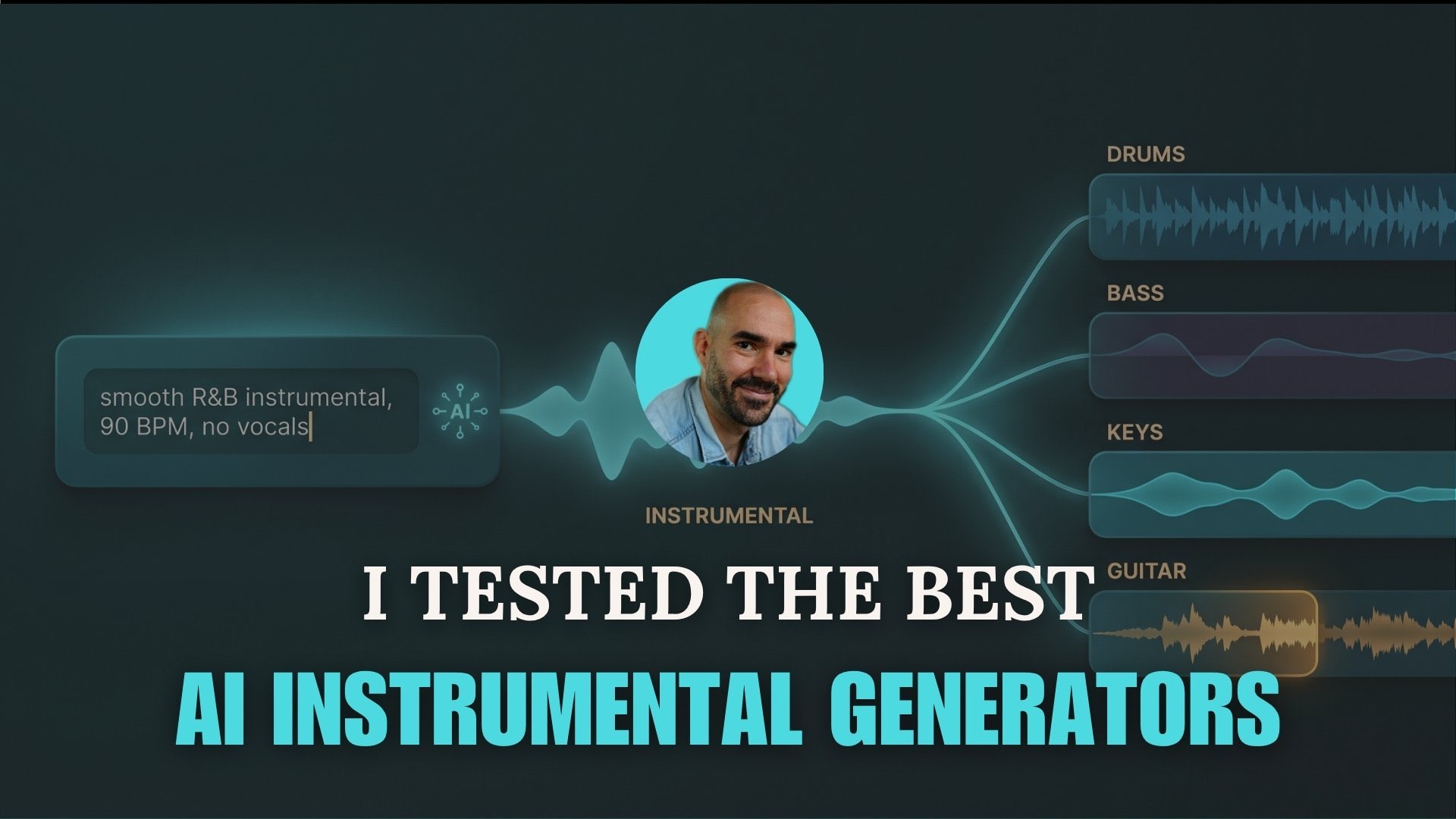
The 7 Best AI Instrumental Generators in 2026 (Free and Paid)
- Tutorial
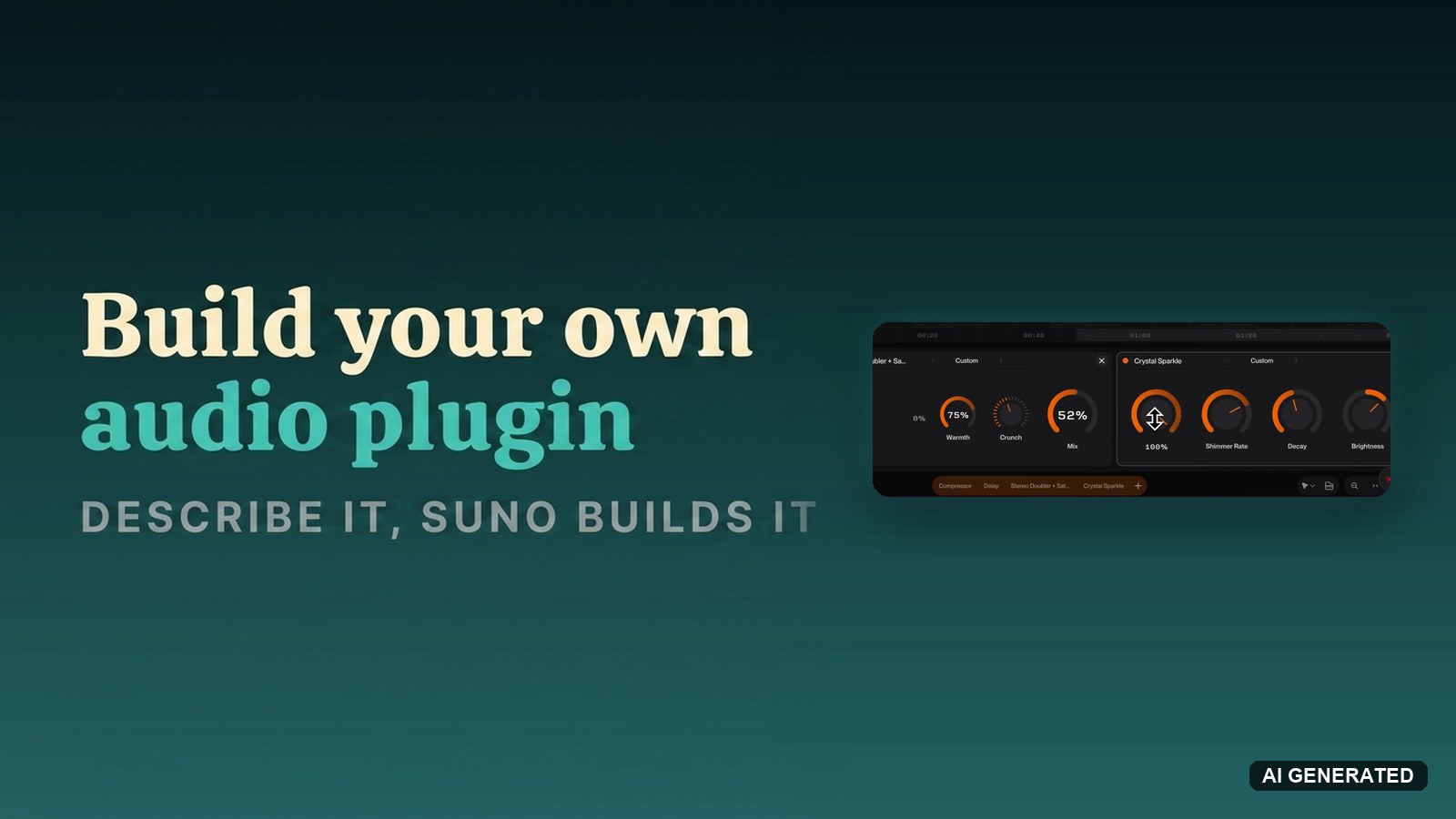
How to build your own audio plugin in Suno Studio by describing it
- Tutorial
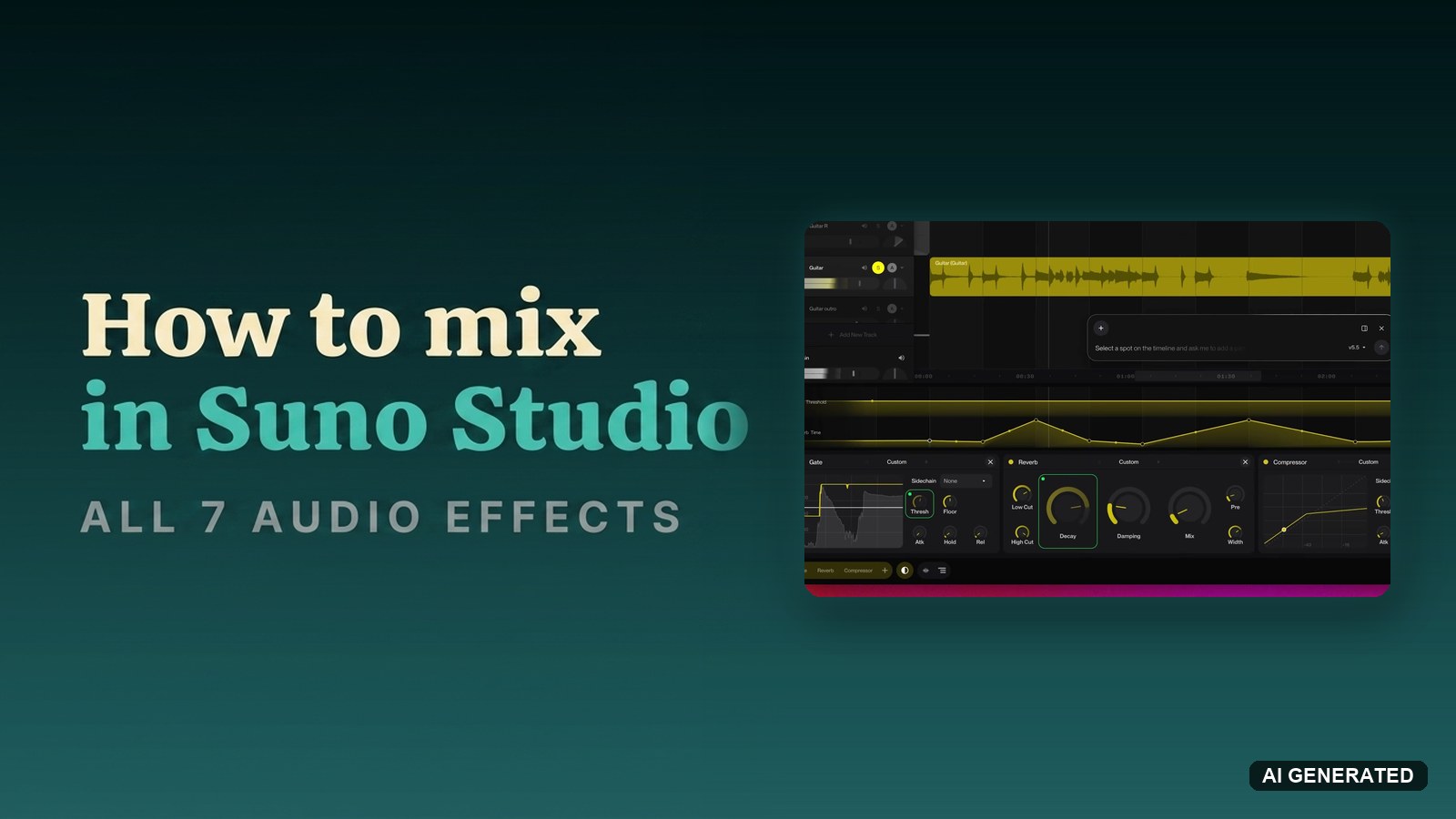
How to mix a track in Suno Studio with all 7 audio effects
- Tutorial
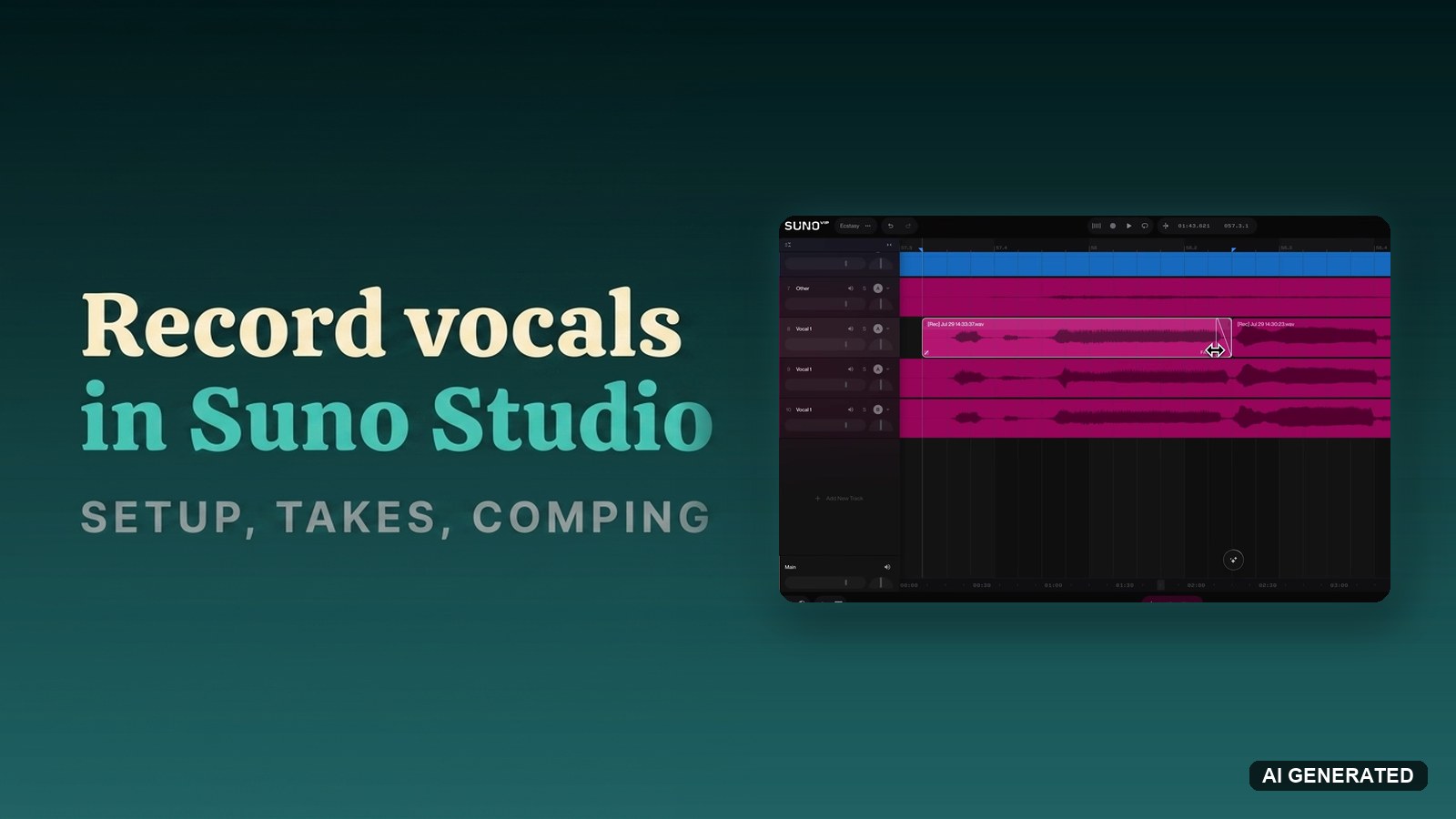
How to record vocals in Suno Studio: setup, takes and comping
- Tutorial
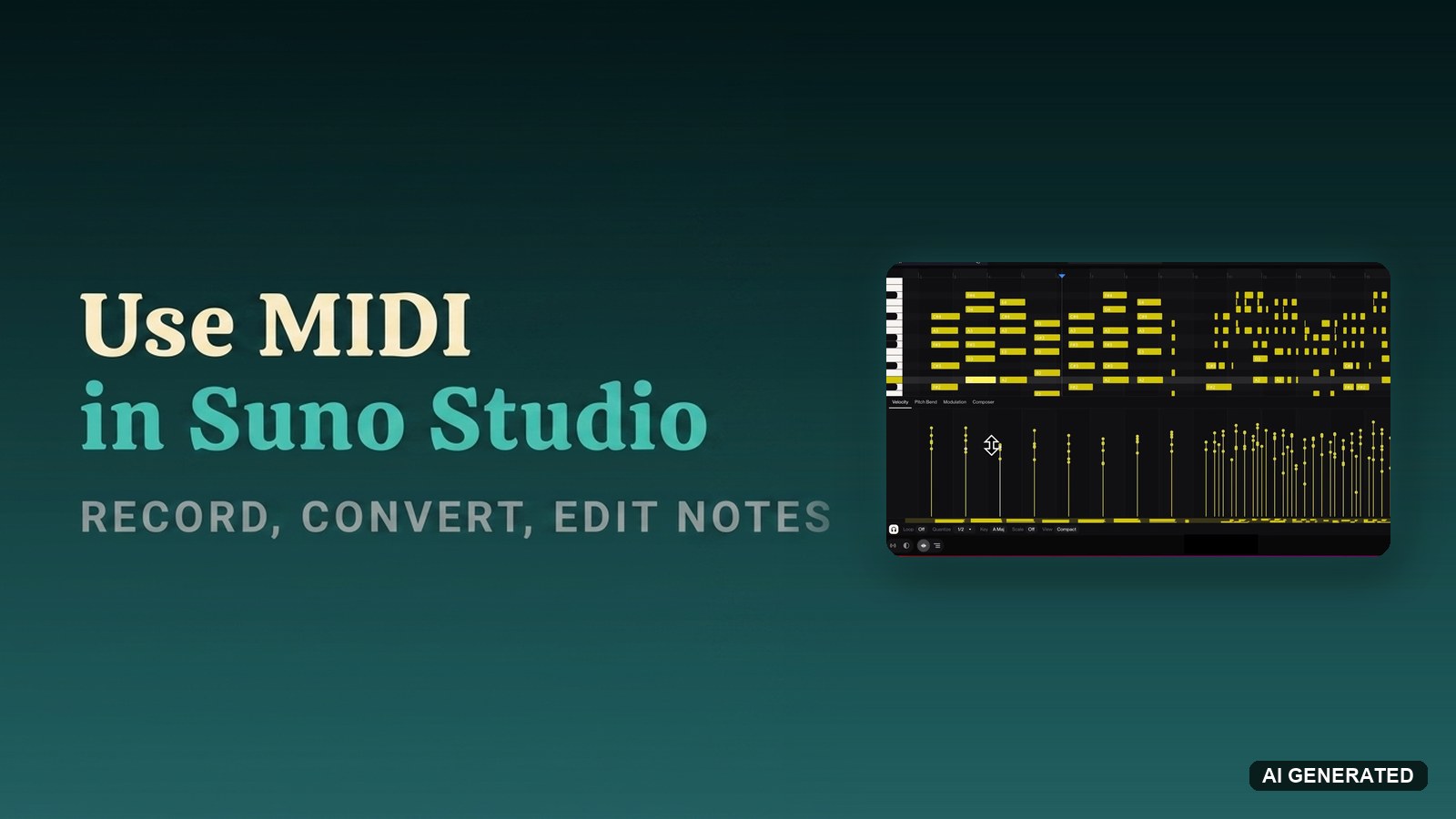
How to use MIDI in Suno Studio: record, convert and edit notes
No guides match these filters yet. Reset a filter to see more.
AI DAWs: common questions
What is an AI DAW?
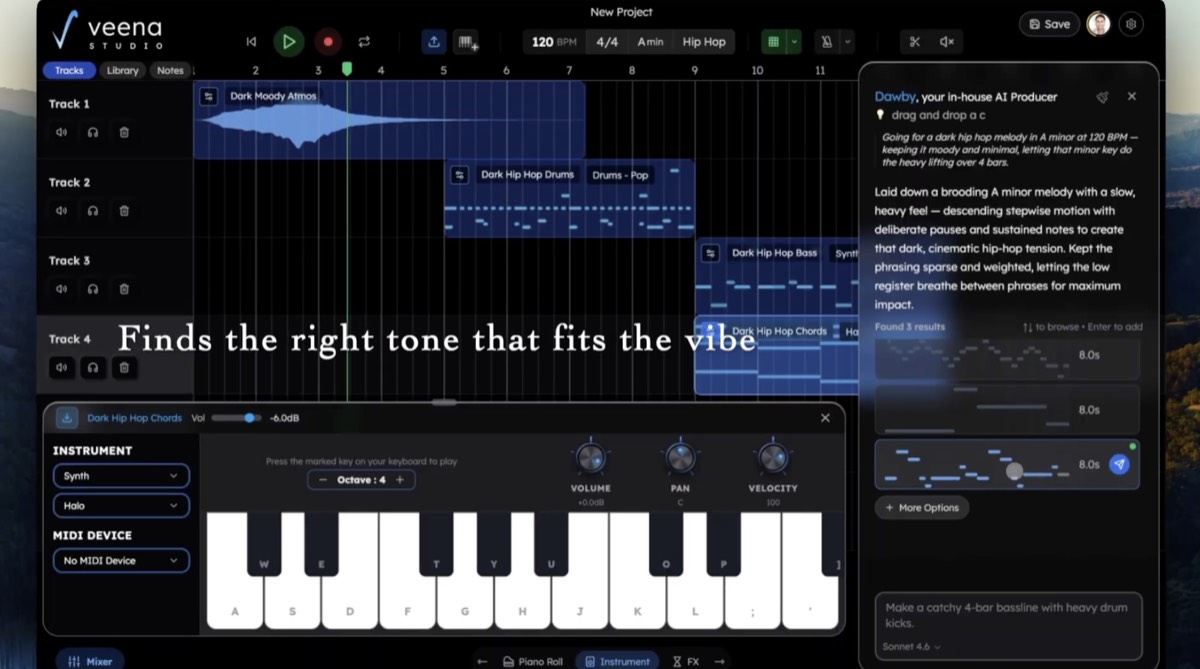
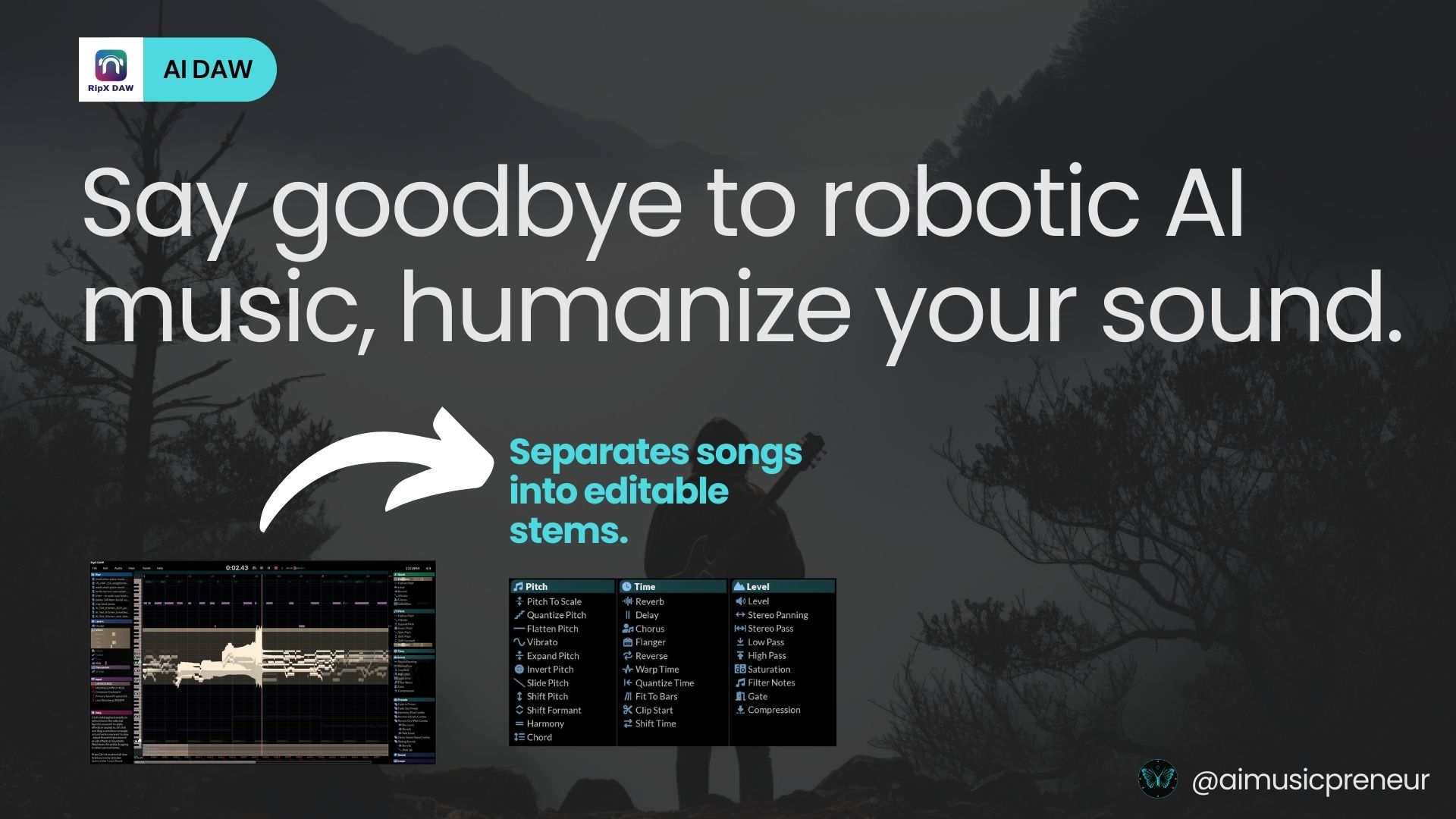
An AI DAW builds generative and assistive features into the recording environment itself rather than bolting them on as plugins. Mozart AI is built around conversational arrangement, and RipX DAW around audio you can edit note by note after separation.
Do you need an AI DAW to use AI in music production?
No. Most producers add AI to an existing DAW through AI VST plugins, and mainstream DAWs keep shipping their own AI features. My guide to FL Studio 2026 covers what arrived natively in one of the most widely used DAWs.
What can an AI DAW do that a normal DAW cannot?
The practical difference is editing audio as if it were MIDI. Separation happens at the DAW level, so you can move a single note inside a recorded chord or replace a drum hit inside a finished loop, which no conventional DAW allows on a rendered file.
Are AI DAWs suitable for beginners?
They lower the entry barrier for arrangement and correction, which helps. They also assume you know what you want to hear, and that judgement is the part no interface supplies.