The 7 Best AI Instrumental Generators in 2026 (Free and Paid)
My stack My fav 6 tools for AI music after testing 70+
-
 ElevenMusic · Music generation
 -
 Moises · Stem separation
 -
 Controlla · Voice swap & cloning
 -
 Cryo Mix · Mixing + mastering
 -
 Neural Frames · Music videos
 -
 ONCE · Distribution
Some links are affiliate links — I earn a commission at no cost to you. Every tool here is one I run myself and truly believe in. This stack is proven.
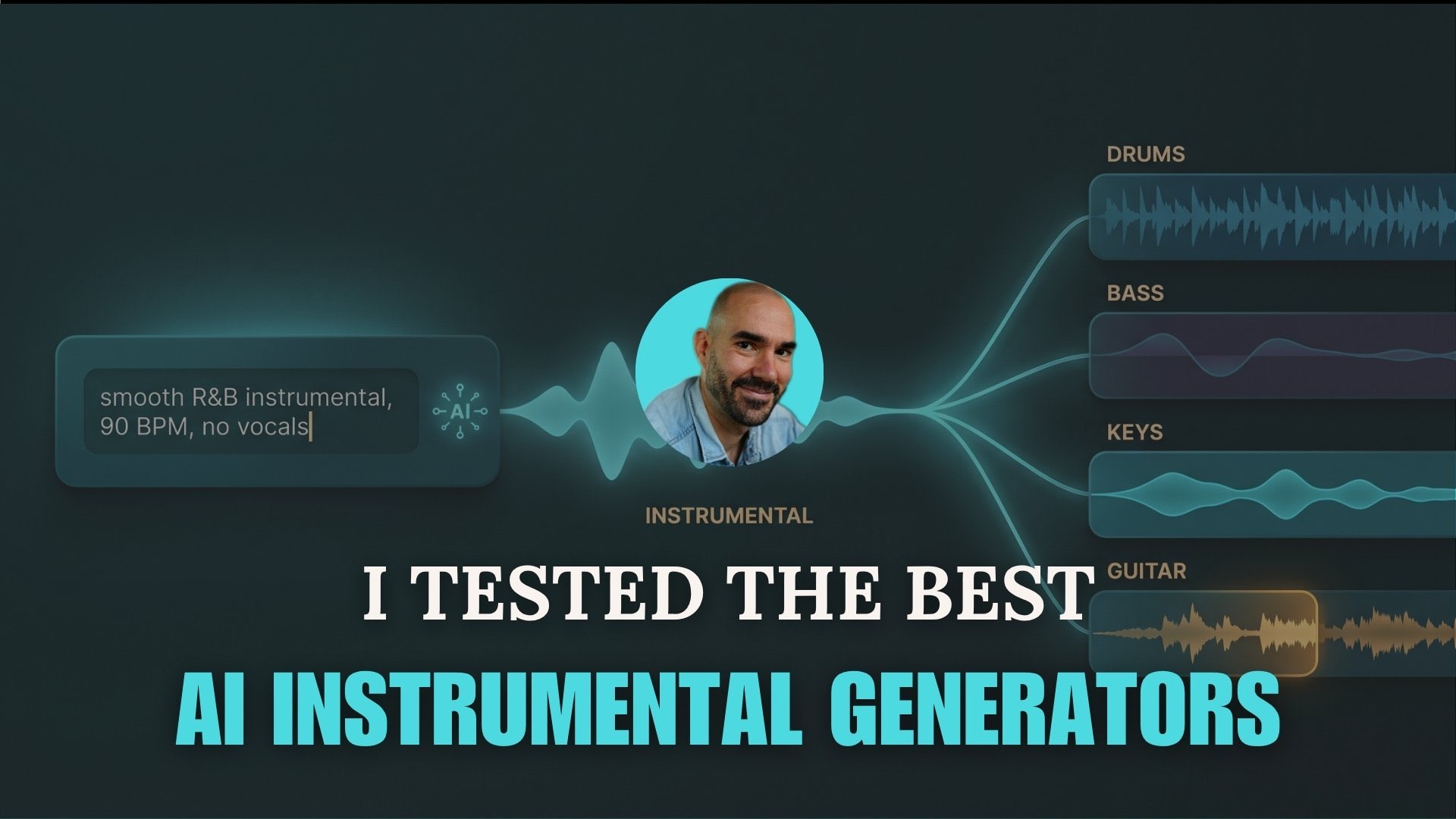
AI instrumental generators split into three kinds, and the best one depends on the job. For a finished backing track from a prompt, ElevenMusic and Suno lead. For instrument parts and stems you finish in your own DAW, LANDR Layers and Moises are the picks. For a full browser studio with AI built in, Veena and Delphos.
I tested 7 against the same projects. Here is how they break down by type, what each one exports (audio or MIDI), how each scored on five criteria, and which fits your workflow.
TL;DR: the best AI instrumental generators
The quick picks by category:
- Best AI instrumental music generator (full track): ElevenMusic for clean licensing, Suno for stems and MIDI.
- Best AI stem generator (parts for your DAW): LANDR Layers, with Moises best for pulling parts out of a finished song.
- Best AI DAW: Veena on a budget, Delphos for MIDI-first control.
- Best free background music: Mubert.
Free pick: Mubert or the Moises free tier. Budget paid pick: Moises Premium at 6.99 euros a month, or Suno Pro at 8 dollars.
How I tested these instrumental generators
I ran the tools against two real projects so the picks compare like for like.
For the music generators, I used one R&B prompt: smooth, mellow, 90 BPM, no vocals, warm Rhodes, deep sub bass, then judged the full track. For the stem generators and AI DAWs, I uploaded the same guitar and drums idea and asked each to add bass, keys, and a lead, then checked how cleanly it exported into a DAW.
Then I scored every tool on the same five things, weighted by what matters most when you plan to release the music:
- Output quality (30%): does the result sound finished, or like a demo you still have to fix?
- Licensing safety (25%): is the training data licensed or owned, so you can release commercially?
- Control (20%): how much can you steer the parts, the arrangement, and the sound?
- Workflow and export (15%): does it export stems or MIDI, and drop cleanly into a DAW?
- Free tier and value (10%): how far does the free tier go, and is the paid price fair?
Each criterion gets a rating from one to five dots. The dots combine into an overall star rating out of 5, weighted by the percentages above, so output quality and licensing safety move the rating more than the free tier does. I scored within each category, so a background-music generator is judged against other generators, not against a full DAW. I weight licensing this heavily because it decides whether you can release what you make. I left out tools that could not produce an instrumental without vocals, and single-clip toys with no stems and no DAW export.
Quick comparison table
The Type and Exports columns are the two producers should read first.
| Tool | Type | Best for | Exports | Works in | Free tier | Pricing from |
|---|---|---|---|---|---|---|
| ElevenMusic | Music generator | Finished, licensed instrumentals | Audio (+ stems on Pro) | Browser, iOS | 5 gens a day | $7.99/mo |
| Suno | Music generator | Full tracks plus stems and MIDI | Audio stems + MIDI | Browser | 50 credits a day | $8/mo, Studio $24/mo |
| Mubert | Background music | Royalty-free background beds | Audio download | Browser, API | 25 gens a month | Free, $11.69/mo annual |
| LANDR Layers | Stem generator | Parts for a track in progress | Audio (WAV) | Browser to DAW | Limited gens and exports | LANDR Studio, 3-day trial |
| Moises AI Studio | Stem generator | Stem split and matching parts | Audio (mix and stems) | Browser, apps | 5 separations a month | 6.99 euros/mo |
| Veena CoProducer | AI DAW | Budget AI DAW | Audio + MIDI | Browser | 3 requests a day | $20/mo |
| Delphos Copilot | AI DAW | MIDI-first ownership | Audio + MIDI | Windows app | 100 credits a month | Free, Pro $50/mo |
AI instrumental music generators
These take a text prompt and hand back a finished instrumental track. Reach for them when you want a complete bed, not parts to edit. Suno also breaks its tracks into stems and MIDI, while Mubert is the background-music specialist of the group.
1. ElevenMusic: Best for finished, licensed instrumentals
- Works in: Browser, iOS
- Exports: Audio, plus stem separation on Pro, no MIDI
- Free tier: 5 generations a day, 1 variation, 5 GB
- Pricing: Free, then Pro at $7.99/mo
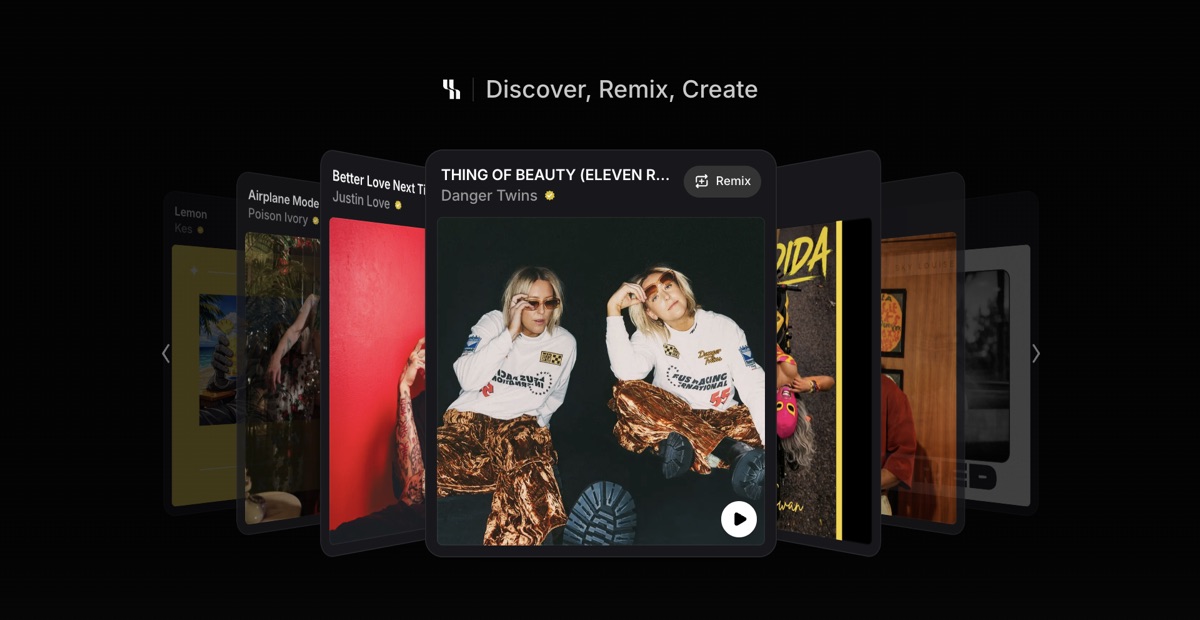
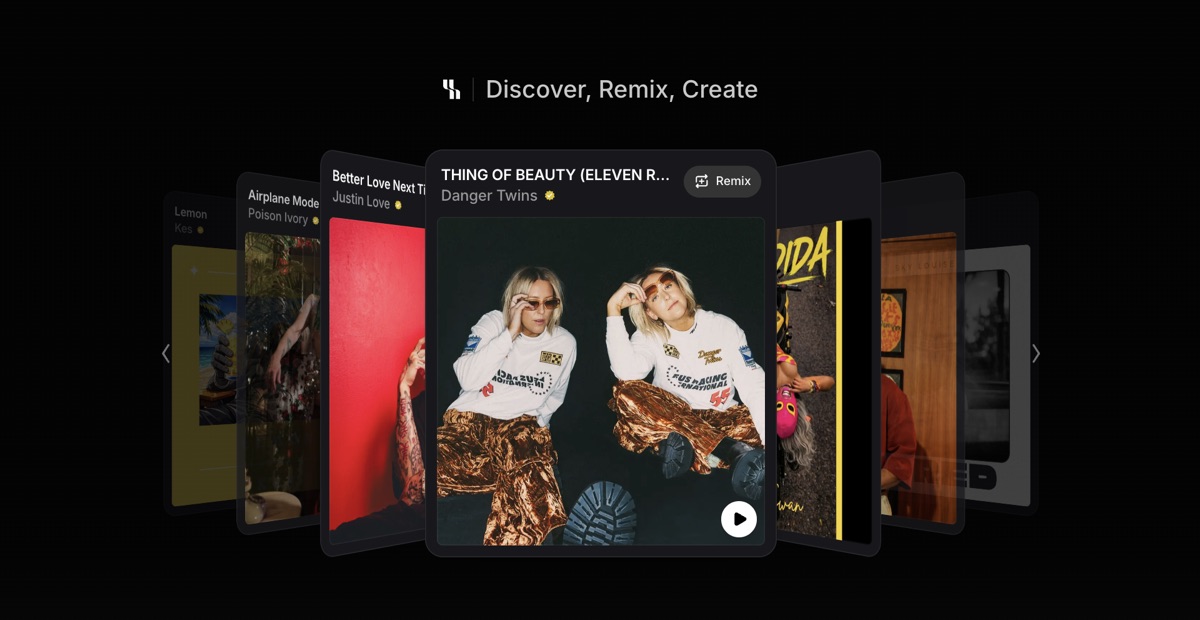
Why I picked it: ElevenMusic generates a finished track from a prompt, and an instrumental toggle drops the vocals for a clean bed. It trains on licensed Kobalt and Merlin catalogs with no active lawsuits, the cleanest data story in the category. My step-by-step is in the ElevenMusic guide.
Standout features:
- An instrumental toggle and a choice of writing engine, with durations from 15 seconds to 5 minutes
- Stem separation on Pro for pulling parts out of a generated track
- A public artist page where you can publish and earn per stream
What is missing: Payouts unlock only after Pro plus 11,000 lifetime streams and 50 followers, and AI-generated audio carries no copyright, so you can use the track but you do not own it exclusively.
Best for: Creators who want clean, finished instrumentals and a path to monetize them.
Verdict: Finished instrumentals on the cleanest training data here, with a built-in way to publish them.
2. Suno: Best for full instrumentals plus stems and MIDI
- Works in: Browser (Suno Studio needs desktop)
- Exports: Audio stems and MIDI per stem
- Free tier: 50 credits a day, v4.5 model only
- Pricing: Pro $8/mo, Suno Studio inside Premier $24/mo
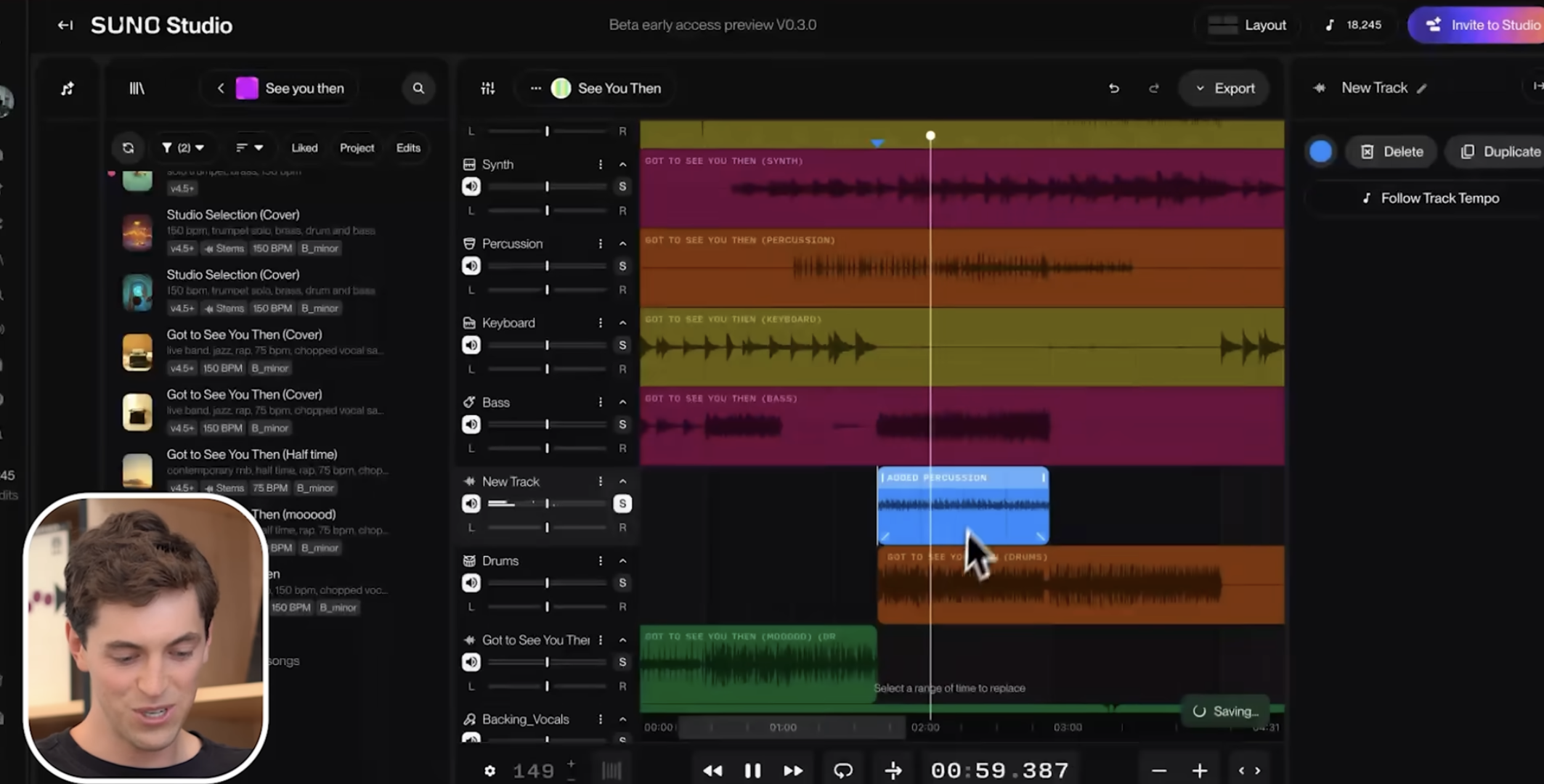
Why I picked it: Suno is the most-used AI music platform. Its main interface generates a full instrumental from a prompt in instrumental mode, and Suno Studio, a workstation built into Suno, splits any track into up to 12 stems and exports MIDI per stem into your DAW. The Suno tool page and the v5.5 walkthrough cover the newer models.
Standout features:
- Instrumental mode for a no-vocals bed, plus 12-stem extraction and MIDI per stem in Suno Studio
- WAV tempo-locked exports that drop into a DAW without drift
- Custom Models you can train on your own catalog
What is missing: Suno Studio is locked to the $24 Premier plan and runs desktop only. The bigger flag is licensing: Suno trained on undisclosed data and faces active label and indie lawsuits. See the GEMA case for context.
Best for: Producers who want a full track and editable stems or MIDI in one place.
Verdict: The most capable generator here for stems and MIDI, if you accept the legal cloud over its training data.
3. Mubert: Best for royalty-free background beds
- Works in: Browser, plus an API
- Exports: Audio download (MP3, WAV), no MIDI
- Free tier: Ambassador, 25 generations a month with attribution
- Pricing: Free, Creator $11.69/mo annual, up to Business $149.29/mo
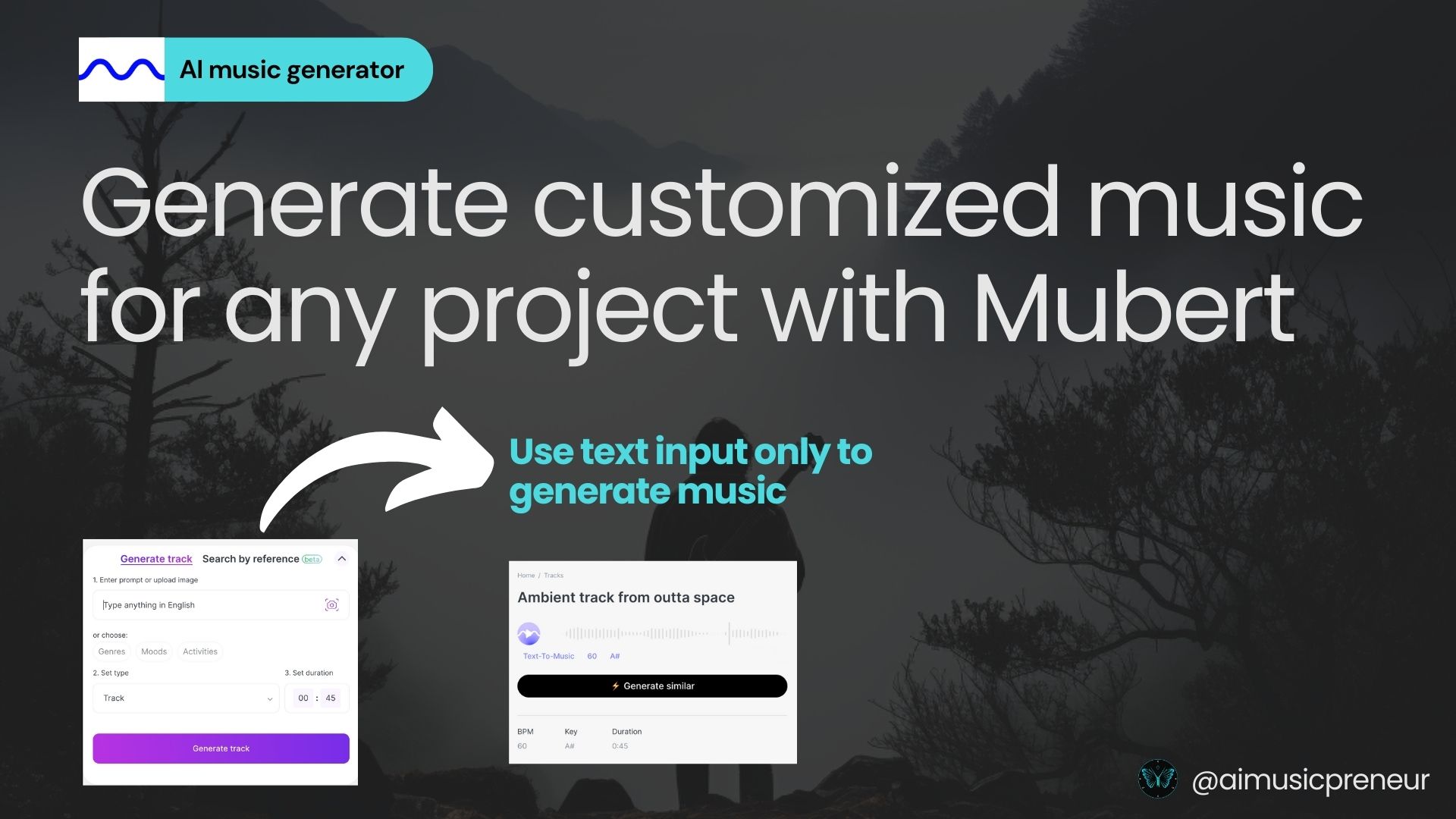
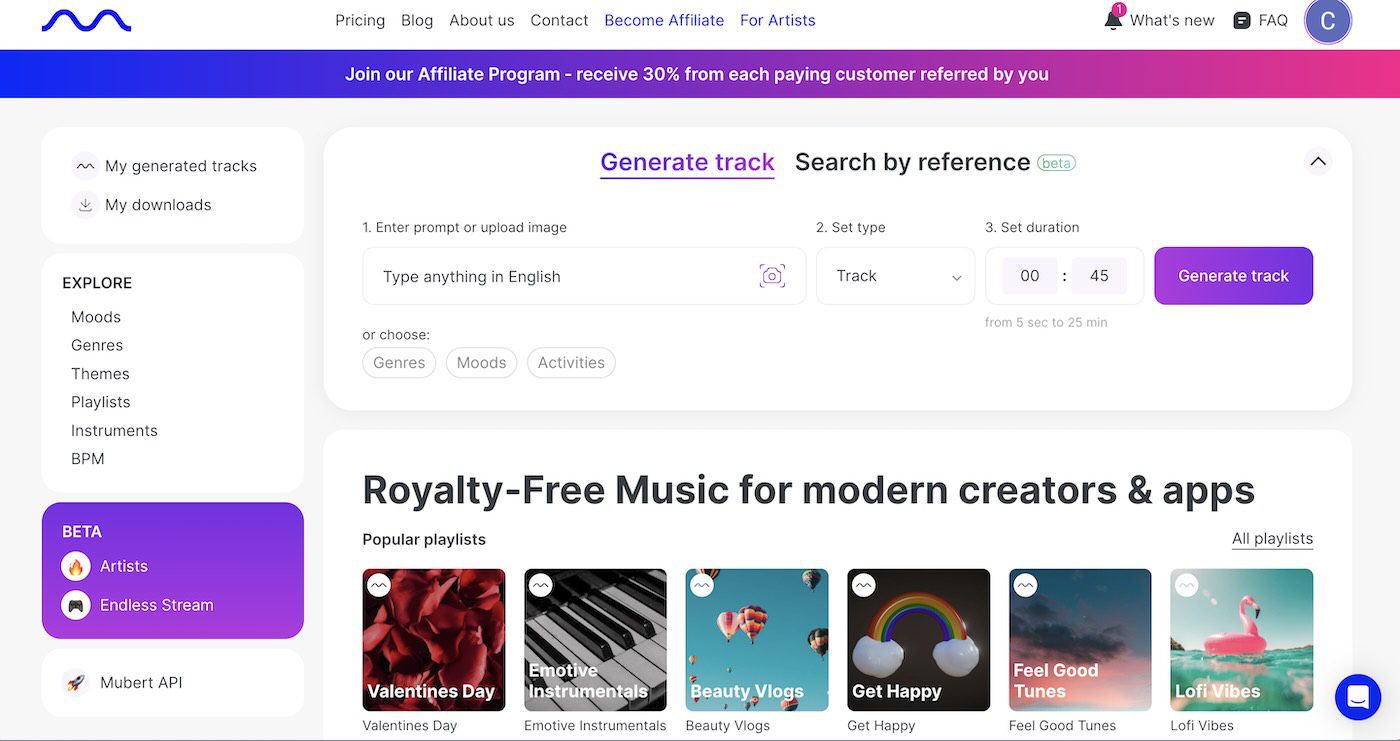
Why I picked it: Mubert turns a text prompt into a royalty-free instrumental in seconds. It is built for content creators who need background music, and the Render plans add commercial use as you move up.
Standout features:
- Prompt to track in seconds, with mood and BPM control
- Instrumental beds with no vocals, plus an AI extender and an API for apps and games
- Your uploads are not used for training
What is missing: Read this before you buy. On every plan, Mubert tracks are not licensed for Content ID, standalone streaming release, or stock music sites. They are royalty-free for content backgrounds, not for releasing as your own single. The free tier also requires attribution.
Best for: Video, social, and podcast creators who need fast, royalty-free background music.
Verdict: The fastest free route to a royalty-free bed, as long as you do not try to release it as a single.
AI stem generators
These generate individual instrument parts and stems that you finish inside your own DAW. You bring a track or an idea, they add the parts you cannot play. Both are browser tools that export audio, not MIDI.
1. LANDR Layers: Best for adding instrument parts to your track
- Works in: Browser, exports to your DAW
- Exports: Audio (WAV) stems, no MIDI
- Free tier: Limited monthly generations and exports, 3-day trial
- Pricing: Inside LANDR Studio plans
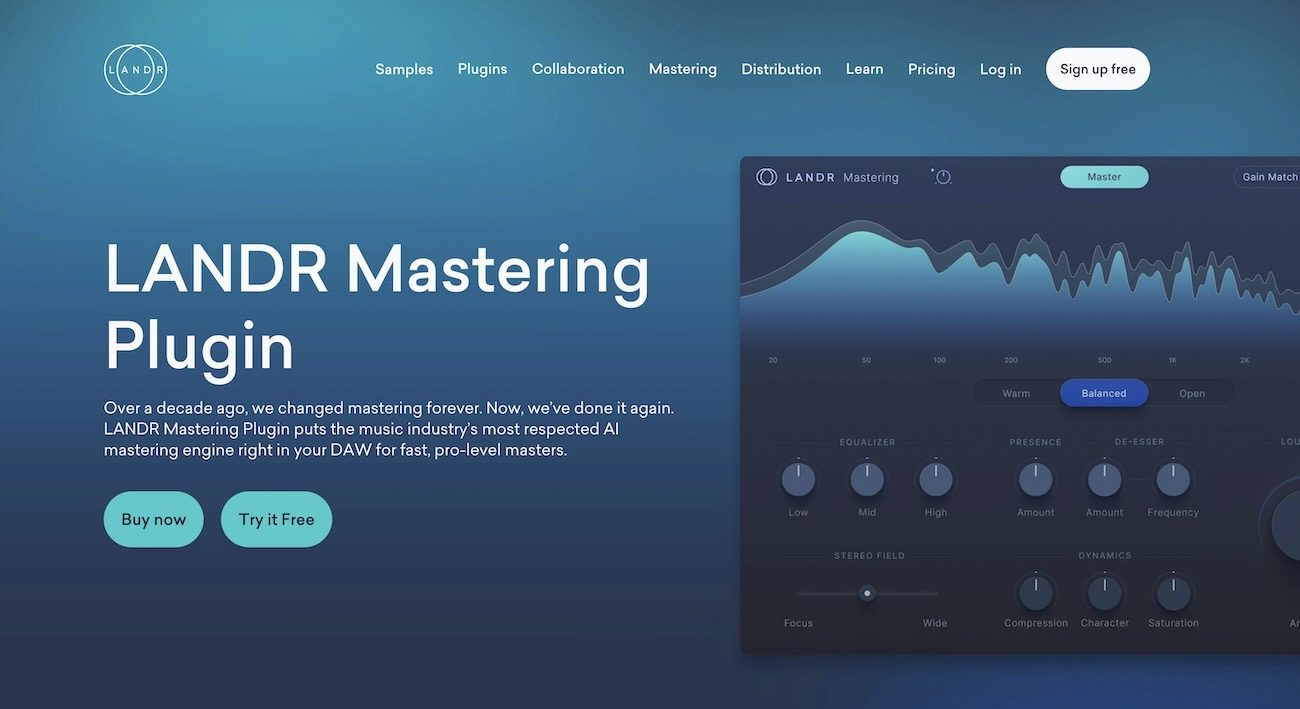
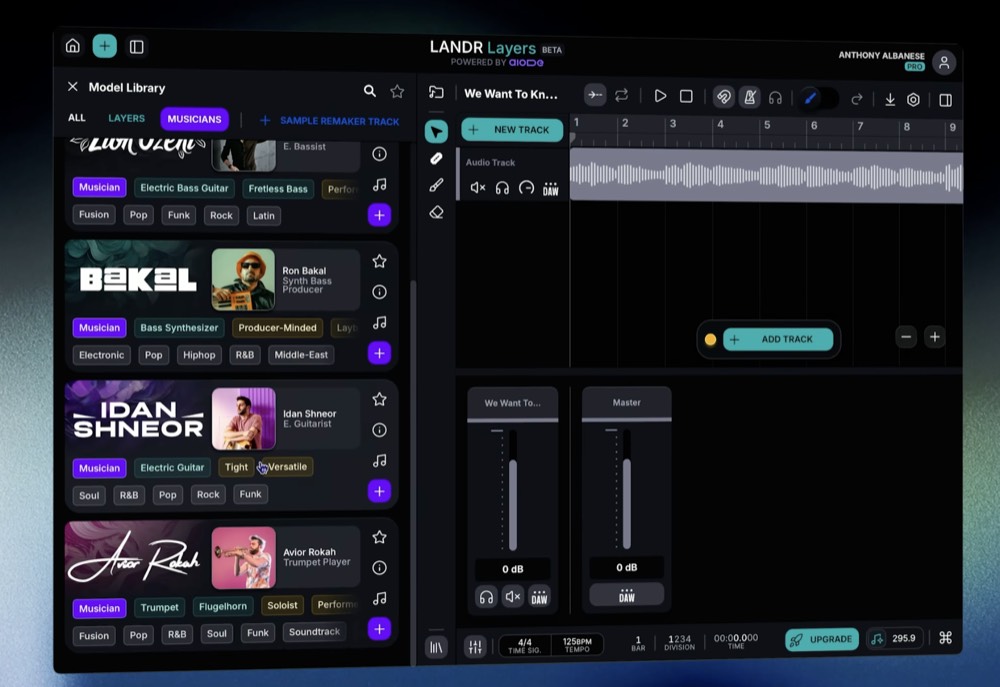
Why I picked it: LANDR Layers is an AI stem generator that listens to your track and writes new instrument parts that lock to your tempo, key, and feel. You upload a rough mix, draw a region, pick a role like rhythm or solo, and it plays the part. The full walkthrough is in my LANDR Layers guide.
Standout features:
- Locks to your tempo and key, and queues three takes so you judge before you commit
- A DAW drag handle that drops WAV stems into Ableton, Logic, FL Studio, or Pro Tools
- Built on aiODE, trained on licensed material, so the output is clean for release and sync
What is missing: There is no MIDI export and no one-prompt text-to-song. The best features sit inside a paid LANDR Studio plan.
Best for: Producers finishing a track who need a part that fits and exports clean.
Verdict: The cleanest way to add a real-sounding part to a track you already have, on licensing you can release.
2. Moises AI Studio: Best for stem separation and vocals-to-instrumental

- Works in: Browser, plus iOS, Android, and desktop apps
- Exports: Audio (mix and stems, up to 96 kHz), no MIDI
- Free tier: 5 separations a month, 60 credits, 1-minute exports
- Pricing: Premium 6.99 euros/mo, Pro 34.99 euros/mo
Why I picked it: Moises separates a song into stems and generates matching parts that adapt to your audio. It is the strongest tool here for turning vocals into an instrumental: pull the vocal out, then build new parts around what is left. My full test is in the Moises AI Studio tutorial.
Standout features:
- Best-in-class stem separation, then Stem Generation with genre presets per instrument
- An AI match mode that reads your context audio and fits the new part to it
- Audio exports at 44.1, 48, or 96 kHz as a mix or mix plus stems
What is missing: No MIDI export. The free tier caps you at 5 separations and 60 credits a month with a 1-minute export limit, and generation burns credits fast.
Best for: Producers who need an instrumental pulled out of a finished song, then the gaps filled.
Verdict: The best separation-plus-generation combo, and the go-to for vocals-to-instrumental work.
AI DAWs
These are full browser studios with AI generation built in. You build the whole production in the tool itself, and both can export editable MIDI, which the stem generators above cannot. Delphos goes furthest, generating MIDI clip by clip that you edit note by note.
1. Veena CoProducer: Best budget AI DAW
- Works in: Browser, no download
- Exports: Audio (WAV, MP3, FLAC) and MIDI (.mid)
- Free tier: Basic, 3 CoProducer requests a day
- Pricing: Pro $20/mo
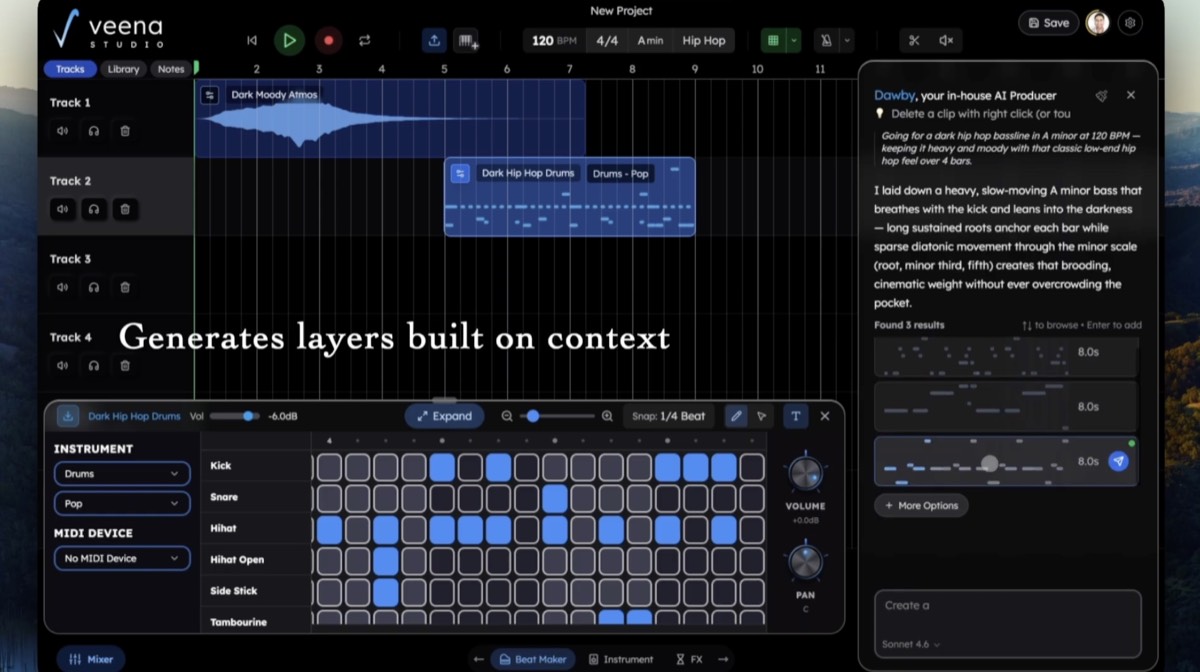
Why I picked it: Veena is an agentic AI copilot inside a browser DAW that builds a track layer by layer. You describe an idea in plain English, and it returns options for the beat, the bassline, the chords, and the melody, then you pick, refine, or record your own. The full breakdown is in my Veena CoProducer write-up.
Standout features:
- Voice-to-instrument that turns a hum into a guitar or a choir, plus text-to-audio and MIDI generation
- Exports both audio (WAV, MP3, FLAC) and editable MIDI for use in another DAW
- Stem separation, smart mixing, an MPC-style sampler, and real-time collaboration
What is missing: It is a newer, smaller platform, the free Basic tier caps you at 3 requests a day, and the premium models sit behind Pro.
Best for: People who never got past the DAW learning curve and want a guided build.
Verdict: The cheapest full AI DAW here, and a guided way to build an instrumental without learning a DAW first.
2. Delphos Copilot: Best for MIDI-first composers who want ownership
- Works in: Downloadable Windows app (Mac coming)
- Exports: MIDI (.mid) and rendered audio stems
- Free tier: 100 credits a month
- Pricing: Free, Pro $50/mo, Enterprise $500/mo
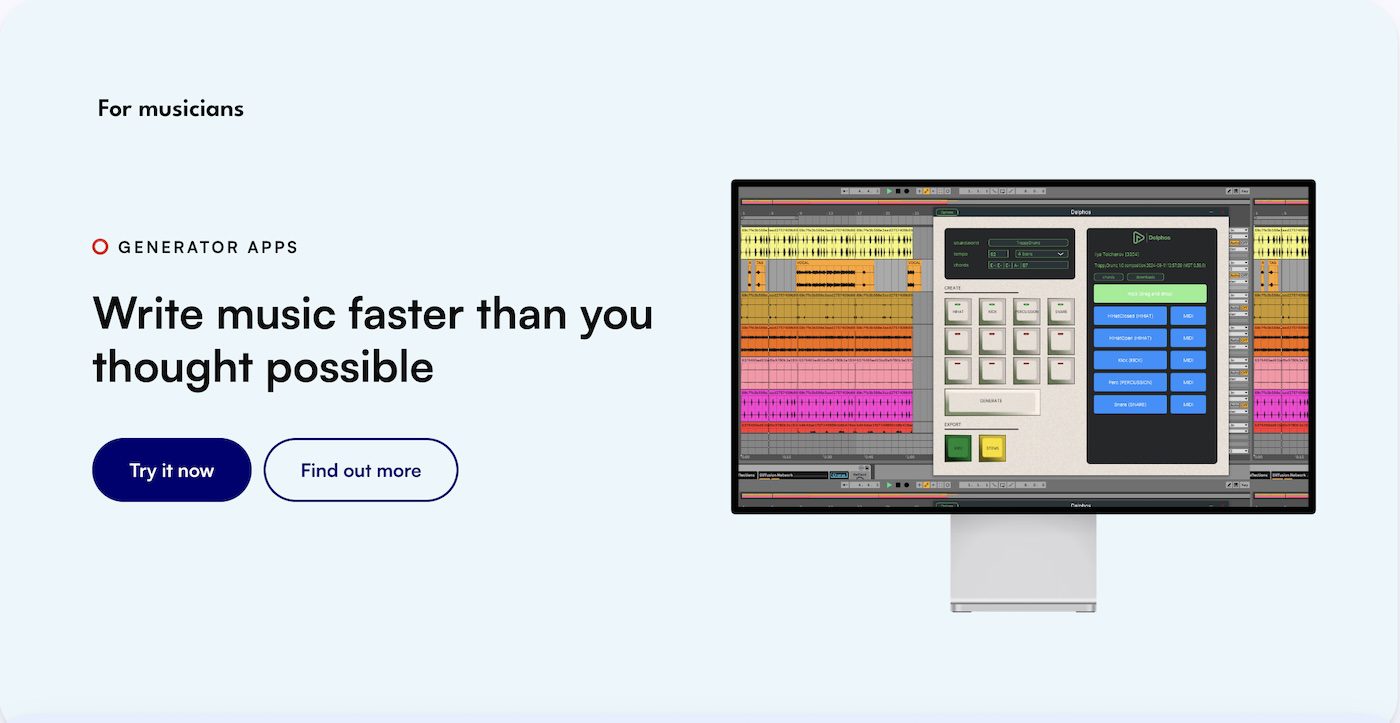
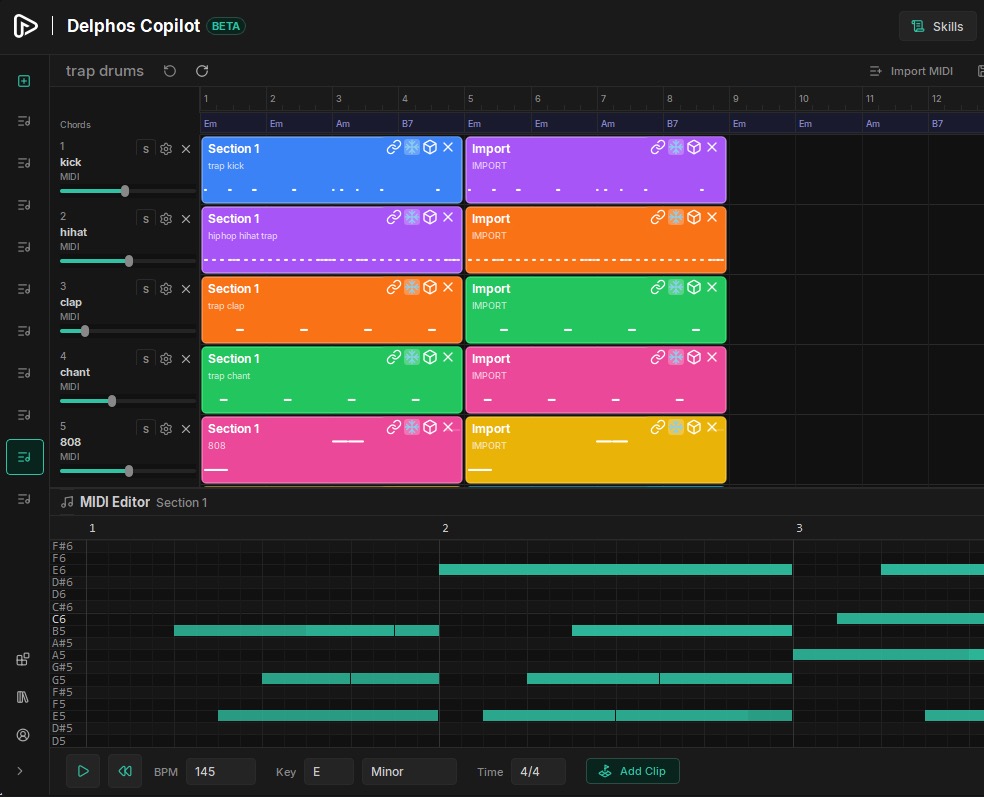
Why I picked it: Delphos generates MIDI and audio clip by clip from text prompts, then drops the result into a piano roll where you edit every note. You keep the composer’s chair: it detects the key, offers options, and waits for your call. The launch details are in my Delphos Copilot coverage.
Standout features:
- Clip-by-clip MIDI generation with full note editing, then render to stems or push MIDI to your DAW
- A conversational agent that asks before it commits a composition choice
- Soundworlds, style models trained only by their owners, which gives it the cleanest copyright story here
What is missing: It is a Windows-only beta with no Mac yet, it needs a download, and the credit model gets expensive at scale.
Best for: Composers who want AI ideas as editable MIDI, without giving up note-level control or the rights.
Verdict: The pick for MIDI-first composers who want to own what they make.
How to choose the best AI instrumental generator
Start with the type you need, then check the limits that will actually block you.
- Job: a full backing track (ElevenMusic, Suno, Mubert), parts for your DAW (LANDR, Moises), or a studio you build in (Veena, Delphos).
- Export: if you want to edit notes, you need MIDI, which means Suno, Veena, or Delphos. The rest export audio.
- Licensing: pick licensed-data tools like LANDR or ElevenMusic when the track is going public.
- Free tier and value: Mubert and Moises let you test the whole workflow for nothing.
- Learning curve: Mubert and ElevenMusic are fastest for beginners; Delphos and Suno reward producers.
Recap
- Best AI instrumental music generators: ElevenMusic (licensing), Suno (stems and MIDI), Mubert (background beds).
- Best AI stem generators: LANDR Layers (parts that fit), Moises (separate and rebuild).
- Best AI DAWs: Veena (budget), Delphos (MIDI-first ownership).
Start free, then pay for what you need
You do not need a subscription to begin. Mubert, Moises, Suno, ElevenMusic, Veena, and Delphos all have free tiers, and LANDR Layers gives you a 3-day trial. That is enough to learn how each one fits your workflow before any money leaves your account.
Starting free also protects you from buying the wrong type. A YouTuber scoring videos needs Mubert, while a producer finishing a beat needs LANDR or Suno. The free tiers make that obvious in an afternoon.
At scale, you will hit the paid features. Commercial rights, lossless WAV and stem exports, MIDI export, and higher generation caps all sit behind paid plans. When a tool earns its place in your week, upgrade it then, not before.
Frequently asked questions
What are the most user-friendly AI instrumental generators?
Mubert and ElevenMusic are the easiest to start with, because you type a prompt and get a finished instrumental in under a minute. Veena guides you step by step inside a browser DAW for $20 a month. For adding parts to a track you already have, LANDR Layers has the gentlest learning curve.
What are the top AI tools for creating instrumental music?
ElevenMusic and Suno lead for full instrumental tracks from a prompt. LANDR Layers and Moises lead for generating individual instrument parts and stems. Veena and Delphos are the best AI DAWs if you want to build the whole production with AI help.
Which AI platforms offer the best instrumental music generation for beginners?
Mubert (free, prompt to track) and ElevenMusic (5 free generations a day) are the friendliest for beginners. Veena adds a guided AI co-producer for people who never learned a DAW. None of them require music theory to get a usable result.
Where can I find AI services that generate high-quality instrumental tracks?
It depends on the job. Suno and ElevenMusic generate full instrumental tracks from a prompt. LANDR Layers and Moises generate individual instrument parts and stems that lock to a track you upload. Mubert makes royalty-free background beds, and Veena and Delphos are full AI DAWs you build inside.
How do AI instrumental music generators compare in sound quality and features?
Suno and ElevenMusic produce the most finished-sounding full instrumentals. LANDR Layers and Moises win on control, because they generate parts that lock to your tempo and key. The biggest feature split for producers is MIDI export. Suno, Veena, and Delphos export MIDI, while LANDR, Moises, ElevenMusic, and Mubert export audio only.
Can I use AI to generate royalty-free instrumental music for my projects?
Yes. Mubert tracks are royalty-free for videos, podcasts, and ads, though they are not licensed for standalone streaming release. LANDR (aiODE) and ElevenMusic (Kobalt and Merlin data) train on licensed material, which keeps commercial release clean. Note that AI-generated audio is generally not copyrightable, so you can use it but you do not get exclusive ownership.
Which AI instrumental music generators have the most customizable options?
Delphos Copilot gives the most control, because it generates MIDI clip by clip and lets you edit every note in a piano roll. Suno offers multitrack editing with up to 12 stems plus MIDI export through Suno Studio. Veena is a full AI DAW, and Moises lets you pick instrument and genre presets per generated part.
What AI services provide instrumental music suited for meditation or relaxation?
Mubert has calm, ambient, and dreamy presets built for background and relaxation use. Suno and ElevenMusic can generate ambient instrumentals from a prompt like "calm piano, 60 BPM, no vocals." For looping focus or sleep beds, Mubert's mood library is the fastest route.
Are there AI platforms focused on generating instrumental music for gaming soundtracks?
Mubert offers an API and themed loops aimed at games, apps, and background scoring, and its Business plan covers in-app and in-game use. Suno can generate adaptive instrumental tracks for different game moods. For custom stems you can layer in a game engine, Suno and LANDR Layers export individual parts.
How much do AI instrumental music generators typically cost?
Most have a free tier. Paid plans start around 6.99 euros a month (Moises Premium), 7.99 dollars (ElevenMusic Pro), and 8 dollars (Suno Pro), and run up to 50 dollars (Delphos Pro) or 199 dollars (Mubert Business). Annual billing usually saves 20 to 30 percent.
Where to buy subscriptions for AI-powered instrumental music creation tools?
You subscribe on each tool's own site, including landr.com for LANDR Layers, elevenmusic.io for ElevenMusic, suno.com for Suno, studio.moises.ai for Moises, veena.studio for Veena, delphos.ai for Delphos, and mubert.com for Mubert. Most accept card payment and offer monthly or annual billing.
Which AI instrumental music generators offer free trials or demos?
LANDR Layers includes a 3-day free trial. Mubert, Moises, Suno, ElevenMusic, Veena, and Delphos all have free tiers you can use without paying, though each one limits generations, exports, or commercial use. That is enough to test the workflow before you subscribe.
About the author

Covering AI music tools, industry shifts, and news for music creators and professionals. Twice-weekly newsletter at aimusicpreneur.com.