






DJ.Studio
DJ.Studio builds DJ mixes, mashups and radio shows on a timeline, then exports them as audio, video or a set for 6 DJ apps. One-time licenses from $99.
What is DJ.Studio and how does it work?
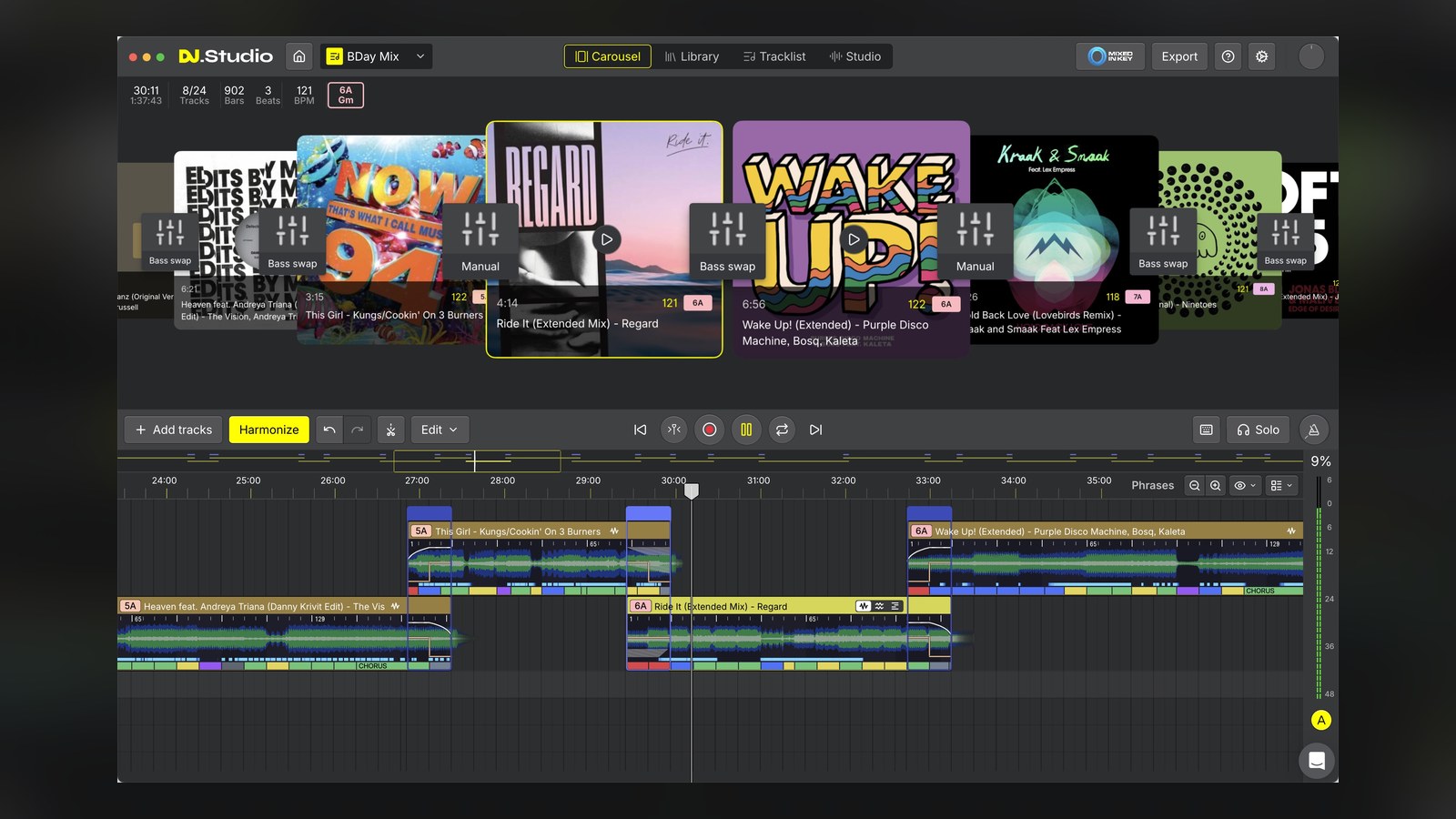
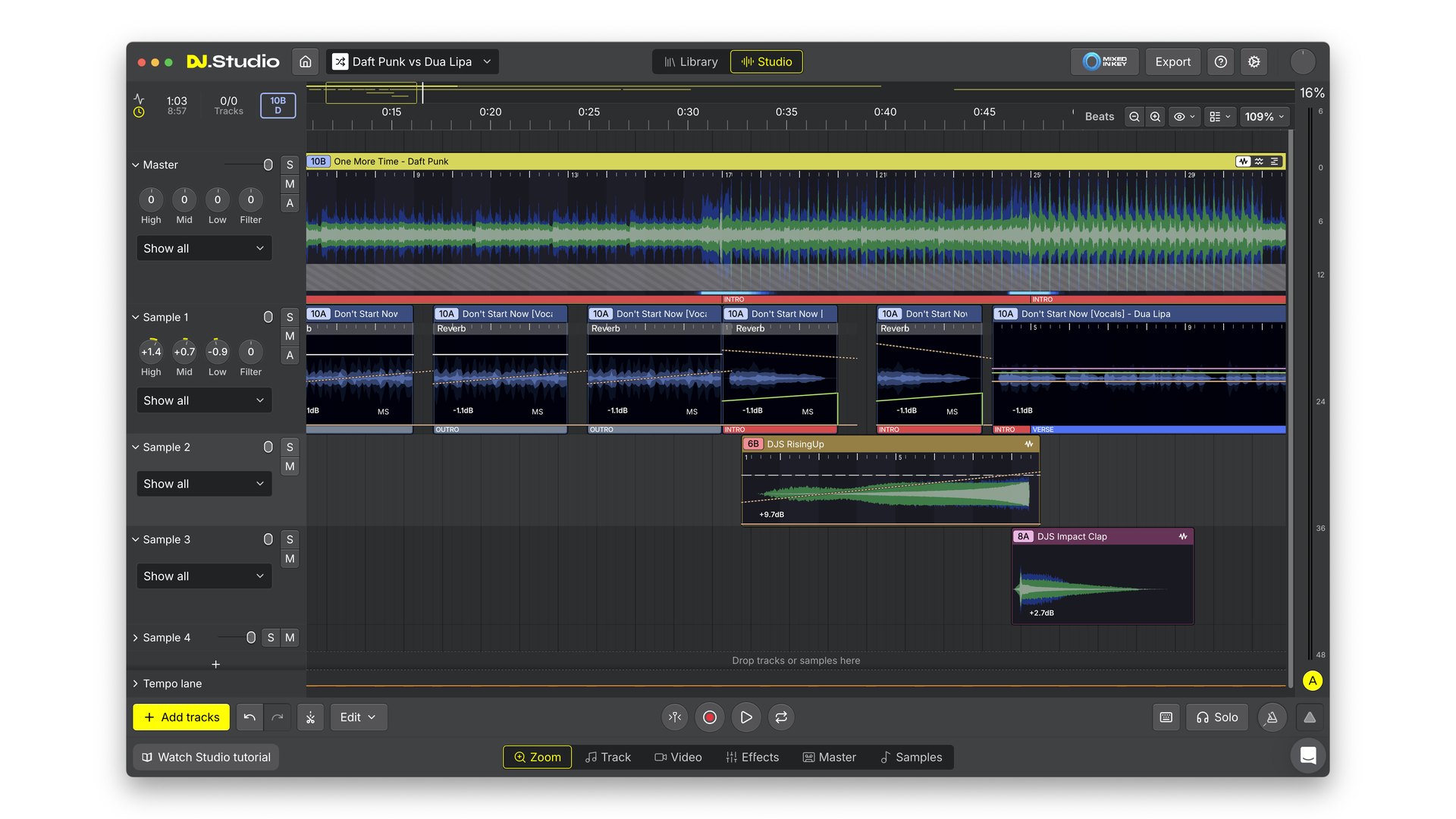
DJ.Studio is DJ mixing software for Windows and macOS. You build a DJ mix, mashup, radio show or video mix on one timeline, the way a producer builds a song in a DAW, and export it once it sounds right.
The difference to rekordbox or Serato is timing. You don’t perform the mix in real time, you arrange it, fix every transition, and then publish it or send the prepared set to the app you play live on.
DJ.Studio at a glance (checked November 11, 2026):
- Company: DJ.Studio, based in Leeuwarden, the Netherlands, with more than 360,000 users and the 2025 NAMM TEC Award for DJ Production Technology.
- Plans: Studio $99, Pro $129, Pro + Stems $169 and Ultimate $209, all one-time, or Pro + Stems for $29 a month.
- Platforms: Windows and macOS, with 1 license covering 2 computers.
- Where the AI is: stem separation, phrase detection and the Smart Beatgrid.
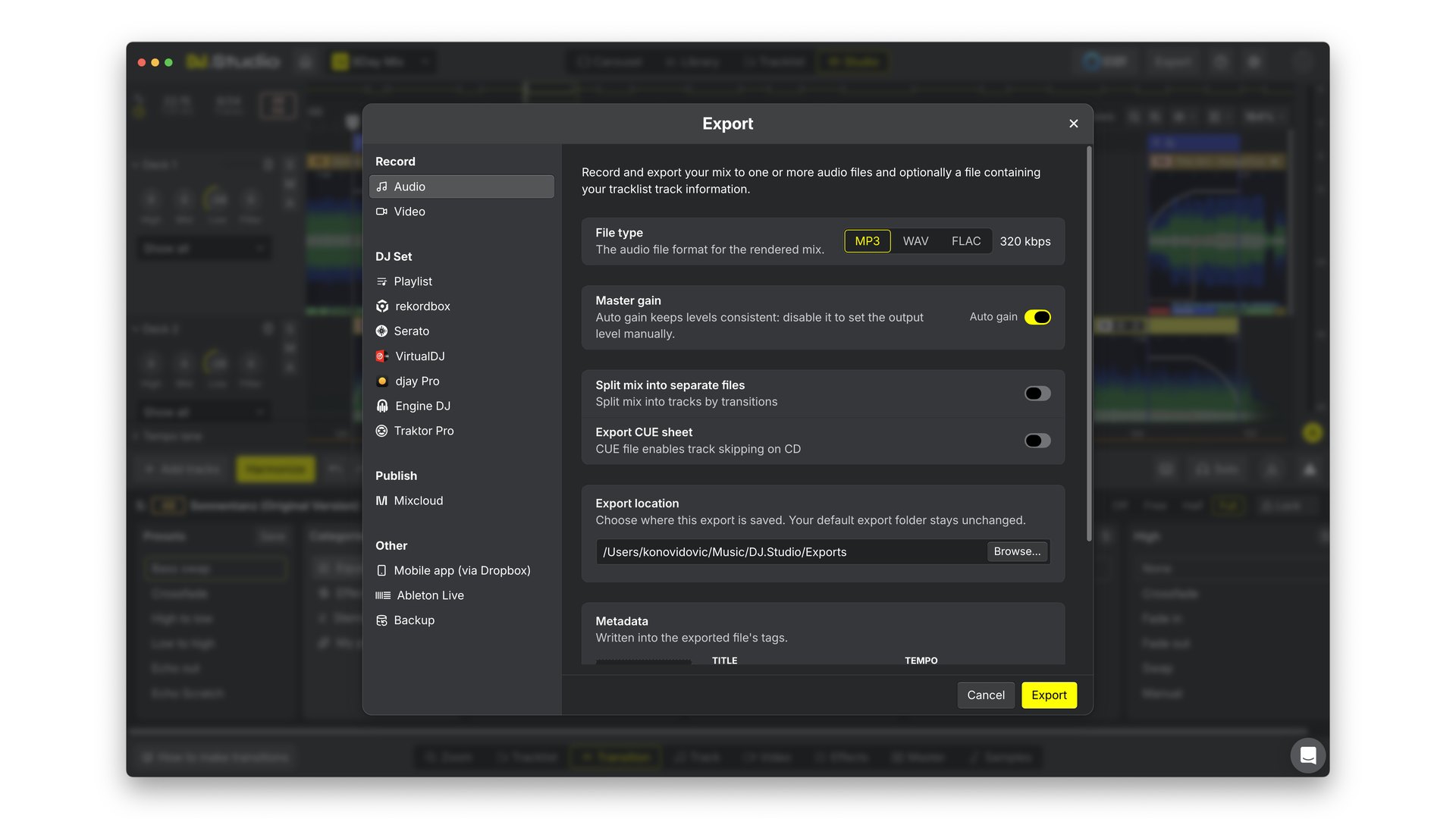
- Export: MP3, WAV and FLAC, video, a Mixcloud upload, an Ableton Live project, or a DJ set for 6 DJ apps.
- Latest version: 5.0, released November 11, 2026. Here’s what’s new in DJ.Studio 5.0.
How it works: a DJ.Studio mix comes together in 4 stages.
Add tracks from rekordbox, Serato, Traktor, Engine DJ, djay Pro, VirtualDJ, Apple Music, Beatport or a folder on your computer. DJ.Studio reads the BPM, key, beatgrid and phrases of every track on import.
Click Harmonize and DJ.Studio orders the tracklist by key and BPM, then builds a transition between every pair of tracks. Pick Mood for bolder key changes in a studio mix, or Fuzzy for closely related keys in a live set.
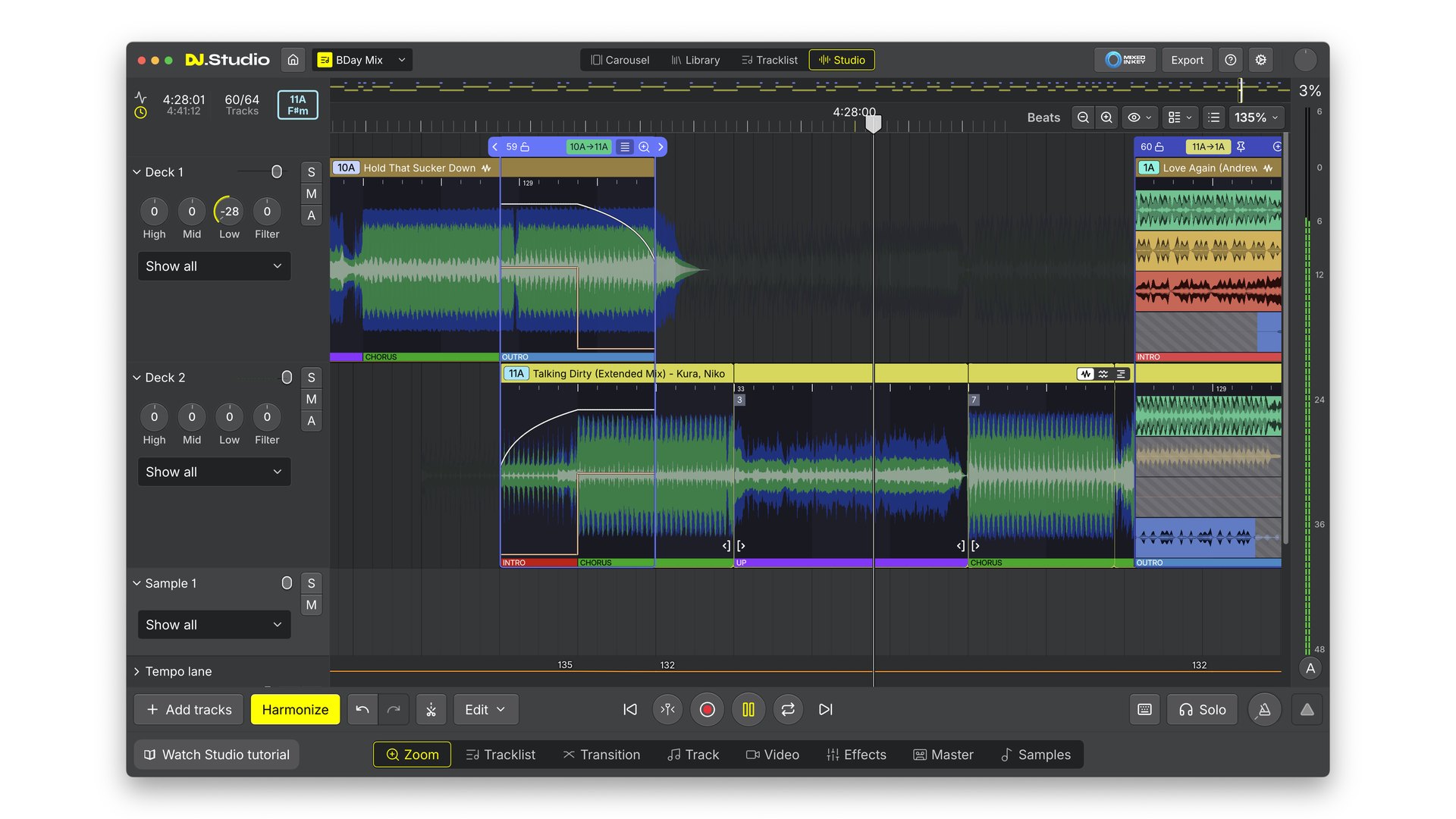
Fine-tune any transition on the timeline. Hover or tap a number to see what each part of the Studio does:
Export the finished mix as a file, a video or a Mixcloud upload, or send the prepared set back to your DJ app with cue points intact.
It fits DJs and radio hosts who publish mixes, and producers who want mashups without learning a full DAW.
4 recent verified 5-star reviews from DJ.Studio users:
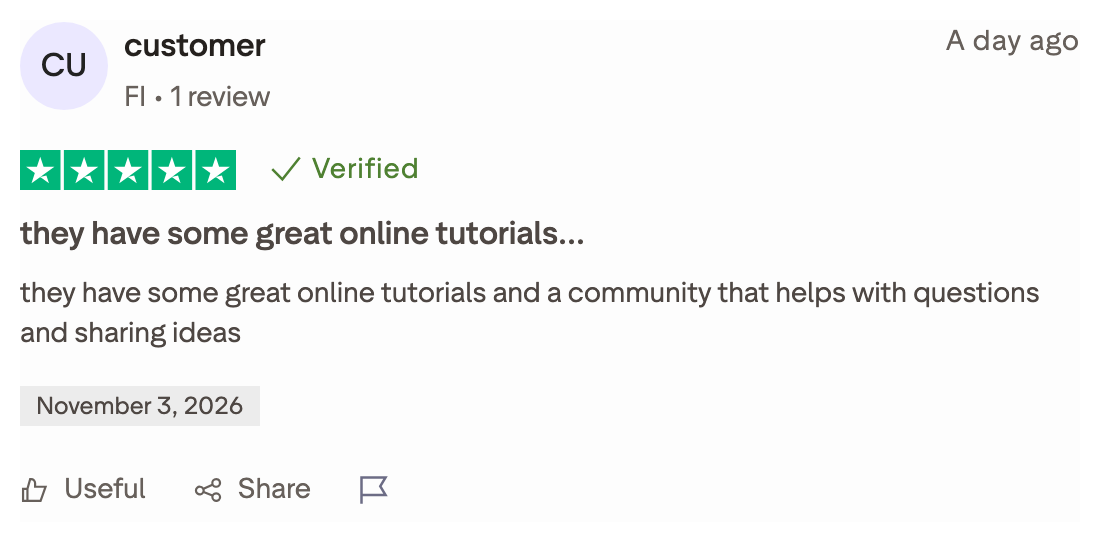
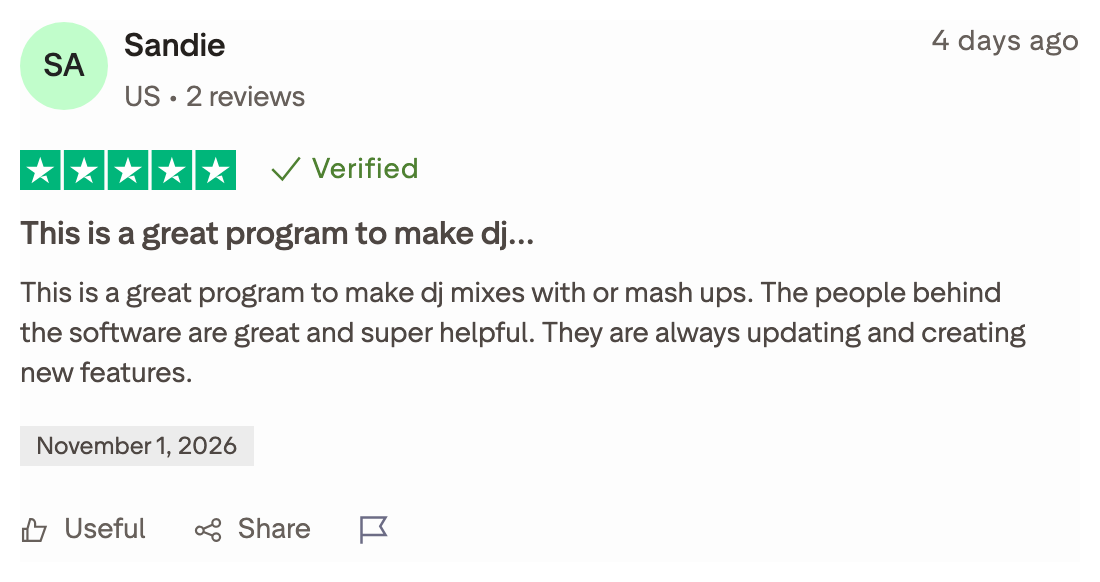
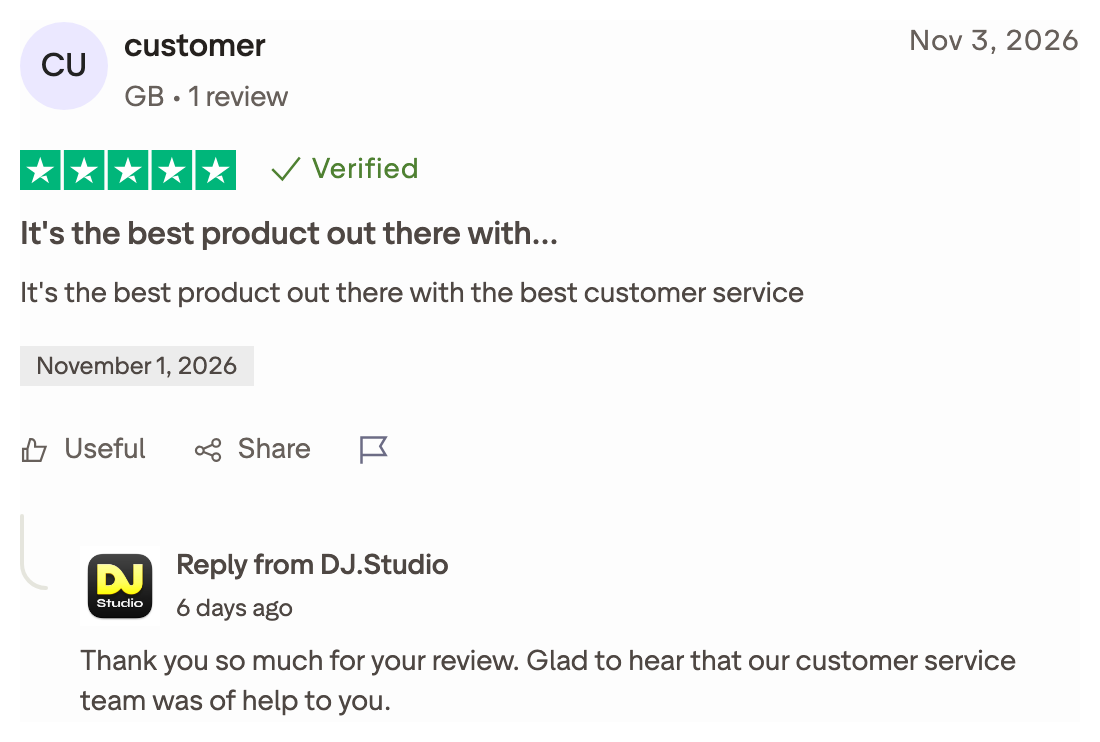
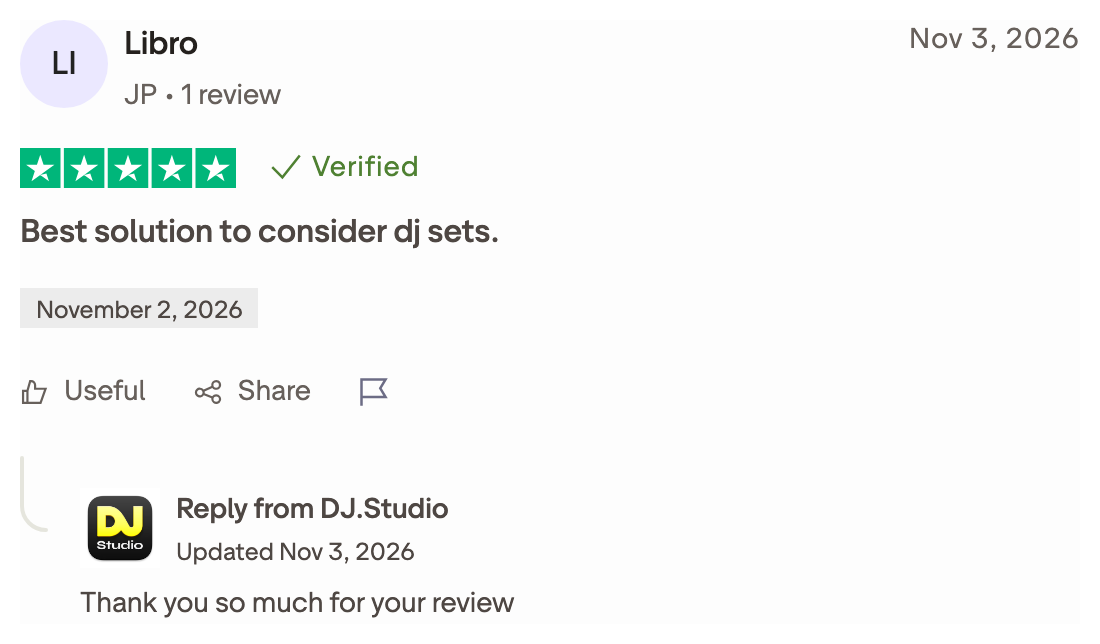
These 4 are hand-picked 5-star reviews, so they’re not the whole picture. The critical ones sit on DJ.Studio’s Trustpilot page, next to the 4.2 average.
How much does DJ.Studio cost?
Every DJ.Studio plan is a one-time license, and Pro + Stems also comes as a monthly subscription. Here’s what each plan includes, in US dollars excluding tax:
| Plan | Price | What you get |
|---|---|---|
| Studio | $99 one-time | MP3 mixing, default transition presets, library integrations, Beatport and Beatsource, AI beatgrid |
| Pro | $129 one-time | Everything in Studio, plus WAV files, manual transitions, custom presets, sample lanes and Ableton Live export |
| Pro + Stems | $169 one-time or $29 a month | Everything in Pro, plus stem separation and an FX pack with over 30 effects |
| Ultimate | $209 one-time | Everything in Pro + Stems, plus video export, VST3 and AU plugins, and 24-bit and 32-bit export |
A one-time license covers 1 user on 2 computers, with 12 months of updates and support. After that the app keeps working, and the Update Package adds another 12 months of new features for $49. One-time licenses come with a 14-day money-back guarantee, monthly payments can’t be refunded, and the 7-day free trial doesn’t ask for payment details.
Pricing changes often, so check the current plans on the DJ.Studio pricing page. On value: Pro + Stems costs $70 more than Studio and is the cheapest plan with stem separation, so Studio only makes sense if your whole library is MP3 and you never need stems.
What are DJ.Studio’s standout features?
These 3 features do most of the work. My beginner’s guide to DJ.Studio 5.0 goes deeper on each one.
Phrase detection and Harmonize
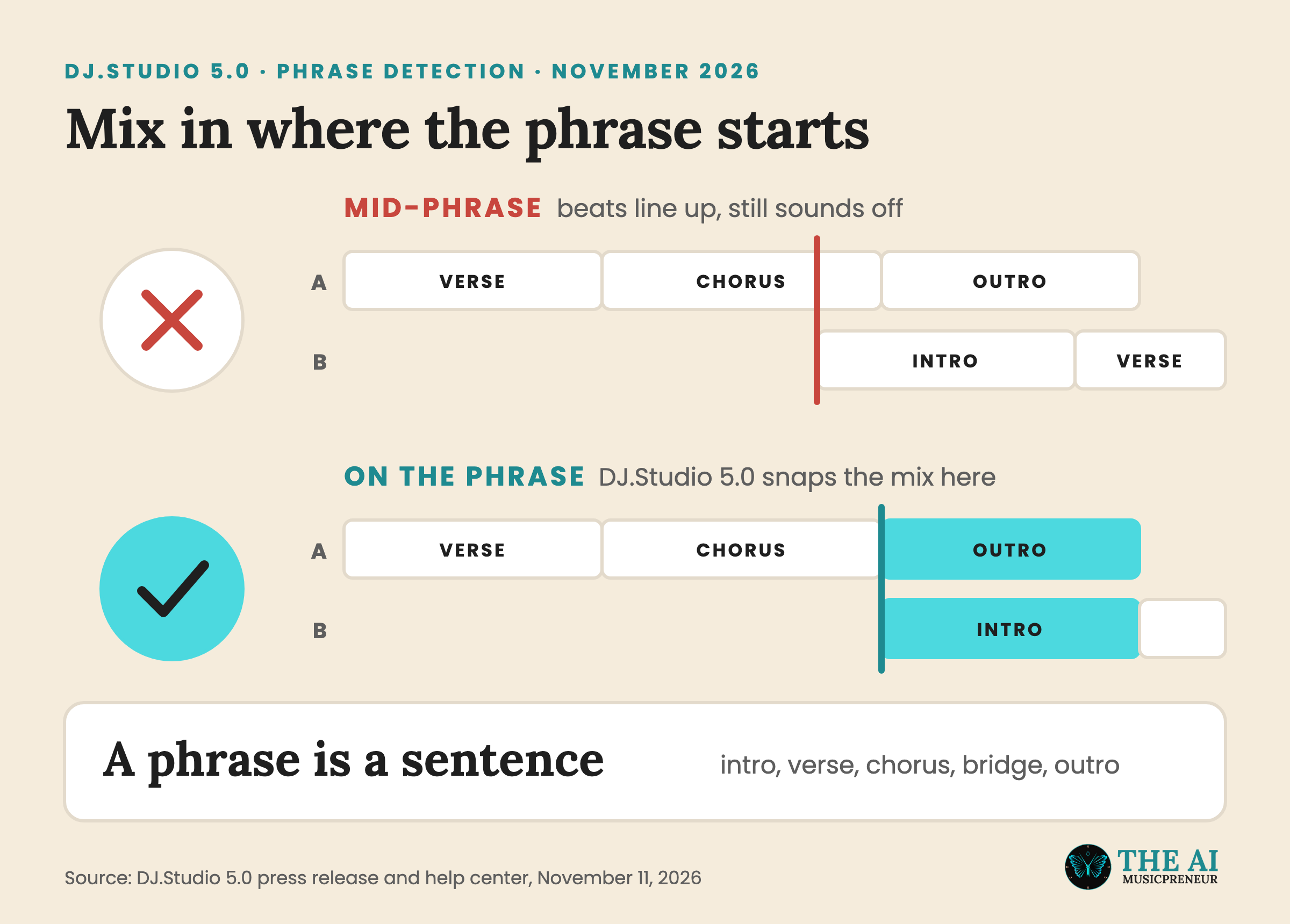
DJ.Studio splits every track into phrases, like intro, verse, chorus, bridge and outro, and Harmonize starts each transition on one. So the next song comes in at the start of a section, not halfway through it. You can still move any transition by hand, and it snaps to the phrases.
Stem transitions and mashups
Pro + Stems separates every track into drums, bass, melody and vocals, and each transition decides what happens to each stem. That’s how you swap the bass between two tracks, or lay one track’s vocals over another’s beat. If you’re new to the term, here’s what stems are.
Mashup projects add an open canvas with up to 10 sample lanes, a free sample library and an Input Lane for recording voice-overs.
DJ set export to rekordbox, Serato and Traktor
This is the feature that makes DJ.Studio work next to the DJ software you already own instead of replacing it.
→ Library in: DJ.Studio reads tracks and playlists from rekordbox, Serato DJ Pro, Traktor, Engine DJ, djay Pro, VirtualDJ, Mixed In Key and Apple Music, so you don’t rebuild your crates.
→ Prepare: you set the order, the transitions and the cue points on the timeline, where you can hear every blend before the gig.
→ Set out: the finished DJ set exports to all 6 DJ apps (rekordbox, Serato DJ Pro, Traktor, Engine DJ, djay Pro and VirtualDJ) with cue points and beatgrids intact. Traktor and Engine DJ were added in version 5.0.
→ Play: you load the set in your live software and play it as usual.
How does DJ.Studio compare to rekordbox and Ableton Live?
rekordbox is where most DJs manage their library and play live, and Ableton Live is where producers build tracks. Both get used to make mixes, so these are the two DJ.Studio gets compared to most.
| DJ.Studio | rekordbox | |
|---|---|---|
| Starting price | $99 one-time | Free, paid plans from $10 a month |
| Core use case | Building and exporting finished mixes on a timeline | Managing a library and playing live |
| Key differentiator | Automatic key, BPM and phrase matching with stems | Real-time performance with DJ players and controllers |
| Free tier | 7-day trial | Yes, a free plan |
| Best for | Mixes, radio shows and mashups you publish | DJs who play live sets |
| DJ.Studio | Ableton Live | |
|---|---|---|
| Starting price | $99 one-time | $99 for Live Intro |
| Core use case | DJ mixes and mashups | Music production and live performance |
| Key differentiator | Transitions built for you by key, BPM and phrase | Full production tools, instruments and arrangement |
| Free tier | 7-day trial | 30-day trial |
| Best for | DJs who want a finished mix fast | Producers who want control over every bar |
Pick DJ.Studio when the mix itself is what you publish. Stay in rekordbox when you play live, and use DJ.Studio to prepare the set at home, then load it into rekordbox on whichever of the rekordbox plans you already use.
Pick Ableton Live when you want to edit inside every track. You don’t have to choose, though: DJ.Studio exports an Ableton Live project, so you can finish a mix there, in Live 12 today or Ableton Live 13 next year.
What are some use cases for DJ.Studio?
DJ.Studio covers more than club mixes. These are the jobs it’s built for:
- Mixcloud and YouTube mixes: export a finished mix straight to Mixcloud, or as a video with a YouTube tracklist on the Ultimate plan.
- Radio shows: record voice-overs on the Input Lane and keep the tracklist and timing in one project.
- Mashups: stack separated stems and up to 10 sample lanes on an open canvas.
- Preparing a live set: build and test the running order at home, then export it to rekordbox, Serato, Traktor or Engine DJ with cue points.
- Rescuing old MixMeister mixes: open complete MixMeister projects and keep working on them.
- Finishing in a DAW: export an Ableton Live project, with stems and a separate instrumental if you need them.
If you only need stems and not a mixing timeline, one of the tools in my AI stem splitter tests is the cheaper route. And for ideas on what to do with the parts, see these remixing tips for DJs.
Frequently Asked Questions
Is DJ.Studio free?
No, but there’s a 7-day free trial that doesn’t ask for payment details. After the trial, licenses start at $99 one-time for the Studio plan, or $29 a month for Pro + Stems.
Do I still need rekordbox or Serato with DJ.Studio?
For live gigs, yes. DJ.Studio prepares and exports mixes, and it sends finished DJ sets back to rekordbox, Serato DJ Pro, Traktor, Engine DJ, djay Pro and VirtualDJ with cue points intact.
Can I use mixes made in DJ.Studio commercially?
DJ.Studio doesn’t license the music in your mix. The rights stay with the owners of each track, so where you can publish or sell a mix depends on those licences and on the platform you upload to.
What file formats does DJ.Studio export?
MP3, WAV and FLAC audio, with 24-bit and 32-bit WAV and 24-bit FLAC on the Ultimate plan. It also exports video, a CUE sheet, an Ableton Live project and DJ set files for 6 DJ apps.
Does DJ.Studio run on Mac and Windows?
Yes. DJ.Studio is desktop software for macOS and Windows, and one license covers 2 computers.