






AI Music Tools News
Hands-on coverage of AI music tools, vetted for musicians.
- 08 Oct
 Comparison 08 Oct
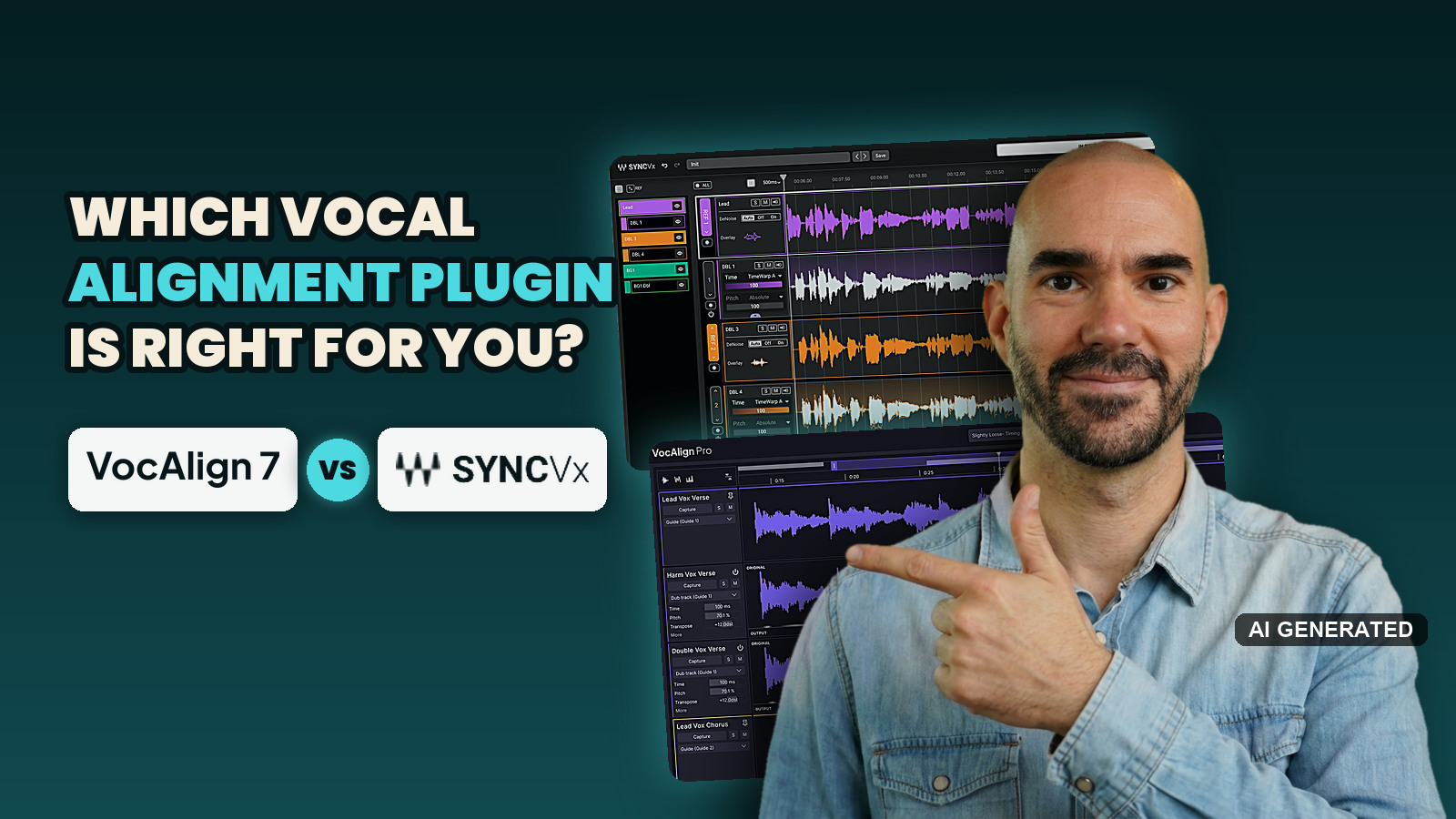
VocAlign 7 vs Sync Vx: which vocal alignment plugin should you buy in 2026?
- Sync Vx and VocAlign 7 Pro both rate 4.2 out of 5 on sound, workflow, control and price, scored from my own session and, on sound, mostly from expert tests.
- Sync Vx came out ahead in about 6 of 9 first-hand comparisons people have published, and every one of them was run against VocAlign 6, not VocAlign 7.
- VocAlign 7 Pro has no track limit, SmartPitch for harmonies and a live link to RePitch 2, while Sync Vx stops at 16 mono tracks.
- 07 Oct
 Tool News & Updates 07 Oct
Audiotool's Let's Build! hackathon winners range from a 3D bunny party game to a BBC Maida Vale reverb
- Audiotool named 6 Let's Build! hackathon winners on October 7, 2026, picked from more than 2,000 sign-ups and a shortlist of 18 apps.
- Every winning app runs on NEXUS, Audiotool's open-source SDK, and sends its music into a real, editable Audiotool project.
- Score IO, which converts Audiotool projects to and from MusicXML sheet music, was the judges' only unanimous pick.
- 07 Oct
 Tool News & Updates 07 Oct
Cyanite will scan Paradise Worldwide's releases for AI music before they reach streaming services
- Paradise Worldwide will run Cyanite's AI music detection over its releases before delivering them to streaming services, MusikWoche reported on September 25, 2026.
- DSPs get a recommendation on AI labelling for tracks Cyanite reads as fully or partly AI-generated, and the streaming service keeps the final decision.
- Cyanite's detector covers Suno, Udio, Lyria, Mureka and ElevenLabs, and the company works with more than 200 music companies.
- 07 Oct
 Tool News & Updates 07 Oct
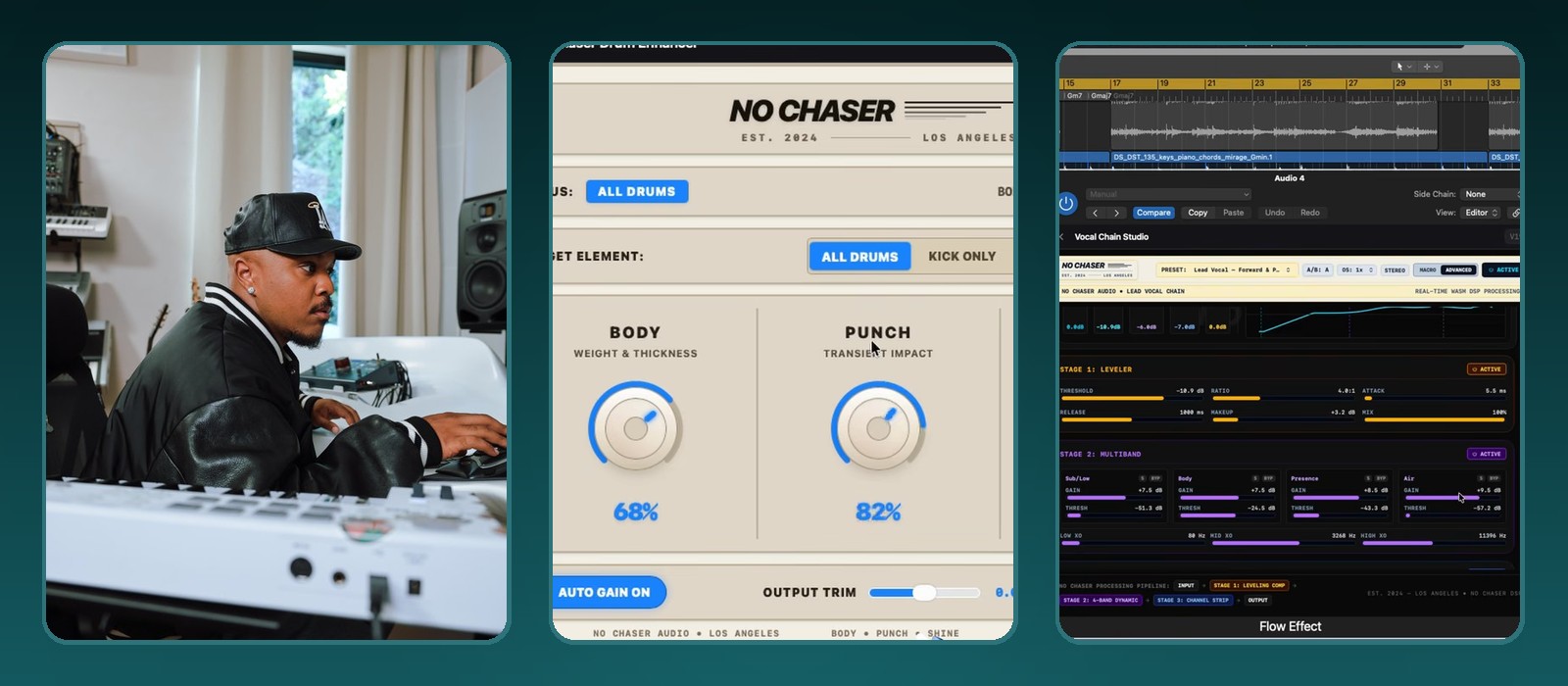
Google Flow Music now exports your AI-built instruments and effects as VST3 and AU plugins, Mac only for now
- Google announced on October 6, 2026 that producers can export custom Spaces from Google Flow Music as VST3 and AU plugins.
- You download each instrument or effect as an .fmx file and load it into 2 plugins called Flow Instrument and Flow Effect.
- Google's help page names Ableton Live, Logic Pro and FL Studio as example DAWs.
- 07 Oct
 Tool News & Updates 07 Oct
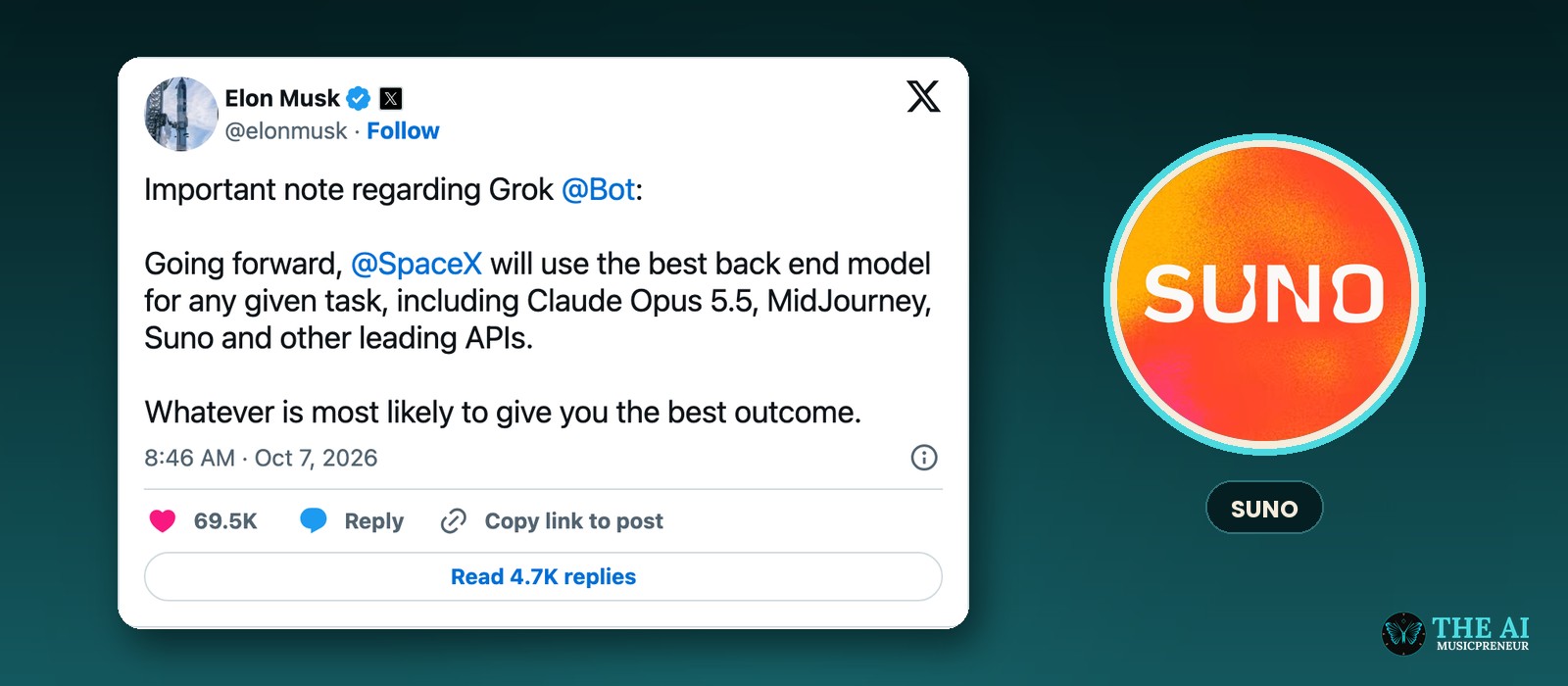
Elon Musk says Grok Bot will hand tasks to Suno, alongside Claude Opus 5.5 and Midjourney
- Elon Musk posted on October 7, 2026 that SpaceX will use the best back-end model for any given task in Grok Bot.
- He named Claude Opus 5.5, Midjourney and Suno, plus "other leading APIs."
- Musk didn't say which tasks go to Suno, when it starts, or what the commercial terms are.
- 07 Oct
 Tool News & Updates 07 Oct
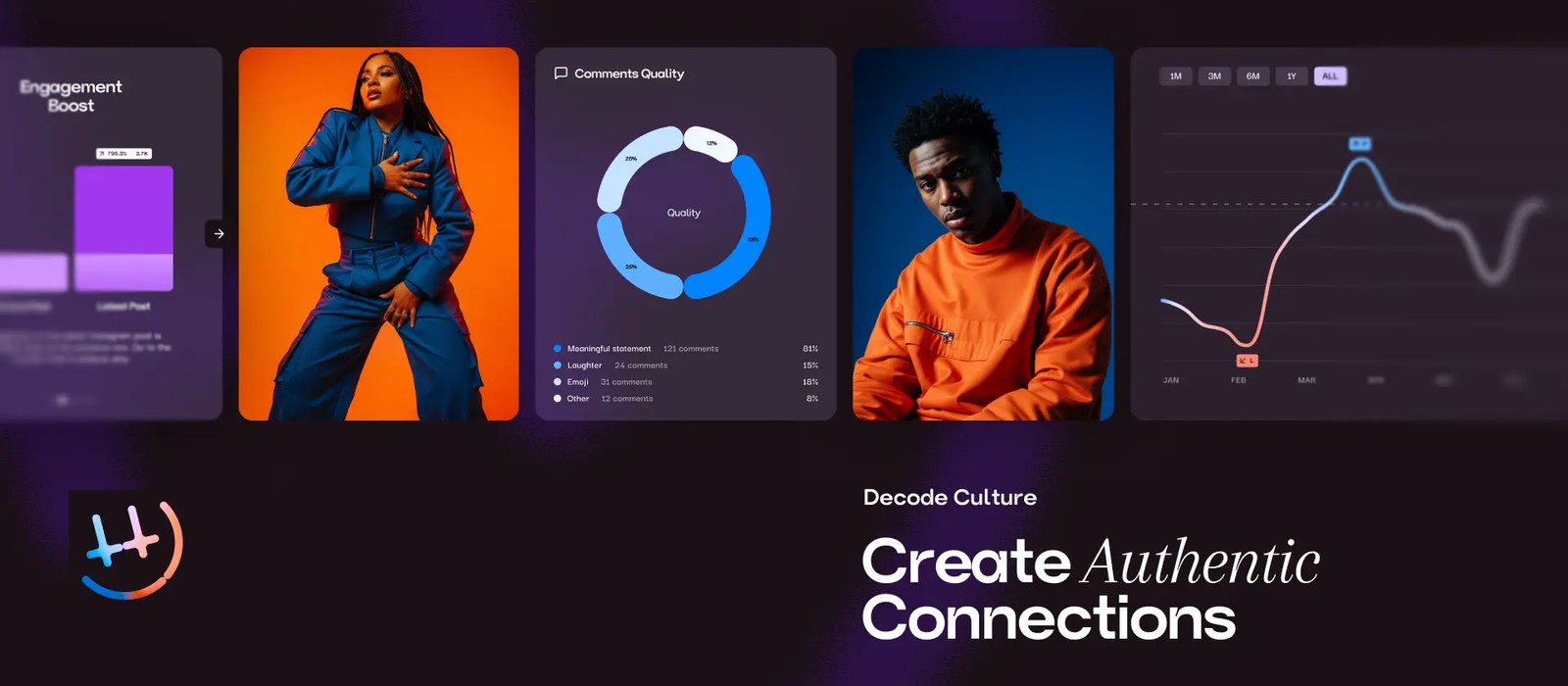
HumanCulture's AI predicts how your Instagram and TikTok posts will land before you post them, from £65 a month
- HumanCulture launched the full version of its platform on October 1, 2026, with an AI creative strategist called Jasper.
- Its first clients include Defected Records, Red Light Management, Armada Big Family, Arketyp, Knox Artists and FourFour Digital.
- It analyses up to 12 months of an artist's Instagram and TikTok posts, about 400 posts, including video, audio, captions and comments.
- 06 Oct
 Tool News & Updates 06 Oct
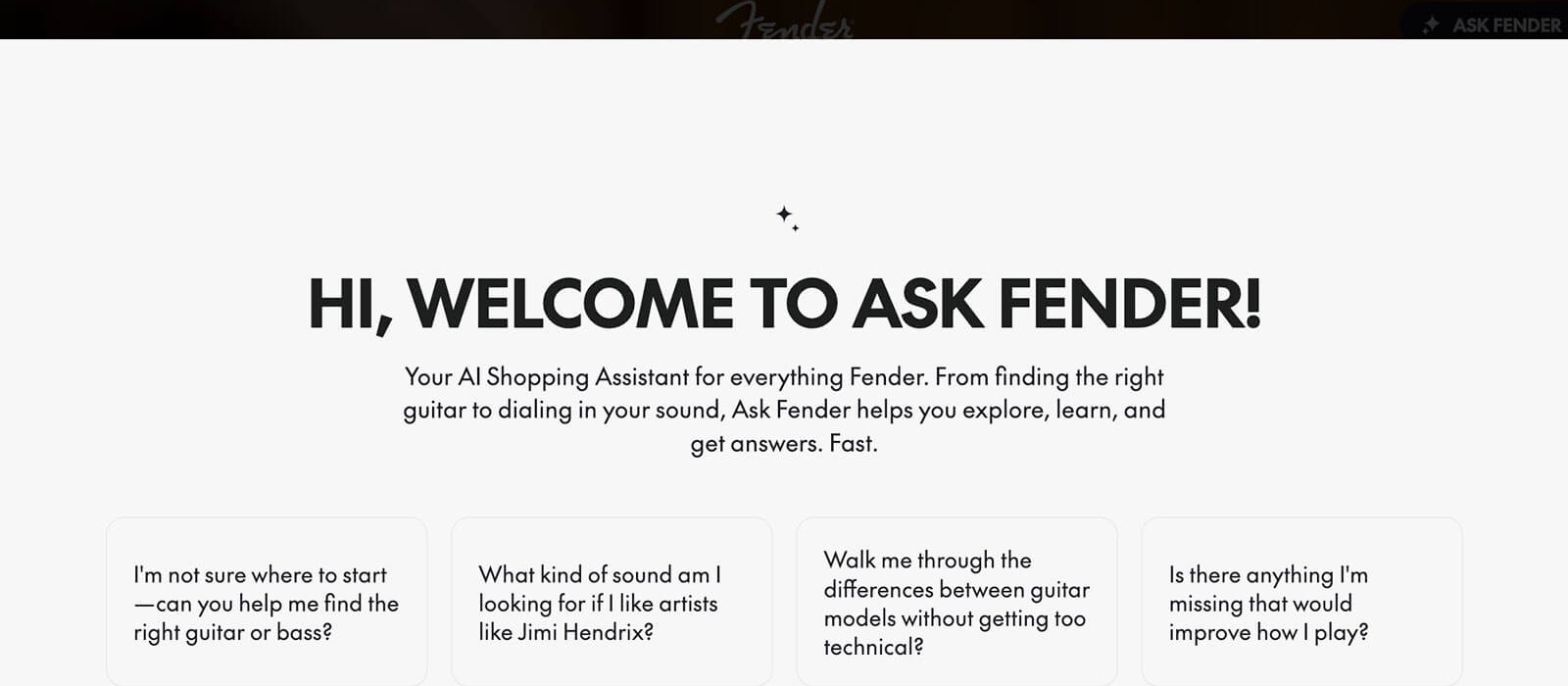
Fender relaunches Fender.com with Ask Fender, an AI shopping assistant that recommends guitars, starting in the US
- Fender relaunched Fender.com on October 5, 2026, with an AI shopping assistant called Ask Fender.
- Ask Fender takes plain-language questions and recommends instruments based on playing style, experience and needs.
- Ask Fender launches in the US first.
-
FREE AI music newsletter
Get this in your inbox — free
- AI Music Briefing — the week's biggest AI music news, the AI Music Lawsuit Tracker, and Music Intelligence.
- 1 tutorial every week — AI music promotion: from a 4-week song-release strategy to a music video in under 10 minutes.
- 06 Oct
 Tool News & Updates 06 Oct
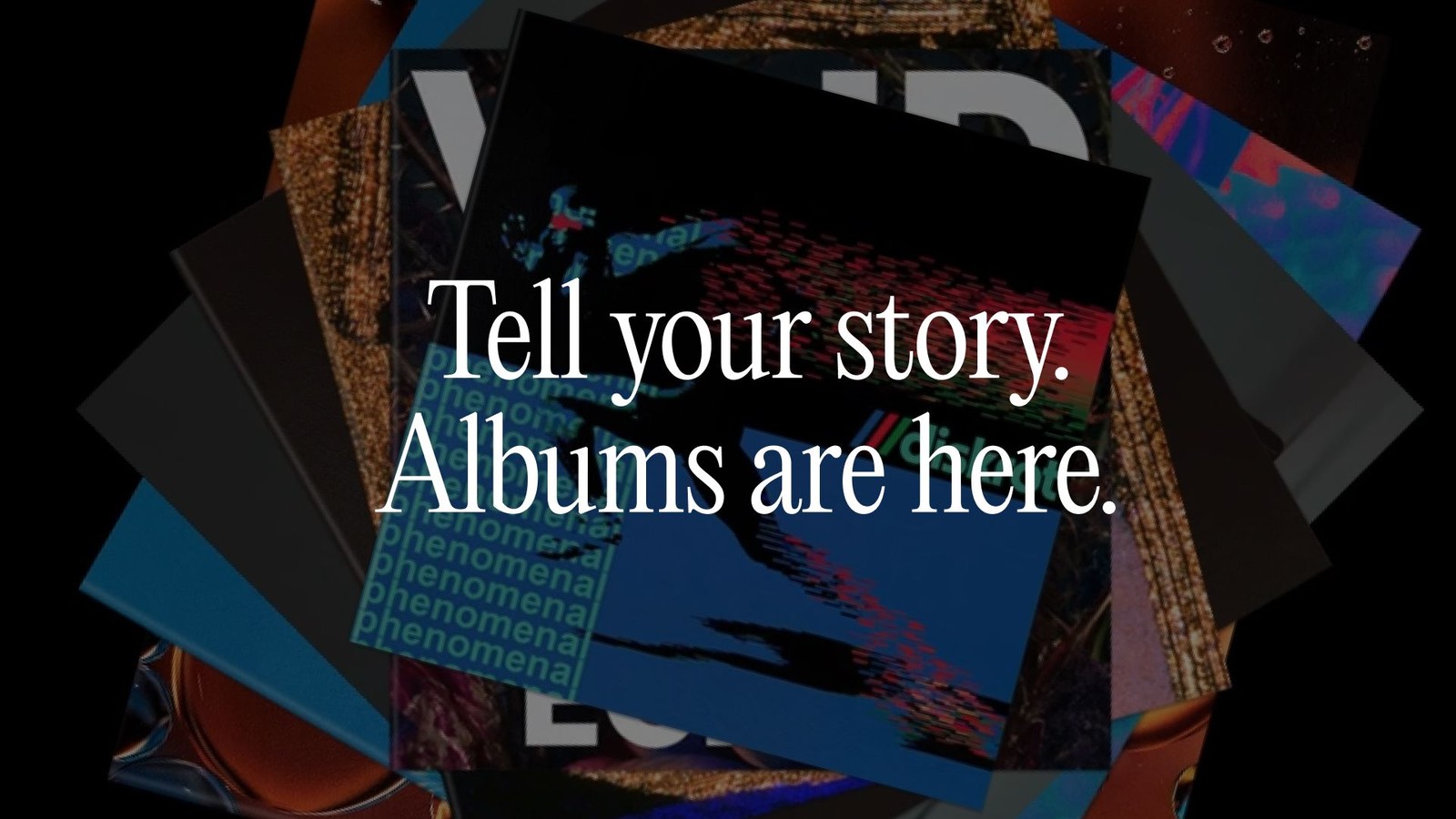
Suno launches Albums, letting you publish an EP or LP on Suno and notify your followers
- Suno launched Albums on October 5, 2026, on web, iOS and Android.
- You can publish a set of your songs as an LP or EP, with a title, description, cover art and track order.
- Your followers get a push notification when you publish an album.
- 05 Oct
 Tutorial 05 Oct
How to make an AI song in Instagram DMs with Meta AI's Create a song
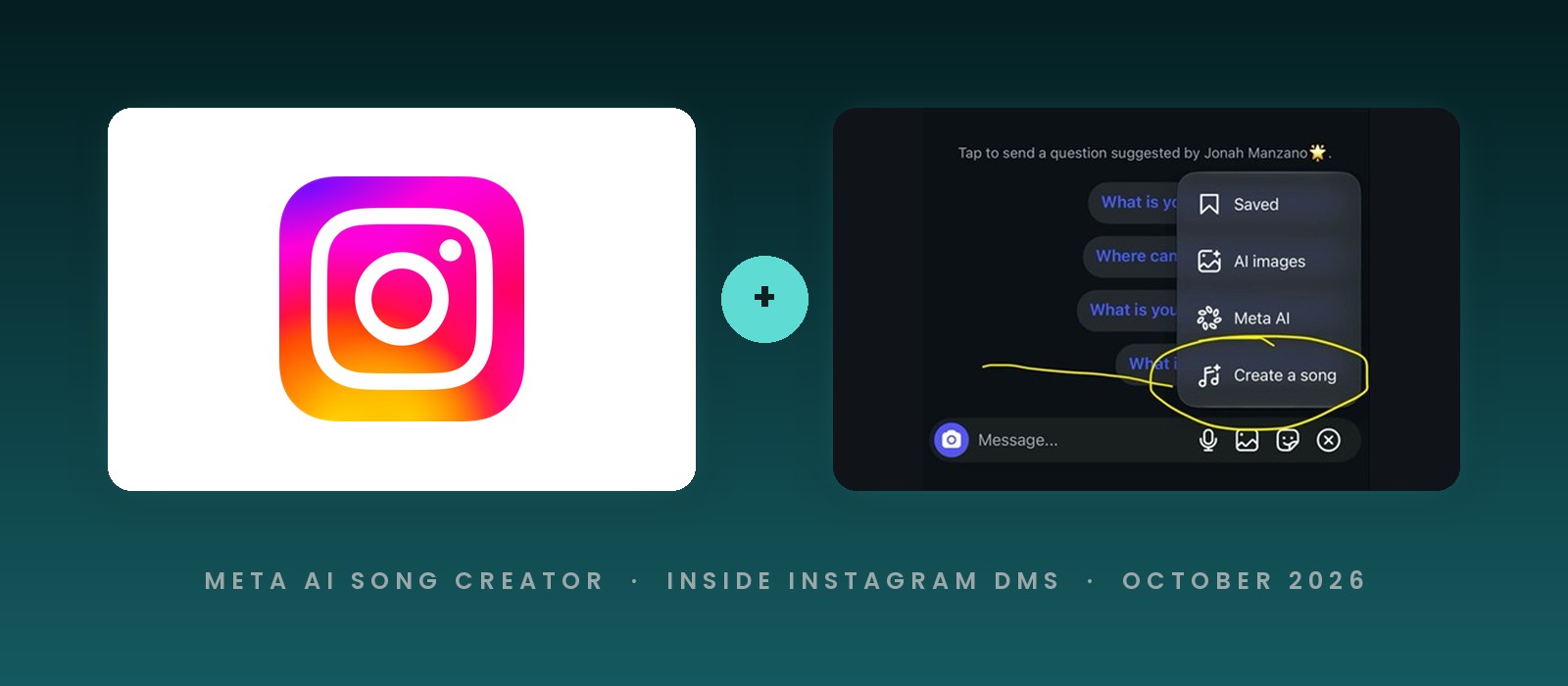
- Instagram's Create a song option lives in the menu at the right end of the message bar inside a DM chat.
- The intro card asks you to type a few words, pick a style, and create a song to send to friends.
- The feature runs on Meta AI, and the card says your interactions are used to improve AI at Meta.
- 05 Oct
 Tool News & Updates 05 Oct
Instagram adds a Meta AI song creator to DMs
- Instagram has added a Create a song option to the menu inside direct messages, next to AI images and Meta AI.
- The intro card reads "Make your words sing" and asks you to type a few words, pick a style and create a song to send to friends.
- The card says your interactions with the feature will be used to improve AI at Meta.
- 05 Oct
 Tool News & Updates 05 Oct
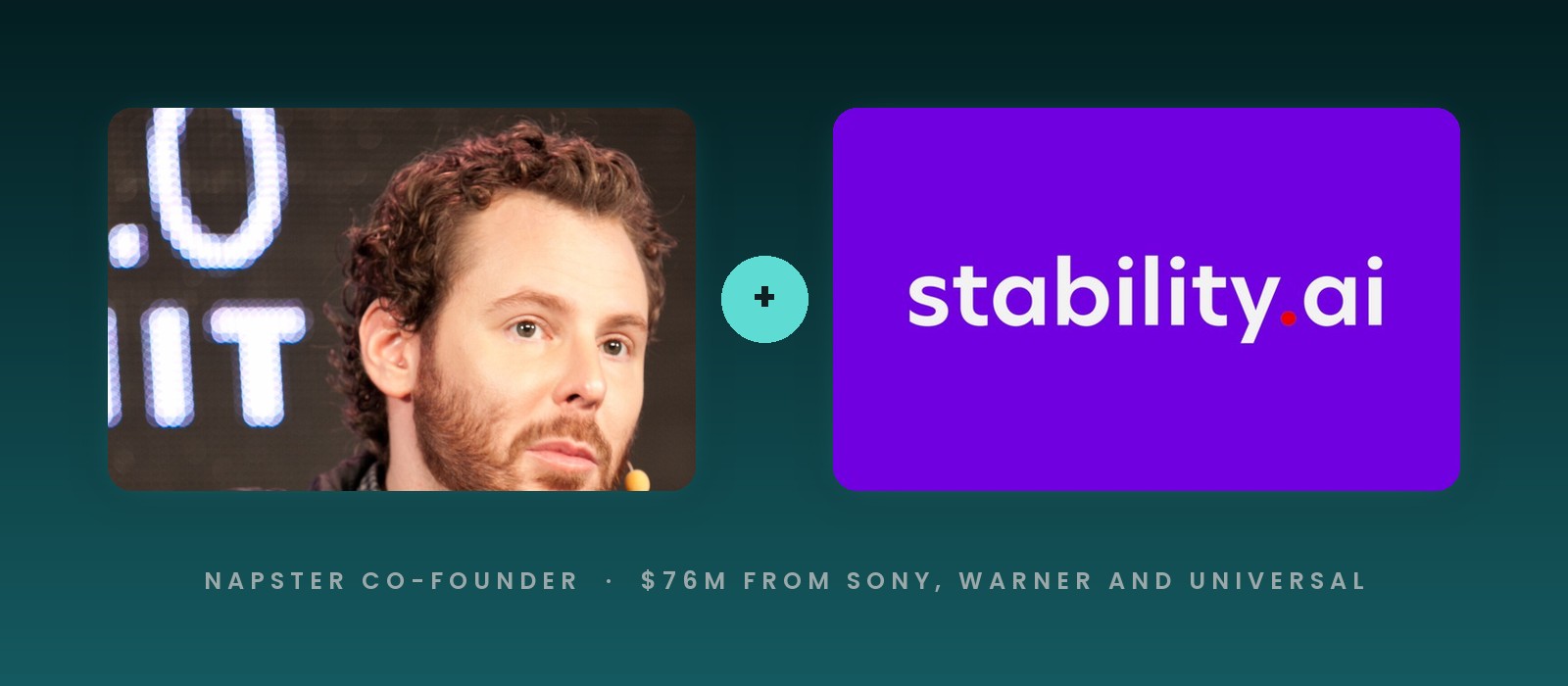
Sean Parker is rebuilding Stability AI around music, and the next update lets you hum or beatbox to steer it
- Napster co-founder Sean Parker told The Information he wants Stability AI to be the go-to AI toolmaker for music professionals.
- Parker joined an $80 million rescue of Stability AI in June 2024 and became its executive chairman, with Prem Akkaraju as CEO.
- Sony, Warner and Universal joined Stability's $76 million round in August 2026 and licensed their catalogs for training.
- 02 Oct
 Tool News & Updates 02 Oct
ElevenLabs closes a $300 million employee tender at a $22 billion valuation, 4 times Suno's
- ElevenLabs said on September 30, 2026 that it closed a $300 million employee tender offer valuing the company at $22 billion.
- That is double the $11 billion valuation of its Series D in February 2026, and about 4 times Suno's $5.4 billion from June.
- Wellington and T. Rowe Price led the tender, and GIC and EQT, both investors in the music business, bought in for the first time.