Suno launches Albums, letting you publish an EP or LP on Suno and notify your followers
My stack My fav 6 tools for AI music after testing 70+
-
 ElevenMusic · Music generation
 -
 Moises · Stem separation
 -
 Controlla · Voice swap & cloning
 -
 Cryo Mix · Mixing + mastering
 -
 Neural Frames · Music videos
 -
 ONCE · Distribution
Some links are affiliate links — I earn a commission at no cost to you. Every tool here is one I run myself and truly believe in. This stack is proven.
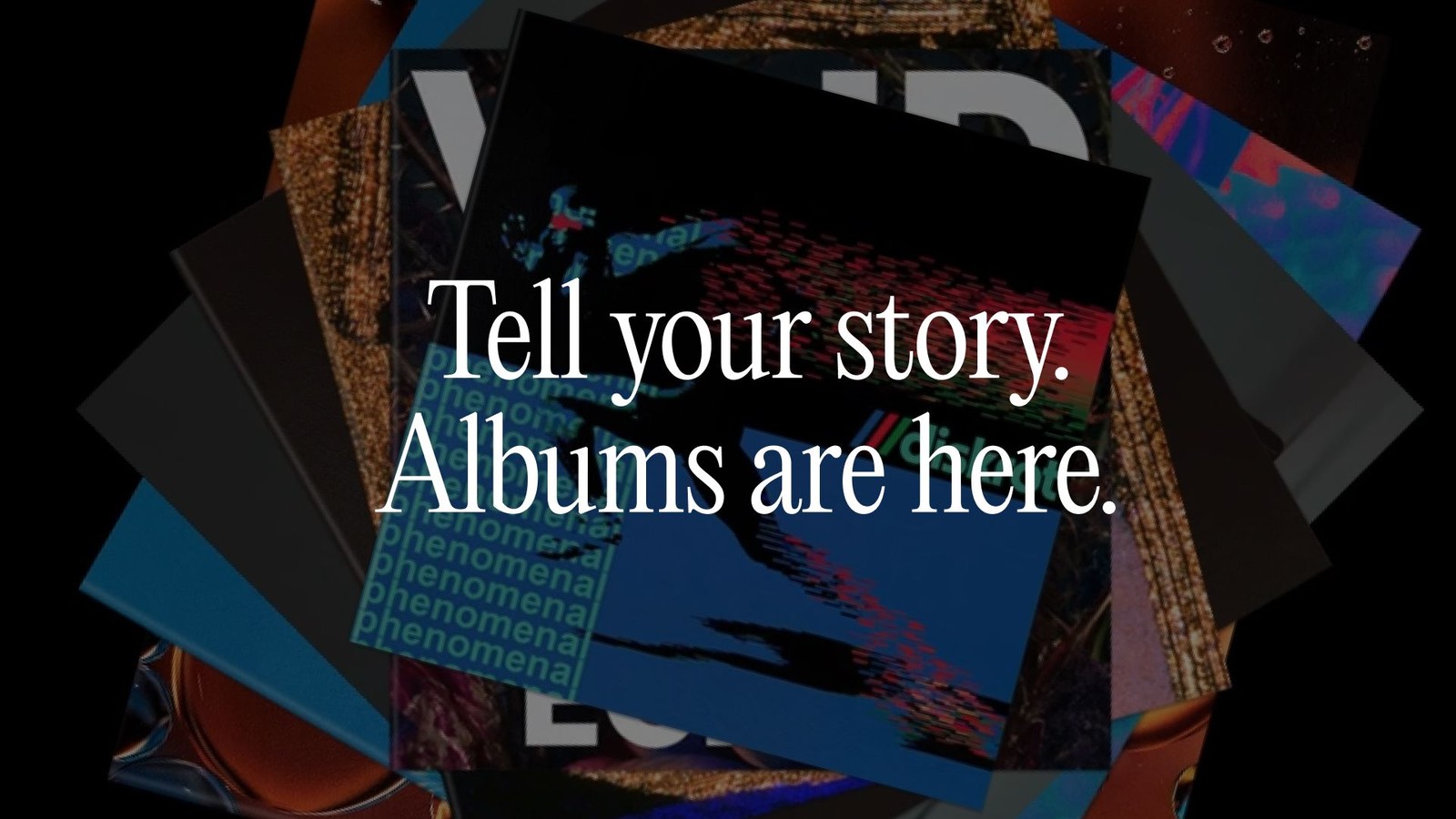
Your Suno songs can now come out as an album. Suno launched Albums on October 5, 2026, on web, iOS and Android, and when you publish one, your followers get a push notification, according to Suno’s release note.
An album gets a title, a description, a cover, a track order and its own release page, and you mark it as an LP or an EP. Until now, the closest thing on Suno was a playlist.
An album is your release. It's built around one artist and a body of work that belongs together with its own artwork, track order, release page, and a more prominent place on your profile.
That’s the difference from a playlist, which can mix songs from different artists.
How Suno Albums works, from draft to publish
Suno’s official tutorial walks through the whole flow. Here it is in 5 steps:
- Start the album. Open your Library, go to the new Albums tab, and give it a title and description. Then pick LP (long play) or EP (extended play).
- Set the cover. Upload artwork you already have, or create cover art inside Suno from a prompt or one of your existing images.
- Add songs. Create new ones from the draft, or pick existing songs from your Library or a playlist. You can search, filter and sort by newest, oldest, most played or most liked.
- Arrange the track order. Every album starts as a draft, and you can share the draft by link to get feedback before release.
- Publish. You get one last look at the title, description, cover and type, plus a switch called “Use album cover for all songs” that puts the album artwork on every track.
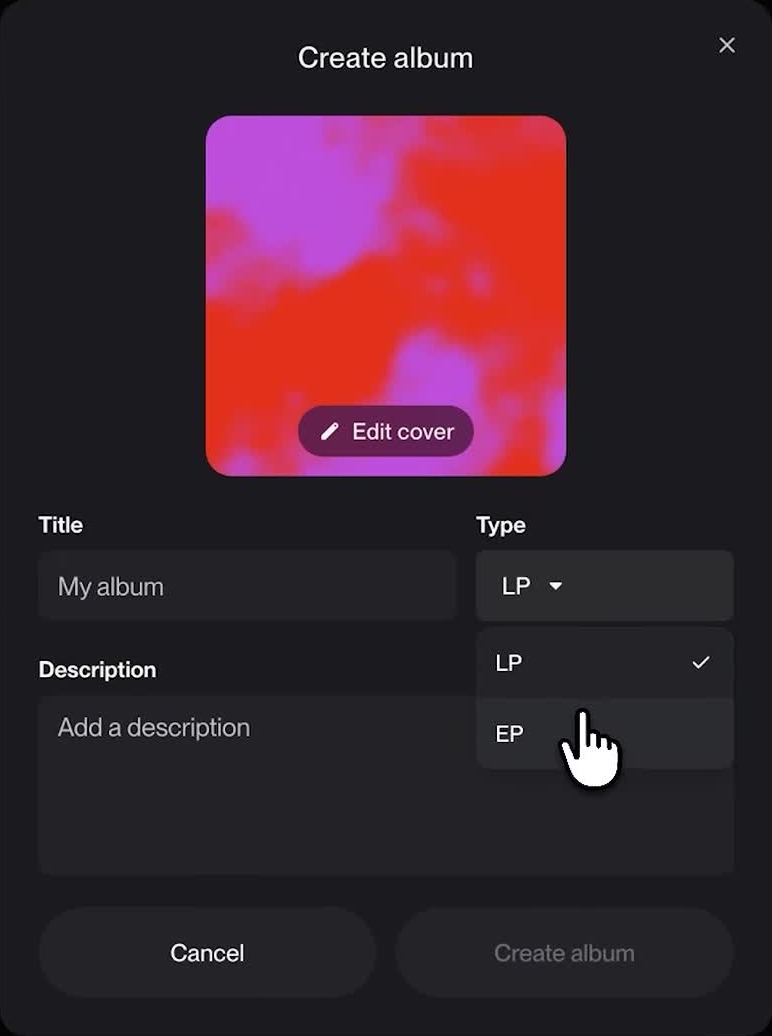
If you’ve been using playlists as unofficial albums, there’s a shortcut. A playlist made of your own songs can be turned into an album draft, and Suno carries the existing cover art over.
What publishing a Suno album does to your songs
The publish screen has one line worth reading twice: “Publishing an album makes every song on it public. This can’t be undone.”
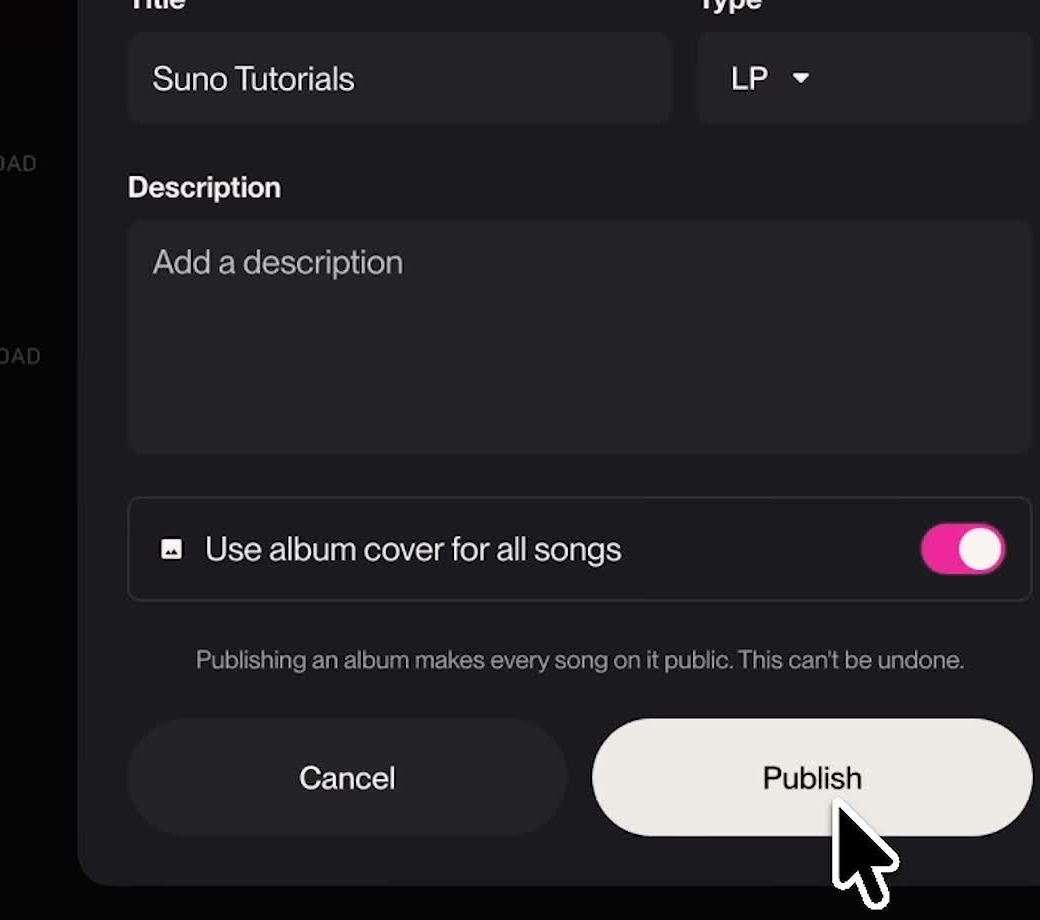
So any song you’ve kept private goes public the moment it lands on a published album. That includes demos, alternate takes and uploads you weren’t planning to share.
Once it’s live, the album has its own release page, its own section in your Library, and it shows up in search and on your profile. You can still edit the details, reorder the tracks, and add or remove songs after release.
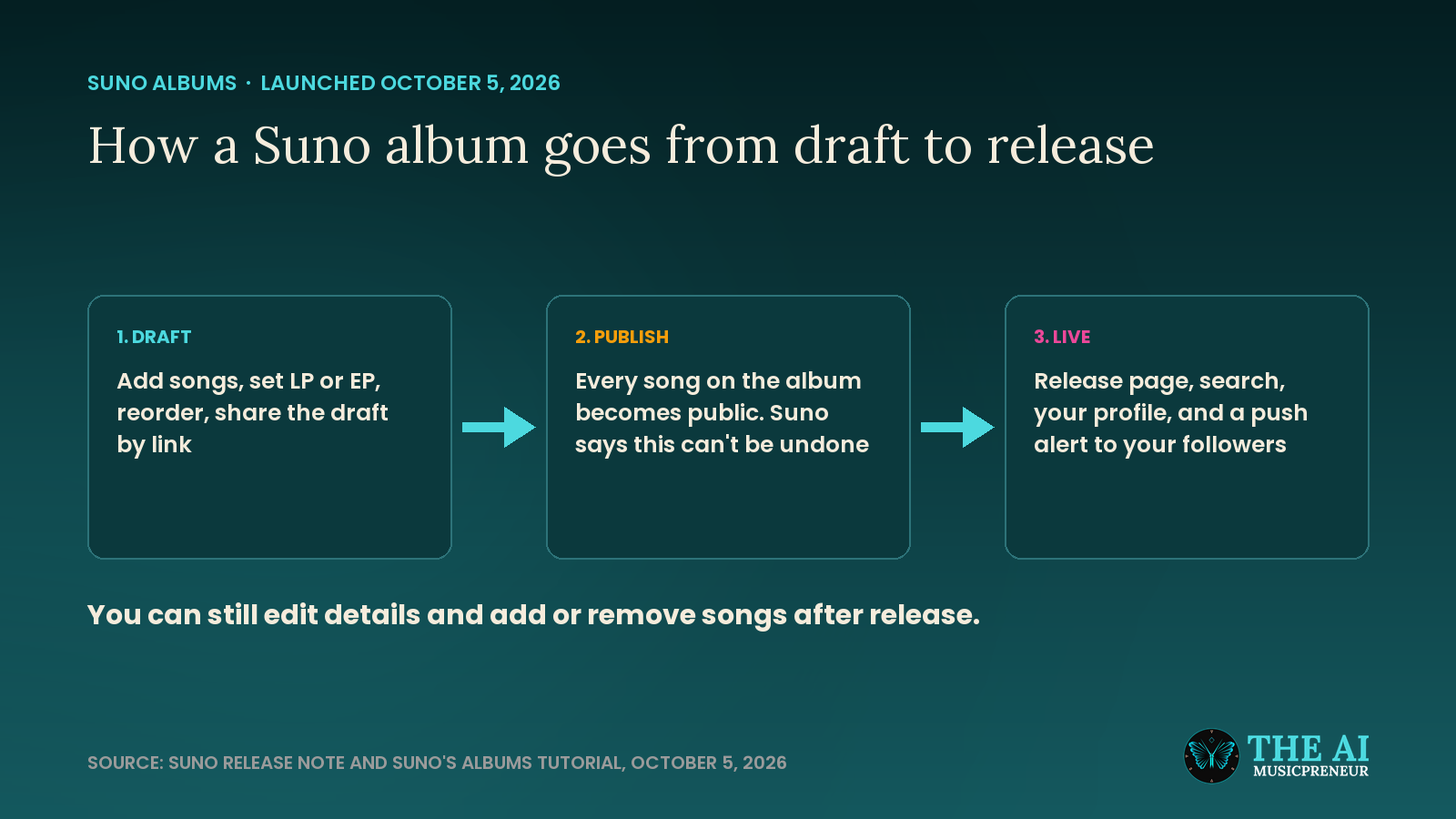
Albums live on Suno. Neither the release note nor the tutorial mentions sending an album to Spotify, Apple Music or anywhere else, so a release there still runs through a distributor. And that means downloads, which Suno capped on September 3 at 20 a month on Pro and 60 on Premier. A 12-track LP uses 12 of Pro’s 20.
Public or private, every song you make sits under the same perpetual license in Suno’s terms. Italy’s competition authority opened an investigation into those terms the day after Albums launched.
Suno hasn’t said which plans can publish albums, how many tracks an EP or LP can hold, or what size the cover should be.
Albums also follows a run of listening features on Suno: Apple CarPlay and Android Auto in May, offline playlists in August, and Speech on October 1. Producer Thomas Foster, who tested Albums before launch, put it this way in his walkthrough (in German): if you only generate songs on Suno and download them, the difference from a playlist is small, and it gets interesting once you treat Suno itself as a music platform.
His own album on Suno runs through nearly 60 years of pop, from 1967 to 2026. Yours can go up today, as long as you’re ready for every song on it to be public.
Frequently asked questions
How do you make an album on Suno?
Open your Library, go to the Albums tab and create a new album with a title, description, cover and LP or EP type. Add songs from your Library or a playlist, arrange the track order, then publish when the draft is ready.
Does publishing a Suno album make all its songs public?
Yes. Suno's publish screen says publishing an album makes every song on it public and that this can't be undone. Check the track list for private demos or alternate takes before you publish.
Can you turn a Suno playlist into an album?
Yes, if the playlist is made of your own songs. Suno creates an album draft from the playlist and carries the existing cover art over, and you can then reorder songs and edit details before publishing.
Does Suno Albums release your album to Spotify or Apple Music?
Suno's release note and tutorial only describe publishing the album on Suno, with a release page, search listing and follower notification. A release on Spotify or Apple Music still goes through a distributor, using the songs you download from Suno.
About the author

Covering AI music tools, industry shifts, and news for music creators and professionals. Twice-weekly newsletter at aimusicpreneur.com.