
How to make an AI song in Instagram DMs with Meta AI's Create a song
My stack My fav 6 tools for AI music after testing 70+
-
 ElevenMusic · Music generation
 -
 Moises · Stem separation
 -
 Controlla · Voice swap & cloning
 -
 Cryo Mix · Mixing + mastering
 -
 Neural Frames · Music videos
 -
 ONCE · Distribution
Some links are affiliate links — I earn a commission at no cost to you. Every tool here is one I run myself and truly believe in. This stack is proven.
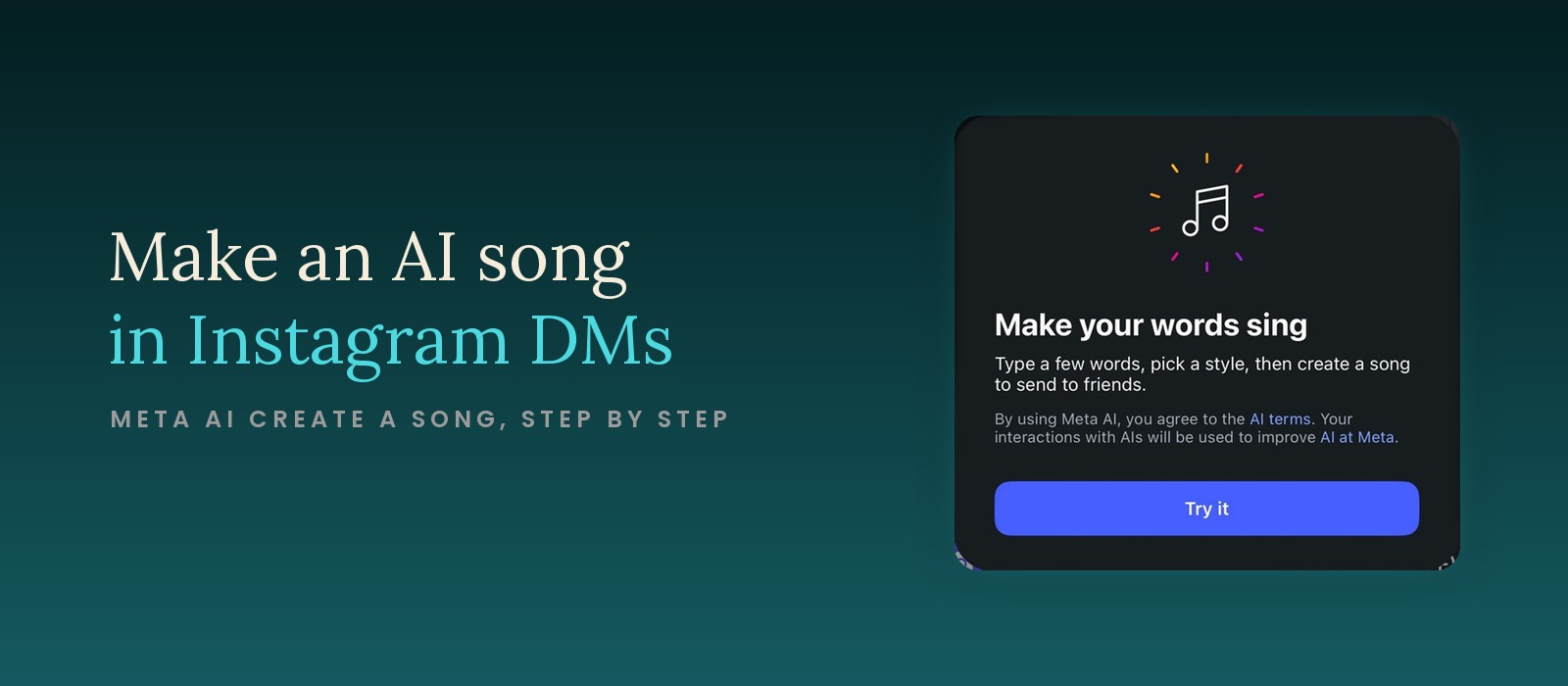
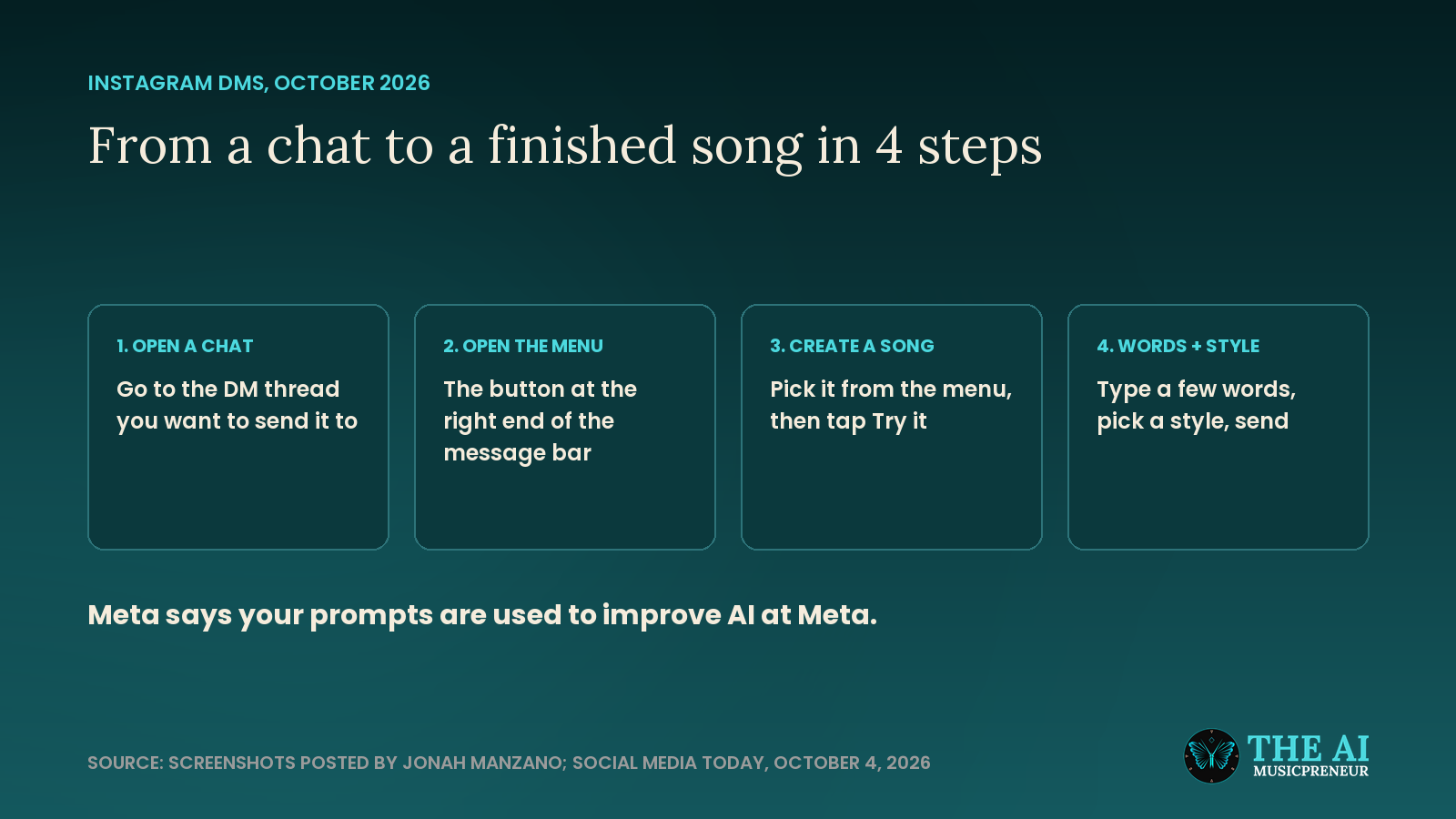
To make an AI song in Instagram DMs, open a chat, tap the menu at the right end of the message bar, pick Create a song and tap Try it. Then type a few words, pick a style, and send the song.
That’s the whole feature. Instagram has added it to DMs, it runs on Meta AI, and it’s built for one thing: a quick song for a friend, made inside the chat you’re already in.
The screenshots in this guide come from creator Jonah Manzano, who posted the first look at the feature, and Social Media Today described the flow on October 4, 2026. Meta hasn’t published its own guide, so I’ve kept the steps to what’s on screen.
What you need before you make a song in Instagram DMs
You don’t need much, and you don’t need any music experience:
- The Instagram app, updated to the latest version.
- The Create a song option on your account. Meta hasn’t announced a rollout schedule, so not everyone has it yet.
- A chat to send it to. The song gets made inside a DM thread.
- A few words. A joke, a birthday line, a lyric you’ve been sitting on.
I haven’t seen a price anywhere. The intro card only shows a Try it button, which is different from Snapchat, where the same idea sits behind the paid Lens+ plan.
Why make a song in Instagram DMs instead of in Suno?
Speed and context. You’re already in the chat, the song is for that person, and it takes a few taps.
Suno is still the tool for a song you want to keep, edit or release. It gives you full lyrics control, styles, stems and a library, and my tested list of AI music generators covers the rest.
So pick Instagram for a message and Suno for music. Here’s how the Instagram side works.
Step 1: Open the Instagram chat you want to send the song to
Open Instagram, tap the messages icon, and open the DM thread with your friend. The song gets made and sent in this chat, so start in the right one.
Success check: you see the chat and the message bar at the bottom of the screen.
Step 2: Open the menu at the right end of the Instagram message bar
Tap the button at the right end of the message bar. A menu opens above it with 4 options: Saved, AI images, Meta AI and Create a song.
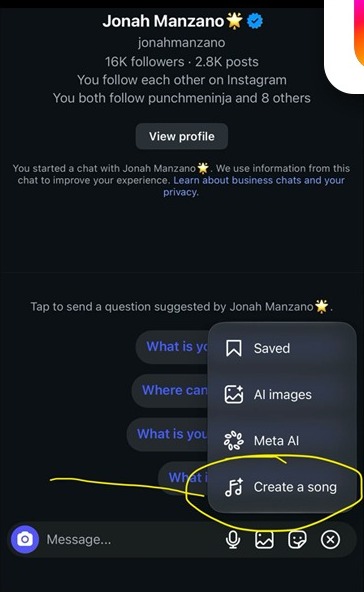
Watch for this: while the menu is open, that button turns into an X. Tapping it again closes the menu.
Success check: you see Create a song at the bottom of the list.
Step 3: Tap Create a song, then Try it
Tap Create a song. An intro card opens with the headline “Make your words sing” and one line of instructions: “Type a few words, pick a style, then create a song to send to friends.”
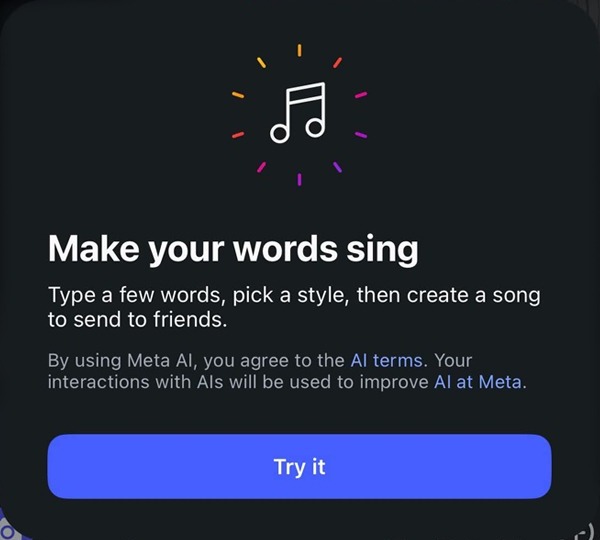
Read the small print before you tap: “By using Meta AI, you agree to the AI terms. Your interactions with AIs will be used to improve AI at Meta.” So whatever you type here helps train Meta’s AI.
Success check: you tap Try it and the next screen asks for your words.
Step 4: Type a few words and pick a style for your Instagram song
Type the words you want sung. Social Media Today says you can enter your own lyrics, and then you choose a music genre for the track.
Pro tip: short lines with a clear rhyme give an AI singer an easier structure to follow than one long sentence. Name the person and one detail they’ll recognise.
Success check: your words are in and a style is selected.
Step 5: Create the song and send it in the Instagram chat
Create the song, listen back, and send it into the chat.
Meta hasn’t documented what happens after you tap create: how long the song runs, whether you can try again, or whether you can save it outside the chat. If you get a version you like, send that one.
What stops Instagram’s Create a song from working, and how do you fix it?
A few things are likely to trip people up while the feature is new:
- No Create a song in the menu. Update Instagram from your app store. If it’s still missing, your account doesn’t have the feature yet.
- The menu doesn’t open. Make sure you’re inside a chat thread and tap the button at the far right of the message bar.
- Personal details in your words. Your input is used to improve AI at Meta, so leave out anything you wouldn’t post publicly.
How do you get better songs out of Instagram’s Create a song?
Treat it like a voice note, not a production session:
- Write in short lines. A few words is what the card asks for.
- Match the style to the message. A birthday line and a breakup joke want different genres.
- Keep it personal. Inside jokes land better than generic lyrics, which is the whole point of sending it in a DM.
Is Instagram’s Create a song good enough for real music?
For a friend, yes. For a release, no. Meta hasn’t said which model makes these songs, what it was trained on, or what rights you get to the result. My write-up of Instagram’s new Create a song feature covers what’s still missing.
Make your first one tonight for someone’s birthday, and keep your real songs in a tool whose terms you’ve actually read.
Frequently asked questions
Why don't I see Create a song in my Instagram DMs?
Meta hasn't announced a rollout schedule, so the option isn't on every account yet. Update the Instagram app first. If it still isn't in the menu at the right end of the message bar, your account doesn't have the feature yet.
How is Instagram's Create a song different from Snapchat's Chat to Song?
Snapchat's Chat to Song turns a message that's already in the chat into lyrics, and it's only for paying Lens+ subscribers. Instagram's Create a song lets you type your own words first and then pick a style.
Can you use a song made in Instagram DMs as a release on Spotify?
Meta hasn't said what rights you get to songs made with Create a song or what the model was trained on. Until it does, treat these songs as messages for friends, and make release material in a tool whose terms cover commercial use.
About the author

Covering AI music tools, industry shifts, and news for music creators and professionals. Twice-weekly newsletter at aimusicpreneur.com.
