
AI Music Tools News
Hands-on coverage of AI music tools, vetted for musicians.
- 19 Aug
 Tutorial 19 Aug
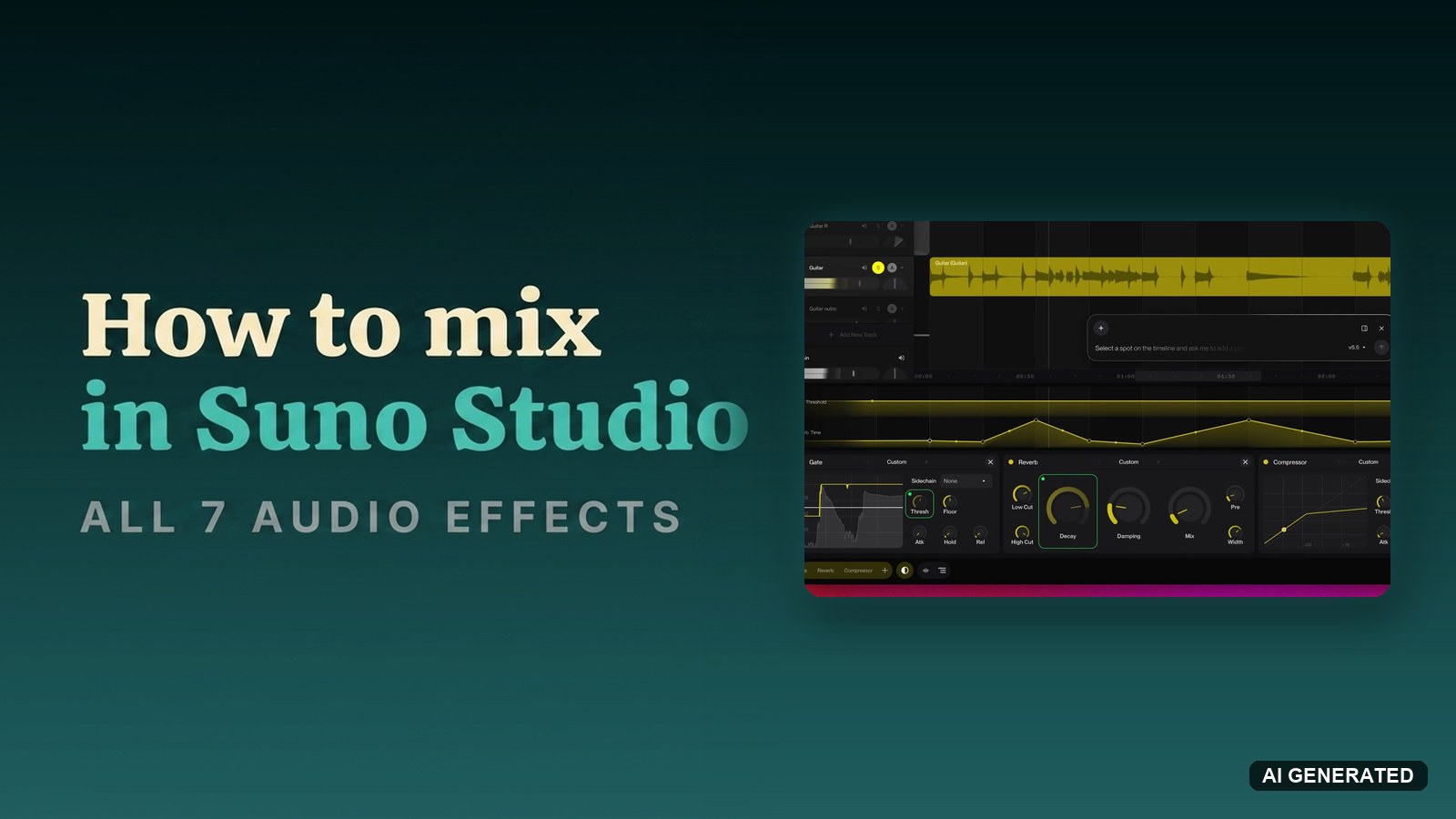
How to mix a track in Suno Studio with all 7 audio effects
- Suno Studio 2.0 ships 7 built-in audio effects: compressor, EQ, reverb, convolution, delay, gate and distortion.
- Suno Studio is not compatible with VST or Audio Units plugins. The chat bar builds custom effects instead.
- Sidechain compression, per-band EQ and impulse-response convolution cover the core of a conventional mixing chain.
- 19 Aug
 Tutorial 19 Aug
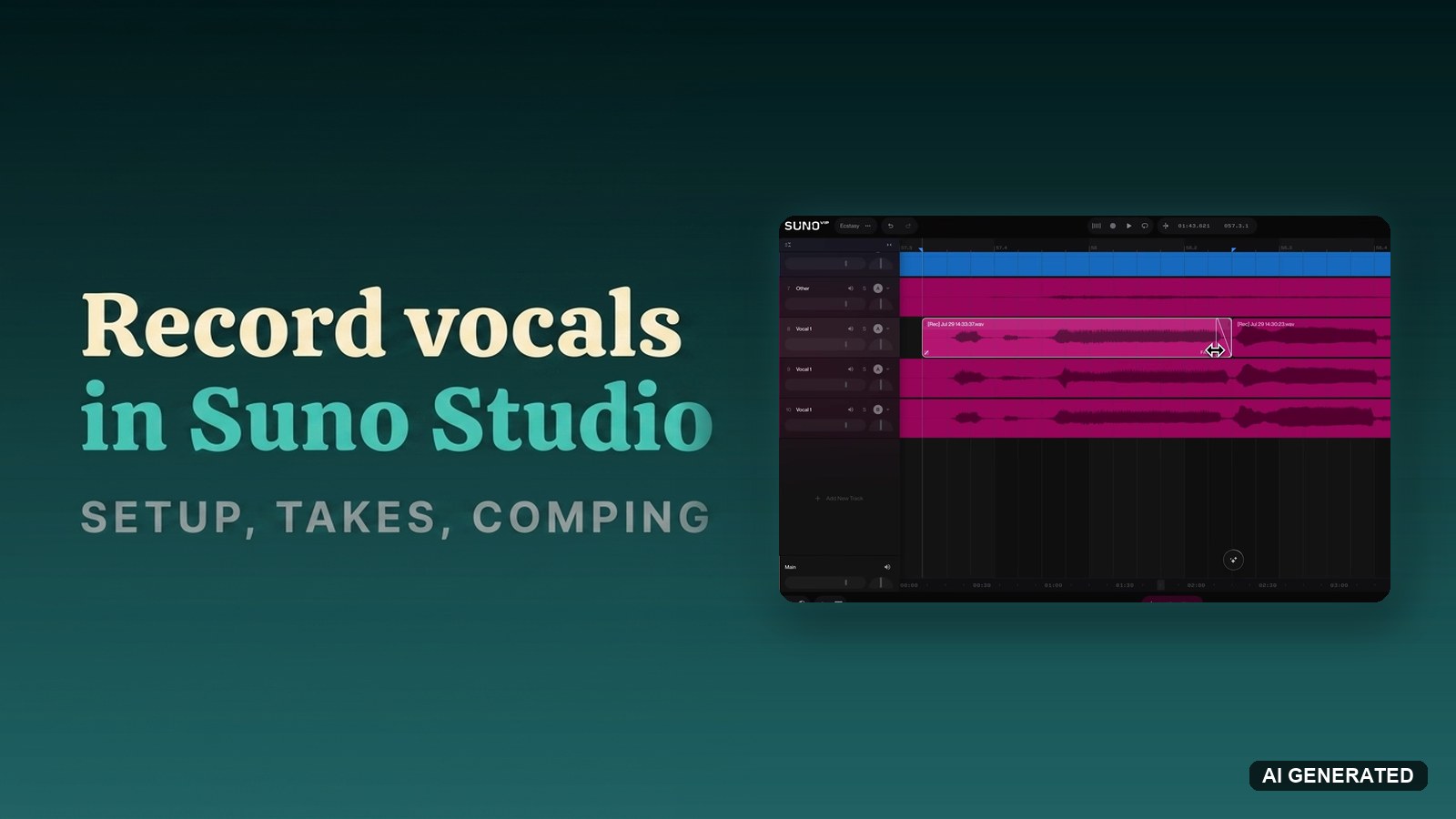
How to record vocals in Suno Studio: setup, takes and comping
- Suno Studio 2.0 records real audio with input selection, latency calibration, count-in, pre-roll and up to 2 simultaneous inputs.
- Take lanes stack repeated passes under one clip, so you comp the best phrases into a single vocal.
- Latency calibration measures your setup's round-trip delay with a click test, keeping takes on the grid.
- 19 Aug
 Tutorial 19 Aug
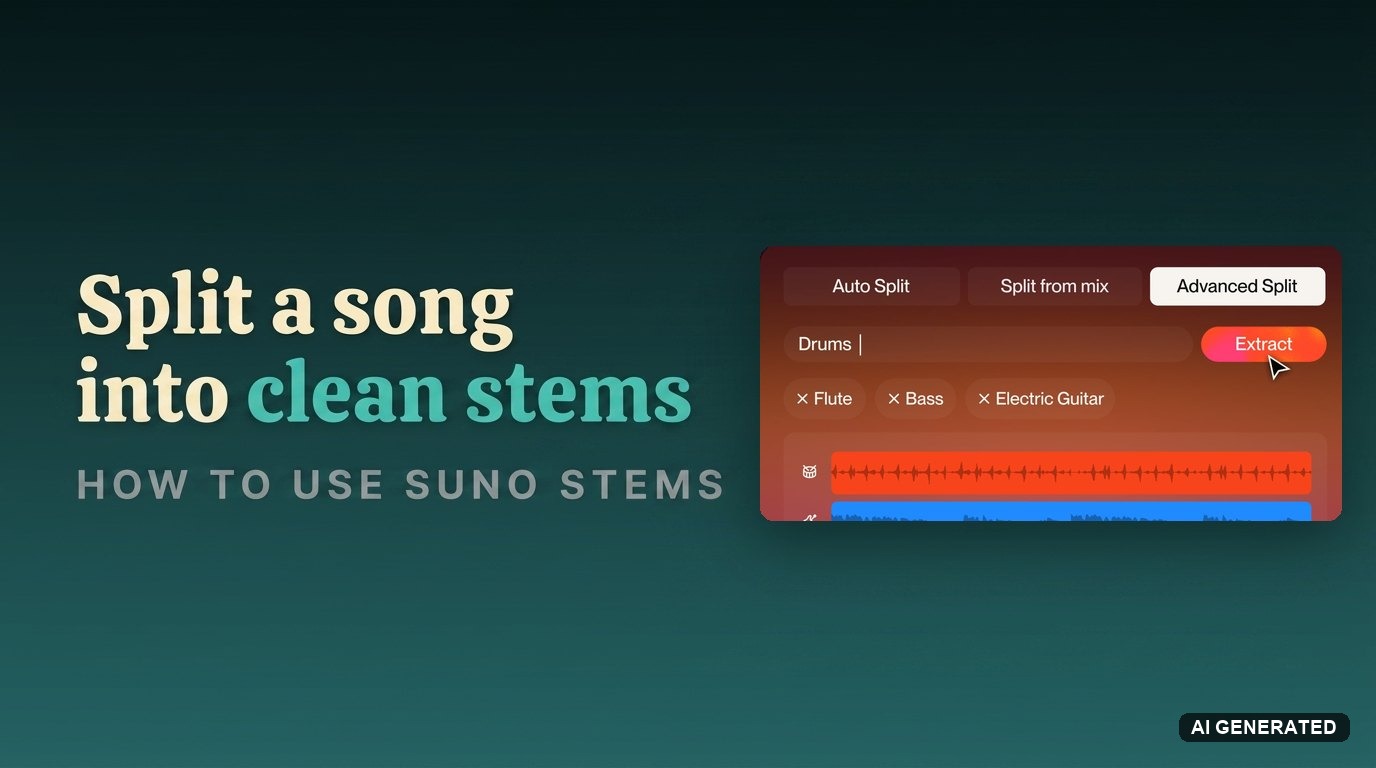
How to separate stems in Suno: Auto Split, Split from Mix, Advanced Split
- Suno's stem update adds three modes: Auto Split (classic 12 stems), Split from Mix (one instrument plus a backing track), and Advanced Split (regenerated custom stems).
- Advanced Split rebuilds each stem from scratch with Suno's latest model, so the output is cleaner and free of the bleed you get from frequency filtering.
- Advanced Split lets you target close to 100 instruments, down to a single violin, 808, or didgeridoo.
- 19 Aug
 Tutorial 19 Aug
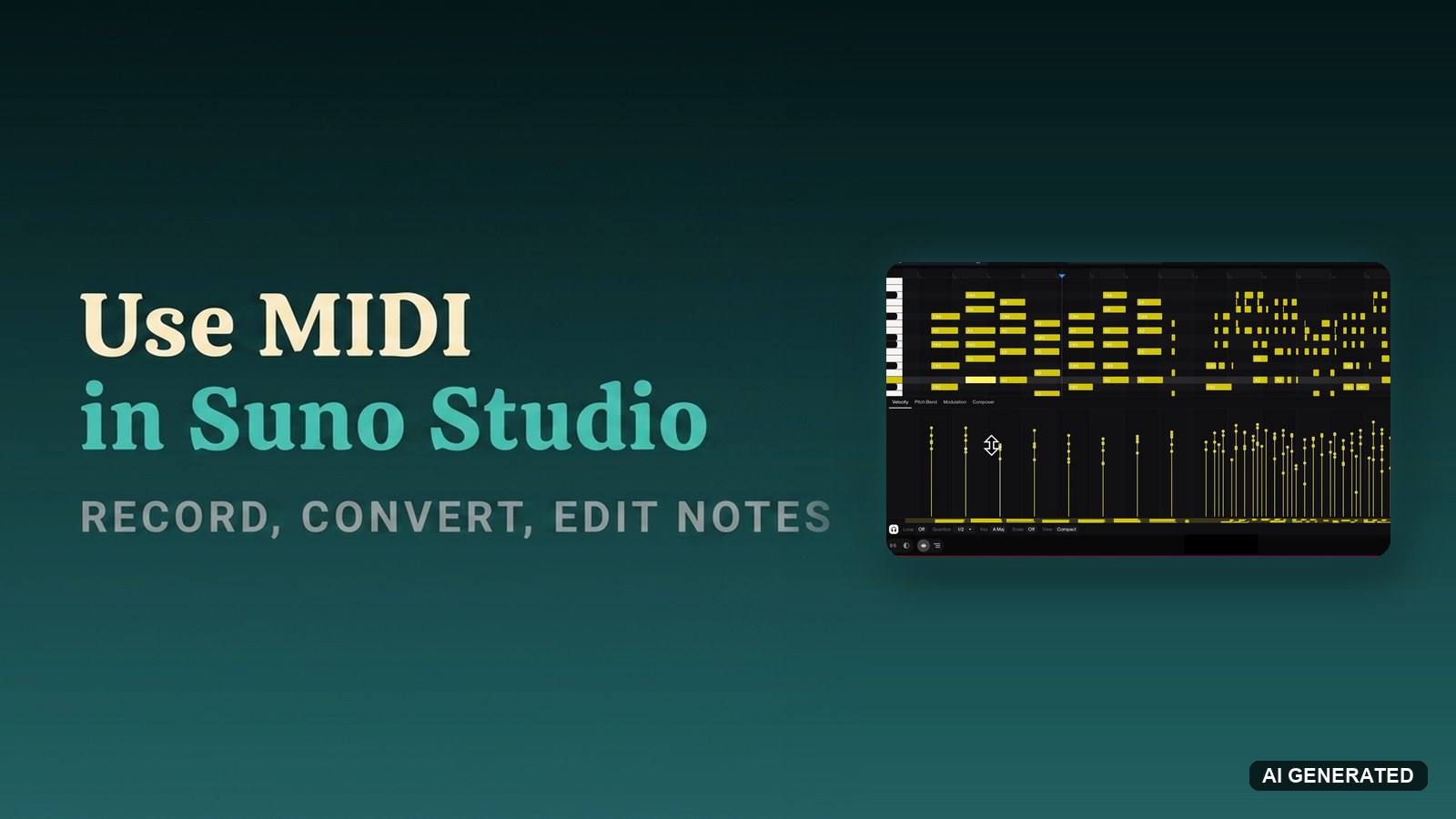
How to use MIDI in Suno Studio: record, convert and edit notes
- Suno Studio 2.0 records MIDI from a USB controller or through musical typing on your computer keyboard, with a built-in arpeggiator. There is no separate chord mode button: hold keys together and drag the chord onto the timeline.
- MIDI runs in both directions: the chat bar covers a MIDI clip as real instrument audio, and Convert to MIDI turns any audio clip into editable notes.
- Scale mode locks the piano roll to your song key, and quantise snaps recorded notes to the grid.
- 19 Aug
 Tool News & Updates 19 Aug
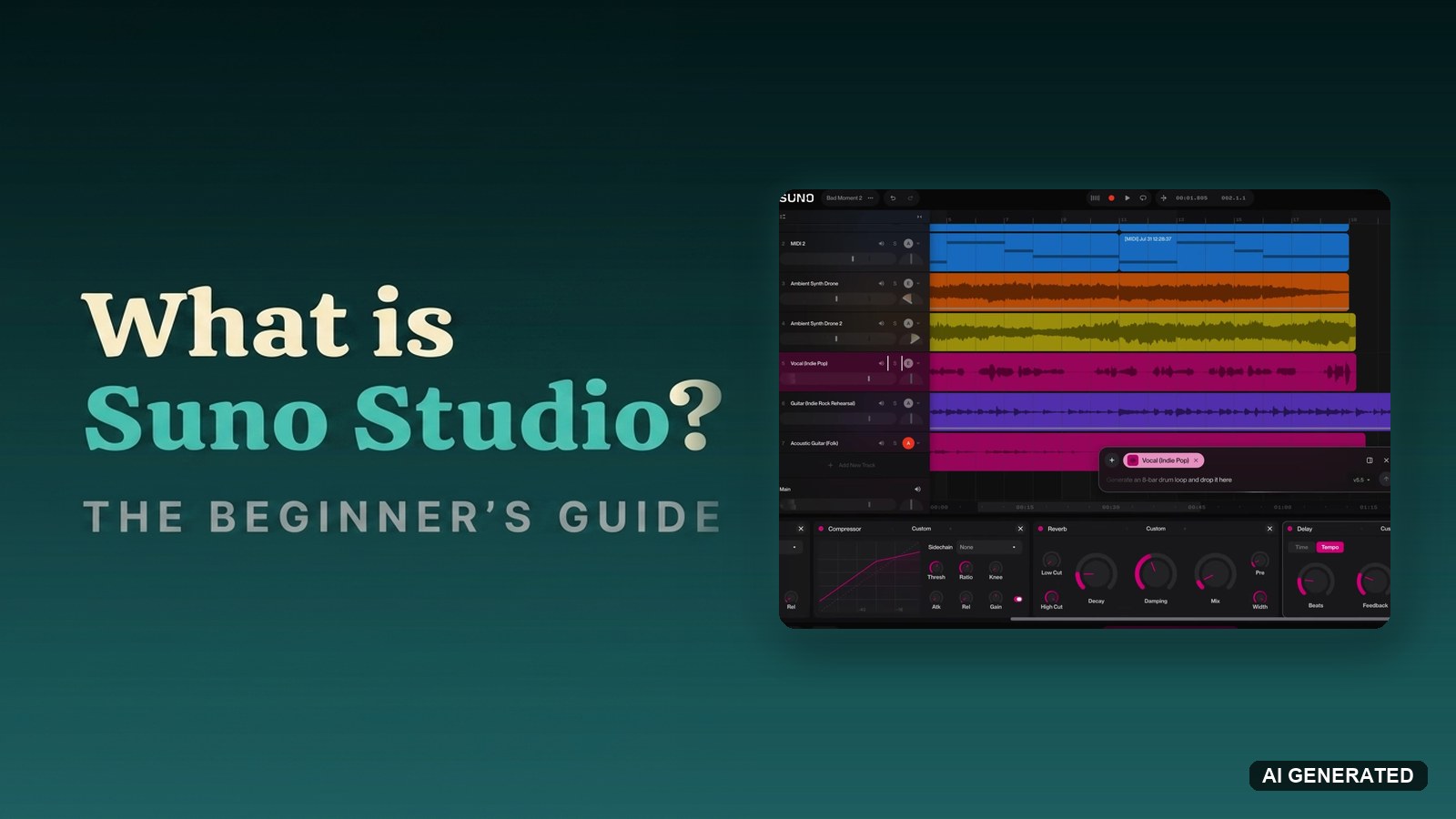
What is Suno Studio? A beginner's guide to Suno's browser DAW
- Suno Studio is a browser-based DAW included in Suno's Premier plan at $24 a month on annual billing.
- Studio 2.0 shipped on August 13, 2026 with MIDI recording, a wavetable synth, 7 audio effects, automation and a chat bar that edits your session.
- You need Chrome on a desktop, laptop or tablet with at least a 768px screen. Web MIDI does not work in Safari.
- 18 Aug
 Tool News & Updates 18 Aug
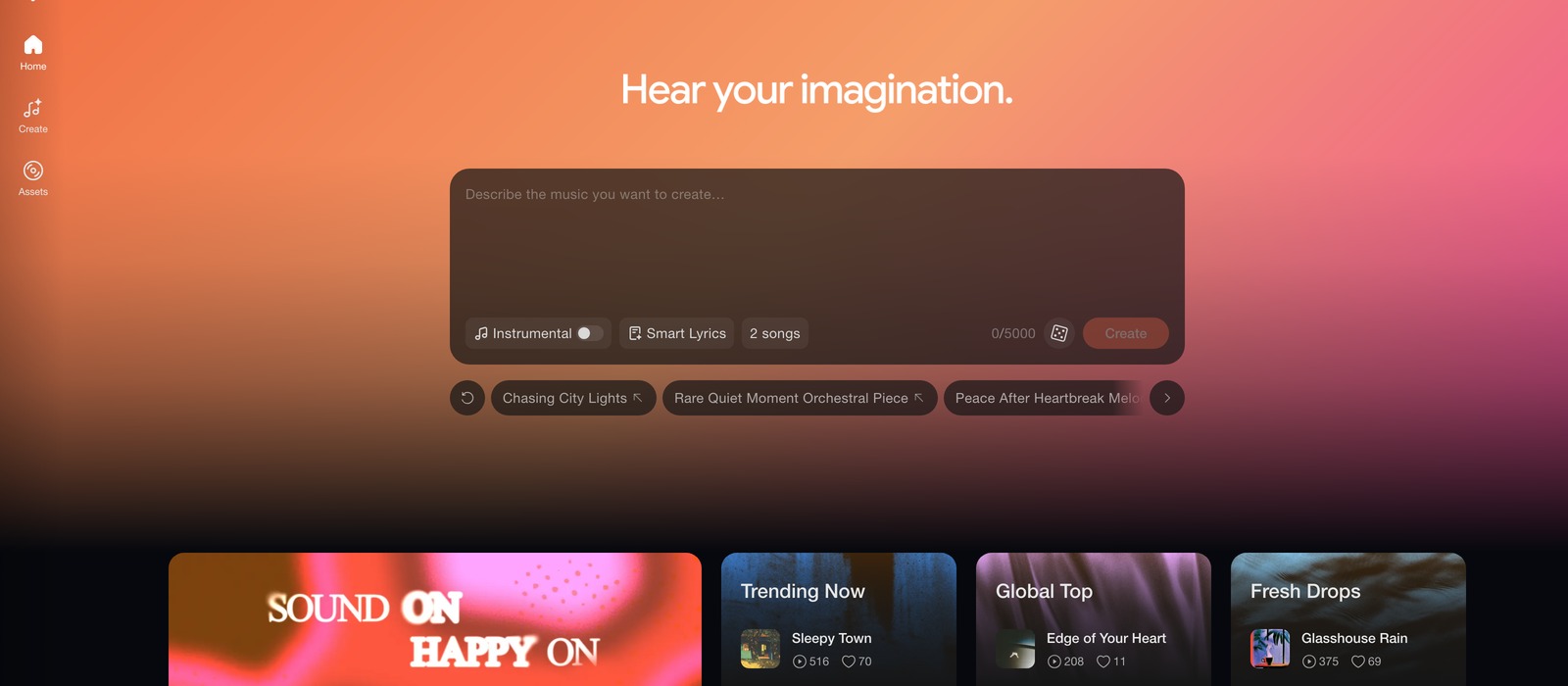
Alibaba launched HappyShrimp 1.0 with a record label already attached to it
- Alibaba put HappyShrimp 1.0 into beta on Monday, August 17, 2026.
- A written prompt returns a finished song with melody, arrangement, lyrics and vocals, and users can supply their own lyrics or request an instrumental instead.
- Taihe Music Group, the Chinese label group behind Taihe Rye Music and Ocean Butterflies, signed on at launch for artist co-creation and content development.
- 18 Aug
 Tool News & Updates 18 Aug
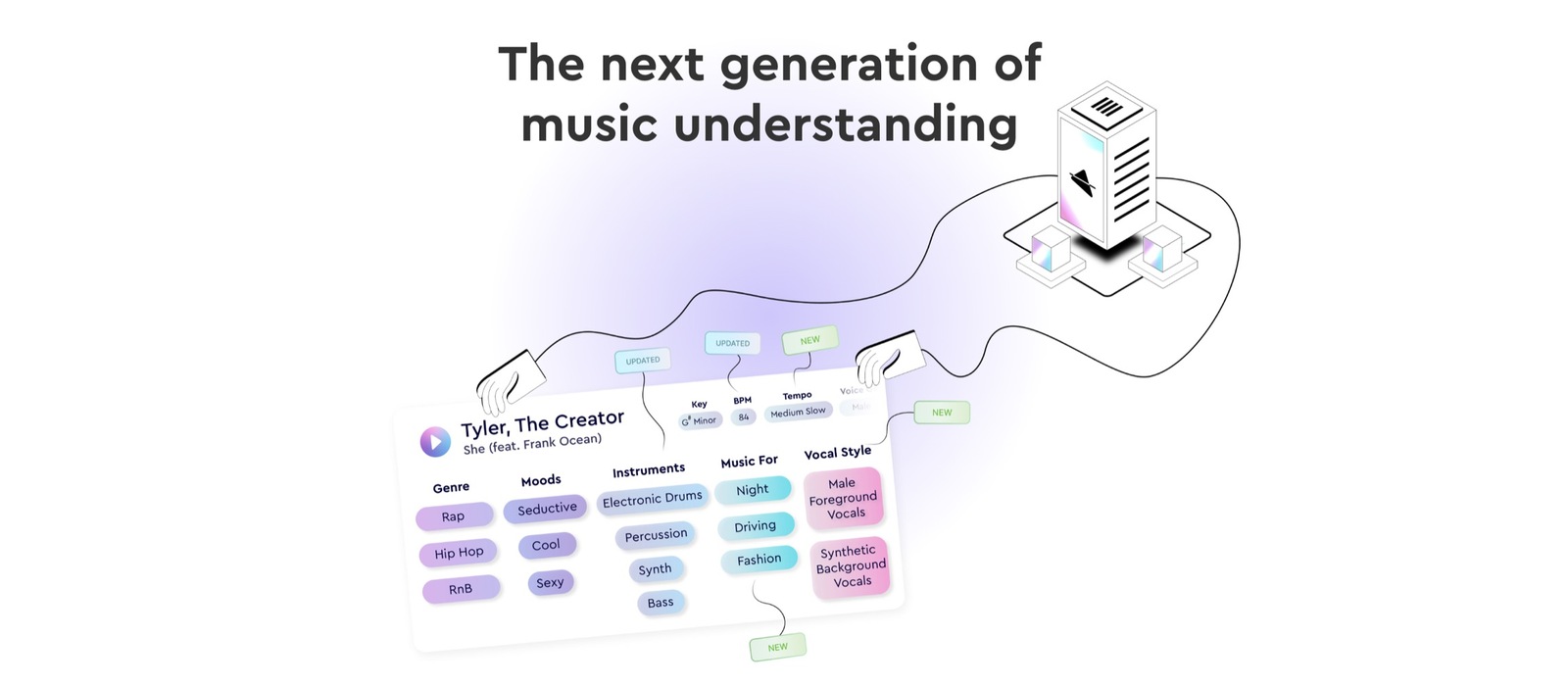
Cyanite's Tagging 2.0 reads a track every 10 seconds and turns catalogues into something an LLM can query
- Cyanite announced Tagging 2.0 from Berlin on August 18, 2026.
- New models cover Lyric Analysis, Tempo, Vocal Style, Music For and Use Case, and Structural Segmentation, with BPM and Instruments significantly improved.
- Tagging granularity moved from 15-second to 10-second segments, producing up to 2,500 data points per minute of music.
-
FREE AI music newsletter
Get this in your inbox — free
- AI Music Briefing — the week's biggest AI music news, the AI Music Lawsuit Tracker, and Music Intelligence.
- 1 tutorial every week — AI music promotion: from a 4-week song-release strategy to a music video in under 10 minutes.
- 17 Aug
 Tool News & Updates 17 Aug
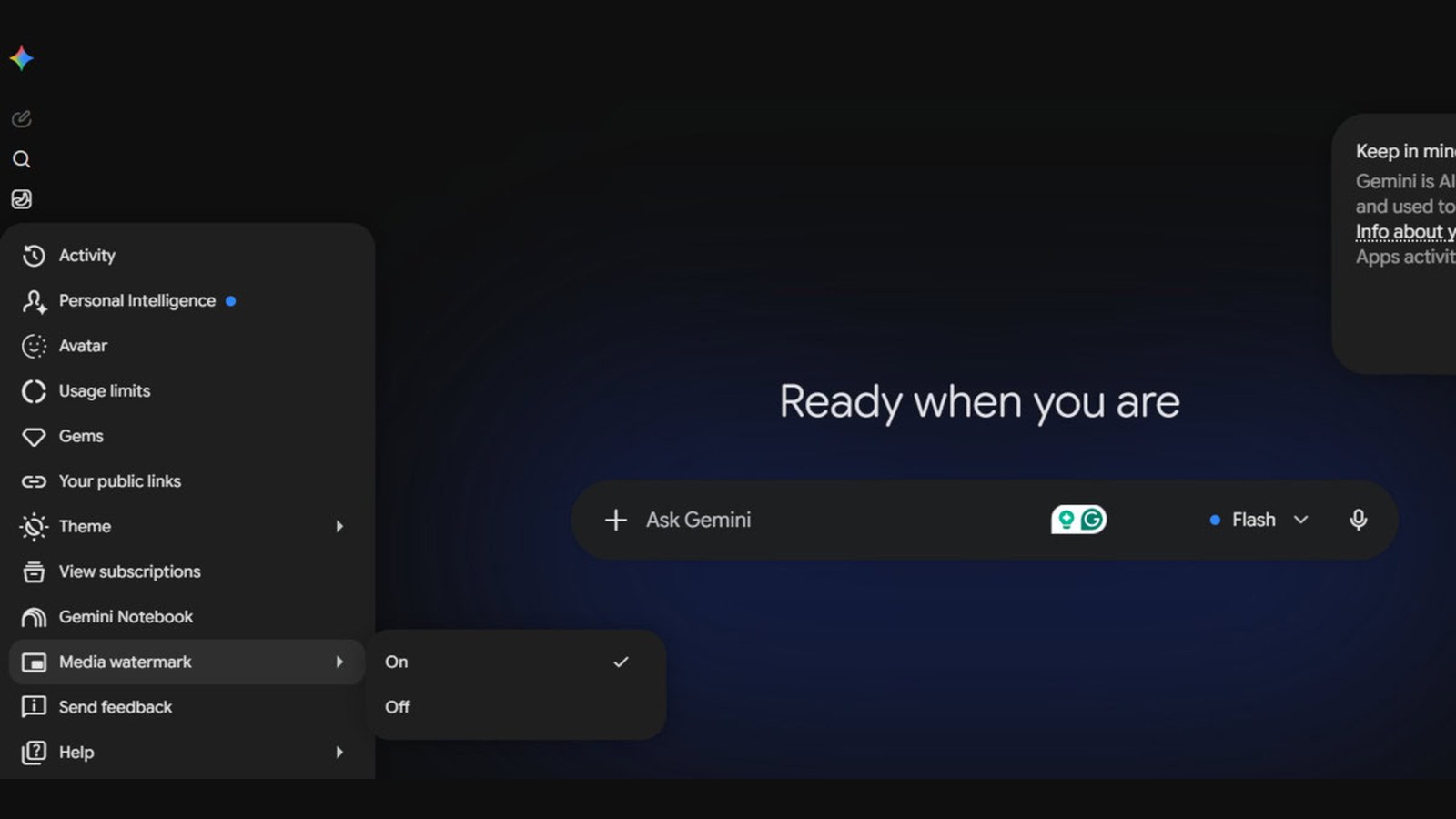
Google lets you switch off the visible AI watermark on Gemini songs, and SynthID stays regardless
- Google announced a Media Watermark setting on August 14, 2026 that makes the visible AI mark optional on Gemini output.
- The toggle covers images, video and music, and applies to the Nano Banana, Omni and Lyria models.
- Invisible SynthID watermarks and C2PA metadata stay embedded whether the visible mark is on or off.
- 14 Aug
 Tool News & Updates 14 Aug
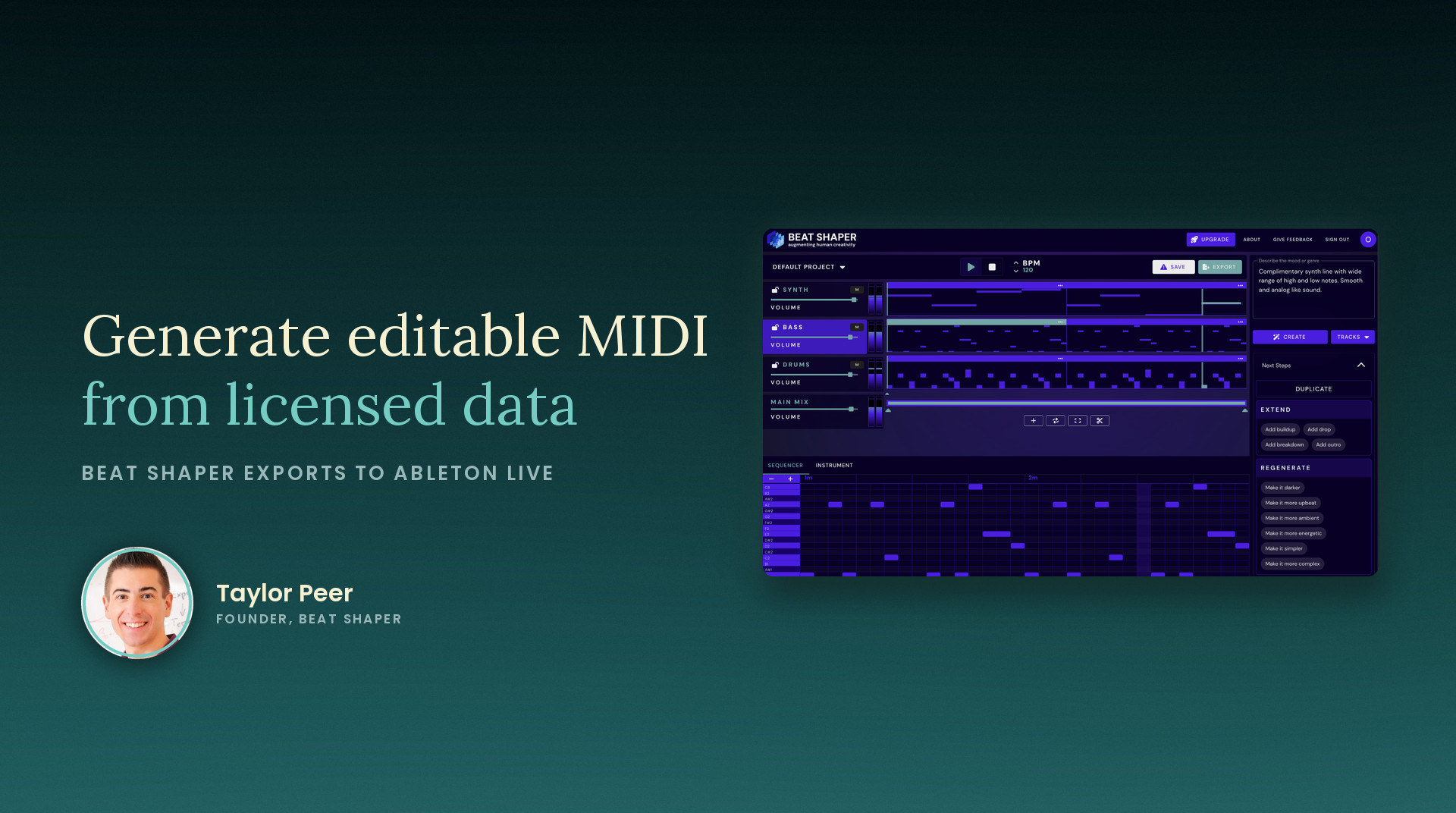
Beat Shaper generates editable MIDI from licensed data for electronic music producers, exports full Ableton Live projects
- Beat Shaper generates multitrack MIDI loops from text prompts in the browser, and every note stays editable after generation.
- The model is trained on MIDI loops licensed from sample-pack providers, with no scraped audio catalogs involved.
- Producer-plan exports arrive as complete Ableton Live projects, with drums in a Drum Rack and synth parts as Ableton Drift patches.
- 14 Aug
 Tool News & Updates 14 Aug
MiniMax Music 3 makes 5-minute songs on your own GPU, with no subscription or download cap
- MiniMax published Music 3 with open weights on Hugging Face on August 13, 2026, alongside GitHub and ModelScope releases.
- The model takes lyrics with section tags plus a written music description, and returns a full song up to 5 minutes at 32kHz 16-bit stereo.
- Full precision fits under 24GB of VRAM, and layer-by-layer offloading brings it down to an 8GB card.
- 14 Aug
 Tool News & Updates 14 Aug
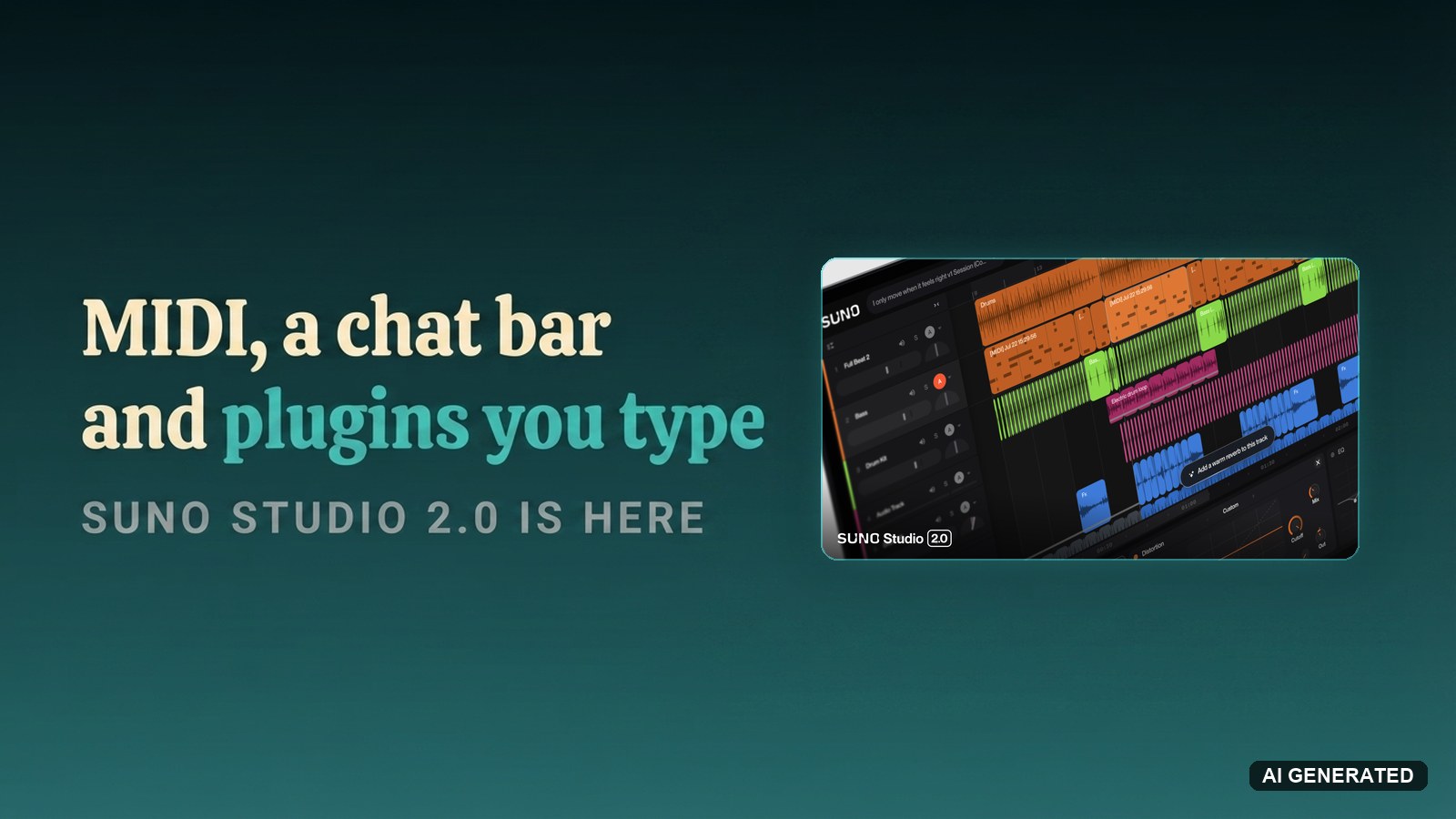
Suno Studio 2.0 adds MIDI, a chat bar and plugins you build by typing
- Suno released Studio 2.0 on August 13, 2026, to Premier subscribers on the $24-a-month plan.
- MIDI arrives with import, recording and timeline editing plus a wavetable synth, and a MIDI clip can be used as the prompt for a new audio generation.
- A chat bar in beta reads the session and can generate clips, design synth presets, build custom plugins and tidy up your track names.
- 13 Aug
 Tool News & Updates 13 Aug
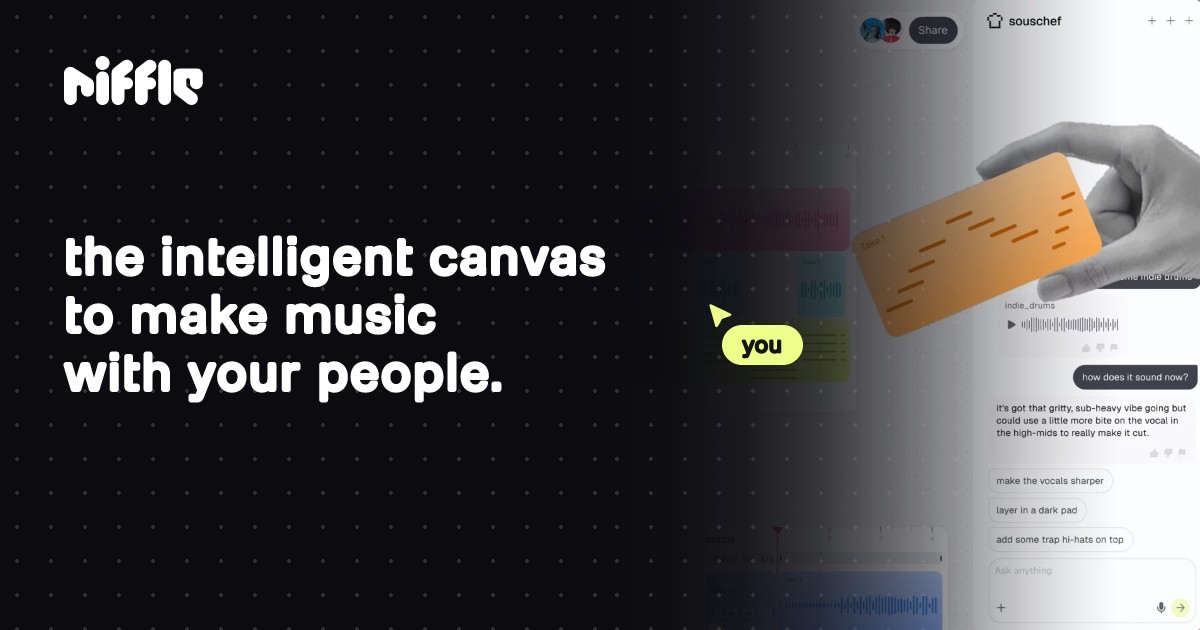
Riffle launches its multiplayer music studio after 7,000 musicians tested it in early access
- Riffle opened its browser-based multiplayer music studio to everyone on August 12, 2026 after a three-month early-access run with 7,000 musicians.
- The launch update adds a full-screen timeline editor for working on a single stack outside the infinite canvas.
- An MPC-style sampler lets you chop samples, record into pads, and save custom drum kits across boards.