Suno Studio 2.0 adds MIDI, a chat bar and plugins you build by typing
My stack My fav 6 tools for AI music after testing 70+
-
 ElevenMusic · Music generation
 -
 Moises · Stem separation
 -
 Controlla · Voice swap & cloning
 -
 Cryo Mix · Mixing + mastering
 -
 Neural Frames · Music videos
 -
 ONCE · Distribution
Some links are affiliate links — I earn a commission at no cost to you. Every tool here is one I run myself and truly believe in. This stack is proven.
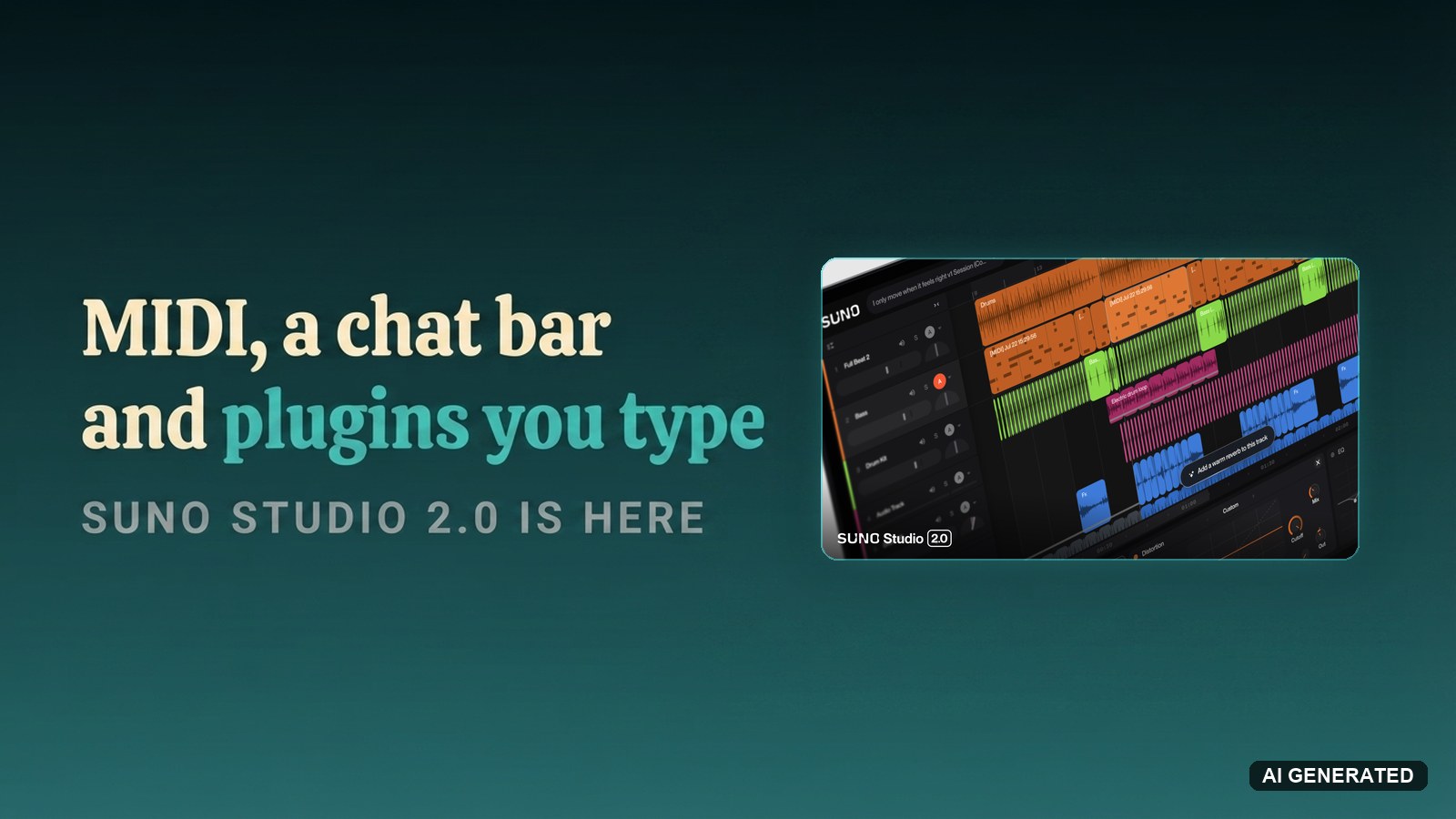
Suno released Studio 2.0 on August 13, 2026, to Premier subscribers on suno.com. The update puts MIDI recording, a wavetable synth, automation curves and 7 built-in audio effects inside the browser tool Suno calls a generative audio workstation. A chat bar sits across all of it and edits your session when you ask.
MIDI was the most requested addition to Studio, and Suno says so in its own announcement. What arrived alongside MIDI is the part worth reading twice: sidechain compression, convolution reverb, take lanes, drawn automation. Suno bolted 25 years of DAW convention onto a generative engine, then ran a language model across the whole thing.
Why Suno Studio 2.0 ships with a piano roll and sidechain compression
Suno published 3 lessons it took from watching artists live inside Studio 1.0 for the past year. Musicians want to turn a knob and hear the change in real time. Speed keeps you in a flow state. And a text prompt is a way to find an idea, not a way to play a part.
This is no substitute for playing in a part with a MIDI keyboard or recording in audio with a mic or analog instrument.
Read that line again and notice who wrote it. The company selling text-to-music is telling you the text box has a ceiling, and the feature list follows from there.
MIDI in Studio 2.0 imports, records and edits directly on the timeline. No hardware controller, no problem: Cmd+K pulls up a keyboard superimposed on your typing keys. The move nobody else offers comes next. A MIDI clip can be used as the prompt for a new audio generation, so a part you played by hand becomes the seed for a part Suno plays back.
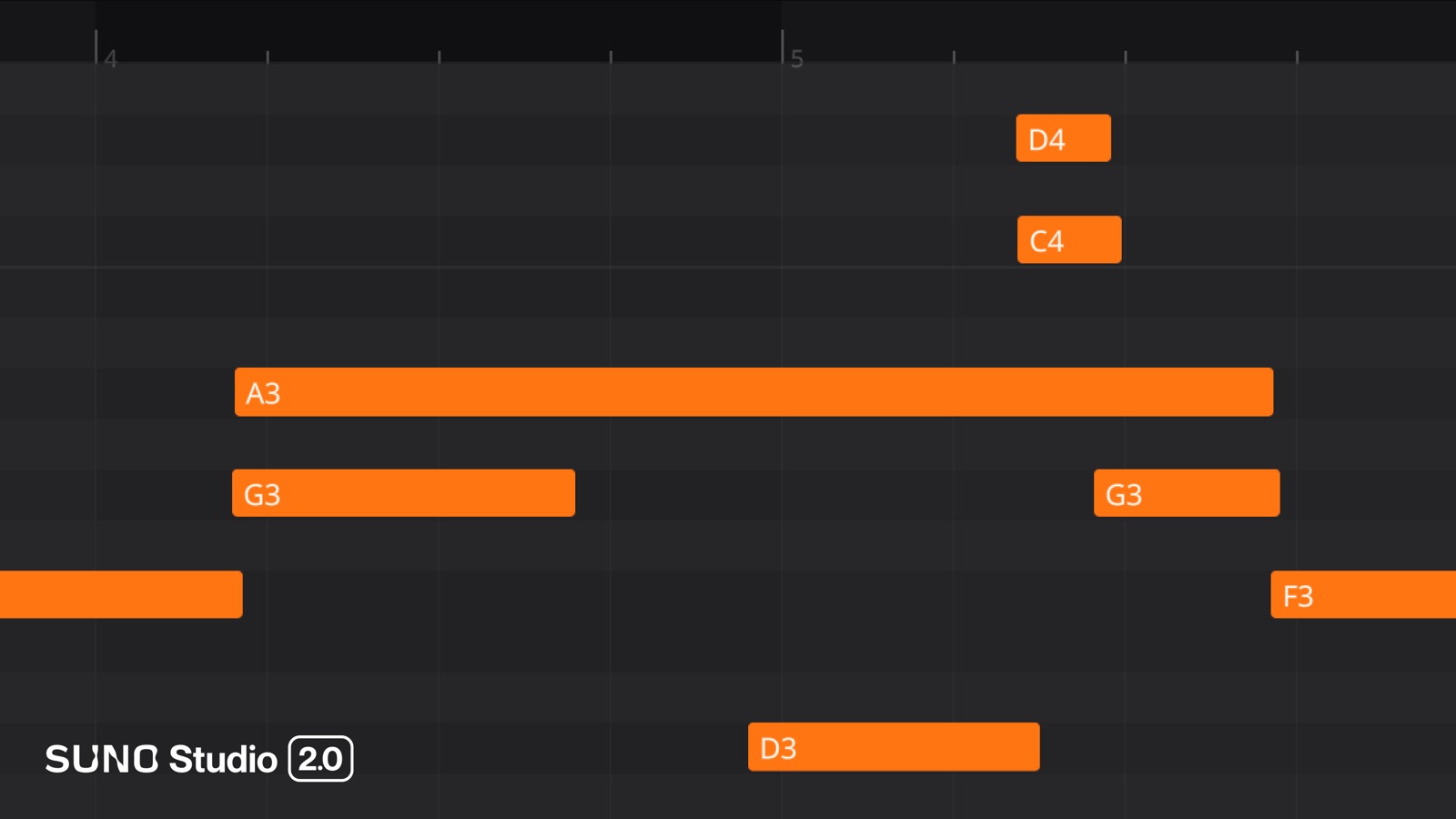
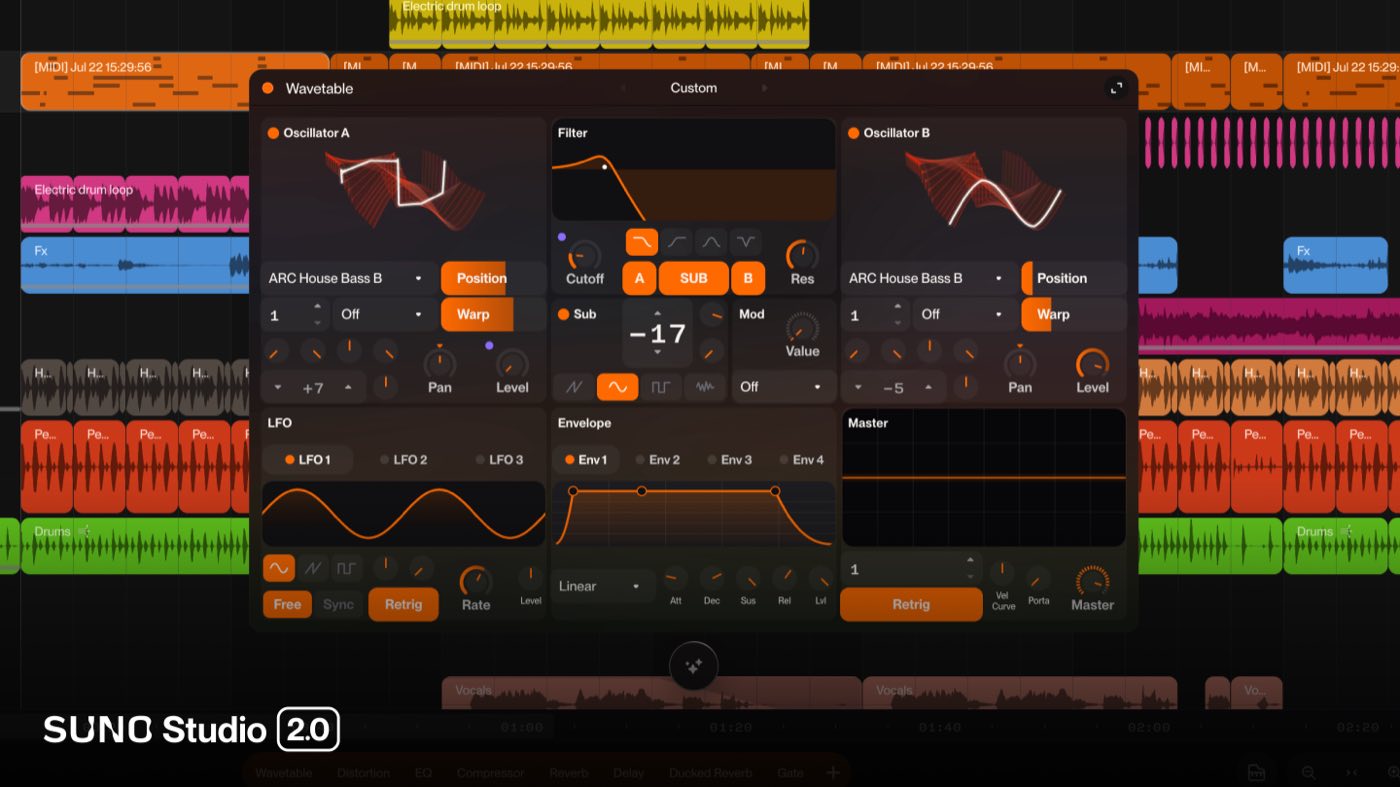
Every MIDI track arrives with a wavetable synth attached: 2 oscillators, a filter, envelopes, LFOs and a mod matrix, plus factory presets you can play the second you create the track. Suno says more instrument types are coming.
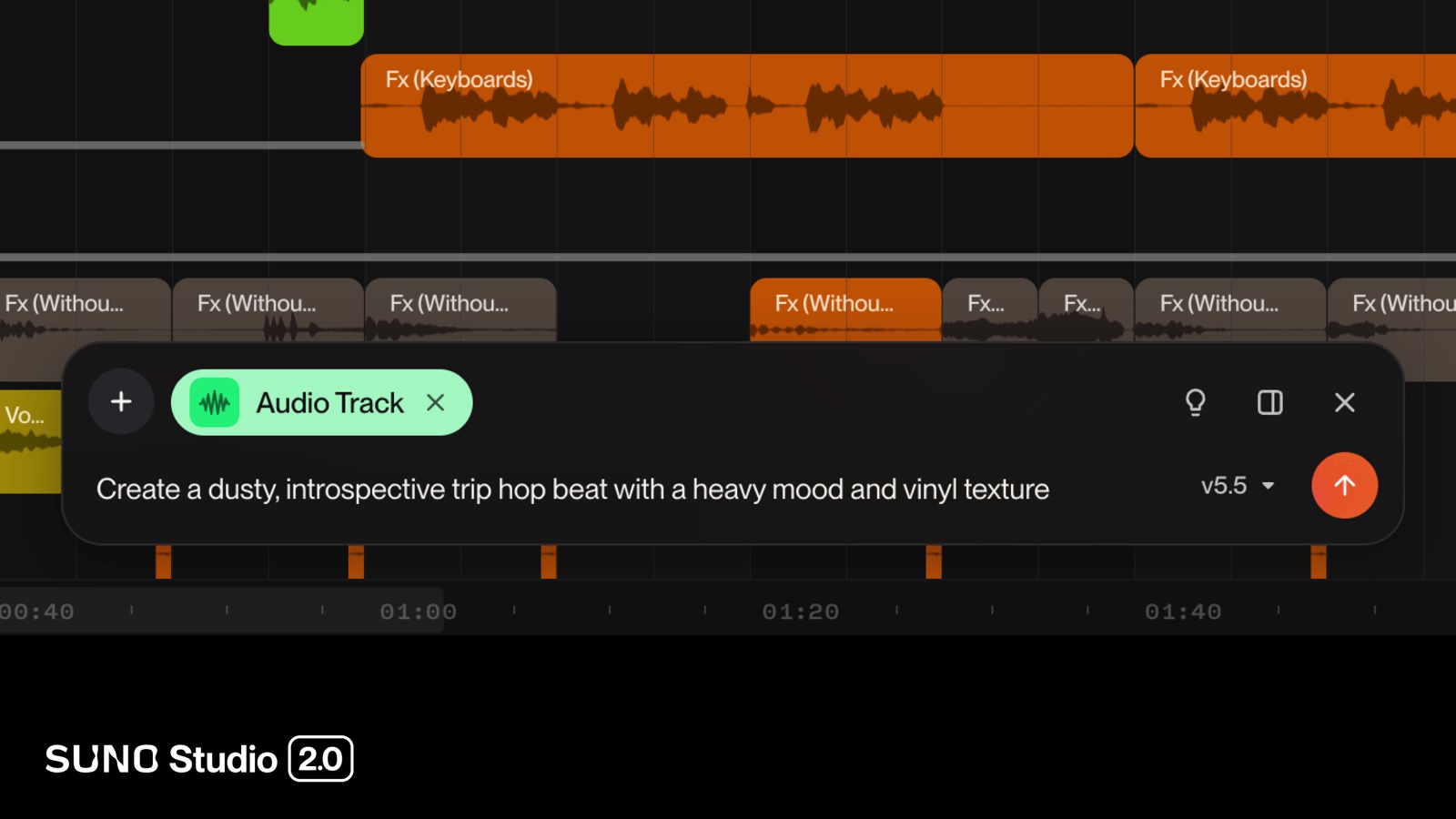
The chat bar (beta) handles the housekeeping. It generates audio and MIDI clips onto the timeline, designs synth presets, drops in effect chains with the parameters already dialled, arranges sections, and cleans up your track names and colours. Suno’s own line for it: talk to Studio the way you would talk to a collaborator.
What Suno Studio 2.0 can’t do: no VST support and no pitch correction
Suno’s help centre answers the first question any producer asks, and the answer is no. Studio 2.0 is not compatible with VST or Audio Units. Your plugin folder stays outside the browser.
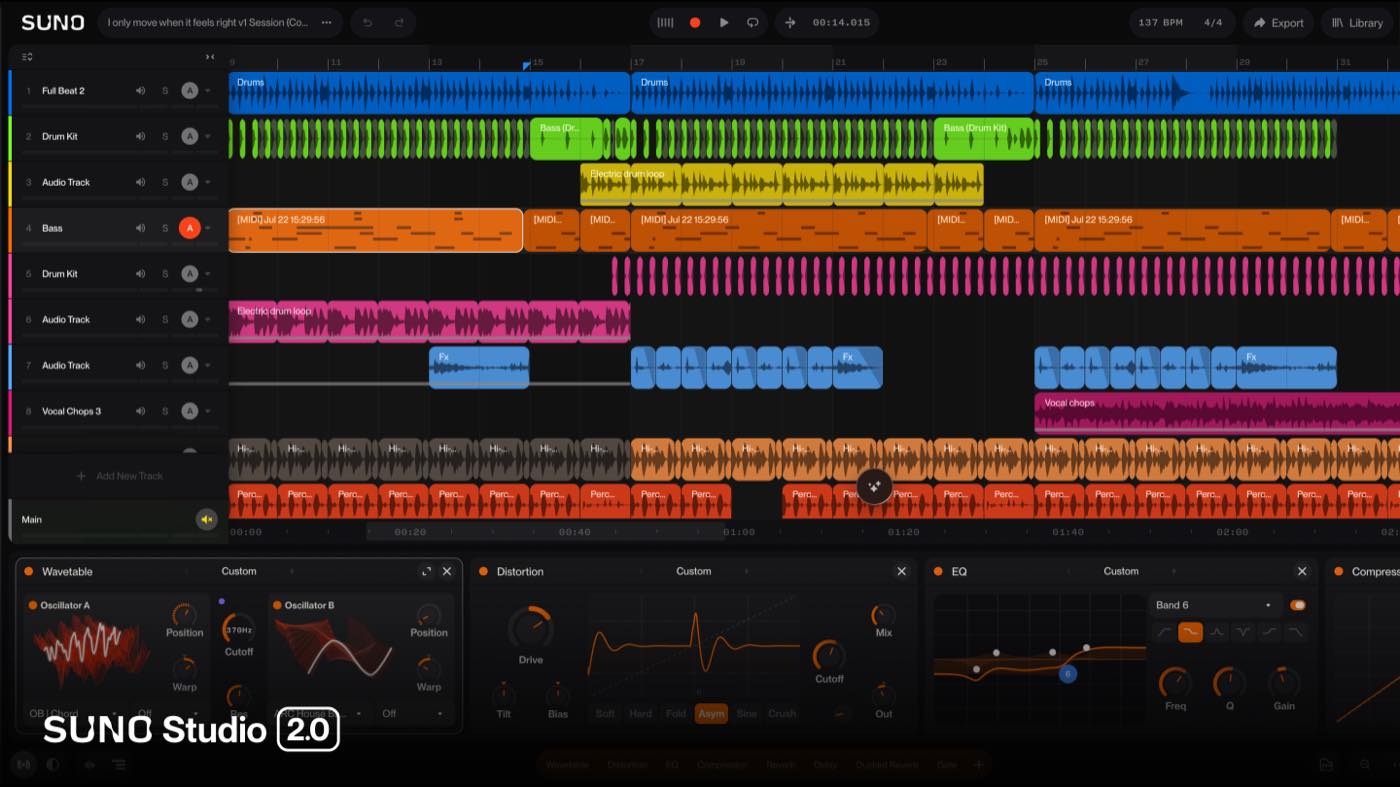
What fills that gap is the strangest feature of the release. Describe an effect in the chat bar and Studio designs the plugin for you. It writes back a build plan explaining the signal chain and what each control will do, you approve it, and Studio builds and names the thing. The plugin saves to your library for good and behaves like a factory device, with presets, automation and MIDI Learn. Building them costs no credits at launch, and Suno states a credit structure may arrive later.
It is early technology and Suno shows the seams on camera. In the launch material a chat-built stereo doubler shipped with its width control wired backwards, reading 0% as wide and 100% as mono. Studio 2.0 also has no pitch or vocal tuning plugin, which is a real hole for anyone finishing a vocal in the browser.
The requirements are specific. Studio runs on a desktop, laptop or tablet at 768px minimum screen width, on a CPU with SIMD support and at least 4GB of RAM. Mobile is not supported. Suno recommends Chrome, and Web MIDI does not work in Safari at all.
Why Suno Studio 2.0 exports dodge the September 3 download caps
Premier subscribers export 32-bit/48kHz multitracks and stems out of Studio without limitations. Hold that against the calendar. On September 3, 2026, Suno starts capping downloads across the rest of the platform at 7 lifetime on Free, 20 a month on Pro and 60 a month on Premier.
Studio sits behind the same $24-a-month Premier plan, alongside the third stem separation mode, Advanced Split. So the tool Suno built for producers is also the only route around Suno’s own export limits, which is a pricing decision as much as a product one. Music Business Worldwide put the no-limit export in its headline for the same reason.
The arc is worth clocking. The Studio waitlist opened on August 11, 2025, a year and two days before this release. In that window Studio went from a gated preview of an AI-powered DAW to a production environment with automation lanes, a synth and a plugin format of its own. Suno is no longer building a song generator with an export button on it.
Frequently asked questions
What is Suno Studio 2.0?
Suno Studio 2.0 is the August 13, 2026 update to Suno's browser-based generative audio workstation. It adds MIDI import, recording and editing, a wavetable synth, track and plugin automation, 7 built-in audio effects, higher-fidelity stem separation, and a chat bar that reads your session and edits it on request.
Which Suno plan includes Suno Studio 2.0?
Studio 2.0 is included in the Premier tier, which costs $24 a month on annual billing. The $8-a-month Pro plan and the free plan do not include Studio. Premier also carries the third stem separation mode, Advanced Split.
What does the Suno Studio 2.0 chat bar do?
The chat bar reads your project state and the audio on every track, then acts on plain requests. It generates audio and MIDI clips onto the timeline, designs synth presets and custom plugins, adds effect chains with parameters already set, arranges sections, and renames and colour-codes tracks. Suno ships it as a beta feature.
Do custom plugins in Suno Studio 2.0 cost credits?
No. Suno states in its launch announcement that creating new plugins does not require credits at launch, and that a credit structure may be introduced in the future. Plugins you build save to your library permanently and support presets, automation and MIDI Learn like the factory effects.
Are Suno Studio 1.0 projects compatible with Suno Studio 2.0?
Yes, existing Studio projects open in Studio 2.0, and you are prompted to create a new version of the project first. The move only runs one way. Once you add effects, automation, MIDI tracks or synths in Studio 2.0, that work cannot be carried back into Studio 1.x.
About the author

Covering AI music tools, industry shifts, and news for music creators and professionals. Twice-weekly newsletter at aimusicpreneur.com.