Suno now lets you start a song from a MIDI file in Create, on the $8 Pro plan and without Suno Studio

My stack My fav 6 tools for AI music after testing 70+
-
 ElevenMusic · Music generation
-
 Moises · Stem separation
-
 Controlla · Voice swap & cloning
-
 Cryo Mix · Mixing + mastering
-
 Neural Frames · Music videos
-
 ONCE · Distribution
Some links are affiliate links — I earn a commission at no cost to you. Every tool here is one I run myself and truly believe in. This stack is proven.
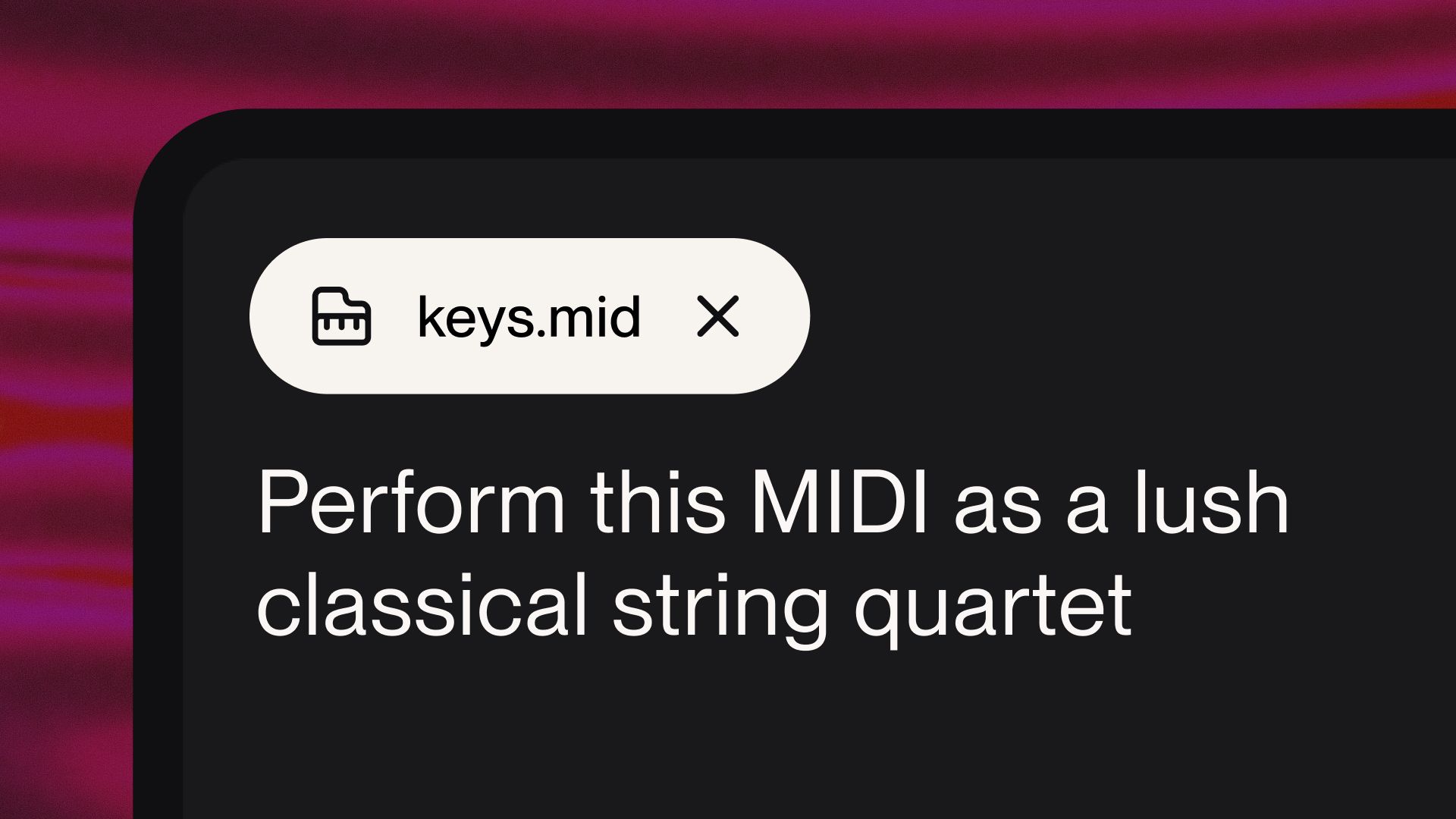
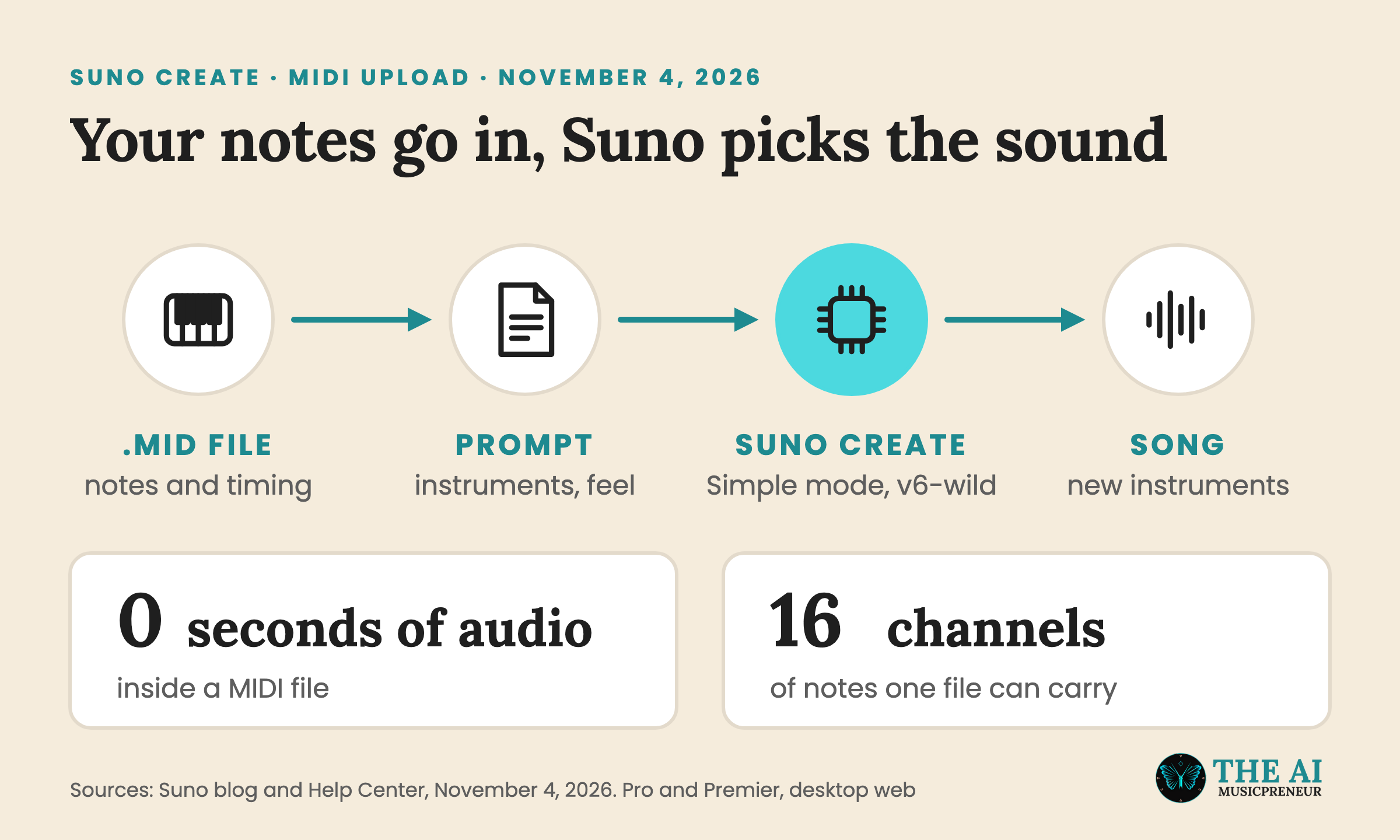
Suno now lets you start a song from a MIDI file. Since November 4, 2026, you can drag a .mid or .midi file onto the Create page, or pick MIDI from the + menu, write a prompt for the sound, and Suno plays your notes back as a full track.
It works on desktop web for Pro and Premier subscribers, according to Suno’s Help Center. At launch it runs in Simple mode on v6-wild, the more experimental of Suno’s 2 paid v6 models.
The plan is the part I’d look at first. Suno Studio, where MIDI import, recording and editing arrived with Studio 2.0 on August 13, only comes with Premier at $24 a month. MIDI in Create also works on Pro at $8 a month (both prices on annual billing).
How to upload a MIDI file to Suno Create
Suno’s Help Center lists 4 steps:
- Open Create.
- In Simple mode, upload a .mid or .midi file from your file browser, or drag it straight onto the Create form.
- Write a prompt describing the sound you want: genre, instrumentation, mood, energy.
- Hit Create.
“Your MIDI shapes the bones of the song. Your prompt shapes everything else,” the Help Center says.
Its 2 prompt tips are worth keeping. Name your instruments, because “the file tells Suno what to play; the prompt tells it what to play it on.” And describe the feel as well as the genre, since “Late-night, loose, brushed drums” “could get you further than just ‘jazz.’”
If the idea sits in an old DAW session, export that part as a MIDI file first, then drop it in. From there, the prompt decides how much of your file survives.
What Suno Create does with your MIDI file: follow the notes or build on them
A MIDI file has no sound in it. It’s a list of instructions: which note plays, when, for how long and how hard. That’s why a .mid file opened on its own sounds like nothing, and why the same file can come out as a piano part or a trumpet line depending on what plays it.
Suno’s launch post says one file can hold up to 16 channels of pitch and timing data, each with up to 120 controller lanes for things like modulation, volume and sustain.
A MIDI file holds the exact notes and timing of a musical part, so it gives you a much more precise starting point than any other way of creating on Suno.
You decide how closely Suno sticks to it. You can ask it to play your notes exactly as written, to take the top-line motif and develop it into something new, or to keep the notes and swap the instruments.
Suno’s blog gives 3 example prompts:
- “Arrange this MIDI for a full orchestra, with strings, brass, woodwinds and percussion.”
- “Transform this MIDI into a gospel choir with piano accompaniment.”
- “Transform this MIDI into a string quartet. Use the notes and chord progressions exactly as they appear in the MIDI file.”
The last one is the pattern for hearing your own part played back as written. Its second sentence is the one that tells Suno to keep your notes.
Suno pitches the feature at 3 groups in the Help Center: producers sitting on half-finished sessions, composers and arrangers who want to hear a score as a full ensemble “instead of a stock piano patch,” and teachers and students.
How MIDI in Suno Create differs from Remix, Cover and Suno Studio
Create already took uploads before November 4. Remix and Cover adapt a WAV or MP3 you upload, so they start from recorded sound. MIDI starts from notes and timing with no sound attached, which is why Suno’s blog says you can get “very precise control” over the song.
Suno Studio is the other place MIDI lives on Suno. Studio 2.0 added MIDI import, recording and editing on the timeline, a wavetable synth, and MIDI clips you can use as the prompt for a new generation. I walked through all of it in how to use MIDI in Suno Studio.
The 2 routes fit different jobs:
- Create takes a finished MIDI file and a prompt, and gives you a full song back in one generation.
- Studio lets you record, quantise and edit notes part by part on a timeline, then generate around them.
The Help Center connects the two. It suggests using Studio to quantise your MIDI, drag notes a bit off the grid “to direct a more human feel,” or change the key and scale. That step needs Premier, because Studio isn’t part of Pro. My Suno Studio beginner’s guide covers what else Premier adds.
What Suno hasn’t said about MIDI uploads in Create yet
The launch is narrow, and Suno says so. “At launch, MIDI uses Simple Create mode with v6-wild. We plan to expand MIDI capabilities over time,” the blog reads.
That means 4 limits for now:
- It only works in Simple mode. Suno hasn’t said when Custom mode, where you write your own lyrics and styles, gets MIDI.
- It runs on v6-wild, not the flagship v6. Suno’s v6 release notes describe v6-wild as “less predictable and more varied, producing unexpected, textured and ambitious results,” while v6 is the “reliable, precise” one. So a play-it-exactly request runs on the less predictable model.
- It’s desktop web only, so the iOS and Android apps don’t have it yet.
- The free plan can’t use it, since v6 and v6-wild are “available only to paid users.” I covered how the 3 models split in my Suno v6 launch piece.
Neither the blog nor the Help Center lists a file size limit, a maximum length, or whether a MIDI generation costs more credits than a regular one. Unite.AI’s write-up doesn’t add any either. For scale, Pro’s 2,500 monthly credits cover roughly 500 songs.
If you’ve got old sessions with MIDI parts on a hard drive, that’s the first test to run: drop one in, ask for the exact notes, and hear how much of your part v6-wild keeps.
Frequently asked questions
Can you upload a MIDI file to Suno on the free plan?
No. MIDI upload in Suno Create is limited to the Pro and Premier plans. It also runs on v6-wild, which Suno makes available only to paid users, while free accounts generate with v6-mini.
Can you upload MIDI files in the Suno iPhone or Android app?
Not at launch. Suno's Help Center says MIDI upload in Create is available on desktop web on the Pro and Premier plans. Suno hasn't given a date for its mobile apps.
Which file types does Suno Create accept for MIDI uploads?
Suno Create takes standard MIDI files with the .mid or .midi extension. Audio files like WAV and MP3 go through Create's Remix and Cover options instead, which start from recorded sound.
When did Suno add MIDI uploads to Suno Create?
Suno announced MIDI uploads for Create on its blog on November 4, 2026. MIDI first came to Suno Studio with the Studio 2.0 update on August 13, 2026, for Premier subscribers.
About the author
Covering AI music tools, industry shifts, and news for music creators and professionals. Twice-weekly newsletter at aimusicpreneur.com.