Riffle
Riffle is a free browser music studio where you play, sample, and collaborate live, with a sous chef co-producer. Not a song generator.
How I tested Riffle
- Beta
- Free beta
- 3 hours
- Web app, Chrome on macOS
- Built a board from a blank canvas, browsing samples and setting tempo and key
- Played bass and keys in with the on-screen keyboard and layered a stack
- Used the sous chef for a chord progression and a read on what to fix
- Ran two parallel stacks to A/B two directions
- Exported individual stems as .wav for a DAW
TL;DR
Riffle is a browser-based music creation studio. You build a track on an infinite canvas, play parts in yourself or pull from a sample library, and a co-producer called the sous chef helps with theory and feedback while you stay in control. It is built for producers who want to jam an idea fast and finish it with people anywhere. It does live collaboration better than any DAW. It does less than a full DAW when you need deep mixing and automation. Free during the beta, and quickly one of my favorite tools.
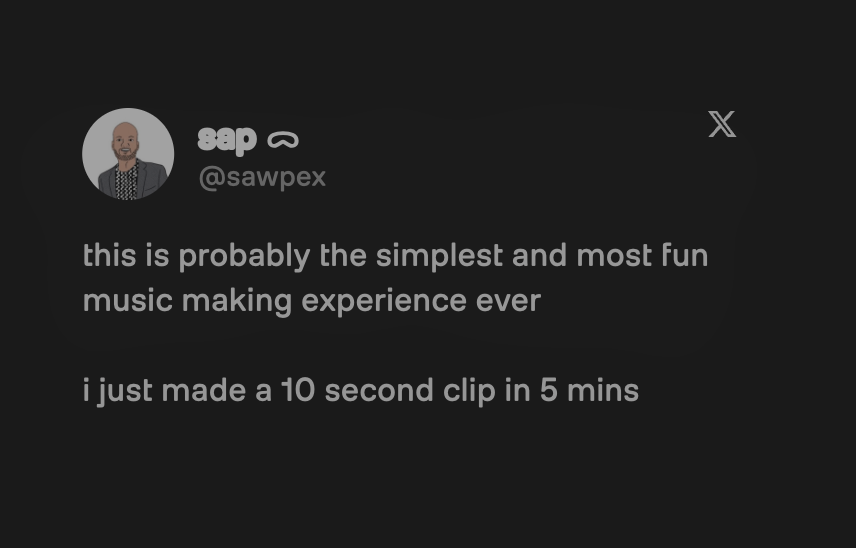
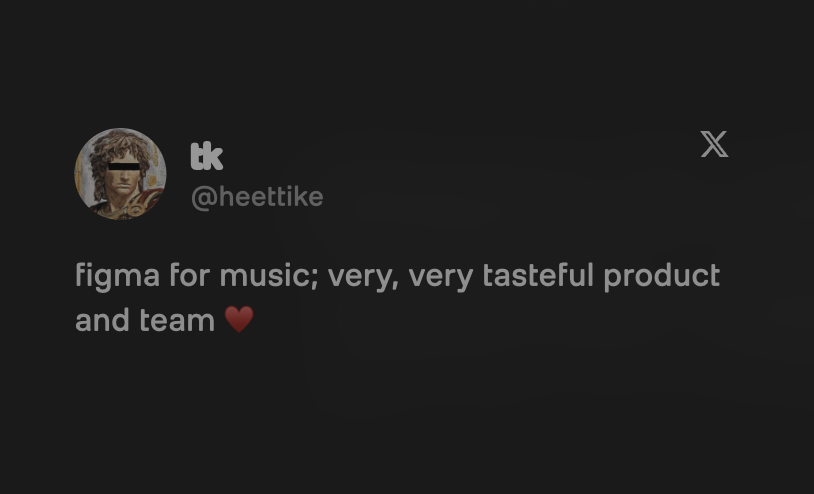
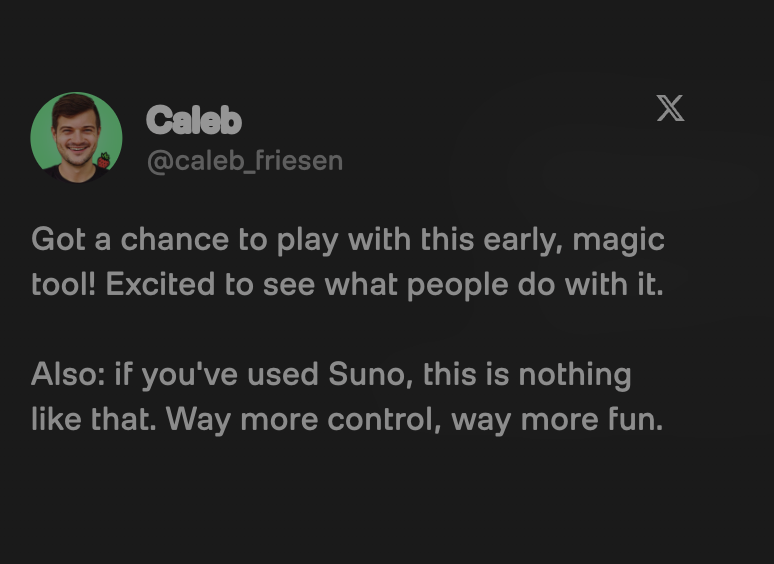
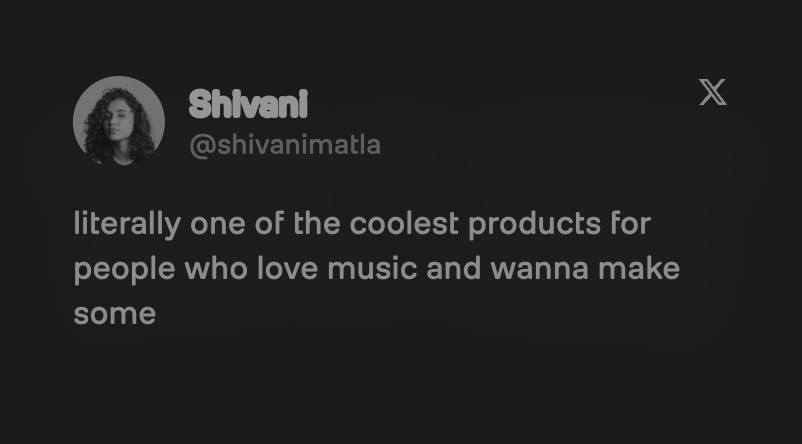
And the early reactions are hard to ignore. Here is what testers are saying:
What is Riffle?
Riffle is a collaborative music creation studio that runs in your browser. Founded in 2025 by musicians Akshay Deokuliar and Anurag Choudhary, it puts recording, sampling, playing, lyrics, and live collaboration on one infinite canvas. More than 3,000 people build on it today, and you can read tester reactions on its Product Hunt listing.
It is not a song generator. Riffle never hands you a finished, mastered track. You make the music, and a co-producer assists on the side. Think closer to a browser studio than a prompt box. It sits in our online music studio tools category, the browser-based platforms you build songs in without a DAW.
How Riffle works
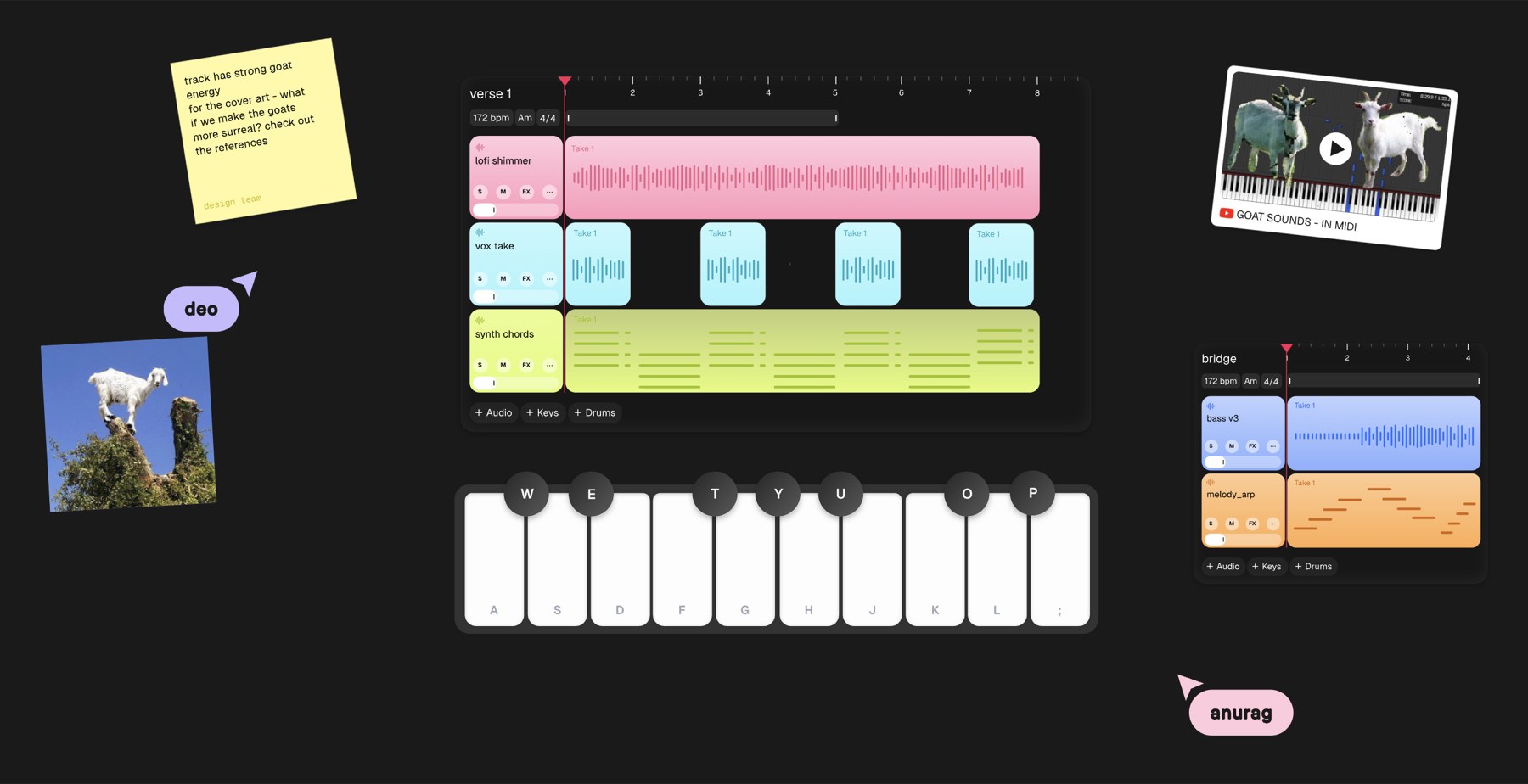
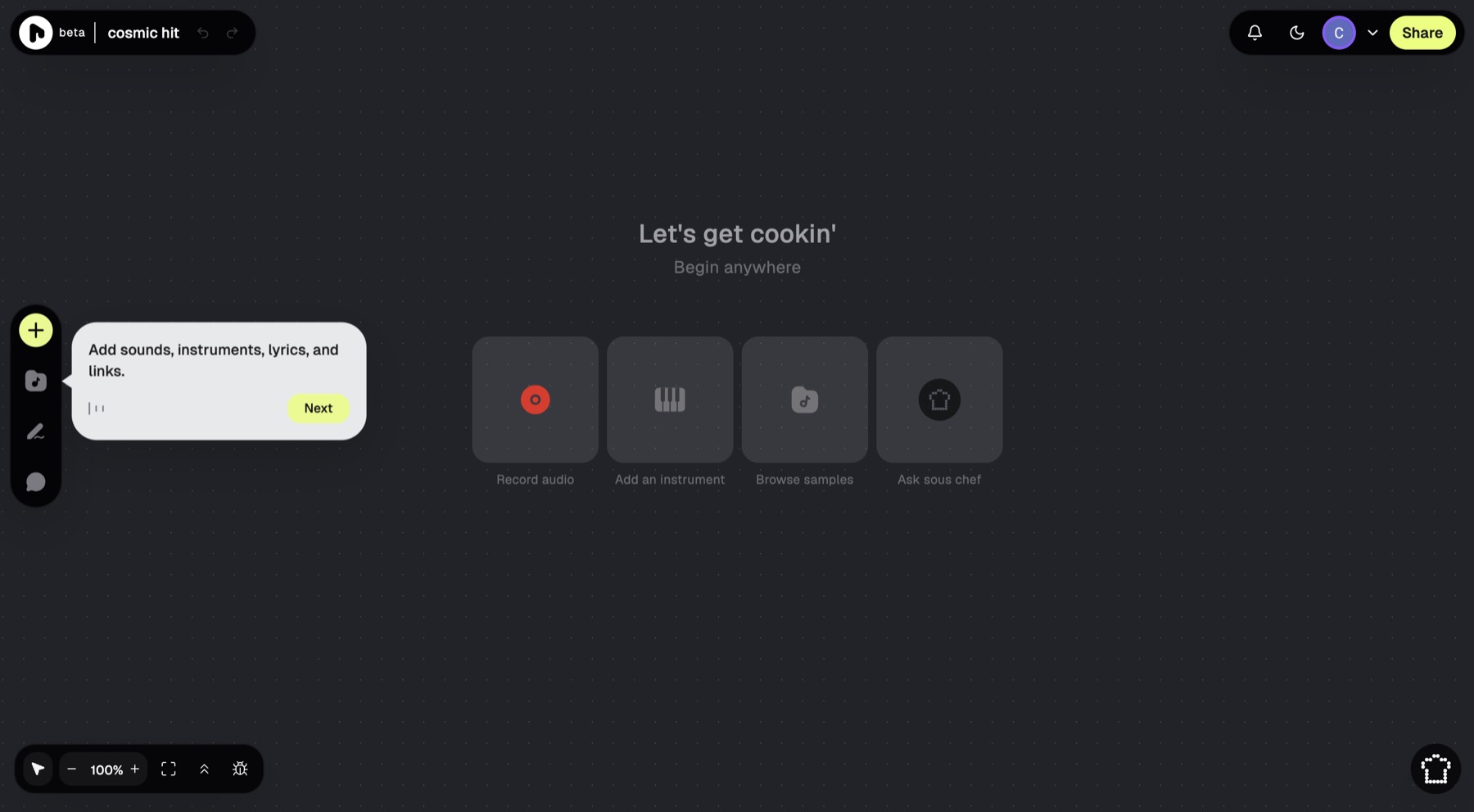
You open a board, the Riffle name for a project, and start anywhere on the canvas. Browse the sample library and drag a clip onto a stack, or add an instrument like the Electric Finger Bass or Lofi Bell Piano and play it with the A to L keys. Riffle reads your tempo and key, so every part you add fits.
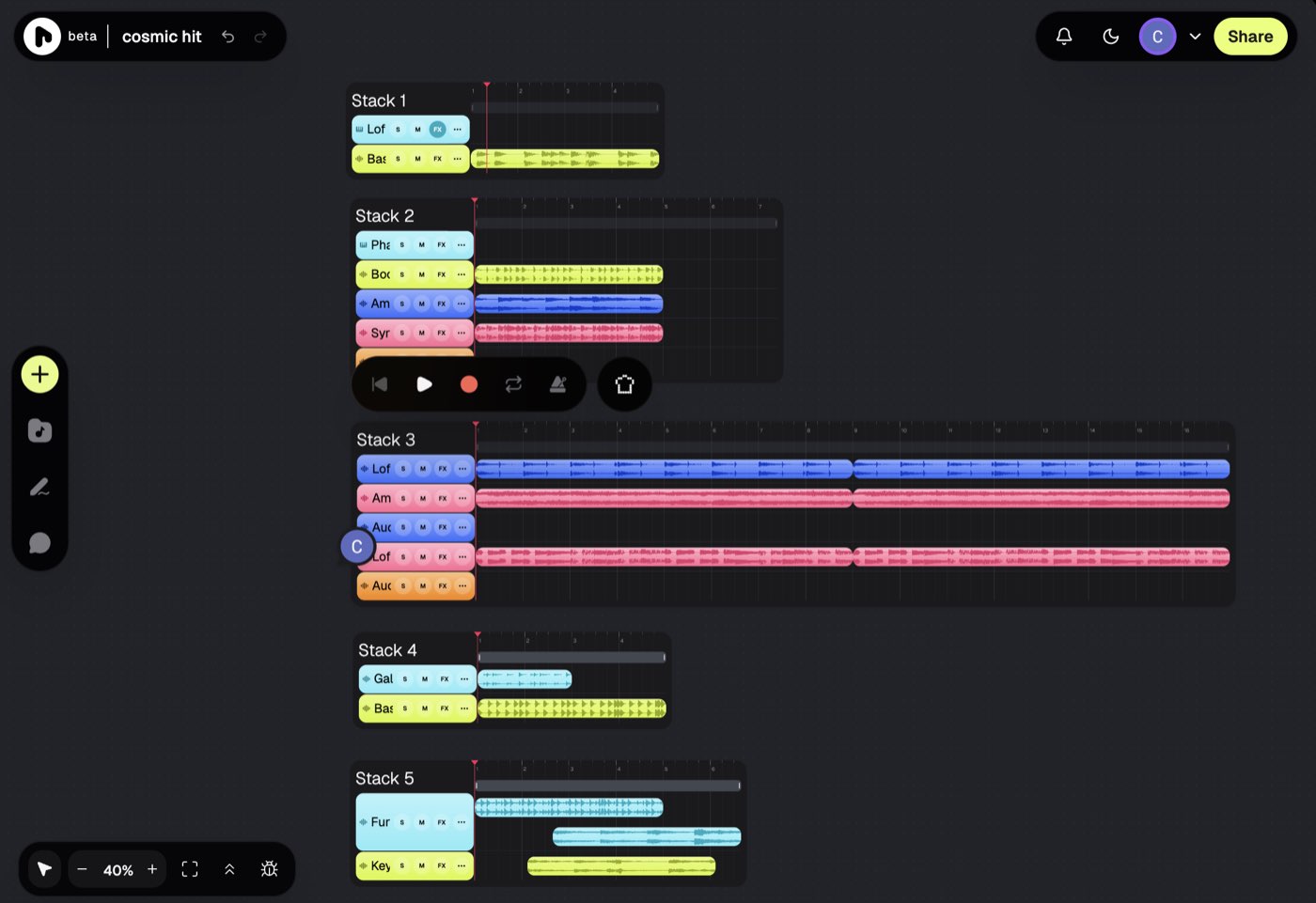
From there you layer. Each stack holds your audio, MIDI, and drum tracks, and you can run a second stack beside the first to test a different direction without losing the first. When the idea holds up, you share a playable link or export the stems. The whole thing lives in one Chrome tab, with no install.
Standout features
Five things stood out in my first session:
- Infinite canvas: Run parallel ideas as stacks side by side, so you A/B two directions on one screen instead of saving ten versions of a file.
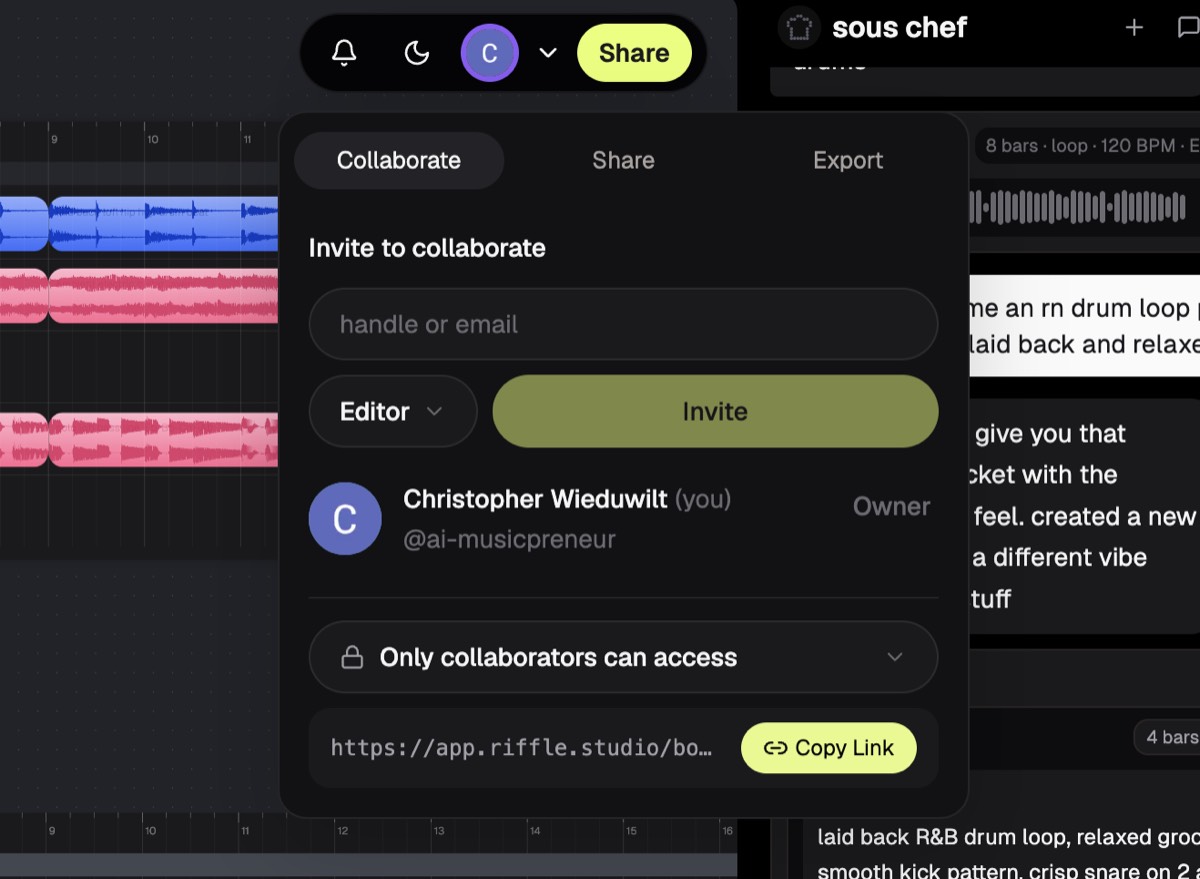
- Live collaboration: Invite a bandmate to edit the same board in real time and drop comments on a specific part, the way you would in a Google Doc. No DAW does this.
- Play it in yourself: An on-screen keyboard and a deep instrument list mean you record your own parts, not only loops.
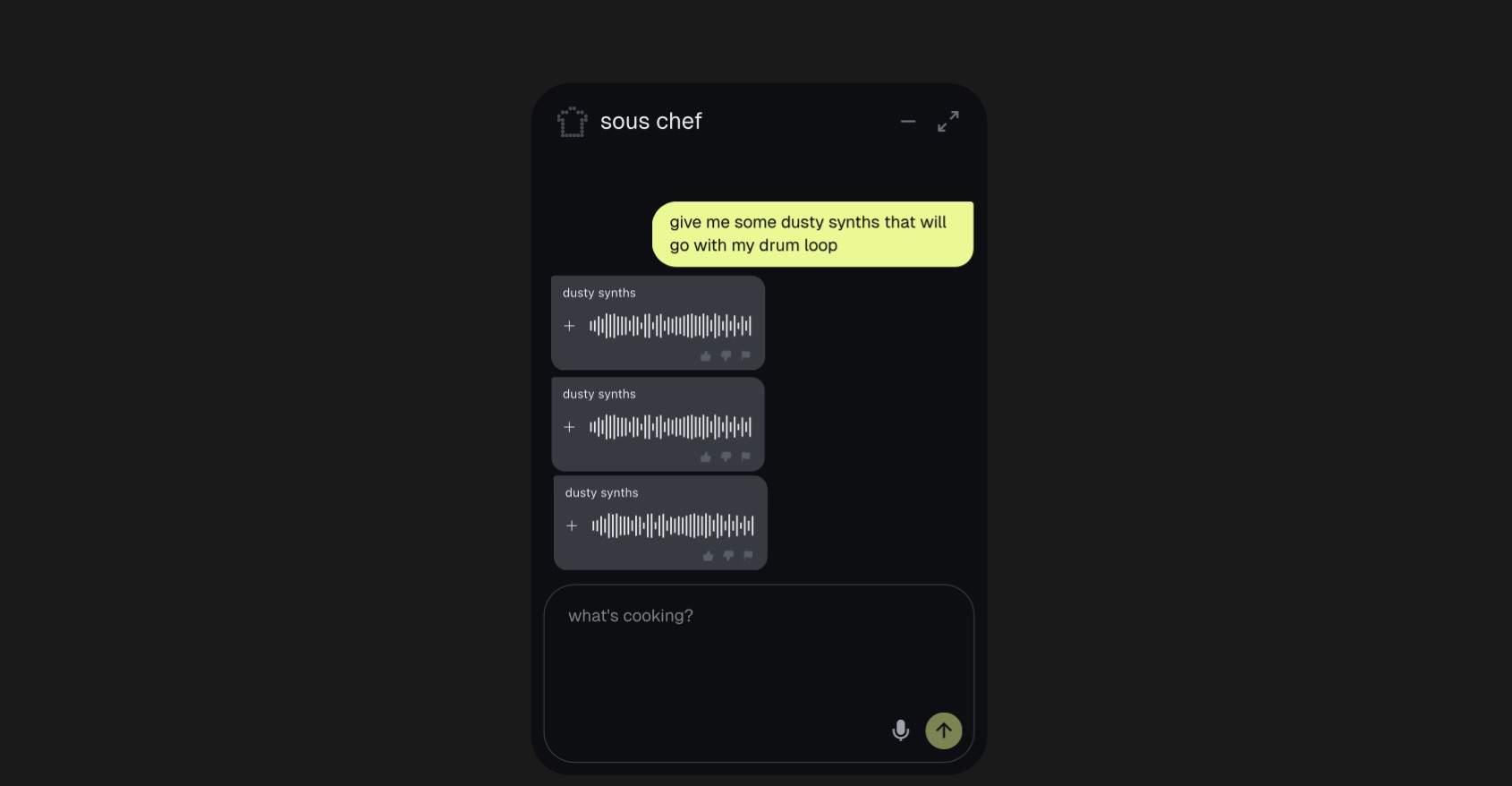
- The sous chef on the side: While your stack plays, ask the co-producer for a chord progression that fits or an honest read on what to fix. It returns theory and short parts, never a whole song, so you keep making the calls.
- Stem export: Send individual stems or a mixdown straight into your DAW, so Riffle slots into the workflow you already have.
Where Riffle falls short
Three things to know before you sign up:
- It’s a beta: With 3,000+ users, the library and community are smaller than an established browser studio like BandLab, and features still shift week to week.
- The sous chef hides: It sits in the toolbar and is easy to miss, so seek it out before you write it off.
- Not a finishing tool: There is no deep mixing or automation. You export stems and master elsewhere, with an AI mixing and mastering tool or your own DAW.
Pricing breakdown
Riffle is free for everyone during the beta. Here is what that covers:
| Plan | Price | What you get | Best for |
|---|---|---|---|
| Beta | $0 | The full studio: canvas, stacks, sample library, playable instruments, the sous chef, lyrics tools, live collaboration, and stem export | Everyone, while the beta lasts |
Monetization is coming, so the free window will close. Verify the current plans on the Riffle site before you rely on free access.
The value right now is simple: the whole studio costs nothing, and you own what you make.
Who should use Riffle?
Choose Riffle if you are a producer or beatmaker who wants to jam. You catch an idea in the browser in minutes, build a stack, and keep moving while it is still fresh.
Choose Riffle if you write with people who are not in the room. A bandmate across the world joins your board, plays a part, and comments on a section, all live. If you sing and write but do not produce, you prototype ten directions and send a producer a single link instead of waiting on their schedule.
Choose Riffle if you want to stay the maker. The sous chef helps with theory and feedback, the way a session player would, without taking the song out of your hands.
Who should skip it
Skip Riffle if you want a finished, mastered track in 30 seconds with no musical input. That is the Suno lane, not this one. Skip it too if you need a full DAW’s deep mixing, automation, and plugin chain, since Riffle is where the idea starts, not where you master it.
Riffle vs Suno
The two get compared, but they sit on opposite sides of one question: who makes the music.
| Riffle | Suno | |
|---|---|---|
| Starting price | Free during beta | Free, Pro $10/mo |
| Core use case | Make music yourself in the browser | Generate a finished song from a prompt |
| Who makes the music | You | The model |
| Best for | Producers who want to jam and collaborate | Fast finished songs with vocals |
Suno takes a text prompt and hands you a finished song with vocals in under a minute. You describe, it produces. Riffle hands you the controls instead. You play, sample, and arrange, and the sous chef assists with theory and feedback. One gives you a track to use. The other gives you a studio to make one in. Pick Suno when you want a complete song fast and do not need to touch the parts. Pick Riffle when the making is the point. For the wider field of tools that build instrument parts, see my best AI instrumental generators roundup.
My Verdict
Riffle is the rare AI-era music tool that keeps you the maker. The canvas is the part I keep coming back to: parallel ideas side by side, a bandmate editing live, comments on a single bar. The sous chef is there when you want a hand with your track, but you still call the shots and make every decision.
It is right when you want to catch an idea fast, get unstuck on theory, or build with someone across the world. It is the wrong call when you need a mastered master, which still happens in your DAW after you export.
For a free beta this far along, it earns its slot. AI handles the lookups and the boring parts, you still own the song. That is why I rate it 4.6 out of 5, and why it is quickly one of my favorite tools.
Start a board on Riffle. It is free during the beta, runs in your browser, and you own what you make.
Frequently Asked Questions
Is Riffle free?
Yes. Riffle is free for everyone during the beta, with no paid tier yet. The team has said monetization is coming, so sign up while free access lasts.
Can you use Riffle music commercially?
Yes. You own what you make in Riffle and can release, sell, or use it in videos, films, and marketing. AI-music copyright law is still settling, so Riffle makes no legal guarantee on that front, the same caveat that applies across the field.
Can you export stems from Riffle to your DAW?
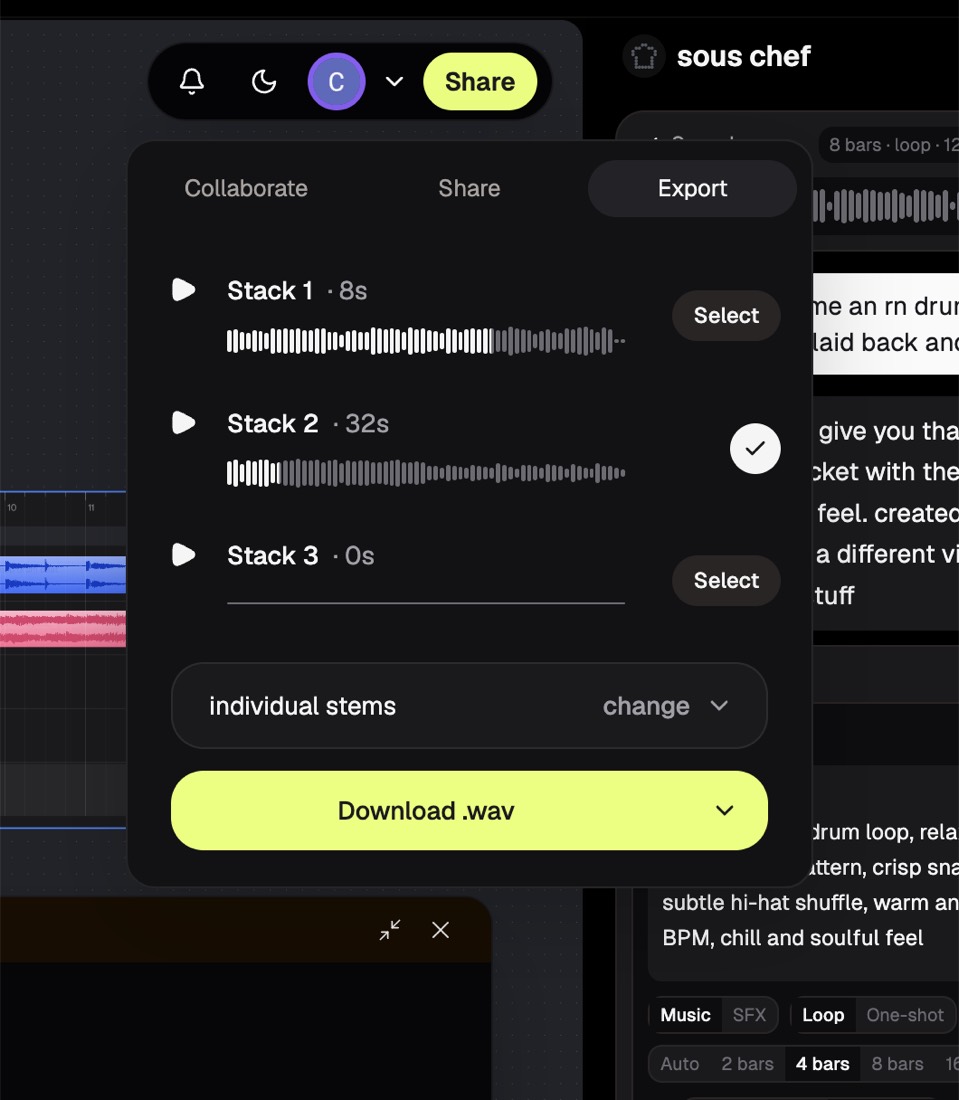
Yes. Open Share, then Export, pick your stacks, and download individual stems or a mixdown as .wav. You drop them into Logic, Ableton, FL Studio, or any DAW to mix and master.
What is the sous chef in Riffle?
The sous chef is Riffle’s co-producer assistant. While your stack plays, it suggests chord progressions, explains theory, and gives honest feedback on what to fix. It returns short parts, never a full song, so you stay the maker.
Is Riffle an AI song generator?
No. Riffle is a music creation studio, not a generator. It never produces a finished track from a prompt. You play, sample, and arrange the music yourself, and the sous chef assists on the side.