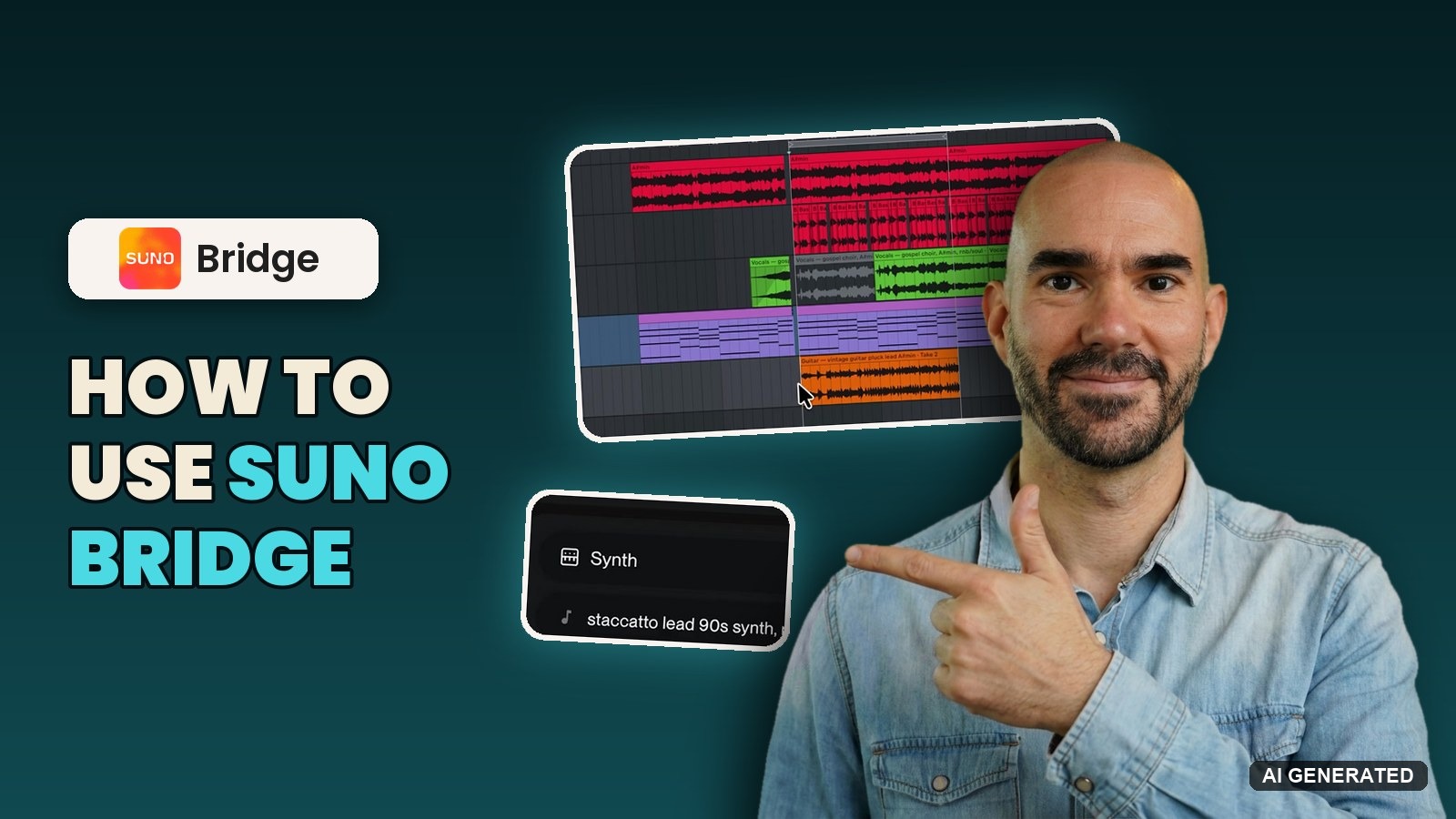
Suno Bridge beta puts Suno inside Ableton Live 12, writing new parts that follow your session's key, tempo and chords

My stack My fav 6 tools for AI music after testing 70+
-
 ElevenMusic · Music generation
-
 Moises · Stem separation
-
 Controlla · Voice swap & cloning
-
 Cryo Mix · Mixing + mastering
-
 Neural Frames · Music videos
-
 ONCE · Distribution
Some links are affiliate links — I earn a commission at no cost to you. Every tool here is one I run myself and truly believe in. This stack is proven.
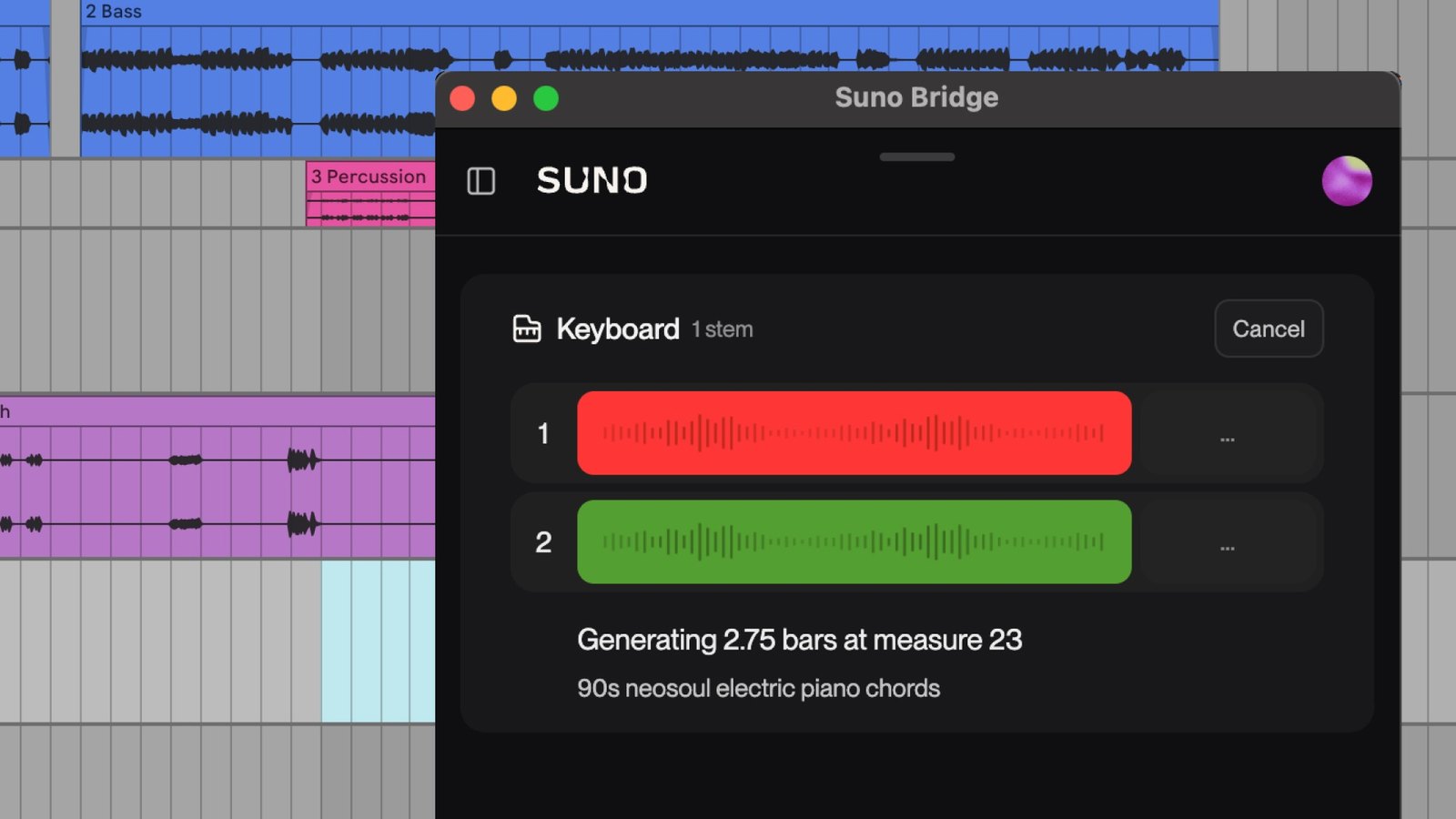
Suno now works inside Ableton Live.
On November 13, 2026, Suno launched Suno Bridge in beta. It’s a standalone Mac app that sits next to Ableton Live 12, listens to your session, and writes new instrument and vocal parts that follow your key, tempo, chords and groove. The part lands straight on your timeline.
Suno’s launch post calls it the first time “you can combine your Suno workflow with the VSTs, plugins and DAW you already know.” The beta is included with the Premier plan, and every generation spends credits.
What Suno Bridge does inside an Ableton Live 12 session
Bridge runs alongside Live, and both apps have to be open. You open your session, then Bridge uploads the project to your Suno account so the model hears what’s already there.
Then you set a loop in Live’s Arrangement View. That loop is your prompting window: Suno’s example is a loop from bar 9 to bar 16, which gives you an 8-bar part starting on the first beat of bar 9. You pick an instrument type in Bridge, describe the sound, and the new clip drops onto the timeline in sync with your track.
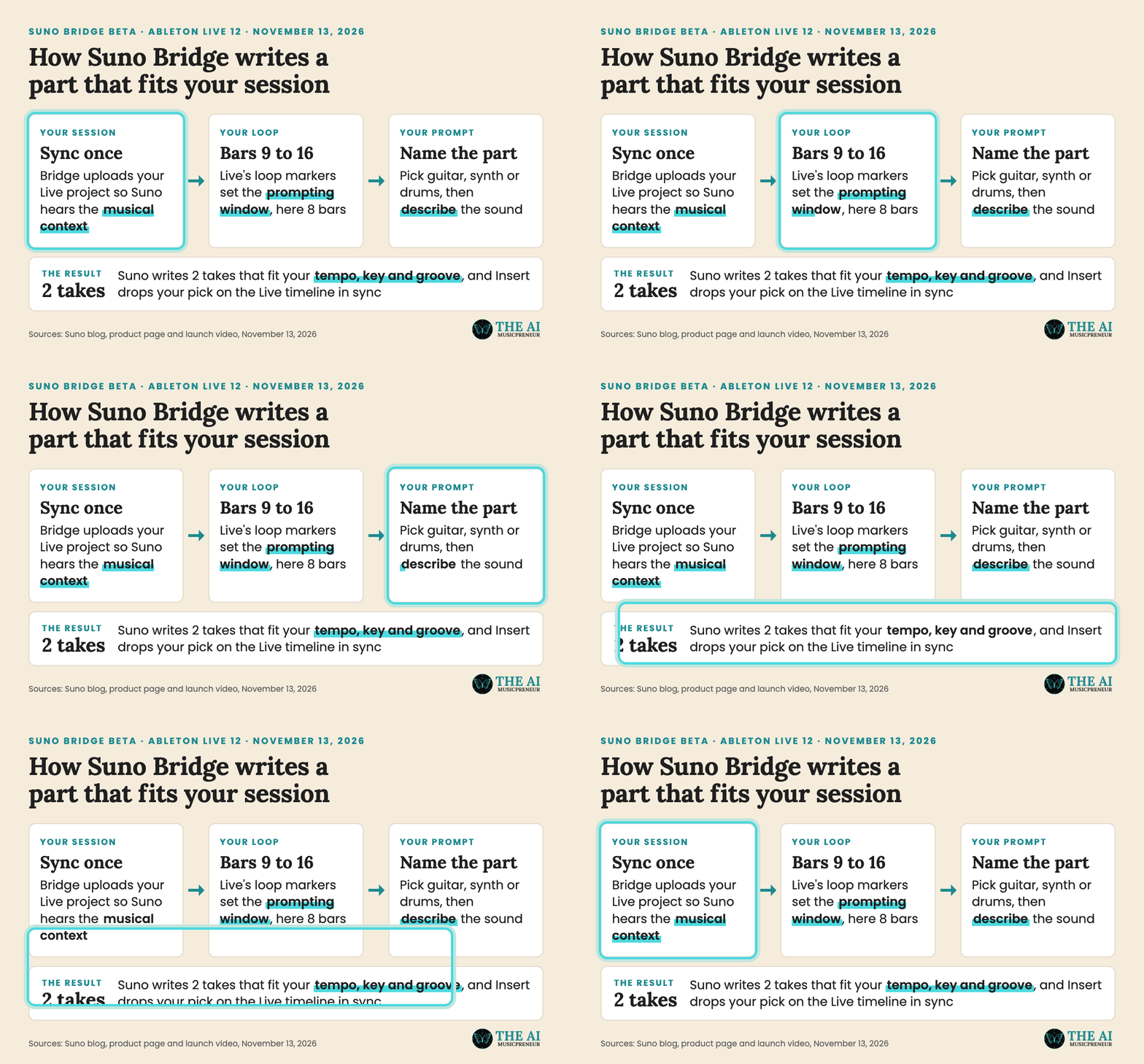
Each prompt gives you 2 takes to audition before you insert one. I wrote up the full setup, including the MIDI step most people will miss, in my guide on how to use Suno Bridge in Ableton Live 12.
Why Suno Bridge is the first Suno tool that works with your own plugins
Until now, you made music with Suno inside Suno. Suno Studio is a DAW in the browser, it runs best in Chrome, and Studio 2.0 still takes no VST or AU plugins. So anyone with a real mix chain had to export stems and rebuild the track somewhere else.
Bridge flips that. Your plugins, your routing and your shortcuts stay where they are, and Suno becomes a sound source inside the session.
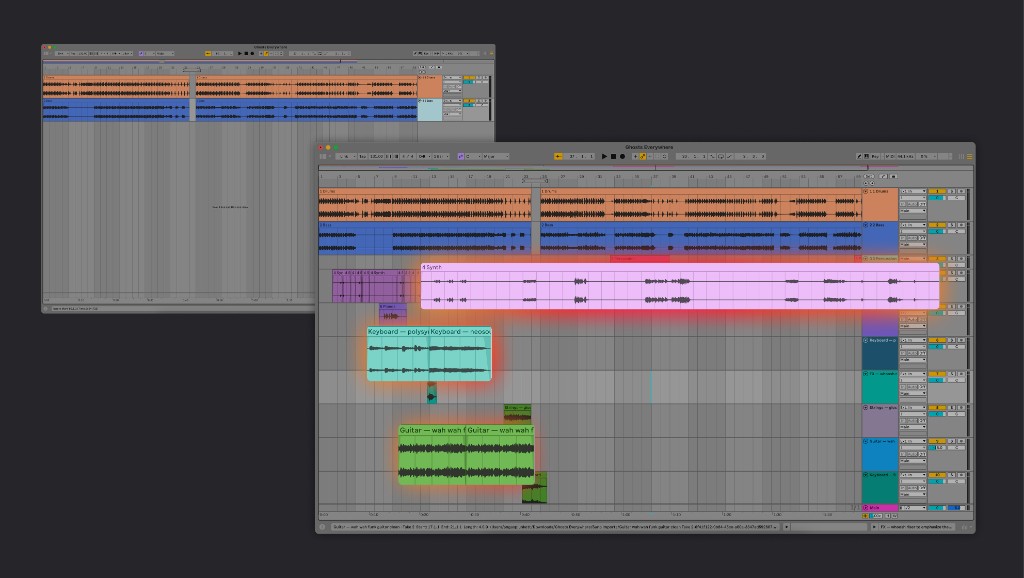
Suno pitches it at the folder of unfinished projects every producer has on a drive somewhere.
Turn old sessions into finished songs. Dust off the hard drive and bring new energy to the unfinished projects with sounds that match your music perfectly.
Ableton isn’t building this itself, btw. Suno’s Bridge page says the app “has been developed independently of Ableton”, and Ableton’s own next version, Live 13, has no AI among its 14 headline features.
Who can use the Suno Bridge beta: Premier, Mac and Live 12 only
The beta comes with 4 limits:
- Premier plan only. Bridge is included with all Premier subscriptions, at $24 a month on annual billing or $30 billed monthly. Free and Pro accounts can’t run it.
- Mac only. Suno says other operating systems come later.
- Ableton Live 12 or later. No other DAW yet, and Suno says more are planned.
- Credits per generation. The app is a free download, but each part you generate spends credits.
So if you produce in Logic, FL Studio or on Windows, you wait. Suno hasn’t said for how long.
What Suno Bridge uploads, and what its copyright filter blocks
Bridge only works because it uploads your Live project and its audio files to your Suno account. Suno says it only uploads the project you choose, and it asks permission before including audio files it can’t access on its own.
Every uploaded file then goes through Suno’s copyright filters. Files flagged as rightsholder material are not ingested. If a session mixes your own recordings with someone else’s, only the other person’s material gets blocked, per Suno’s FAQ on the Bridge page.
That matters if your old sessions are built on a sampled loop or a commercial reference track. Those files won’t reach Suno, so the parts Bridge writes won’t hear them. It’s the upload-side version of the Musixmatch Sentinel screening Suno added for lyrics and prompts in August.
Bridge generations also stay out of your regular Suno library. Suno says you find them by opening your profile icon and selecting Downloads.
Suno hasn’t said when Bridge leaves beta, or which DAW comes after Ableton.
Frequently asked questions
When did Suno launch Suno Bridge, and is it still in beta?
Suno announced Suno Bridge on its blog on November 13, 2026 and launched it as a beta the same day. Suno has not given a date for a full release.
Is Suno Bridge an official Ableton integration?
No. Suno's Bridge page says the app has been developed independently of Ableton. It runs as a separate Mac app next to Ableton Live 12 or later, and both apps have to be open for it to work.
Can Suno Bridge generate vocals, or only instruments?
Both. Suno's launch post says Bridge creates new instrument and vocal parts, and its product page shows Bridge generating backing vocals from a sound description. You pick an instrument type and describe the sound you want for each generation.
About the author
Covering AI music tools, industry shifts, and news for music creators and professionals. Twice-weekly newsletter at aimusicpreneur.com.