FL Studio 2026 lands with a smarter Gopher AI assistant and a no-AI-training pledge
My stack My fav 6 tools for AI music after testing 70+
-
 ElevenMusic · Music generation
 -
 Moises · Stem separation
 -
 Controlla · Voice swap & cloning
 -
 Cryo Mix · Mixing + mastering
 -
 Neural Frames · Music videos
 -
 ONCE · Distribution
Some links are affiliate links — I earn a commission at no cost to you. Every tool here is one I run myself and truly believe in. This stack is proven.
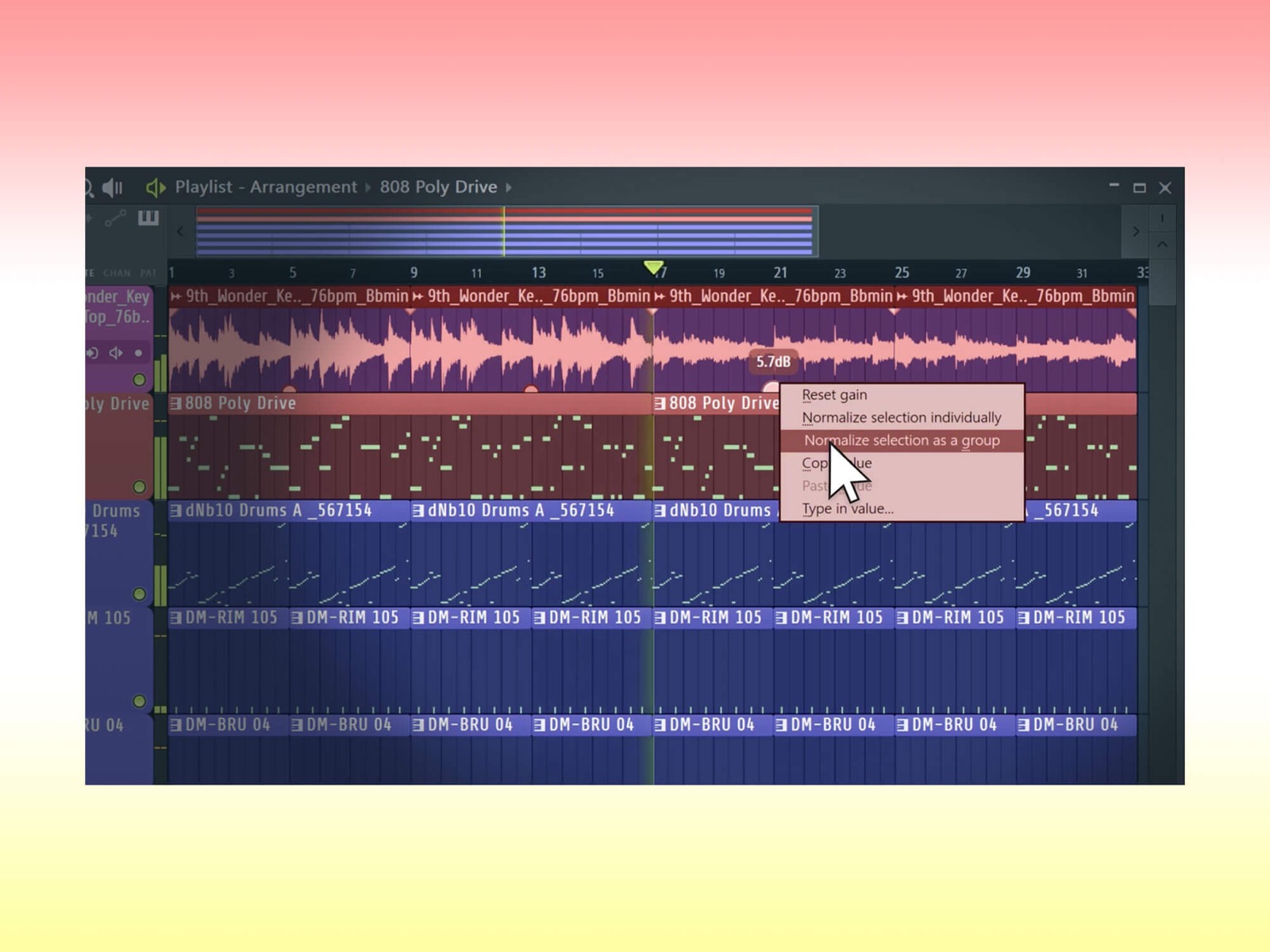
Image-Line shipped FL Studio 2026 on July 7, 2026, and the headline for most producers is the AI. The DAW’s workflow assistant, Gopher, now takes plain-language instructions and handles multi-step jobs on its own. Image-Line paired that with a clear promise: none of your cloud projects, and none of your Gopher sessions, get used to train AI. The update is free for every existing license holder under the company’s Lifetime Free Updates policy.
What Gopher can now do in FL Studio 2026
Gopher used to handle small tasks. In FL Studio 2026 you can hand it more complex ones and let it work.
The list Image-Line gives is specific: organising tracks, routing mixer channels, setting levels, adjusting plugin parameters, generating Piano Roll content, and creating VFX scripts. You describe what you want, Gopher does the clicking.
The part that matters for anyone nervous about AI in their DAW: Gopher does not train on your data. That is a real distinction from generative tools that quietly learn from what you feed them.
Image-Line’s no-AI-training pledge on FL Cloud
FL Studio 2026 adds automatic cloud backup to every FL Cloud plan. Lose a laptop or a drive, and your projects come back. Storage runs 500 MB on Free, 5 GB on Plus, and 1 TB on Pro.
Image-Line attached a promise to it: none of the projects stored in the cloud will be used to train AI. That is the kind of line more tool makers should be putting in writing, given how much of the industry is still fighting over training data.
Every second spent searching, organising, or recovering work is time taken away from creating.
FLEX, the Piano Roll, and the rest of the update
FLEX got its first big overhaul since 2019. It runs on a new engine, its browser searches every sound pack and loads previews faster, and it ships with 8 more free sound packs holding over 200 presets.
The Piano Roll picked up a chord panel that suggests chords and notes in the key of your project, useful if you know what you want to hear but not the theory behind it. You can also rename notes in the roll for custom visual cues.
Two more additions round it out. Transmitter, in the All Plugins Edition, splits the transient and sustain parts of a signal so you can process each one separately. An Audio Logger captures the last 60 seconds of master output, so a great idea you played once but did not record is no longer gone.
FL Studio 2026 is free for current owners. New buyers pick from four tiers, starting at £89 for Fruity Edition and topping out at £469 for the All Plugins Edition. If you are coming from an older build, the AI assistant is the reason to install it today, but the 2025 workflow changes and the chord progression tool are still worth a read for context on where the DAW has been heading.
Frequently asked questions
What is new in FL Studio 2026?
FL Studio 2026 rebuilds the FLEX synth, adds automatic cloud project backup, and expands the Gopher AI assistant so it can handle multi-step tasks. It also adds the Transmitter transient tool in the All Plugins Edition, a chord-suggestion panel in the Piano Roll, and an Audio Logger that captures the last 60 seconds of master output.
What can the Gopher AI assistant in FL Studio 2026 do?
Gopher takes plain instructions and handles tasks like organising tracks, routing mixer channels, setting levels, adjusting plugin parameters, generating Piano Roll content, and creating VFX scripts. Image-Line says Gopher does not train on user data.
Does FL Studio 2026 use your projects to train AI?
No. Image-Line states that none of the projects stored in FL Cloud will be used to train AI, and that the Gopher assistant does not train on user data. Cloud backup is included with every FL Cloud plan, at 500 MB on Free, 5 GB on Plus, and 1 TB on Pro.
How much does FL Studio 2026 cost?
Existing license holders get FL Studio 2026 free under Image-Line's Lifetime Free Updates policy. New buyers choose from four tiers, from Fruity Edition at £89 up to the All Plugins Edition at £469.
About the author

Covering AI music tools, industry shifts, and news for music creators and professionals. Twice-weekly newsletter at aimusicpreneur.com.