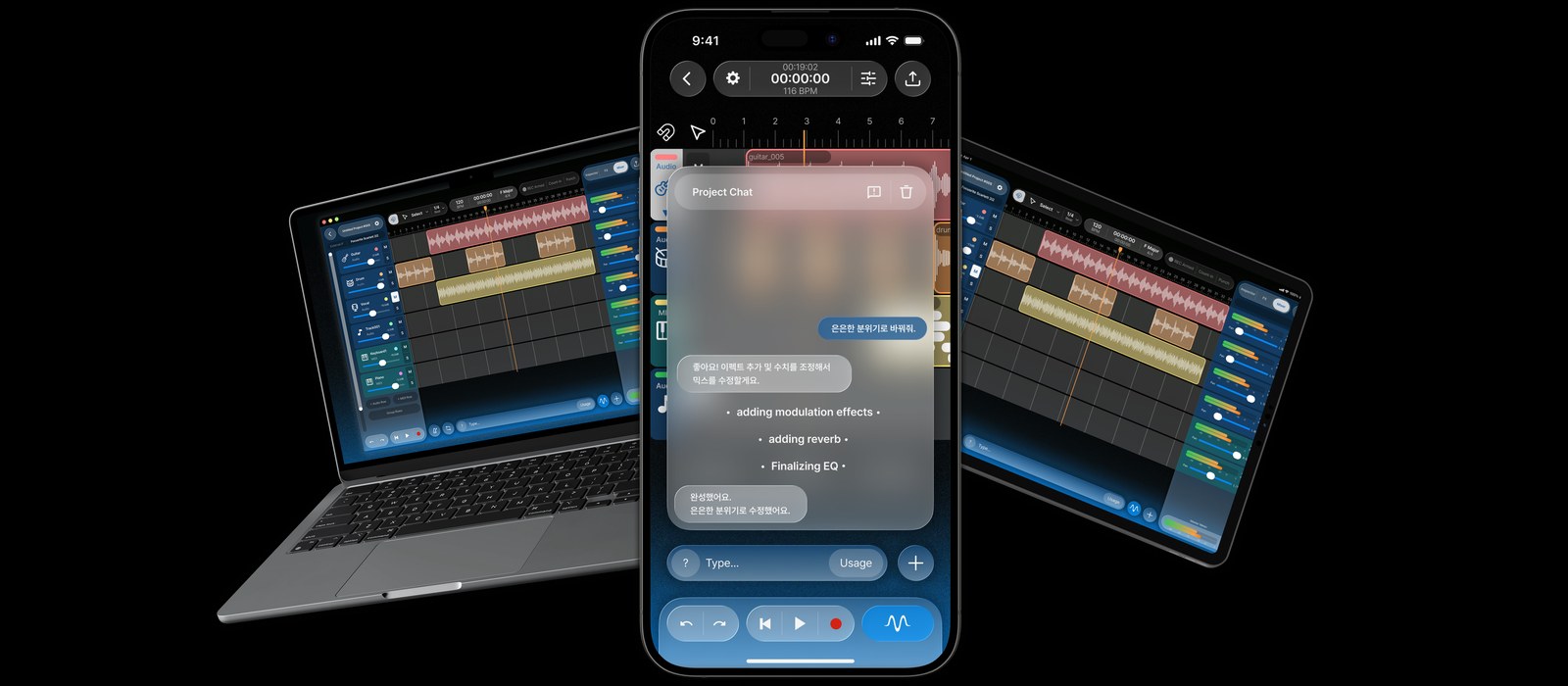
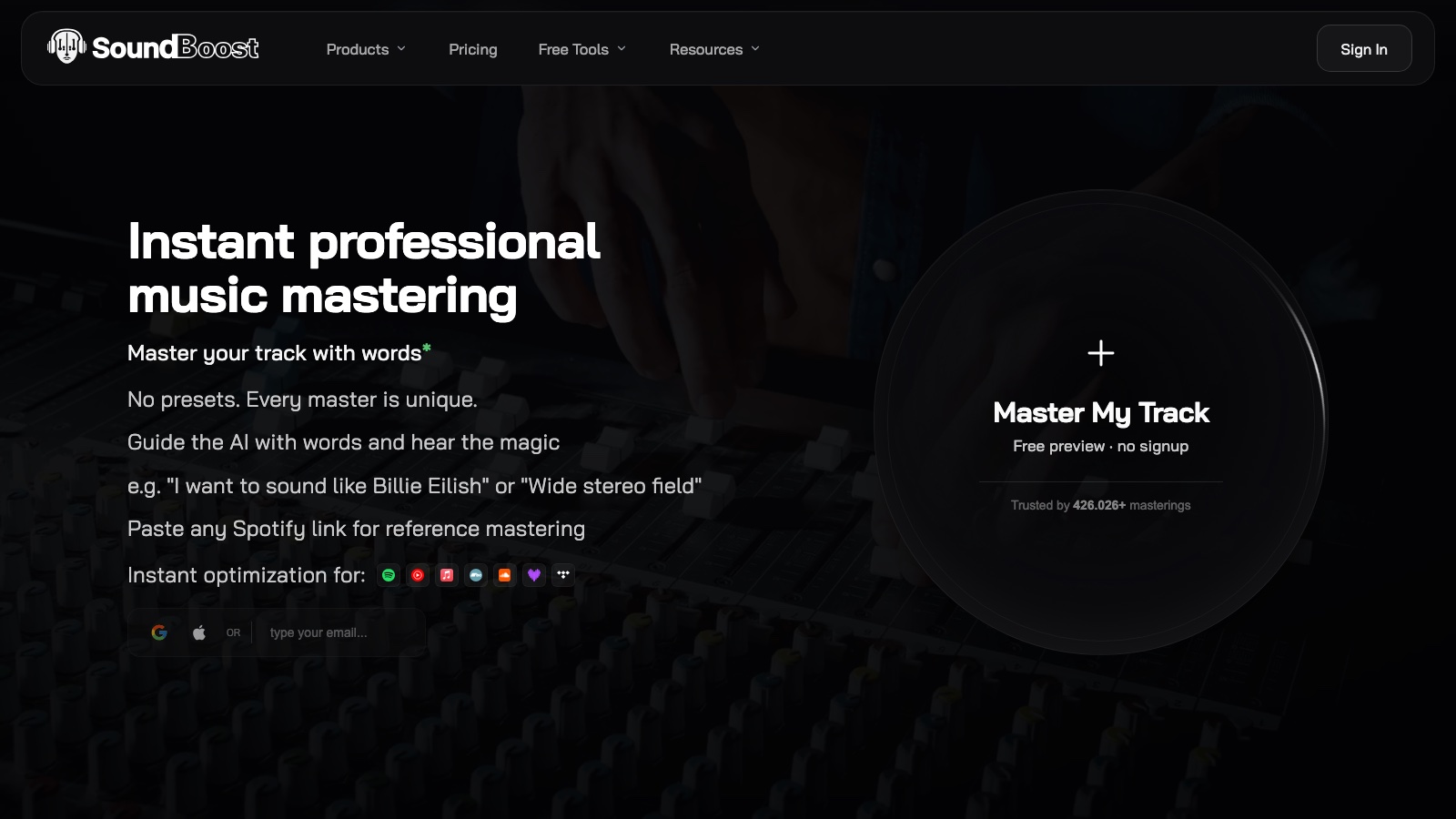
SoundBoost hits 180,000 users and 540,000 masters, adds mobile apps and AI mastering engineers
My stack My fav 6 tools for AI music after testing 70+
-
 ElevenMusic · Music generation
 -
 Moises · Stem separation
 -
 Controlla · Voice swap & cloning
 -
 Cryo Mix · Mixing + mastering
 -
 Neural Frames · Music videos
 -
 ONCE · Distribution
Some links are affiliate links — I earn a commission at no cost to you. Every tool here is one I run myself and truly believe in. This stack is proven.
SoundBoost now counts more than 180,000 musicians and 540,000 masters, according to founder Berkan Cesur. When I covered the text-prompt mastering launch last December, those numbers stood at 34,500 users and 50,000 masters. That is a 5x jump in 8 months, from a team that, as far as I know, is still bootstrapped.
The public counter on soundboost.ai read 524,606 masterings a few days ago, so Berkan’s 540,000 runs a touch ahead of the homepage. Close enough.
For scale: Masterchannel, which has been mastering for years longer, passed 1.7 million unique songs in July. SoundBoost sits at roughly a third of that count after a far shorter run.
The growth tracks with how much the product widened since my stem splitter coverage in January. The mastering app is now on iOS and Android, and a separate stem splitter app is live on iOS with an Android version coming.
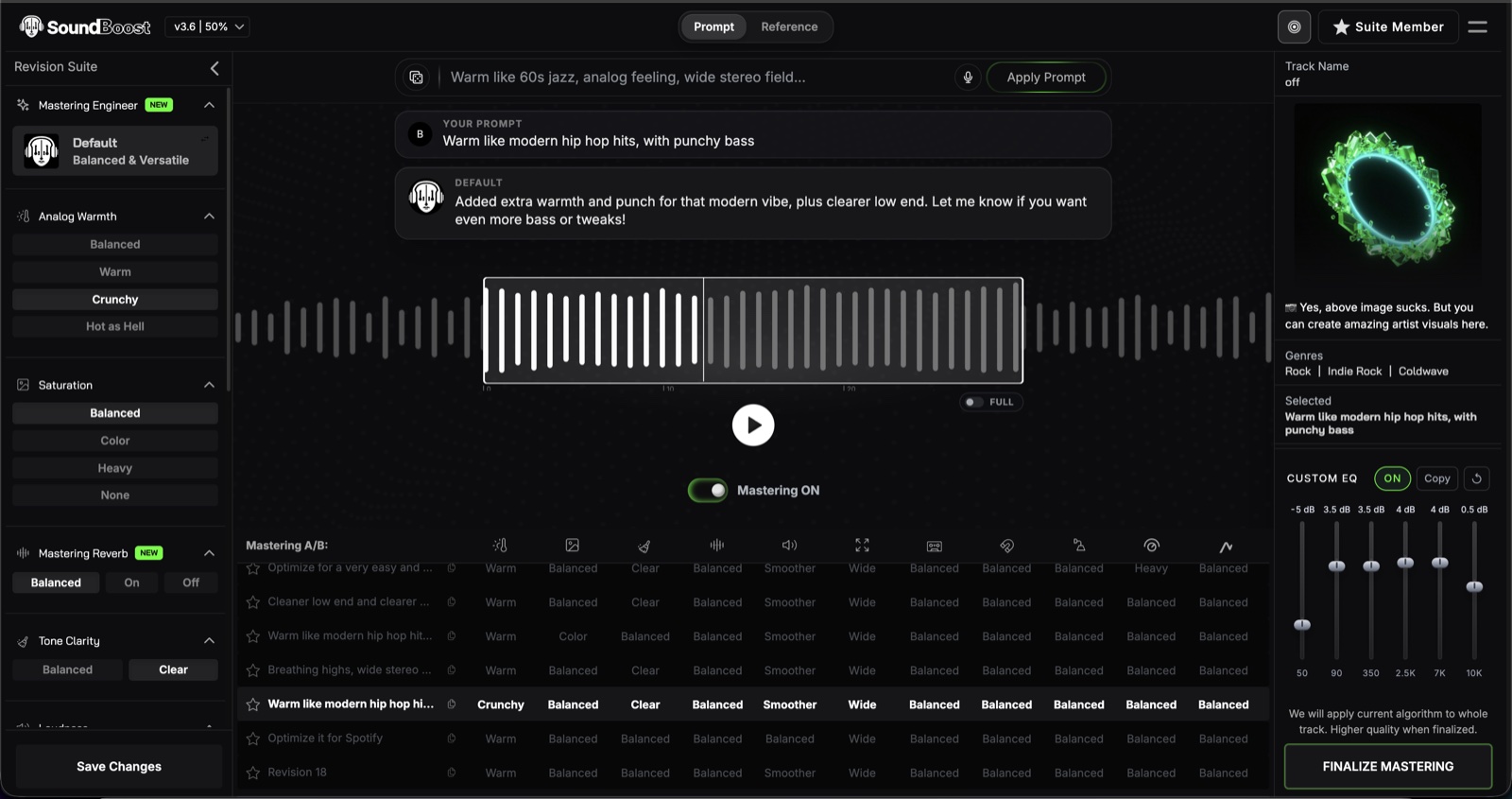
On the mastering side, the engine now sits at version 3.6. You still describe what you want in plain language, but the prompts reach deeper: a boost at 15 kHz, a specific compressor style, tighter reference mastering. The release notes show the change I find most interesting: type “remove the drums and bring the vocals forward” into a mastering prompt and it does both in one render. Realtime Mode goes a step further. Grab your mic, say how the master should sound, done in seconds.
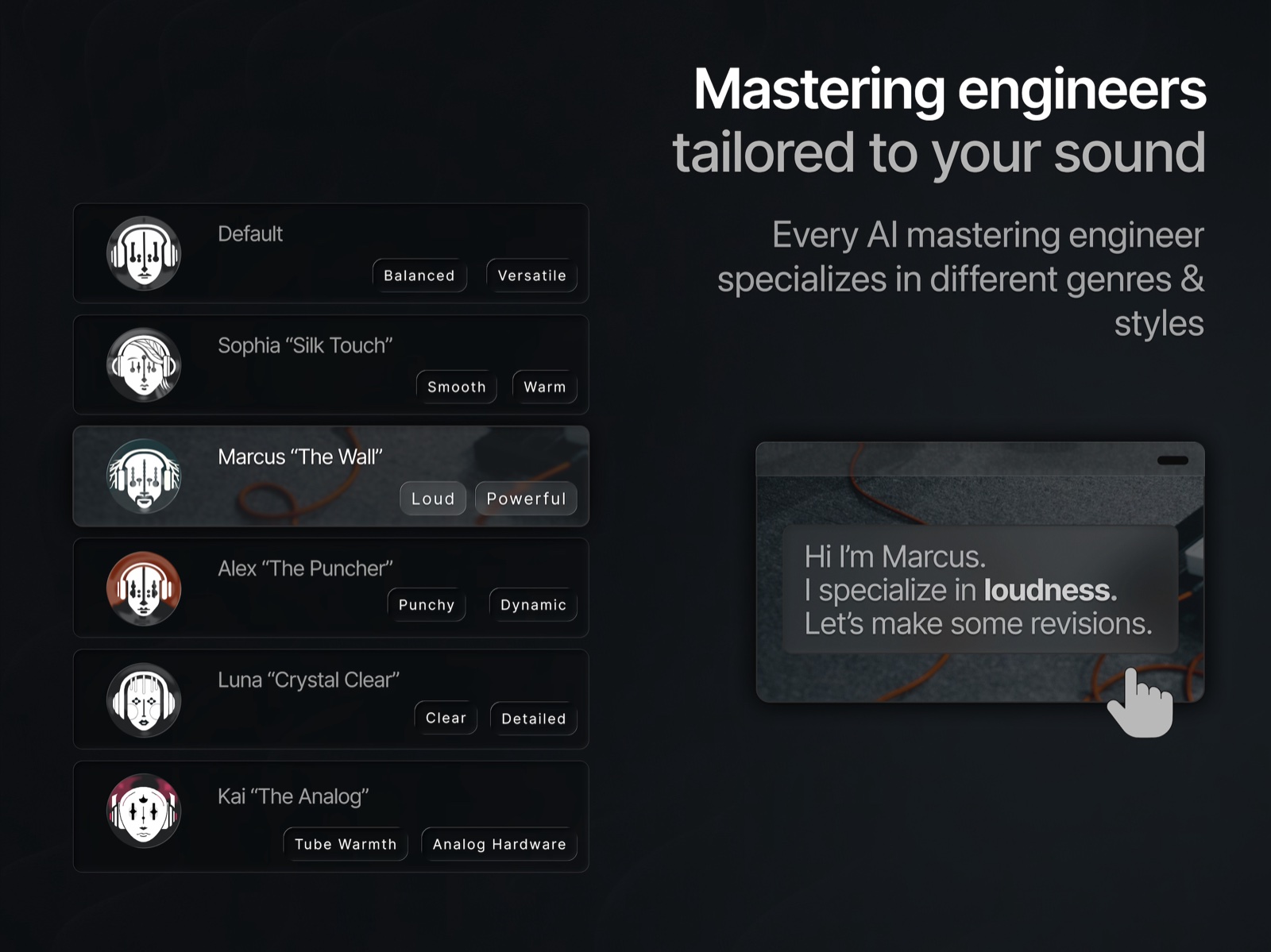
SoundBoost also splits its mastering brain into 6 AI engineer personas: Default, Sophia (smooth and warm), Alex (punchy), Marcus (loud), Luna (clear and detailed) and Kai (vintage analog). Pick the one that matches your genre instead of re-prompting a generic engine. And bulk mastering finally exists: copy a mastering seed number from one track and apply it to the rest of an album or EP so the whole record carries the same feel.
Cesur has been blunt about why he keeps adding controls, in a July interview on where one-shot mastering tools fall short:
Most AI mastering is a slot machine. You upload, you pull the lever... That's not a tool, that's a coin flip with a subscription.
The studio side grew just as much. The free stem splitter now separates guitar and piano on top of vocals, drums, bass and other, and can break a drum stem into kick, snare, toms, hi-hat and cymbals. Chords Mode detects the chords of any song for guitar, piano or ukulele practice. Lyrics Mode pulls the words and scrolls them karaoke-style while the track plays, and you can shift the pitch without touching the tempo when the key sits wrong for your voice. Add looping, per-stem volume and pan, a mix bounce of whatever stems are audible, and a metronome that follows the track even when it was never recorded to a grid.
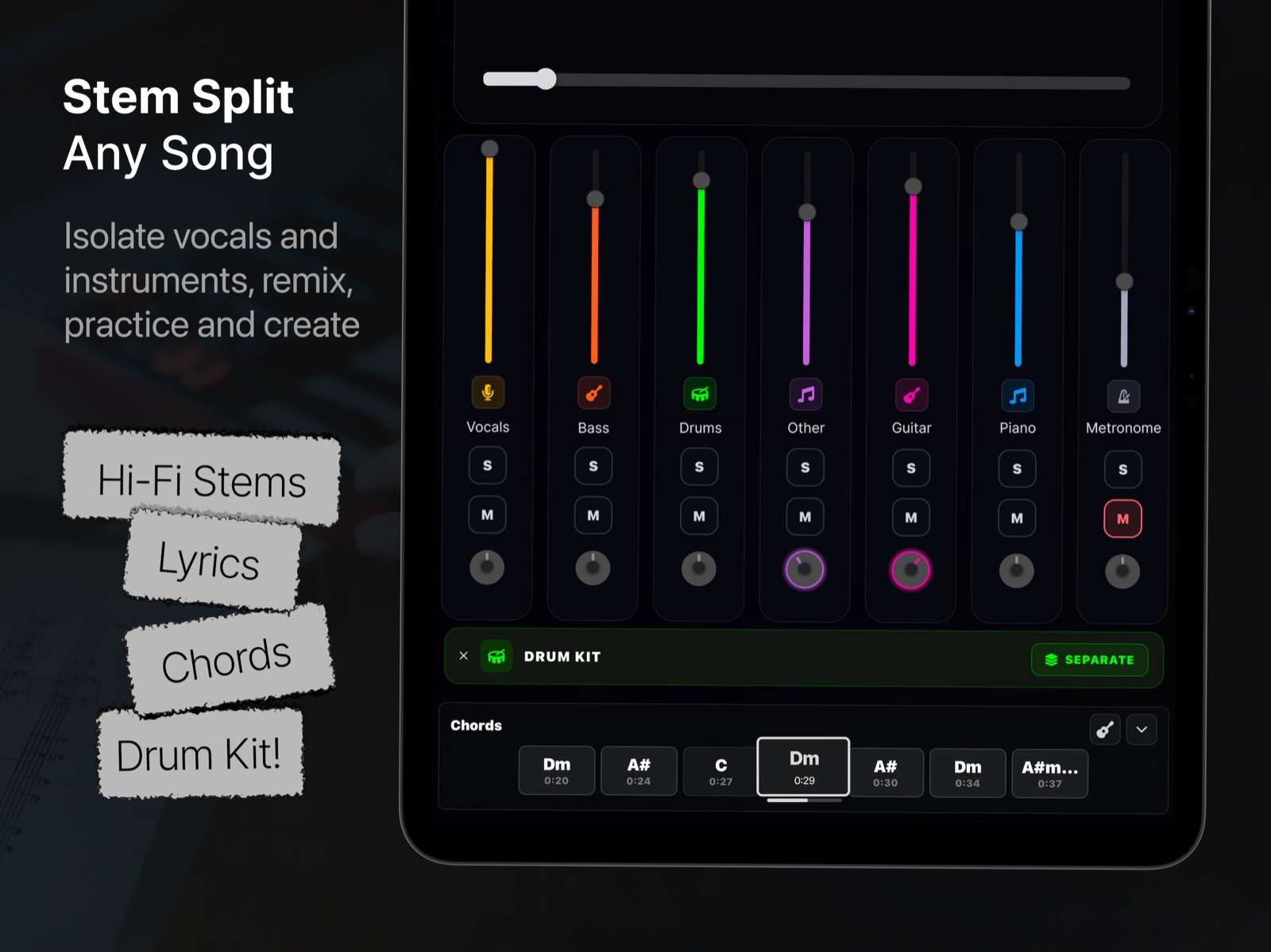
What’s free in SoundBoost and what needs a paid plan?
Most of the practice workflow costs nothing. Here is where the paid line sits:
| Feature | Plan |
|---|---|
| 5-stem split with MP3 downloads | Free |
| Chords Mode, Lyrics Mode, looping, pitch and tempo controls | Free |
| Adaptive metronome | Free |
| Mastering preview and a free full download | Free |
| Unlimited masters, Hi-Fi stems, HD WAV downloads, mix bounce | Unlimited, $16/month or $48/year |
| Guitar and piano stems, drum kit split, bulk mastering | Unlimited Plus, $24/month or $72/year |
Cesur says the free splitter now handles about 10,000 stem separations a day. SoundBoost publishes no public number for that, so treat it as his figure, not a verified one.
Why SoundBoost’s free tools all point at the mastering button
Split a song, mute the stems you don’t want, bounce the mix, then master it with a prompt, all in one browser tab. That hand-off is the product thesis, and it lands squarely on Suno and Udio creators who finish tracks without ever opening a DAW. My AI stem splitter roundup and the stem splitter cheatsheet both list SoundBoost as the free browser pick for exactly this reason.
How the free tier compares against the other big splitters:
- BandLab gives away a 4-stem splitter and gates guitar, strings and piano behind its $1.99/month Membership.
- Moises caps its free tier at 5 uploads a month, with Premium at $5.99/month.
- On the mastering end, SoundBoost Unlimited at $48/year undercuts every unlimited plan in my AI mastering roundup. LANDR’s cheapest subscription starts around $11.99/month for MP3-only masters.
About the author

Covering AI music tools, industry shifts, and news for music creators and professionals. Twice-weekly newsletter at aimusicpreneur.com.