RoEx launches Automix Desktop, AI mixing and mastering that runs locally on your Mac
My stack My fav 6 tools for AI music after testing 70+
-
 ElevenMusic · Music generation
 -
 Moises · Stem separation
 -
 Controlla · Voice swap & cloning
 -
 Cryo Mix · Mixing + mastering
 -
 Neural Frames · Music videos
 -
 ONCE · Distribution
Some links are affiliate links — I earn a commission at no cost to you. Every tool here is one I run myself and truly believe in. This stack is proven.
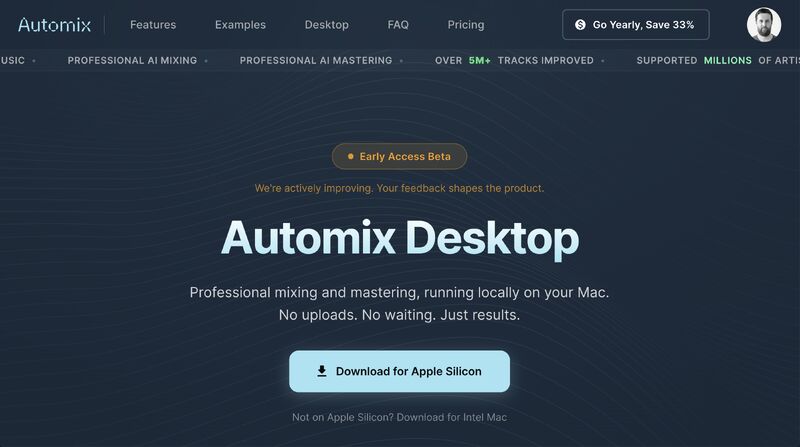
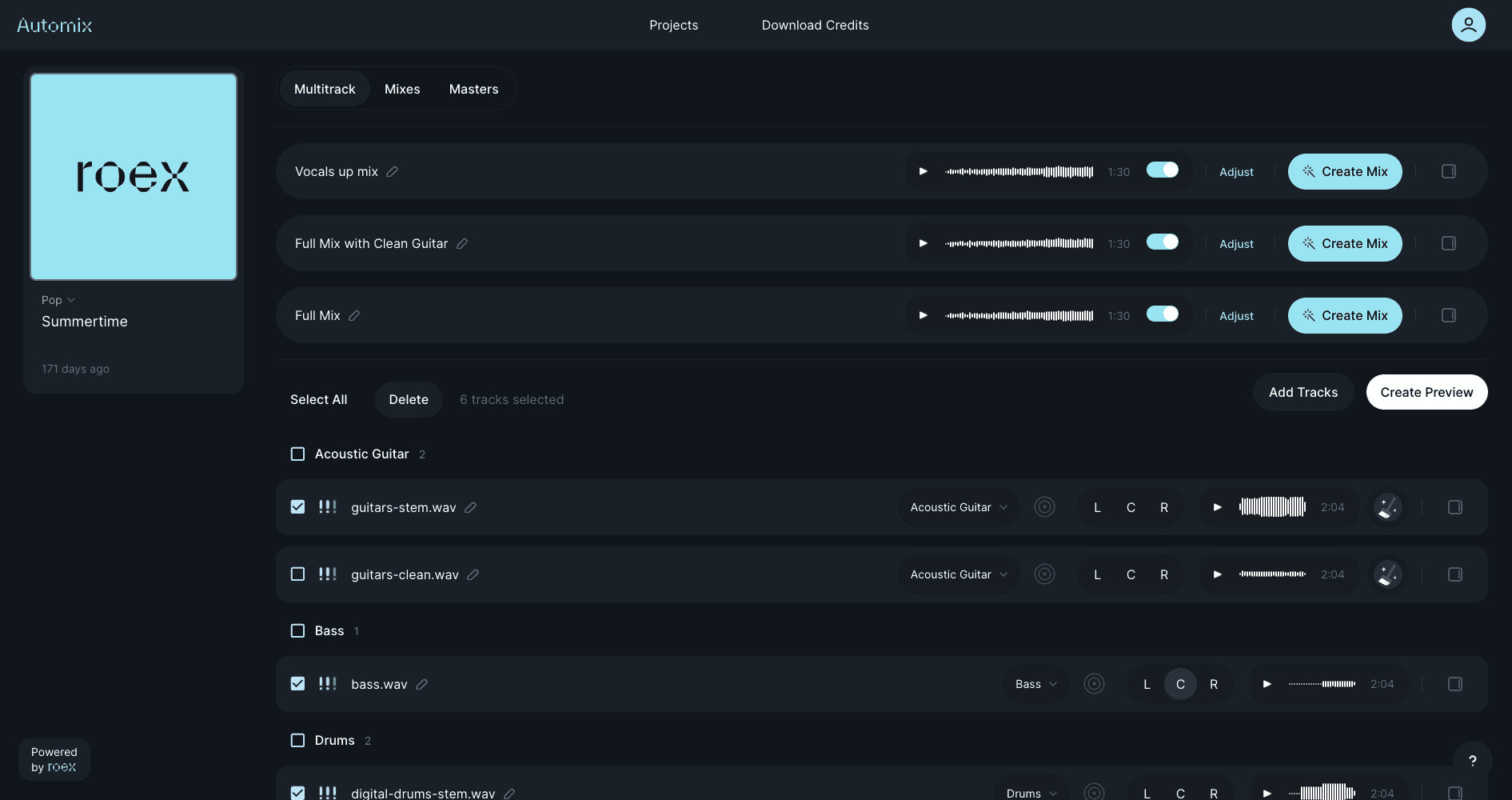
RoEx launched Automix Desktop, a native Mac app that runs its AI mixing and mastering on your own machine instead of in the cloud. The early-access beta processes stems locally on Apple Silicon, so your audio never leaves your computer unless you send it somewhere yourself.
Speed and privacy, in one download.
What Automix Desktop does
The headline change is a file. RoEx created the .amx format, and double-clicking one on a Mac opens a full mixing and mastering session inside Automix Desktop. Under the hood is the same engine RoEx says has processed more than 6 million tracks, now running offline.
What you get in the beta:
- Local processing on Apple Silicon, with no uploads to the cloud
- Offline use for up to 24 hours
- 2-5x faster mixing than the web version
- Unlimited exports on the Pro plan
- Export to Ableton, Bitwig, and Fender Studio, with more DAWs planned
There is an Intel Mac build too, and RoEx says Windows and Linux versions are coming. Automix Desktop is free to try, and RoEx CEO David Ronan posted the full announcement on LinkedIn.
Desktop is step one of something much bigger we're building for producers and their DAWs.
What it means for producers
For working producers, the friction with web-based mastering has always been the round trip: bounce, upload, wait, download, reimport. Automix Desktop collapses that into a local session that lands back in your DAW. RoEx already built a direct Automix integration for Ableton Live, and the desktop app extends that thinking to Bitwig and Fender Studio. If you have compared AI mixing and mastering tools or weighed a mastering plugin against Ozone, the pattern is clear: these tools are moving off the web and into the DAW where the work happens.
Frequently asked questions
What is RoEx Automix Desktop?
Automix Desktop is a native Mac application from RoEx that runs the company's AI mixing and mastering engine locally on Apple Silicon, rather than in the cloud. It is in early-access beta, processes stems on your own machine with no uploads, and can work offline for up to 24 hours.
What is the .amx file used by RoEx Automix Desktop?
The .amx file is RoEx's new session format. Double-clicking an .amx file on a Mac opens a full AI mixing and mastering session inside Automix Desktop, so a project can be saved, reopened, and shared as a single file.
Which DAWs does RoEx Automix Desktop export to?
At launch, Automix Desktop exports to Ableton Live, Bitwig Studio, and Fender Studio, and RoEx says more DAWs are on the way. RoEx also offers a separate direct Automix integration for Ableton Live.
About the author

Covering AI music tools, industry shifts, and news for music creators and professionals. Twice-weekly newsletter at aimusicpreneur.com.