Udio just rolled out 4 powerful new features – Here’s what you need to know
My stack My fav 6 tools for AI music after testing 70+
-
 ElevenMusic · Music generation
 -
 Moises · Stem separation
 -
 Controlla · Voice swap & cloning
 -
 Cryo Mix · Mixing + mastering
 -
 Neural Frames · Music videos
 -
 ONCE · Distribution
Some links are affiliate links — I earn a commission at no cost to you. Every tool here is one I run myself and truly believe in. This stack is proven.

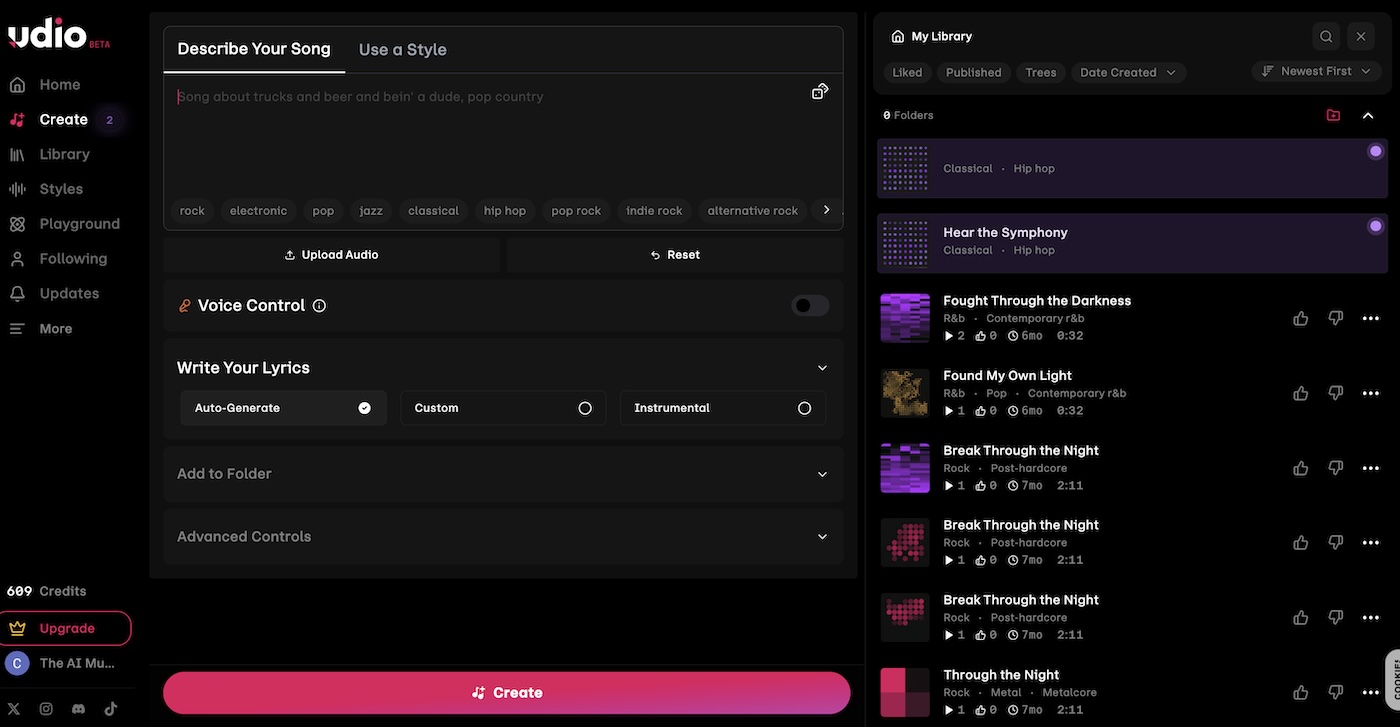
If you’re using Udio to generate your tracks, I’ve got some exciting updates that’ll make your creative journey even smoother. Improved editing is here!
Ever wanted to tweak just a specific part of your generated track? Now you can! Udio’s new ‘Edit’ button lets you easily edit or replace any section of your song.
If you tried their old ‘Inpainting’ feature, think of this as its smarter, more sophisticated cousin. It’s like having a mini studio right at your fingertips.
Let’s dive in!
Introducing the lyric editor
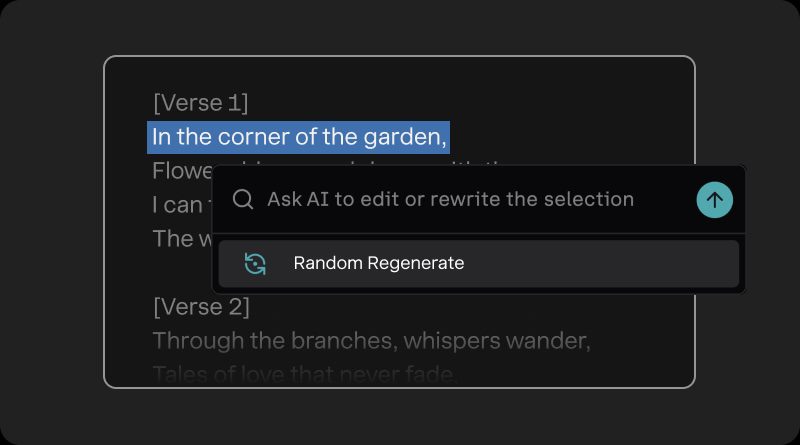
Struggling to pen the perfect lyrics? Udio’s got your back. With the new Lyric Editor, you can generate complete lyrics for your songs. Review and edit them manually, or let the AI lend a helping hand before you even hit the studio. Crafting your song’s story has never been easier.
Tailor your sound with style reduction
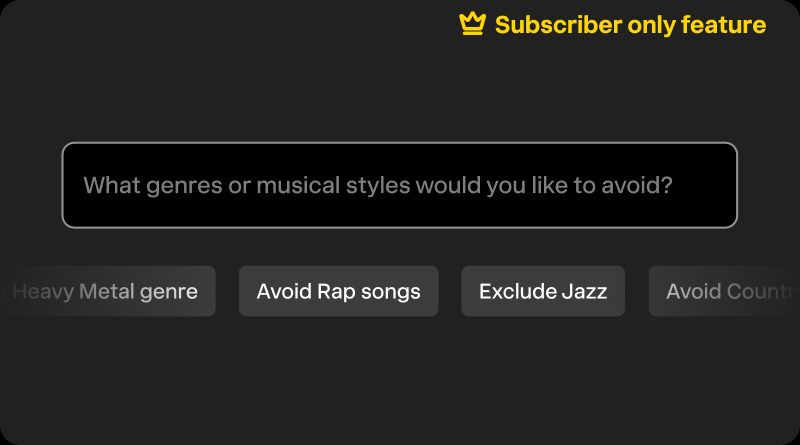
We all have genres we’d rather skip. With Style Reduction, you can now specify musical styles or genres you’d like to exclude from your generated songs. This means your tracks are more aligned with your unique sound, keeping you authentic and true to your style.
Perfect your tracks with trimming
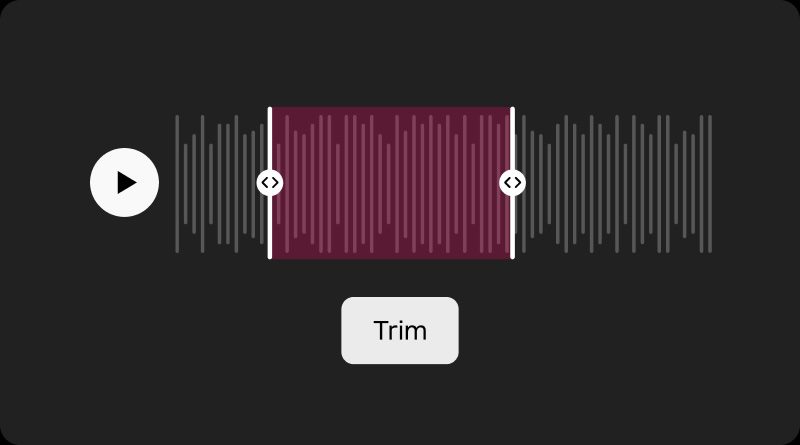
Found a segment of your song that you absolutely love? Use the new Trim Tool to adjust your songs to your desired length or just keep that golden part. It’s all about honing in on what matters most to you and your listeners.
Never lose a beat with recycle bin
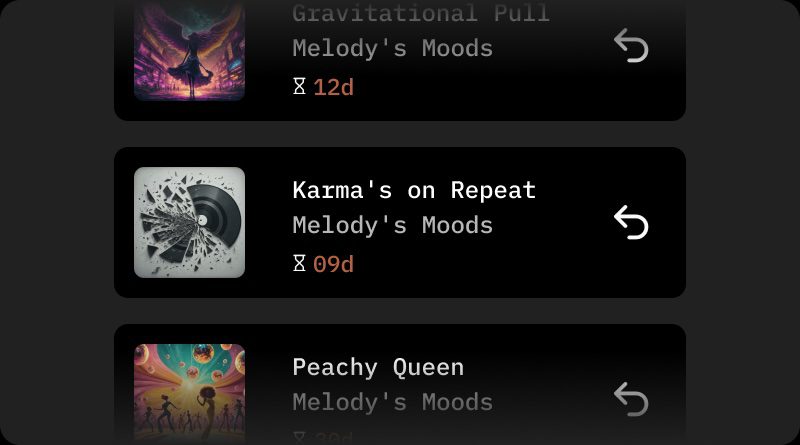
Accidentally deleted a track? No worries! Udio’s Recycle Bin lets you find and restore your deleted tracks for up to 30 days. It’s like having an undo button for your creativity—peace of mind guaranteed.
Wrapping It Up
Udio’s latest features are all about empowering you to create music that’s uniquely yours. From enhanced editing capabilities to personalized song generation, they’ve got tools that anticipate your needs and elevate your artistry.
About the author

Covering AI music tools, industry shifts, and news for music creators and professionals. Twice-weekly newsletter at aimusicpreneur.com.