AudioAuditor
AudioAuditor is a free Apache-2.0 audio forensics toolkit with beta AI detection, fake lossless and MQA checks, and AcoustID fingerprinting. Windows and Linux.
What is AudioAuditor and how does it work?
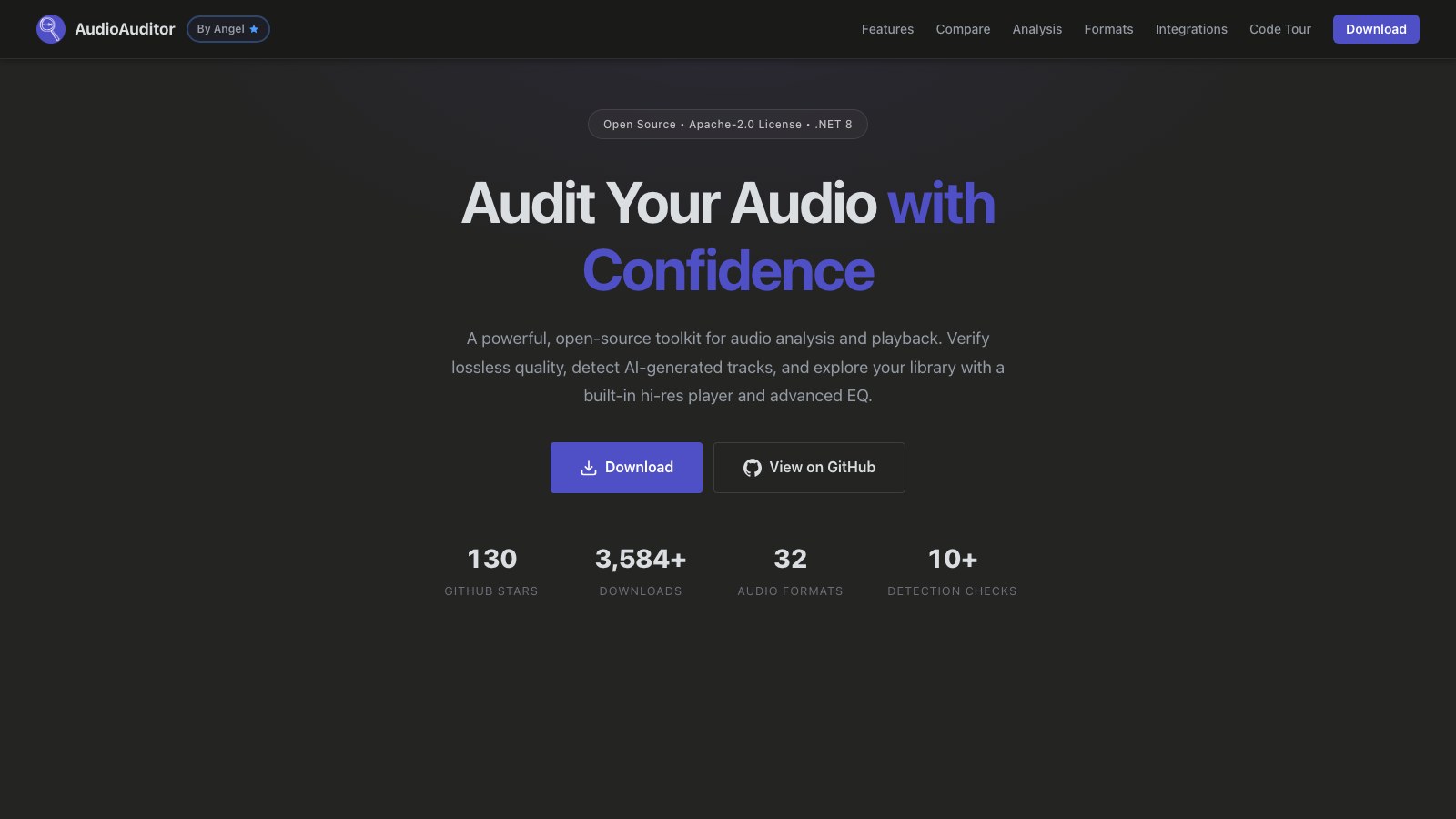
AudioAuditor is a free, open-source audio analysis toolkit built by developer Angel2mp3 on Microsoft .NET 8 and released under the Apache-2.0 licence. It verifies lossless quality, detects AI-generated tracks, and includes a hi-res player with an EQ.
It is the only tool in this directory of AI music detection tools that you install rather than upload to. For anyone checking unreleased material, that difference matters more than any feature on the list.
How it works:
- Download the desktop application for Windows 10 or later, or use the command line build on Windows or Linux
- Load a file from your library, with 32 audio formats supported
- Run any of more than 10 detection checks, including the beta AI detection
- Inspect the spectrogram at full resolution with up to 20x zoom
- Fill missing metadata tags from MusicBrainz via AcoustID fingerprinting
The project reports 130 GitHub stars and more than 3,584 downloads. The source is at AudioAuditor on GitHub.
How much does AudioAuditor cost?
Nothing. It is free and open source with no paid tier.
| Plan | Price | What you get |
|---|---|---|
| AudioAuditor | Free, Apache-2.0 | Full desktop app, all detection checks, CLI on Windows and Linux |
Pricing changes frequently across this category, though not here: verify the current release at AudioAuditor. An Apache-2.0 licence means you can read the code, fork it, and use it commercially, which is a materially different proposition from a free tier on a hosted service.
Is AudioAuditor’s AI detection reliable enough to act on?
The developer marks the AI detection feature beta, and that label should travel with any result it produces.
- The feature is beta by the developer’s own labelling, not by third-party assessment
- No accuracy figure is published, so there is no vendor claim to weigh, favourable or otherwise
- The mature features are the non-AI ones: fake stereo, fake lossless, and MQA detection have been the project’s core
- Maintenance depends on one developer, so keeping pace with new generators is a single-person workload
- The code is readable, which is the one thing no hosted detector in this category offers
That last point is the honest reason a beta feature earns a place here. Every other detector returns a number you have to trust. This one can be inspected.
What AudioAuditor does not tell you
The platform limits are as important as the detection limits, and both are specific.
- There is no macOS desktop build, with support listed as still to come
- The Linux route is command line only, so the spectrogram and player are Windows-only today
- Beta AI detection means results are provisional by the developer’s own description
- Like every detector in this category, it reads the finished file and cannot see the process that produced it
- Whether the AI detection runs entirely locally or calls an external service is not stated on the site, and it is worth confirming before you use it on unreleased material
The wider point applies to detection generally, and my coverage of the Fenix Flexin “Rubberz” dispute shows how quickly a single score becomes a public verdict.
What are some use cases for AudioAuditor?
- Checking unreleased material locally: a desktop app avoids uploading a track you have not put out yet.
- Verifying a lossless purchase: fake lossless and MQA detection are the project’s mature features.
- Spotting a fake stereo upmix: catching a mono source presented as stereo.
- Filling in missing metadata: AcoustID fingerprinting pulls tags from MusicBrainz.
- Inspecting a spectrogram closely: full resolution with 20x zoom for looking at a transcode or a suspect master.
- Auditing the detection logic itself: the Apache-2.0 source is readable, which no hosted detector allows.
For a definitive AI verdict, a beta feature from a solo project is not the tool to lean on. For local audio forensics with AI detection as a bonus check, it is the only free option of its kind here.
Is AudioAuditor free?
Yes. It is free and open source under the Apache-2.0 licence, with the source available on GitHub.
Does AudioAuditor run on Mac?
Not as a desktop application. The desktop build requires Windows 10 or later, a command line version covers Windows and Linux, and macOS support is listed as still to come.
Is AudioAuditor’s AI music detection reliable?
The developer marks the feature beta and publishes no accuracy figure. Treat any result as provisional, and note that the project’s mature capabilities are its lossless, MQA and fake stereo checks.
What else can AudioAuditor detect besides AI music?
Fake stereo, fake lossless, and MQA encoding, alongside AcoustID fingerprinting and a full-resolution spectrogram with up to 20x zoom. It covers 32 audio formats and more than 10 detection checks in total.
Who develops AudioAuditor?
A developer working as Angel2mp3. The project is built on Microsoft .NET 8 and released under Apache-2.0.