ChatGPT can now Shazam songs for you, here’s how it works:
My stack My fav 6 tools for AI music after testing 70+
-
 ElevenMusic · Music generation
 -
 Moises · Stem separation
 -
 Controlla · Voice swap & cloning
 -
 Cryo Mix · Mixing + mastering
 -
 Neural Frames · Music videos
 -
 ONCE · Distribution
Some links are affiliate links — I earn a commission at no cost to you. Every tool here is one I run myself and truly believe in. This stack is proven.

You hear a track you love but switching apps breaks your workflow. The song ends before you find your phone. The moment passes.
Apple’s Shazam integration with OpenAI ChatGPT solves this problem. You can now identify songs directly in your chat window without downloading the Shazam app or leaving your conversation.
This guide walks you through setup, usage, and optimization in under five minutes.
What You Need Before Starting
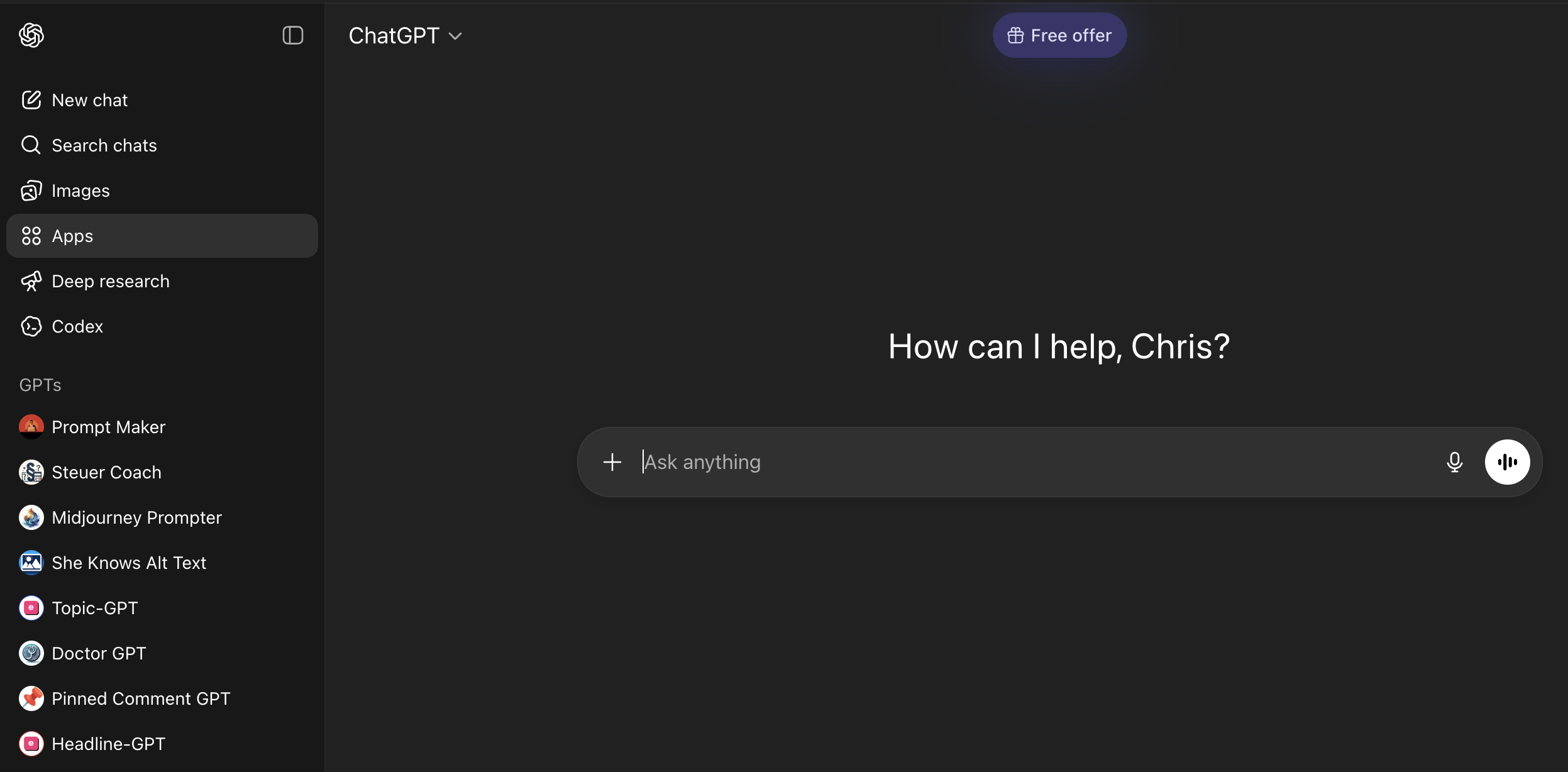
Required tools and versions:
- ChatGPT account (free or Plus)
- ChatGPT app or web browser access
- Active internet connection
Supported platforms:
- iOS, Android, and web at chatgpt.com
Time commitment: 2 minutes for setup
Before you start:
- Confirm you can log into ChatGPT
- Have a song ready to test
Apple’s Music Stack Creates Unique Advantages
This integration marks Apple’s second music service embedded in ChatGPT in three months, following Apple Music’s December 2025 launch.
The method works because Shazam’s audio fingerprinting runs server-side. No app installation required. ChatGPT’s 400M+ weekly users gain instant access to Shazam’s 1B+ song database.
Alternatives like Spotify’s AI playlist tools require separate apps. This approach keeps everything in one interface.
Step-by-Step Shazam Setup and Usage
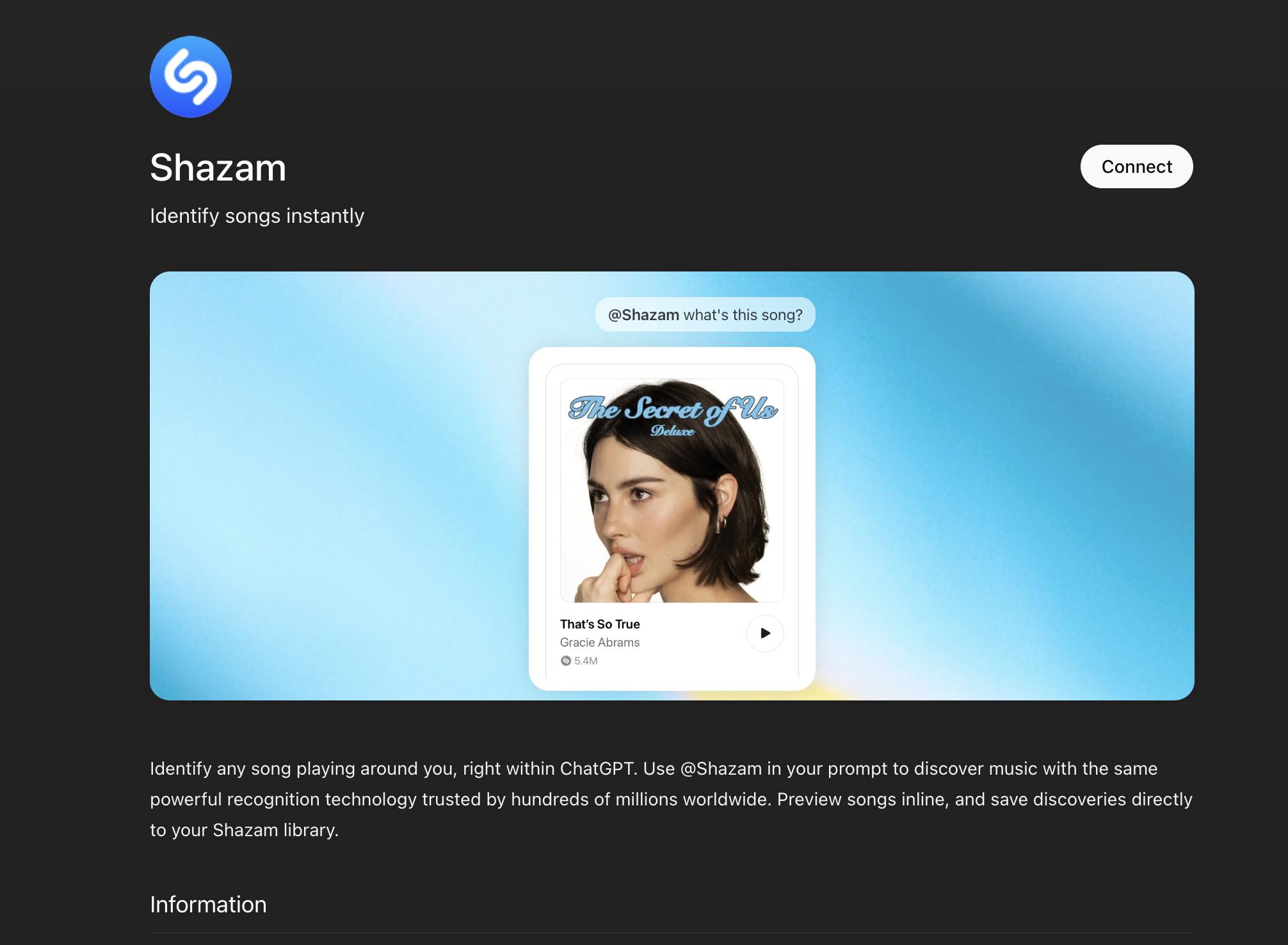
1. Connect Shazam to Your ChatGPT Account
Purpose: Link the Shazam tool so ChatGPT can access audio identification.
Navigate to the Apps section:
- Web: Go directly to chatgpt.com/apps
- Mobile: Open Settings, then Apps
- Search for Shazam and select Connect
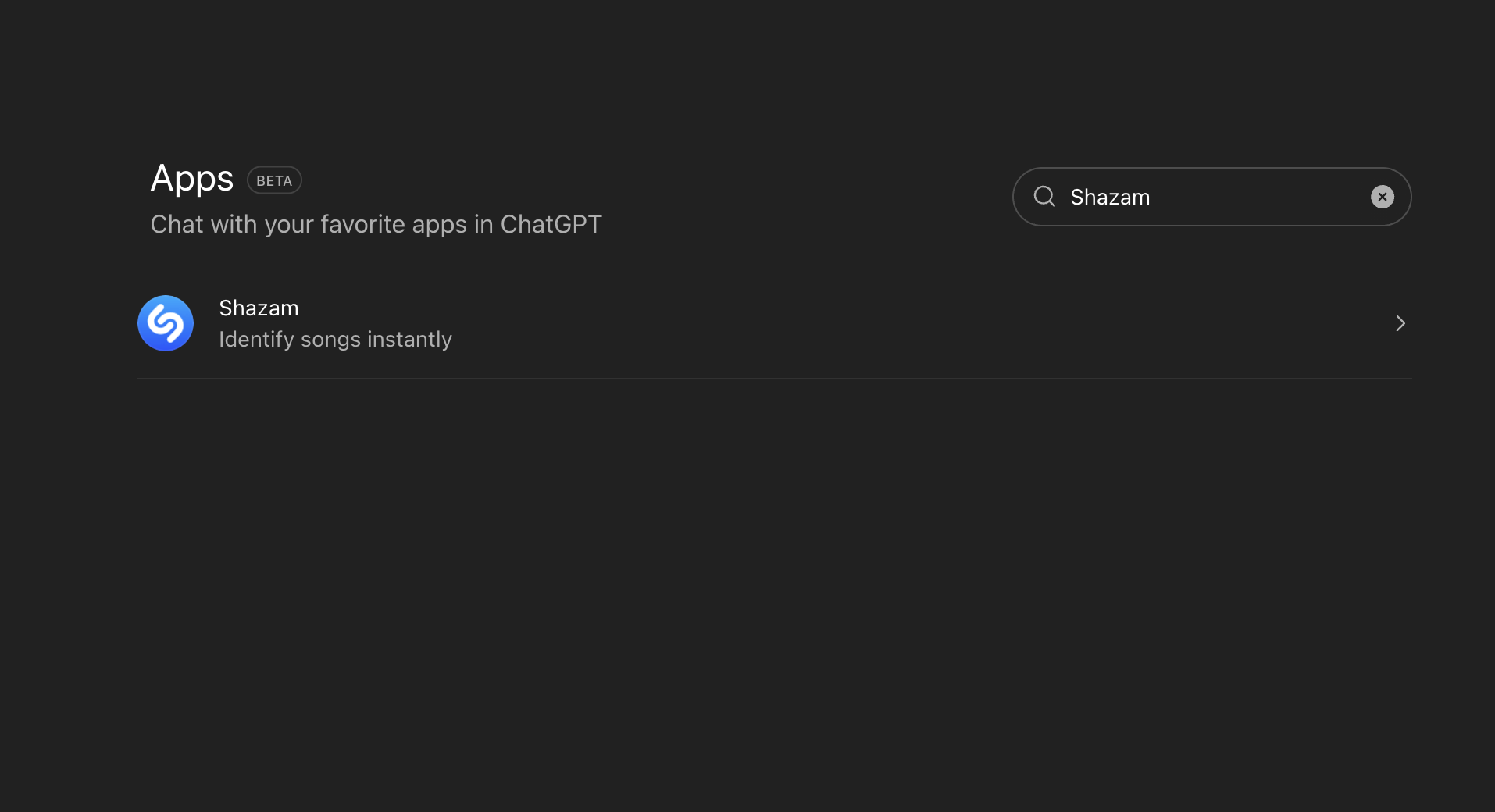
Watch for these pitfalls:
- Connection fails if you’re logged into multiple ChatGPT accounts
- Some regions may have delayed rollout
Pro tip: Bookmark chatgpt.com/apps for faster access to future integrations.
Success check: You should see Shazam listed under “”Connected Apps”” with a green status indicator.
2. Trigger Shazam During Any Conversation
Purpose: Activate song identification while audio plays nearby.
Use these trigger commands:
- Type “Shazam, what is this song?”
- Type “Shazam, what’s playing?”
- Type /Shazam as a shortcut
Watch for these pitfalls:
- Background music must be audible to your device microphone
- Extremely quiet or distorted audio may fail to match
Pro tip: Position your device closer to the audio source for faster, more accurate results.
Success check: You should see a “Tap to Shazam” interface appear, then a music card with track title, artist, and album artwork.
3. Use Follow-Up Features After Identification
Purpose: Preview tracks, save discoveries, and build playlists without leaving ChatGPT.
Explore these capabilities:
- Click the inline preview to hear a track sample
- Ask ChatGPT for artist background or similar recommendations
- Request playlist creation through Apple Music integration
Watch for these pitfalls:
- Playlist creation requires Apple Music subscription
- Preview availability varies by region and licensing
Pro tip: If you have the Shazam app installed, discoveries sync automatically to your library.
Success check: You should see playback controls on the music card and receive relevant responses to follow-up questions.
Fixes for Common Shazam Integration Issues
Audio not recognized: Move closer to the sound source. Reduce background noise. Try again with higher volume.
Connection error: Log out of ChatGPT and reconnect Shazam through the Apps menu. Clear browser cache if using web.
Music card not appearing: Confirm Shazam shows as connected in Settings. Update your ChatGPT app to the latest version.
When progress blocks:
- Disconnect and reconnect the Shazam integration
- Test with a well-known song to isolate the issue
- Check Shazam Charts to confirm the service is operational
Best Practices for Music Professionals

Top tips for maximizing this tool:
- Use Shazam queries to research competitor tracks during sessions
- Track your own releases through Apple Music for Artists to monitor Shazam discovery data
- Combine with Apple Music integration for instant playlist prototyping
What to avoid:
- Relying solely on Shazam for metadata accuracy. Cross-reference with your distributor
- Ignoring your catalog’s audio fingerprints. Errors here mean missed discoveries
- Assuming all users have Apple Music. Many will identify but not stream
Time savers:
- /Shazam shortcut triggers identification faster than full sentences
- Ask “tell me more about this artist” immediately after identification for research
- Use Spotify smart reorder alongside this workflow for cross-platform playlist building
Your Music Discovery Workflow Just Changed
Shazam in ChatGPT eliminates app-switching friction for song identification. The integration works on iOS, Android, and web with no additional downloads.
Artists should treat this as a new discovery channel. Ensure your Shazam fingerprints are accurate and your metadata is complete across all distributors. Apple’s recent Apple Music AI tagging requirements signal increased focus on catalog accuracy.
Understanding how Spotify AI earnings compare to traditional streams helps contextualize where AI-driven discovery fits in your strategy.
Open ChatGPT now and connect Shazam to test the integration with your own catalog.
About the author

Covering AI music tools, industry shifts, and news for music creators and professionals. Twice-weekly newsletter at aimusicpreneur.com.