Top 9 AI tools every indie musician needs in 2025
My stack My fav 6 tools for AI music after testing 70+
-
 ElevenMusic · Music generation
 -
 Moises · Stem separation
 -
 Controlla · Voice swap & cloning
 -
 Cryo Mix · Mixing + mastering
 -
 Neural Frames · Music videos
 -
 ONCE · Distribution
Some links are affiliate links — I earn a commission at no cost to you. Every tool here is one I run myself and truly believe in. This stack is proven.
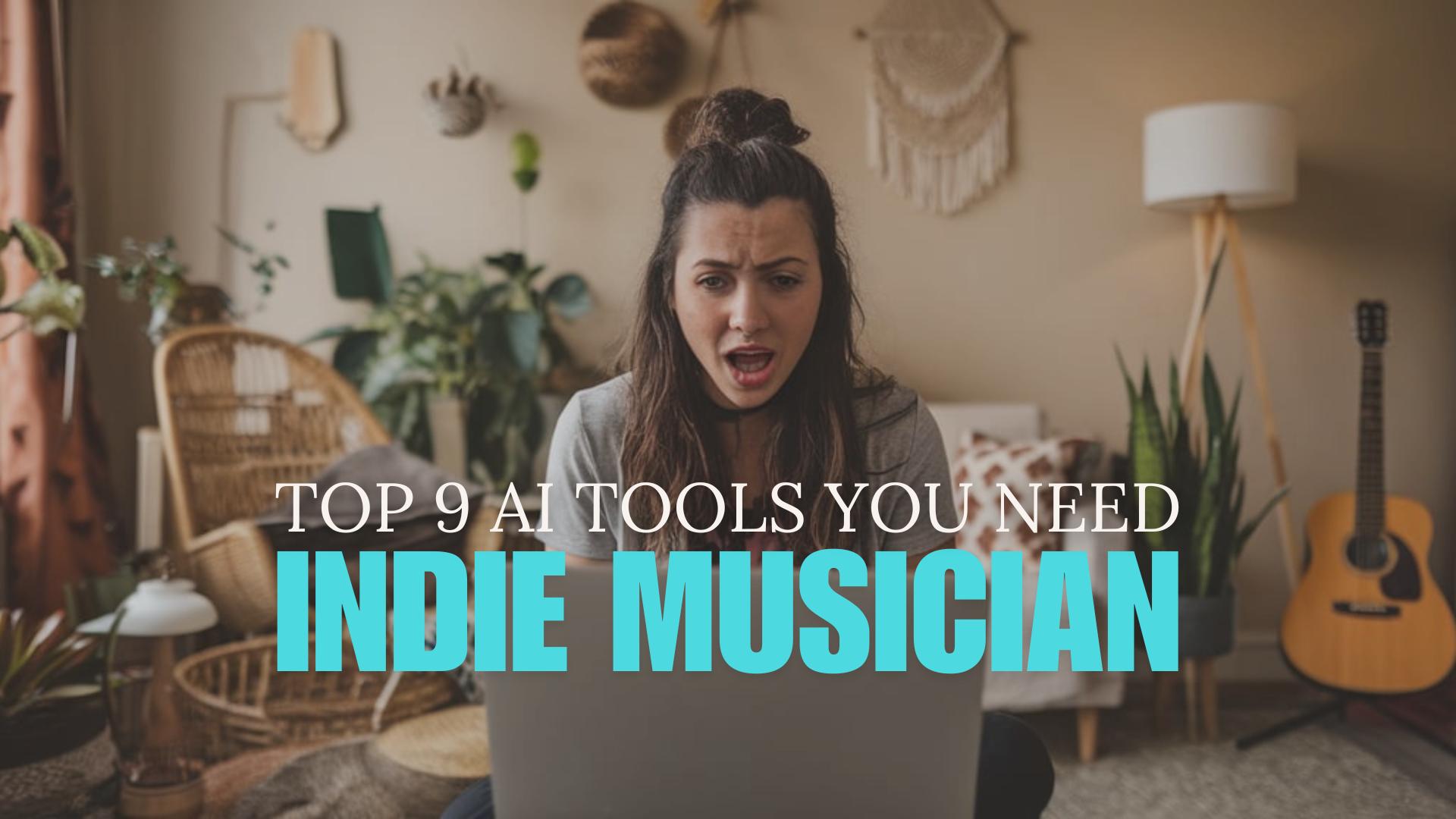
The music industry landscape has transformed dramatically, with independent musicians and artists spending over 15 hours weekly on non-creative tasks.
As someone who’s helped thousands of musicians streamline their workflow, I’ve identified nine game-changing AI tools that can revolutionize your music career.
- Core benefits
- AI Tool Breakdown
- Tool 1: ChatGPT – AI strategy & content assistant
- Tool 2: Perplexity – AI research & discovery engine
- Tool 3: Claude – AI storytelling & writing expert
- Tool 4: Ideogram – AI image generator
- Tool 5: Neural Frames – AI music video creator
- Tool 6: Submagic – AI caption & subtitle generator
- Tool 7: Opus Clips – AI short-form video editor
- Tool 8: Lalal.ai – AI stem separation tool
- Tool 9: RoEx – AI mixing & mastering studio
- Implementation strategy for AI tools:
- How to best use these AI tools?
Quick overview
These AI tools can help musicians cut production time by 70% while maintaining professional quality:
- ChatGPT: Strategy development and content creation
- Perplexity: Music industry research
- Claude: Storytelling and marketing copy
- Ideogram: Visual content creation
- Neural Frames: Music video generation
- Opus Clips: Short-form video content
- Lalal.ai: High-precision stem splitting
- RoEx: Professional AI mixing and mastering
Core benefits
- Time Efficiency: Reduce administrative tasks from hours to minutes, allowing more focus on music creation.
- Cost Reduction: Access professional-grade tools at a fraction of traditional costs.
- Creative Enhancement:Unlock capabilities previously limited to major labels.
AI Tool Breakdown
| Tool | Best For | Starting Price | Use Cases |
|---|---|---|---|
| ChatGPT | Strategy | Free | Release planning, content calendars, email templates |
| Perplexity | Research | Free | “Which music blogs accept submissions?”, “How to license music for TV?”, “Best DAWs for hip-hop production?” |
| Claude | Writing | Free | Artist bios, press releases, storytelling content |
| Ideogram | Design | Free | Album artwork, merch designs, social media graphics |
| Neural Frames | Videos | $19/month | Music videos, Spotify Canvas, lyric videos |
| Submagic | Captions | Free tier | Auto-captions, subtitle generation, lyric video enhancement |
| Opus Clips | Social Media | Free tier | TikTok/Reels content, teasers, behind-the-scenes |
| Lalal.ai | Stem splitting | Free trial, Credit packs | Stem separation, remixing, instrumental versions |
| RoEx | Music Production | €5.99/mix | Mixing, mastering, demo preparation |
Tool 1: ChatGPT – AI strategy & content assistant

ℹ AI-powered assistant for content creation and strategy.
💰 Free to use, with paid plans for advanced features.
✓ Craft compelling song descriptions for streaming platforms
✓ Generate ideas for social media posts to engage fans
✓ Develop personalized email templates for music industry outreach
3 Key features:
| Feature | Description |
|---|---|
| Natural Language Processing | Understands context and generates human-like text |
| Versatile Writing Styles | Adapts to various tones and formats |
| Content Optimization | Suggests improvements for clarity and engagement |
How it works:
- Provide ChatGPT with a prompt or topic
- Specify the desired format and tone
- ChatGPT generates relevant content based on your input
- Review and refine the output as needed
Tool 2: Perplexity – AI research & discovery engine
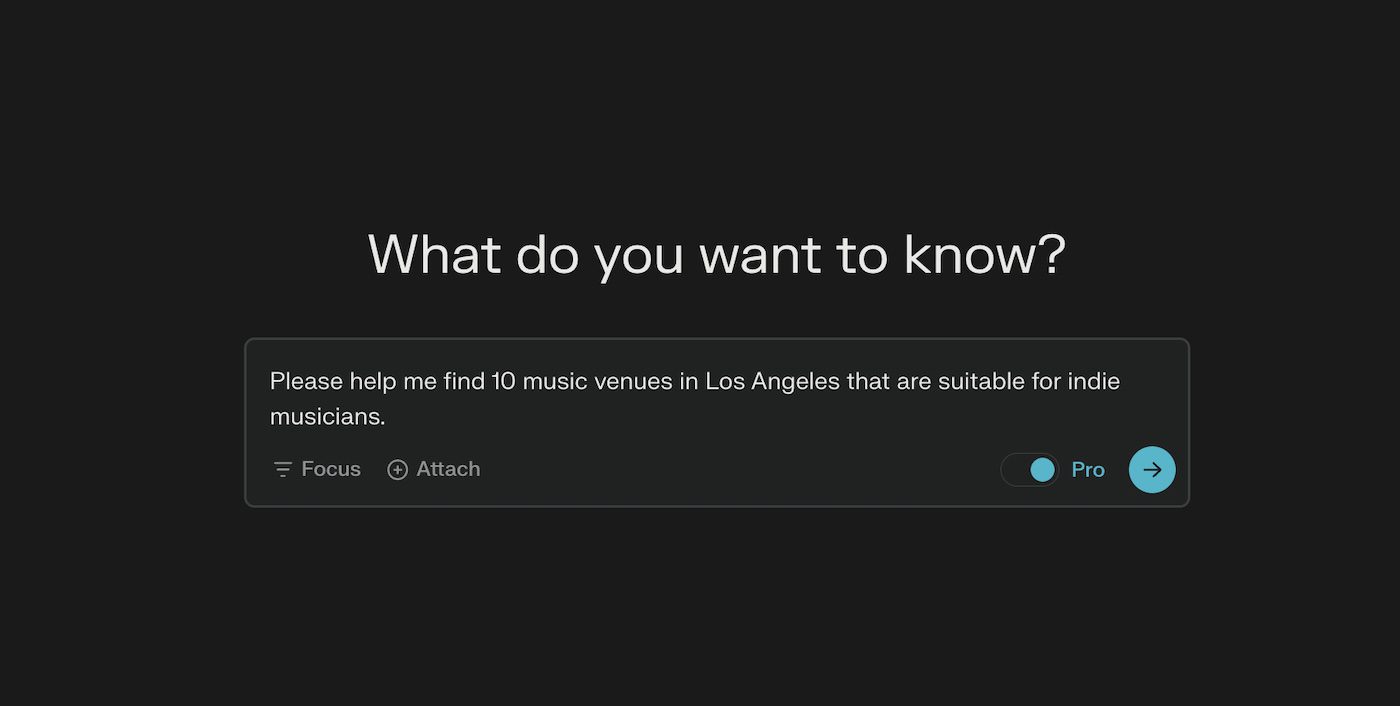
ℹ Advanced research tool for real-time information.
💰 Free to use with premium plans available.
✓ Research potential venues and promoters in new cities for tour planning
✓ Stay updated on music industry trends and emerging opportunities
✓ Find relevant music blogs and playlist curators for promotion
3 key features:
| Feature | Description |
|---|---|
| Real-Time Information Retrieval | Provides up-to-date data and insights |
| Multi-Source Integration | Combines information from various reliable sources |
| Customized Search Queries | Allows for specific and detailed research requests |
How it works:
- Enter your research query into Perplexity
- The AI searches and analyzes multiple sources
- Perplexity presents a comprehensive answer with citations
- Refine your query for more specific information if needed
Tool 3: Claude – AI storytelling & writing expert
ℹ AI writing assistant developed by Anthropic.
💰 Free to use through various platforms.
✓ Write compelling artist bios for press kits and websites
✓ Develop engaging storytelling content for social media campaigns
✓ Create detailed, professional press releases for new music releases
3 key features:
| Feature | Description |
|---|---|
| Narrative crafting | Develops compelling stories and character arcs |
| Multi-Task capability | Handles various writing tasks from creative to analytical |
| Content expansion | Elaborates on ideas to create rich, detailed narratives |
How It Works:
- Provide Claude with your writing task or query
- Specify any particular requirements or style preferences
- Claude generates the content based on your input
- Review and iterate on the output as needed
Tool 4: Ideogram – AI image generator

ℹ AI image generator for creating visual content.
💰 Free to use with premium plans available.
✓ Design unique album artwork that stands out on streaming platforms
✓ Create eye-catching social media graphics for song releases
✓ Generate custom merchandise designs to expand your brand
3 Key Features:
| Feature | Description |
|---|---|
| Text-to-Image Generation | Creates images based on text descriptions |
| Style Customization | Allows users to specify artistic styles |
| High-Resolution Output | Generates high-quality images suitable for printing |
How It Works:
- Enter a detailed description of the desired image in Ideogram
- Specify any style preferences or additional parameters
- Ideogram generates multiple image options based on your input
- Choose and download your preferred image
Tool 5: Neural Frames – AI music video creator
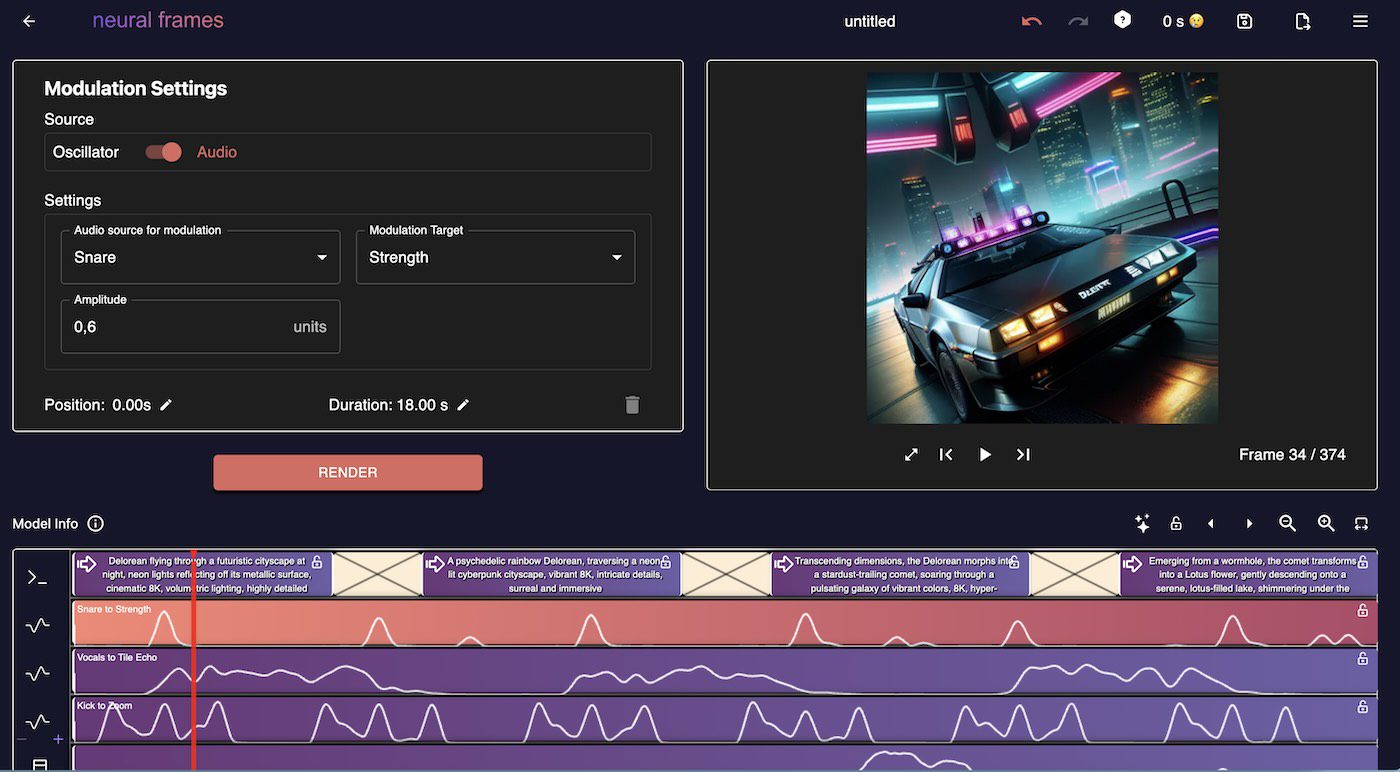
ℹ AI-powered tool for generating music videos and visuals.
💰 Subscription plans start at $19 per month.
✓ Create professional-quality music videos on a budget
✓ Generate visually appealing Spotify Canvas loops to increase engagement
✓ Produce lyric videos quickly for YouTube and social media platforms
3 key features:
| Feature | Description |
|---|---|
| Audio-Reactive Visuals | Generates visuals synchronized to music |
| Style Reference | Allows users to input reference images for specific aesthetics |
| High-Resolution Output | Produces videos in up to 4K resolution |
How it works:
- Upload your audio track to Neural Frames
- Provide a text description or style reference for the visuals
- The AI generates a synchronized music video
- Review and download the final product
Transform your music into professional videos using my step-by-step tutorial on creating AI music videos with Neural Frames.
💡 Neural frames Tutorial
Tool 6: Submagic – AI caption & subtitle generator
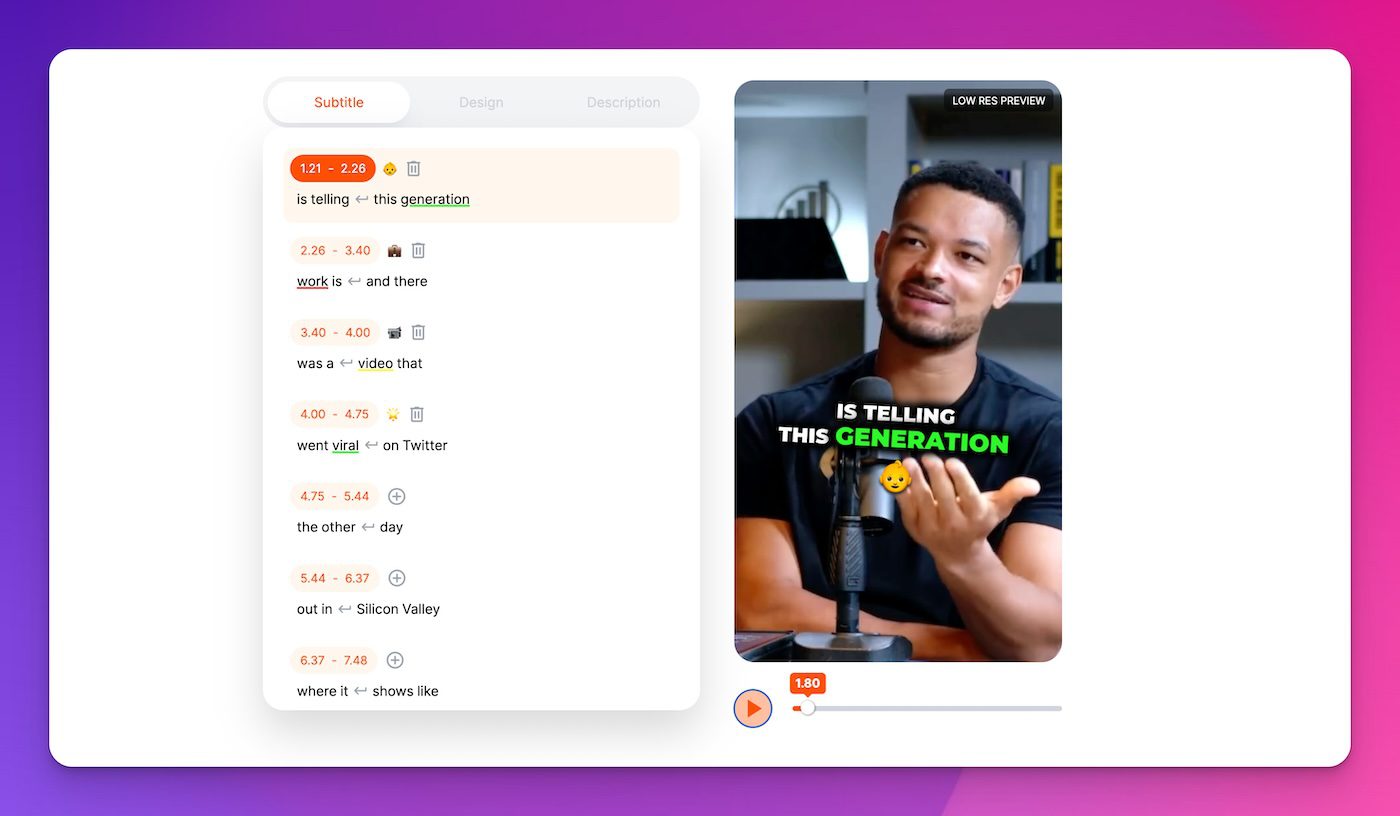
ℹ AI-powered caption generator for videos.
💰 Offers a free tier with basic features and paid plans for advanced capabilities.
✓ Add engaging captions to music videos to increase watch time
✓ Create accessible content for hearing-impaired audiences
✓ Generate multilingual subtitles to reach global audiences
3 key features:
| Feature | Description |
|---|---|
| Auto-Caption Generation | Creates accurate captions from video audio |
| Multi-Language Support | Translates captions into various languages |
| Style Customization | Allows for branded caption designs |
How it works:
- Upload your video to Submagic
- Let the AI generate automatic captions
- Edit and customize caption style if needed
- Export your video with embedded captions
Tool 7: Opus Clips – AI short-form video editor
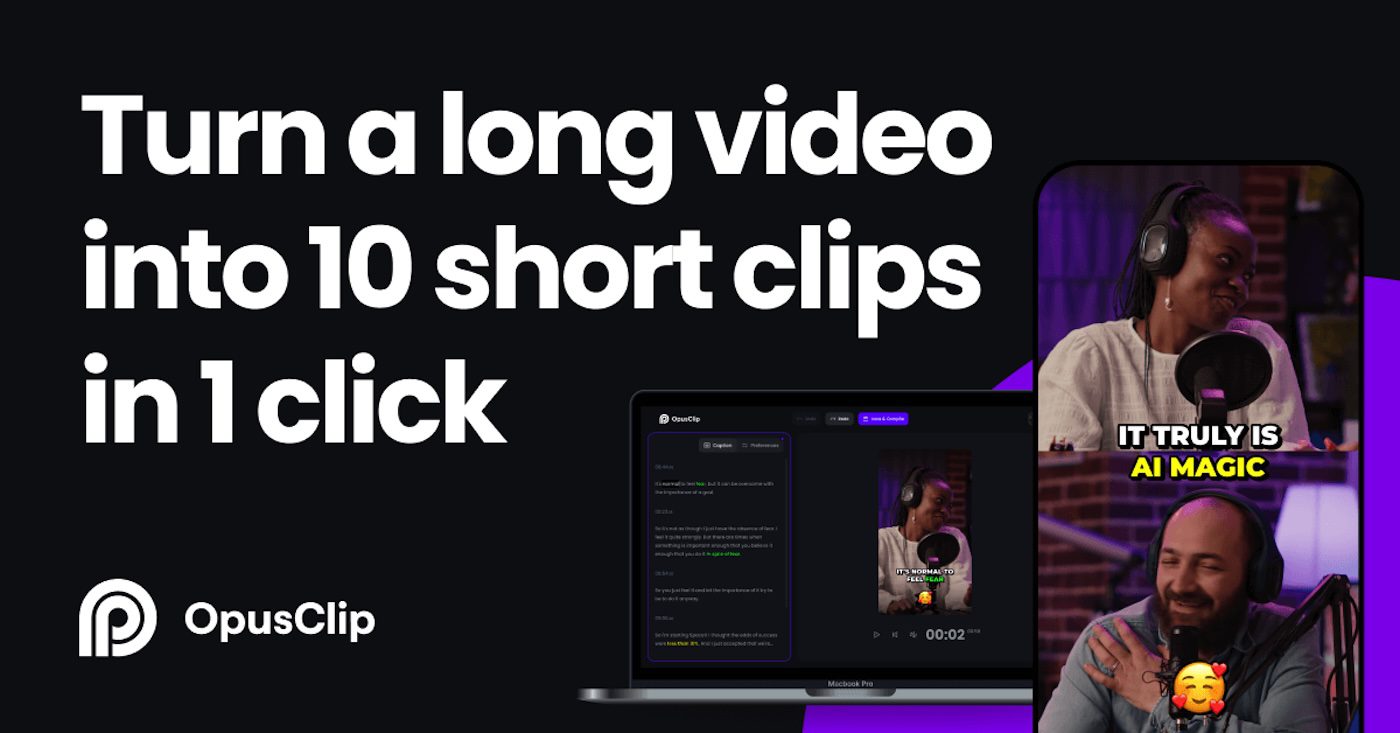
ℹ AI tool for creating viral short-form video content.
💰 Offers a free tier with limited features, and paid plans for more advanced capabilities.
✓ Repurpose live performance footage into engaging TikTok and Instagram Reels content
✓ Create teaser clips for upcoming releases to build anticipation
✓ Generate behind-the-scenes content to connect with fans on a personal level
3 key features:
| Feature | Description |
|---|---|
| Auto-Highlight Detection | Identifies the most engaging parts of longer videos |
| Multi-Platform Optimization | Tailors content for various social media platforms |
| Caption Generation | Creates engaging captions for video clips |
How It Works:
- Upload your longer video content to Opus Clip
- Select the target platform (e.g., TikTok, Instagram Reels)
- Let the AI analyze and extract the most engaging clips for distribution across platforms
- Review and edit the generated short-form content
- Download and share your optimized video clips
Tool 8: Lalal.ai – AI stem separation tool
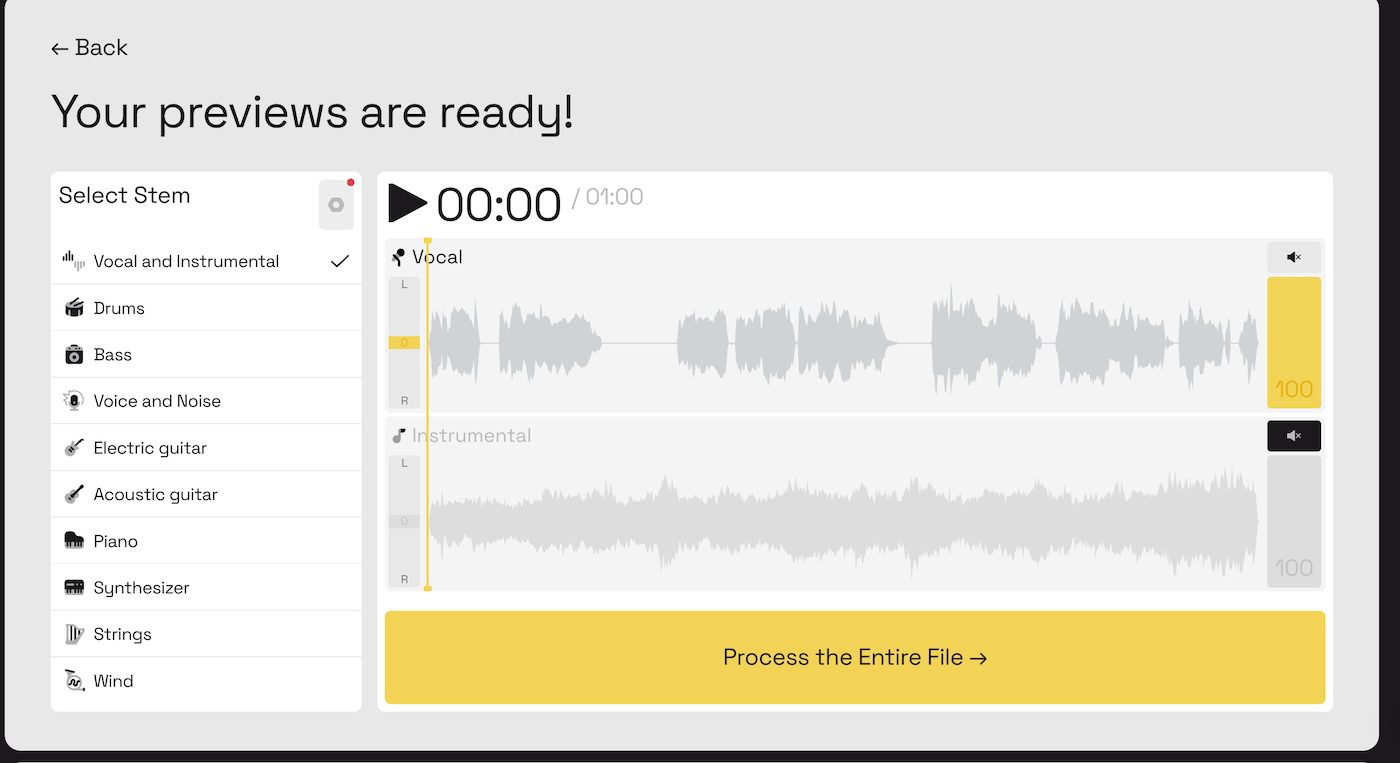
ℹ AI-powered stem separation tool.
💰 Offers a free plan with limited processing time, paid plans start at $18 for 90 minutes of audio.
✓ Create instrumental versions of your tracks for licensing opportunities
✓ Isolate vocal stems for remixing or collaboration projects
✓ Extract individual instrument parts for practice or educational content
3 key features:
| Feature | Description |
|---|---|
| High-Quality Separation | Uses advanced AI to split audio with minimal artifacts |
| Multiple Stem Options | Isolate vocals, drums, bass, and other instruments |
| Batch Processing | Upload and process multiple files at once |
How it works:
- Upload your audio file to Lalal.ai
- Choose which stems you want to extract
- Wait for the AI to process your file
- Download your separated stems
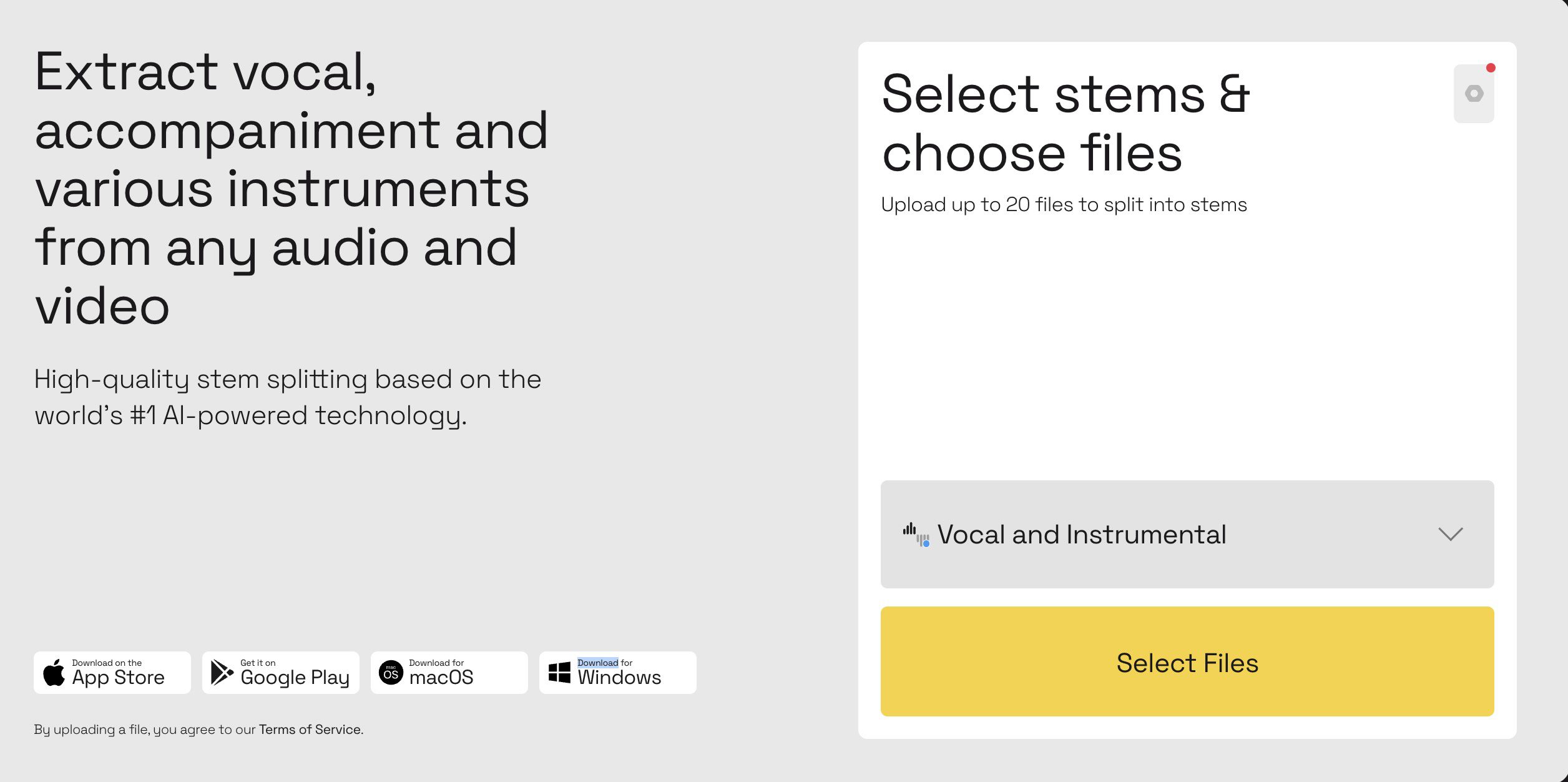
Learn how to cleanly remove vocals from any track with my step-by-step guide to using Lalal.ai’s powerful AI stem splitter tool.
💡 Lalal.ai Tutorial
Note: For budget-conscious users I would recommend Bandlab’s splitter. It’s a free tool. Audioshake & Moises have some of the most high-quality audio separation models on the market.
Tool 9: RoEx – AI mixing & mastering studio

ℹ Overview & Pricing: AI-powered mixing and mastering service.
💰 Offers a free mix assessment tool, with paid plans starting at €5.99 for Automix.
✓ Achieve professional-quality mixes on a tight budget
✓ Quickly prepare demo tracks for pitching to labels or sync opportunities
✓ Ensure consistent sound quality across your entire discography
3 key features:
| Feature | Description |
|---|---|
| Genre-Specific Presets | Tailors mixing to various music styles |
| Cloud-Based Processing | Allows for quick turnaround times |
| Professional-Grade Output | Delivers radio-ready sound quality |
How it works:
- Upload your tracks to RoEx
- Choose your desired genre and style
- Let the AI analyze and mix your audio
- Review the results and make any final adjustments
- Download your professionally mixed and mastered track
By leveraging these AI tools and integrating automation, independent musicians can significantly enhance their productivity and creative output, allowing them to compete more effectively in today’s music industry.
Implementation strategy for AI tools:
- Start with ChatGPT to develop your release strategy and content calendar.
- Use Perplexity to research venues, collaborators, and industry trends.
- Use Claude to write compelling storytelling content based on your ideas.
- Create visual assets with Ideogram for your release.
- Generate promotional content using Neural Frames for music videos.
- Enhance your videos with Submagic by adding subtitles to make your content more accessible and highlight key lyrics.
- Use Opus Clips to create short-form content for platforms like TikTok.
- Perfect your sound with Lalal.ai for stem separation and RoEx for mixing and mastering.
How to best use these AI tools?
If you want to know, sign up for my newsletter.
Every week, I show you how to use different AI tools to master music industry challenges, give you new AI prompts to create strategies, write content, or monetize your music.
You’ll also get exclusive tips, tricks, and strategies on leveraging these tools effectively, including my free AI prompt library when you sign up that major labels are using.
Remember, these tools aren’t replacements for creativity – they’re amplifiers that let you focus more on making music and less on administrative tasks. Stay ahead of the AI curve and unlock your music’s true potential by subscribing today!
About the author

Covering AI music tools, industry shifts, and news for music creators and professionals. Twice-weekly newsletter at aimusicpreneur.com.