How to Remove Vocals From a Song With LALAL.AI (Step-By-Step)
LALAL.AI is an AI vocal remover that splits a song into clean vocal and instrumental stems. Here's how to do it, step by step.
My stack My fav 6 tools for AI music after testing 70+
-
 ElevenMusic · Music generation
 -
 Moises · Stem separation
 -
 Controlla · Voice swap & cloning
 -
 Cryo Mix · Mixing + mastering
 -
 Neural Frames · Music videos
 -
 ONCE · Distribution
Some links are affiliate links — I earn a commission at no cost to you. Every tool here is one I run myself and truly believe in. This stack is proven.
A vocal remover splits a finished song into two parts: the vocals on one stem, the instrumental on the other. Producers use it for karaoke tracks, remixes, sampling, and cover songs.
This guide walks through removing vocals from a song with LALAL.AI, an AI vocal remover that runs on a proprietary neural network called Phoenix. It costs as little as $0.19 for a 3-minute song, and you can preview the result before you pay.
The full process takes about 5 minutes. Here’s how it works.
Prerequisites
You need three things before you start:
→ An audio file of the song you want to split (MP3, WAV, or FLAC)
→ A LALAL.AI account (free to create, free to preview)
→ A minute package if you want to download the finished stems (preview is free, download is paid)
Why Use an AI Vocal Remover Instead of a Free Tool
Plenty of free vocal remover sites exist. Most of them invert the stereo field or run a basic filter, which leaves you with a hollow instrumental and a vocal stem full of hissing and bleed.
An AI vocal remover works differently. LALAL.AI’s Phoenix model was trained to recognize what a voice sounds like and lift it out cleanly, so both stems stay usable. The difference is obvious the first time you hear a clean a cappella with no instrumental ghosting underneath it.
If you only need one track for a single karaoke night, a free tool is fine. If you’re building covers, remixes, or anything you’ll release, the quality gap is worth $0.19.
Step 1. Open LALAL.AI and Sign In
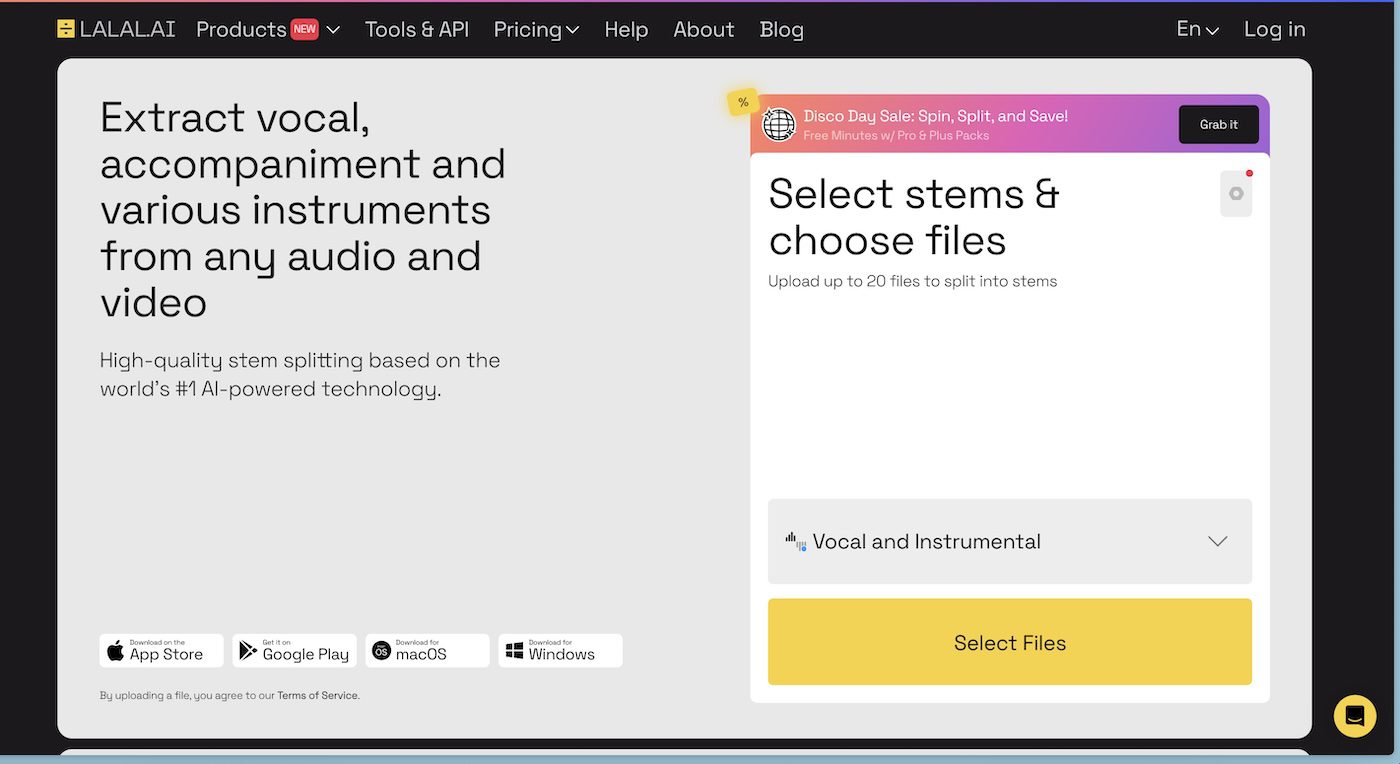
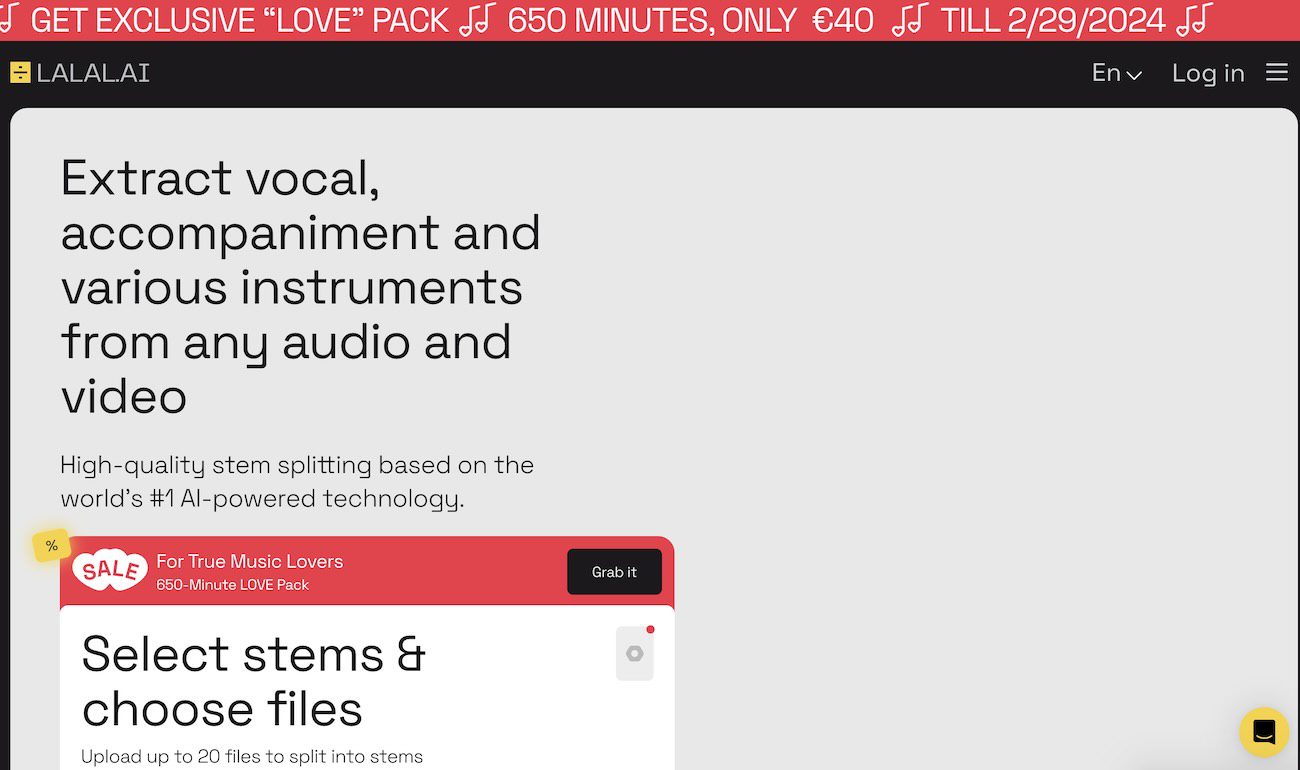
Go to lalal.ai and sign in, or create a free account. Everything runs in the browser, so there’s nothing to install. (There’s a desktop app too, but you don’t need it for this.)
Step 2. Choose the “Vocal and Instrumental” Stem Option
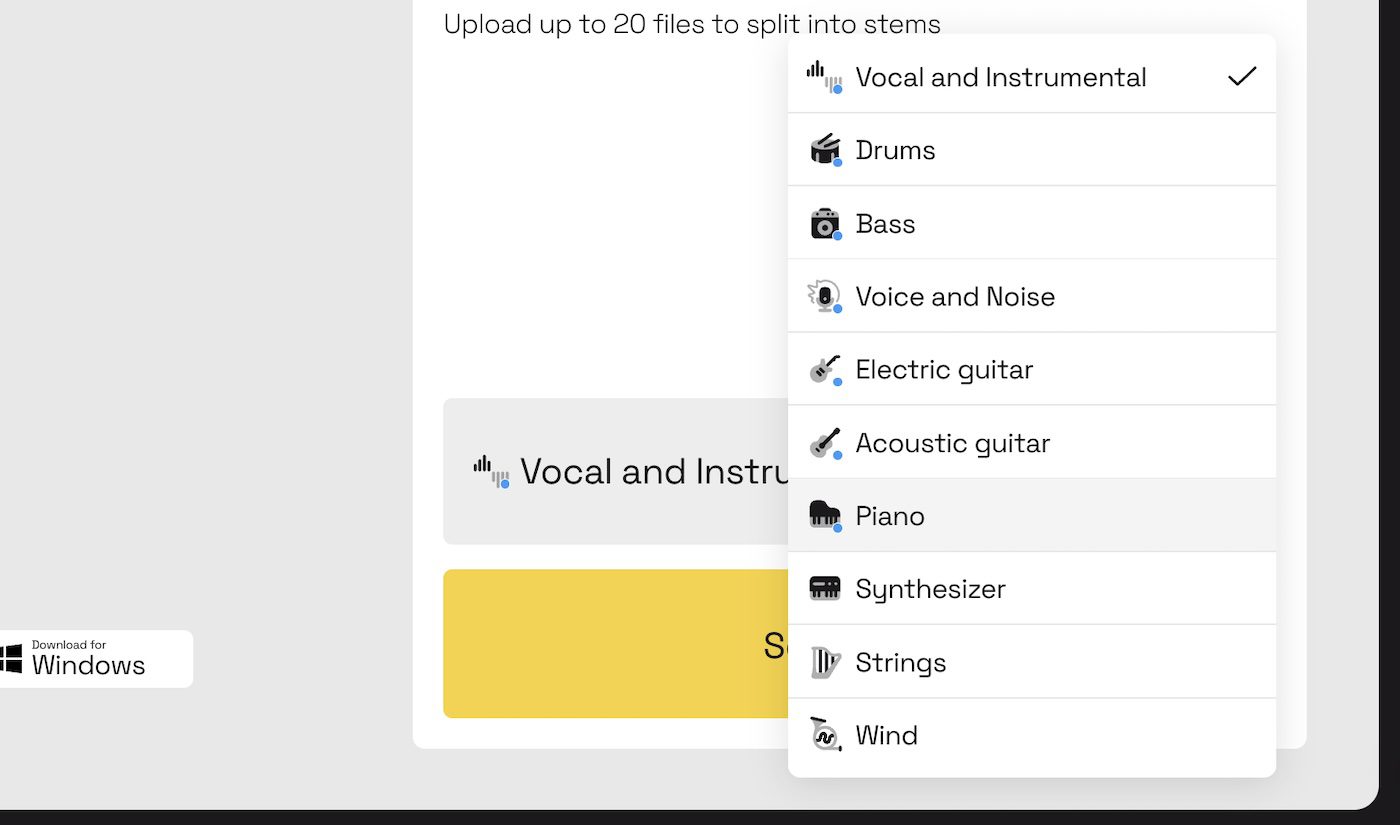
LALAL.AI can split a song into up to 10 stems: drums, bass, piano, guitar, and more. For a clean vocal remove, you only need two.
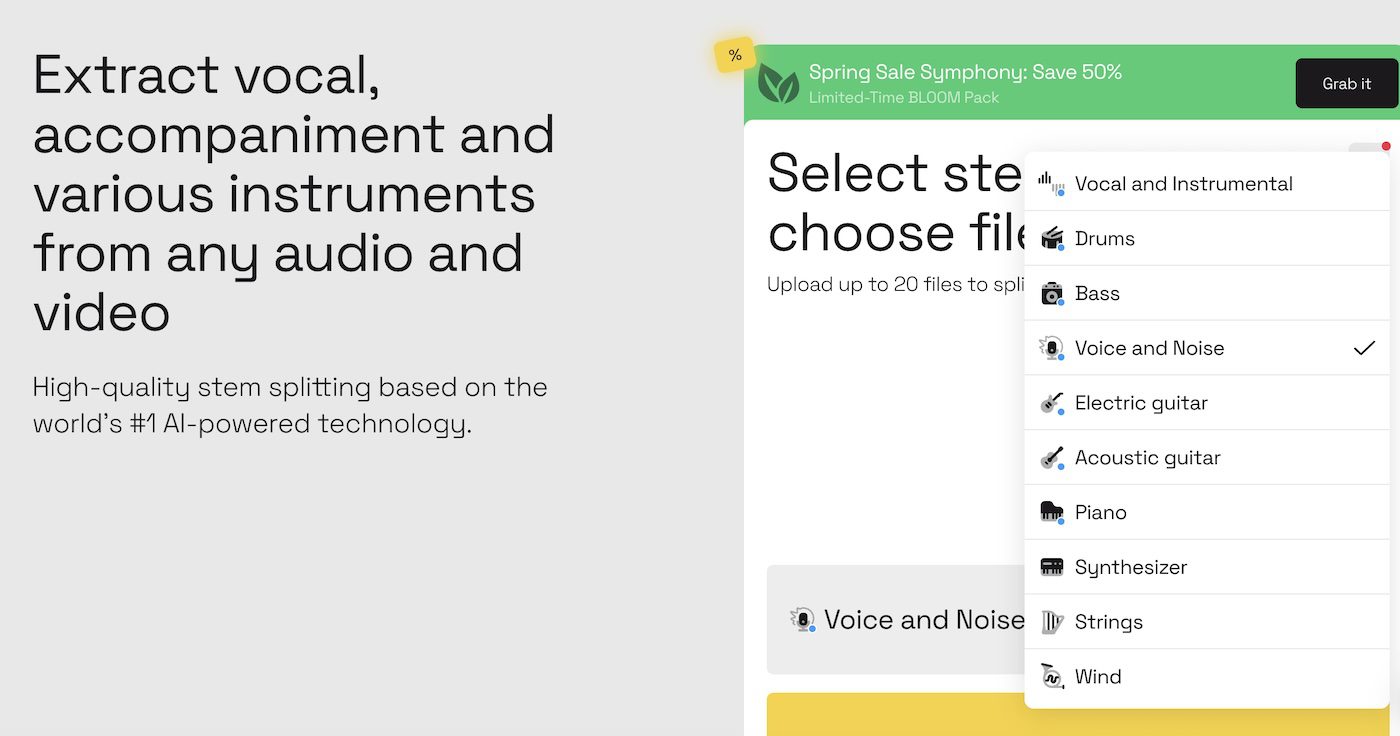
Pick “Vocal and Instrumental”. This gives you one stem with just the vocals and one stem with everything else.
Step 3. Upload Your File and Preview the Result
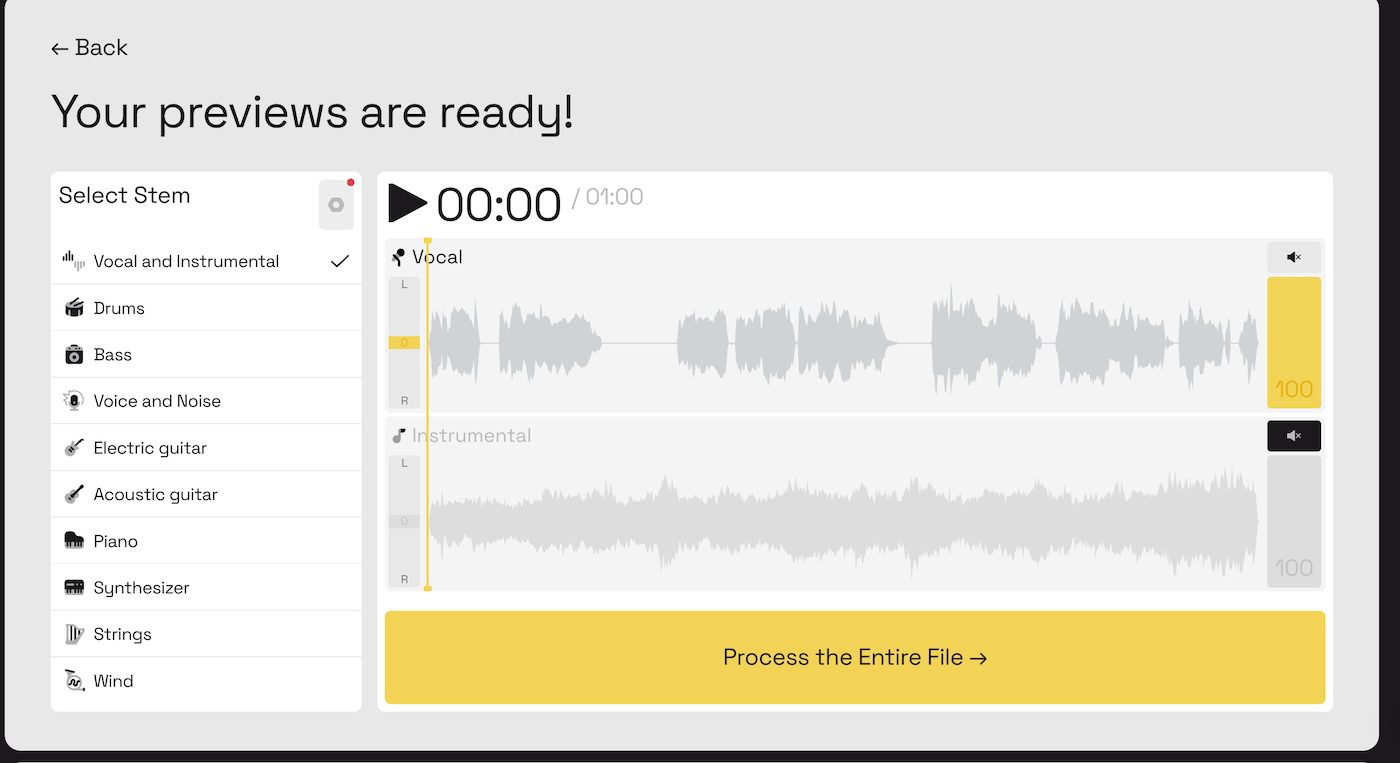
Click “Select Files” and choose your audio. LALAL.AI processes a short section and hands you a free preview of both stems.
Listen to it. This is the moment to check the quality before you spend anything. If the vocal stem sounds clean and the instrumental has no obvious vocal bleed, you’re good. Click “Process the entire file”.
Step 4. Download Your Vocal and Instrumental Stems
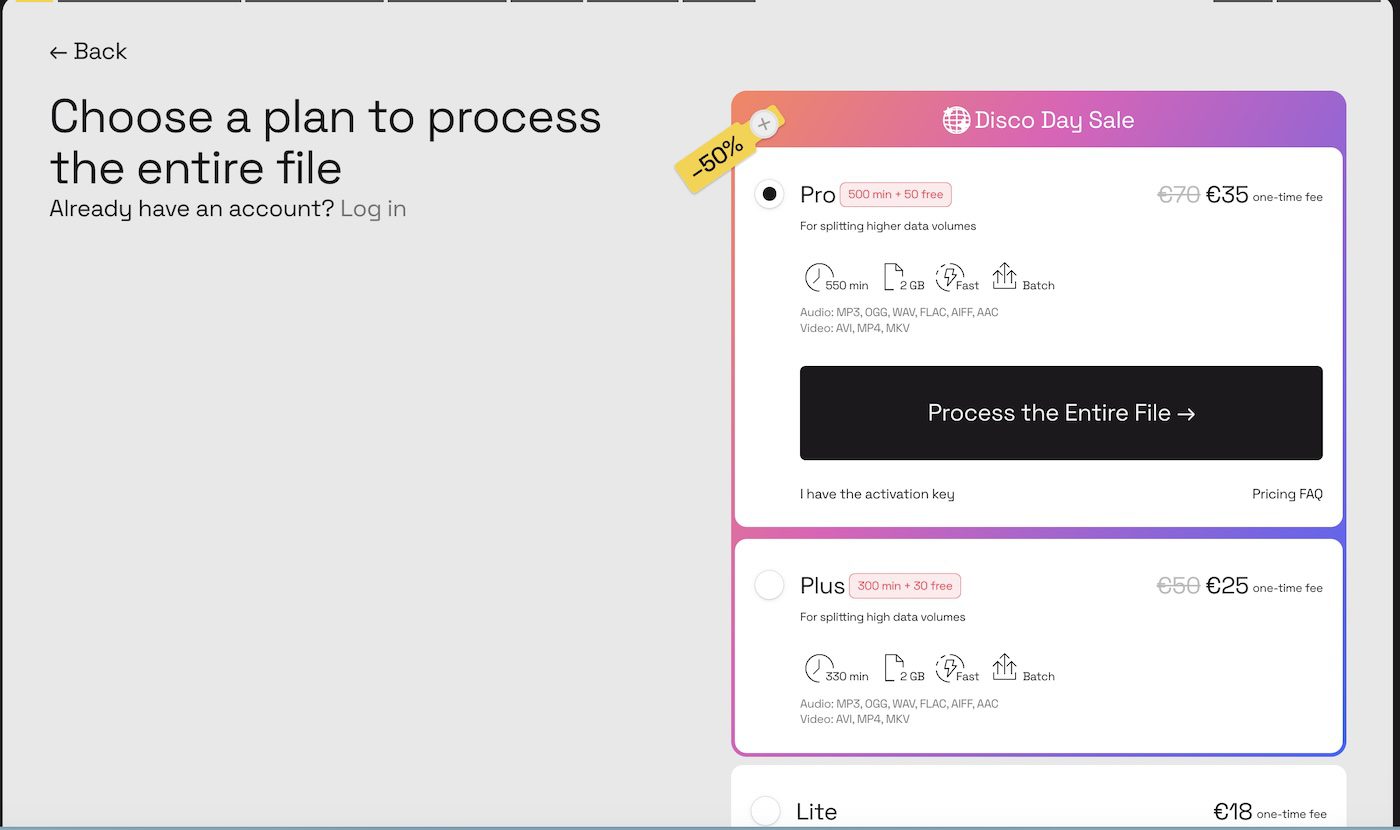
To download the full stems, pick a minute package. LALAL.AI sells minutes as a one-time purchase, not a subscription, so you only pay for what you process.
| Package | Price (€) | Total Minutes | 3-Minute Songs | Cost per Song (€) |
|---|---|---|---|---|
| Pro | 35 | 550 | 183 | 0.19 |
| Plus | 25 | 330 | 110 | 0.23 |
| Lite | 18 | 90 | 30 | 0.60 |
| Starter | 0 | 0 | 0 | N/A |
The Pro pack is the best value at roughly €0.19 per song. If you’re testing the tool for the first time, the preview already showed you the quality, so there’s no risk in starting with a smaller pack.
Pick the lossless option at download if you want the stems back in the same format and bitrate as your original file. That matters for production work where any quality loss compounds later.
How Clean Is LALAL.AI Compared to Free Vocal Removers?
LALAL.AI ran a side-by-side test against VocalRemover.org. Three results stood out:
→ Cleaner vocal isolation. The vocal stems had fewer gaps and far less hissing.
→ Less instrumental bleed. On tracks with prominent electric guitar, the LALAL.AI vocal stem kept the guitar out where the free tool let it leak through.
→ Lossless downloads. Free tools compress your output. LALAL.AI can hand the stems back untouched.
You can read the full LALAL.AI vs VocalRemover comparison on their blog if you want the track-by-track breakdown.
What You Can Do With the Stems

Once you’ve removed the vocals, both stems are yours to work with:
✓ Build a karaoke track from the clean instrumental
✓ Pull the a cappella for a remix or a sample
✓ Use the instrumental as a backing track for your own cover
✓ Run the vocal stem through a cleanup pass to fix an old recording
What Other Users Say
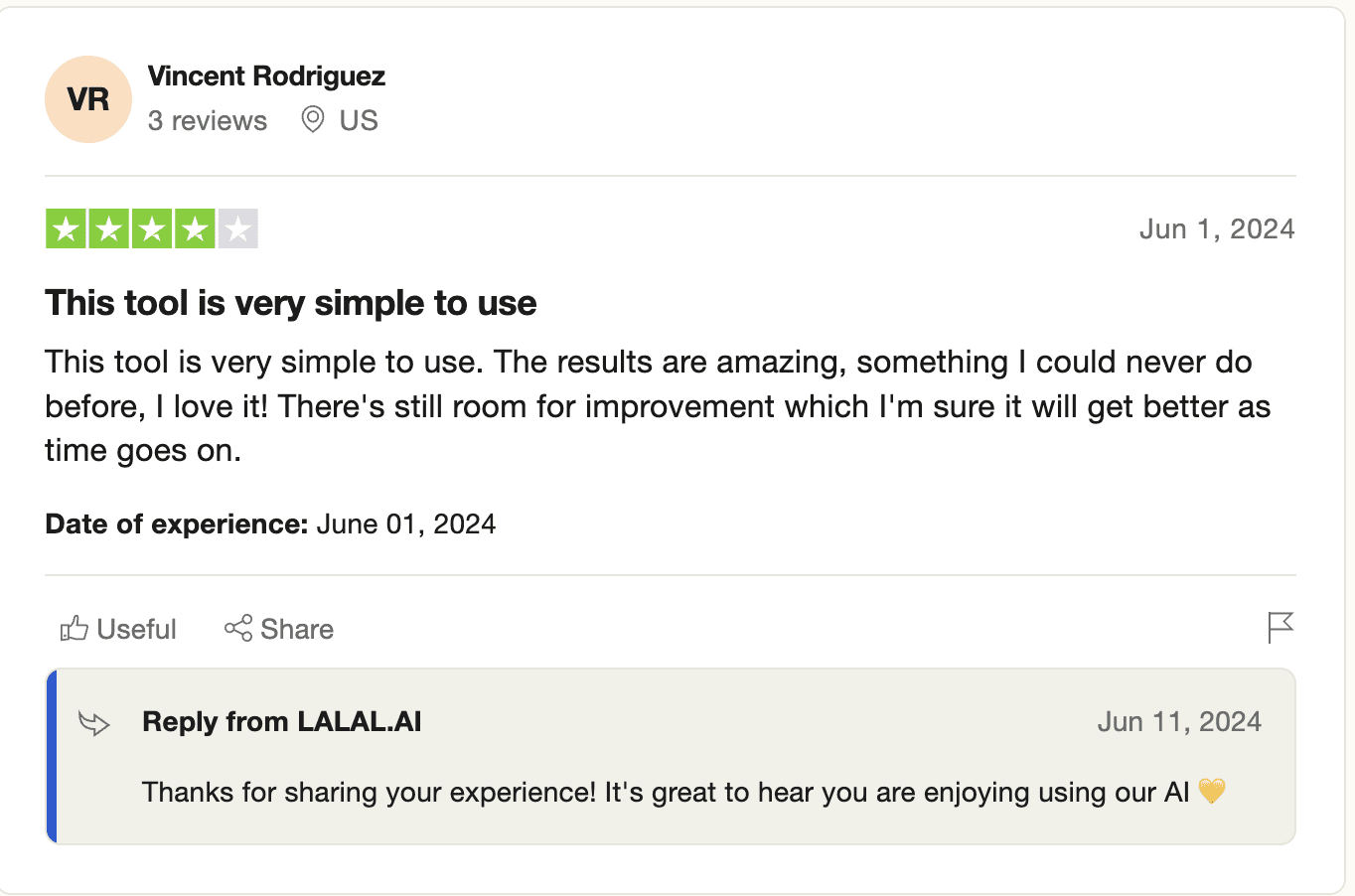
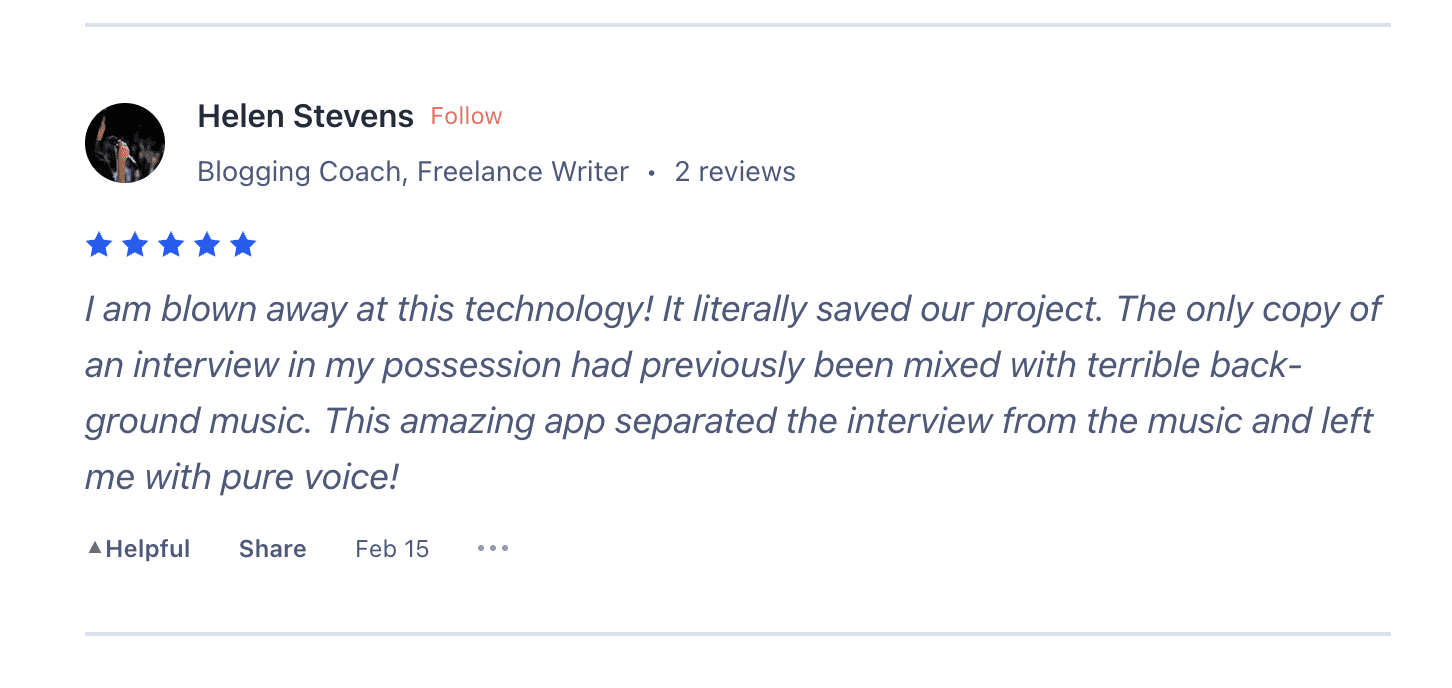
I checked LALAL.AI on Product Hunt and Trustpilot. The reviews skew positive, mostly around how clean the separation comes out.
Wrapping Up
A good vocal remover turns a finished song into raw material. With LALAL.AI, the workflow is four steps: choose the stem option, upload, preview, download.
The free preview means you never pay before you hear the result. Test it on one song, and if the separation is clean, you’ve got a vocal remover that costs less than a coffee per track.
Frequently asked questions
What is a vocal remover?
A vocal remover is a tool that separates the vocal track from the instrumental in a finished song. AI vocal removers like LALAL.AI use a trained model to isolate each part, so you get a clean a cappella stem and a clean instrumental stem instead of a muddy karaoke mix.
How do I remove vocals from a song with LALAL.AI?
Open lalal.ai, choose the 'Vocal and Instrumental' stem option, upload your audio file, and preview the result. If you're happy with it, process the full file and download both stems. The whole process takes a few minutes.
Is LALAL.AI a free vocal remover?
LALAL.AI lets you preview a separation for free so you can check the quality before paying. Full downloads need a one-time minute package. The Pro pack works out to about $0.19 per 3-minute song, with no subscription.
Does removing vocals reduce audio quality?
LALAL.AI offers a lossless option that returns stems in the same format and bitrate as your original file. For most karaoke and remix work the standard output is clean enough, but the lossless setting matters if you're using the stems in a professional production.
About the author

Covering AI music tools, industry shifts, and news for music creators and professionals. Twice-weekly newsletter at aimusicpreneur.com.