SpectraLayers
Steinberg's SpectraLayers 13 unmixes songs, drums, and voices with AI and edits audio as spectral layers. Elements $89.99, Pro $359.99.
What is SpectraLayers and how does it work?
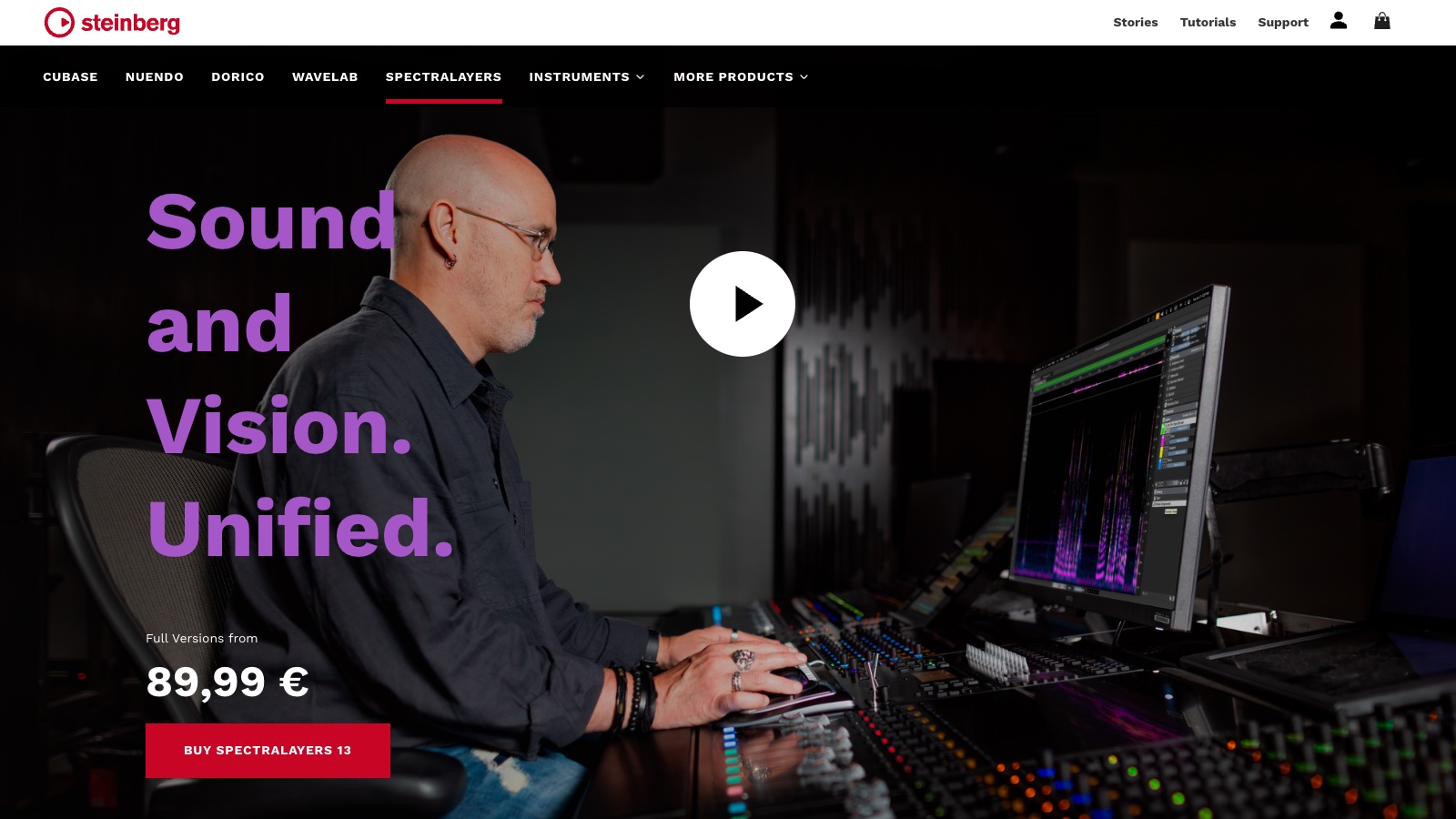
SpectraLayers is Steinberg’s spectral audio editor: it shows sound as a picture and lets you edit any piece of it. The AI does the heavy lifting, unmixing full songs into stems, isolating voices, and repairing damaged recordings. Version 13 shipped July 2, 2026 with 25+ new features. It anchors the desktop end of my AI stem splitter cheat sheet.
How it works:
- Open a file standalone or via ARA2 inside your DAW, and the audio renders as a spectrogram.
- Run an unmix process: full song to stems, drums to 6 kit pieces, dialogue from music and effects, or 2 overlapping voices apart.
- Each separated element lands on its own layer, like Photoshop for audio.
- Edit layers with selection tools, healing modules (DeClick, DePlosive, Voice DeCrosstalk), and the new Reconstruct resynthesis.
- Export stems or bounce the repaired audio back to your DAW.
It fits producers, remixers, and post engineers who need surgical control past what 1-click splitters offer.
How much does SpectraLayers cost?
2 one-time editions, plus a subscription version for Pro Tools users.
| Plan | Price | What you get |
|---|---|---|
| Elements 13 | $89.99 | Core spectral editing, vocal unmix, 96kHz/stereo limit |
| Pro 13 | $359.99 | All unmix modules, voice tools, restoration suite, 384kHz/8 channels |
| SpectraLayers Go | Via Avid subscription | Slimmed version inside Pro Tools |
Upgrade pricing from older Pro versions starts around €200, and a 30-day trial covers the full Pro edition. Pricing changes frequently, so verify current editions on the SpectraLayers comparison page.
For a one-time purchase, Elements at $89.99 is the cheap entry; the AI unmix arsenal is what the Pro price buys.
What can the AI unmixing do in version 13?
Version 13 is an unmixing release first.
- Unmix Song splits a stereo track into vocals, drums, bass, and instrument stems, processed locally.
- Unmix Drums extracts kick, snare, toms, hi-hats, ride, and crash as separate layers.
- Unmix Two Voices and Voice DeCrosstalk pull overlapping speakers apart without training profiles.
- Unmix Sound Effects separates short sounds from ambient beds, with Ambience Heal filling the gaps left behind.
- Voice Enhance reconstructs poor voice recordings with generative AI, and Reconstruct resynthesizes selected spectral data.
Sound On Sound’s release coverage runs through the full list.
How does SpectraLayers compare to RipX DAW and LALAL.AI?
| SpectraLayers 13 | RipX DAW | |
|---|---|---|
| Starting price | $89.99 one-time | $99 one-time |
| Core use case | Spectral editing + repair | Note-level audio editing |
| Key differentiator | Layer-based spectrogram editing | Rips audio into editable notes |
| Free tier | 30-day trial | Trial |
| Best for | Cleanup, restoration, surgical edits | Remixing and re-writing parts |
| SpectraLayers 13 | LALAL.AI | |
|---|---|---|
| Starting price | $89.99 one-time | Pay-per-minute packages |
| Core use case | Deep editing after separation | Fast cloud stem splitting |
| Key differentiator | Local processing + repair tools | Speed and zero learning curve |
| Free tier | 30-day trial | Free preview minutes |
| Best for | Engineers refining results | Quick stem jobs |
Choose RipX DAW to manipulate notes and pitches. Choose LALAL.AI when you need stems in 3 minutes with no install. Choose SpectraLayers when separation is the start of the work, not the end.
What are some use cases for SpectraLayers?
- Remix stems from finished songs: unmix a stereo master into workable multitracks.
- Drum replacement: extract the kick from a mixed loop and swap it.
- Podcast rescue: separate 2 people talking over each other, then remove lip smacks with Voice DeClick.
- Live recording repair: cut a phone ring out of a concert take visually.
- Post-production: split dialogue, effects, and music from a soundtrack for re-balancing.
- Sample archaeology: lift a horn stab from a 1970s record cleanly enough to flip.
Frequently asked questions
What is SpectraLayers used for?
Unmixing songs and voices into stems, repairing damaged audio, and editing sound visually as spectral layers, for music production and audio post.
Is SpectraLayers free?
No, but a 30-day trial covers the full Pro edition. Elements costs $89.99 and Pro $359.99 as one-time licenses.
What’s the difference between SpectraLayers Elements and Pro?
Elements handles core spectral editing and vocal unmixing at up to 96kHz stereo. Pro adds every unmix module (drums, sound effects, 2 voices), the restoration suite, and 384kHz/8-channel support.
Is SpectraLayers better than iZotope RX?
They overlap in repair, but split by strength: RX leads in one-click restoration modules, SpectraLayers leads in unmixing and layer-based manual editing. Post houses often run both.
Does SpectraLayers work inside my DAW?
Yes, via ARA2 in compatible hosts (Cubase, Nuendo, and others), plus standalone on Windows and macOS. Pro Tools users get SpectraLayers Go through Avid.