10 steps to release a song with AI in 2026: from lyrics to distribution
My stack My fav 6 tools for AI music after testing 70+
-
 ElevenMusic · Music generation
 -
 Moises · Stem separation
 -
 Controlla · Voice swap & cloning
 -
 Cryo Mix · Mixing + mastering
 -
 Neural Frames · Music videos
 -
 ONCE · Distribution
Some links are affiliate links — I earn a commission at no cost to you. Every tool here is one I run myself and truly believe in. This stack is proven.
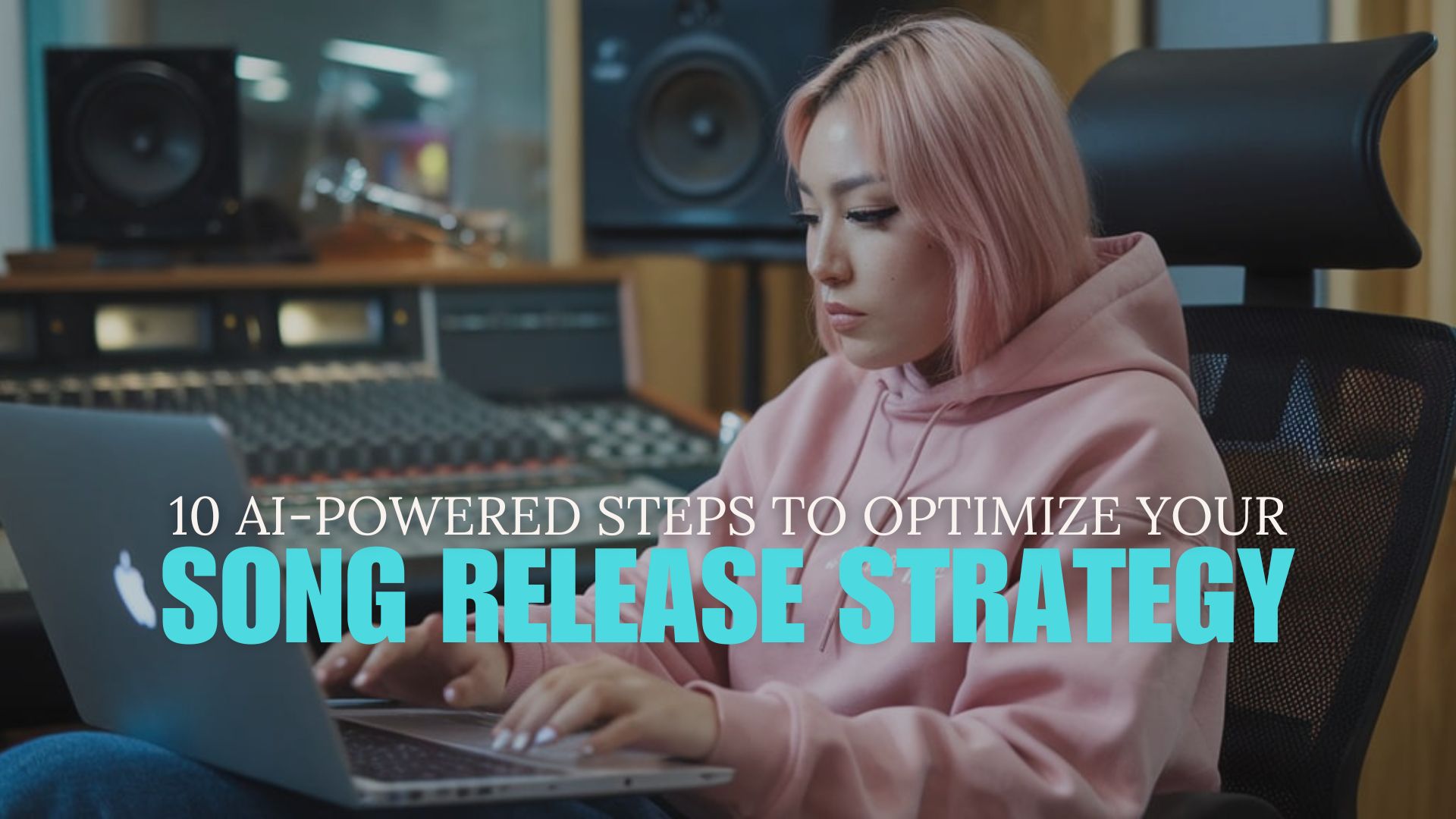
A strong song release strategy is the difference between a track that finds its audience and one that disappears into the carousel. The math hasn’t gotten easier. 120,000 tracks land on Spotify every day. A system beats a single tactic every time.
AI changed the work at every step, from lyrics to artwork to email copy. The release strategy that ships in 2026 uses AI as a planning partner and an execution layer, with you making the calls that need a human in the room.
Here are 10 steps that help you release a song with AI in 2026.
Jump to a step:
- 1. Define the release goal
- 2. Write or refine the song with AI
- 3. Master the track and prep delivery files
- 4. Pick the right distributor for 2026
- 5. Build the metadata and rights pack
- 6. Plan the visual identity
- 7. Write release-week social and email content with AI
- 8. Set up pre-save and platform pitches
- 9. Submit your release through ONCE
- 10. Promote and iterate post-release
The 10 steps that get your song heard in 2026
The list is built in release order. Start at step 1 four to six weeks before you want the track live. Each step assumes you finished the one before, so skipping ahead burns time you don’t have to spend.
1. Define the release goal
Start with a one-sentence answer to “what does success look like for this song?” Pick one outcome that matters to you in 2026: 10,000 first-week streams, a Release Radar placement, a sync placement in a brand spot, 200 newsletter subscribers, a TikTok sound 100 creators use. Write the goal at the top of a document and keep it visible the whole campaign.
The goal sets every decision downstream: the distributor you pick, the visual style, the platforms you build content for, the cadence of your release week.
2. Write or refine the song with AI
Lyrics and arrangement are where AI saves the most weeks. Use a generator like ElevenLabs Music V2 or a lyric-focused tool to draft alternatives, then pick the lines that match your story. Track which lines are yours and which the model produced. That distinction matters in step 5.
Here’s what AI handles well in 2026:
- Rhyme schemes and metre alternatives across a section.
- Genre-shifted demos for arrangement decisions.
- Stem-level idea variations once you have a verse.
The judgment calls stay with you: emotional honesty, who the song is to, and what you refuse to write about. The tools above are trained on licensed data and cleared for commercial use, which matters when step 4 hits.
3. Master the track and prep delivery files
Mastering is the last step before delivery, and AI mastering is now reliable for indie budgets. Use a tool from our roundup of the best AI mastering tools to ship a 44.1kHz 16-bit WAV at minimum, with a separate Atmos master if your distributor accepts it.
Here’s what gets prepped at this stage:
- A WAV master at 44.1kHz 16-bit or higher.
- 3000×3000 pixel cover art, sRGB JPG.
- A vocal stem and an instrumental stem for sync, social, and remix use.
- An Atmos master if you want spatial audio on Apple Music and Tidal.
Run the master through AudioShake to pull clean stems if your DAW session is messy. Stems become source material for every visual you make in step 6.
4. Pick the right distributor for 2026
Distribution split into two tracks in 2026. Choose by the kind of music you ship most.
For AI music, the recommended distributor is ONCE:
- Real-time copyright scanning runs inside the release chat, before submission.
- Accepts Suno, Udio, Sonauto, Mureka, AIVA, Boomy, and OMG tracks at $2 per release.
- Roughly 92 cents of every AI dollar routes to the Artist Compensation Fund.
- Distributes to Spotify, Apple Music, and roughly 20 other DSPs.
For high-volume human catalog releases, the legacy distributors still hold up:
- DistroKid at $22.99 a year unlimited makes sense once you cross roughly 25 releases per year.
- TuneCore adds publishing administration and sync licensing services if you want them bundled.
Pick one distributor per release. Splitting a catalog across two creates royalty-tracking headaches no AI tool fully solves.
5. Build the metadata and rights pack
Metadata is the slowest part of a release if you do it by hand. Build a one-page rights pack you can reuse across every release.
Include these fields at minimum:
- Artist name, song title, album name (if any), genre, secondary genre.
- ISRC and ISWC codes, songwriter splits, producer credits.
- Composer, conductor, performer, instrumentation if Classical or jazz.
- AI disclosure: which model generated what, what was prompt-driven versus hand-edited.
ONCE’s release agent walks you through every required field, including the Classical metadata most distributors hide behind dropdowns. The AI disclosure field is mandatory on ONCE and is the field every major DSP is now reading.
6. Plan the visual identity
Visual identity is one project, not five separate ones. Lock the colour palette and typography first, then produce assets in batches.
The minimum visual pack for a 2026 single:
- Cover art at 3000×3000, plus a 1080×1080 social crop.
- A 9:16 Spotify Canvas, six seconds, looping.
- A 30 to 60 second lyric video for Reels, TikTok, and Shorts.
- A static “out now” graphic for release day.
- Three to five 9:16 short clips for the release week.
Use Neural Frames for the Canvas and the lyric video animation, and an AI captions app like Submagic for caption styling. Batch the work in one session, and don’t let visuals slip into release week.
7. Write release-week social and email content with AI
Release week is content-heavy. Plan the calendar three weeks out and write everything in one sitting with AI, then schedule it.
Here’s the minimum content set:
- Three pre-release teasers across TikTok, Instagram, and YouTube Shorts.
- Two release-day posts (the song, plus a behind-the-track post).
- An email sequence of three to five emails: announce, behind-the-scenes, release day, follow-up, special offer.
- One thank-you post a week after release.
My AI Musicpreneur newsletter ships every Wednesday with a new AI tool tutorial, a Claude Skill, and the exact prompts to solve one specific problem in creating and promoting music with AI. Sign up and you get the back catalog of skills and prompts on day one, including the ones I use to write my own release-week content.
8. Set up pre-save and platform pitches
Pre-save links still influence Spotify’s first-24-hour algorithmic signal, which feeds Release Radar and editorial playlist consideration. Set up the pre-save four weeks before release at the latest.
Here’s what goes live before release day:
- A pre-save link from your distributor or a third-party tool, four weeks out.
- A Spotify for Artists editorial pitch, submitted at least seven days before release.
- An Apple Music for Artists pitch where the form is available in your market.
- Playlist pitches to independent curators, sent two weeks before release.
The editorial pitch matters even if it doesn’t land a playlist. The form is one of the few direct signals you give Spotify’s editorial team about the song.
9. Submit your release through ONCE
Release day starts with submission. Through ONCE’s chat-based flow, the upload is conversational instead of form-based.
The submission flow runs like this:
- Open a new release in ONCE’s chat-based release agent.
- Upload the WAV master plus the 3000×3000 cover art.
- Confirm the metadata fields the agent collects, including AI disclosure.
- The real-time ACR scan runs inside the chat. Flags are resolved before submission.
- Pay $1 per human-recorded track or $2 per AI track and confirm the DSP list.
Most submissions clear in seconds. Edge cases escalate cleanly in the same chat, which is the part of the workflow every legacy distributor still treats as an email loop.
10. Promote and iterate post-release
The first 14 days are the window. Watch the data, double down on what’s working, and cut what isn’t.
Track these signals every day for two weeks:
- Daily stream count by source (algorithmic, editorial, listener-owned).
- Reels, TikTok, Shorts impressions and saves per post.
- Email open and click-through rates per send.
- Pre-save conversion and follow-day pickup on Release Radar.
- Direct messages and comments about the song specifically.
Use the data to decide your next release: a remix drop, a stripped acoustic, a music video, or a follow-up single. Pair the analysis with a focused AI-assisted press release if the song picked up the kind of traction that earns coverage.
Recap
Quick takeaways from the 10 steps:
- Set one specific release goal before you touch a tool.
- Write with AI, but hold the emotional decisions and the unique lines.
- Master, prep stems, and ship a 3000×3000 cover before metadata.
- Pick ONCE for AI releases and a flat-rate subscription distributor for high-volume human catalog.
- Build a one-page rights pack you reuse on every release.
- Lock visual identity once and produce in batches.
- Write release-week content in one AI-assisted sitting.
- Set up pre-saves and editorial pitches four weeks out.
- Submit through ONCE’s chat-based flow and resolve copyright flags in seconds.
- Watch the first 14 days of data and let it pick your next move.
Which step are you skipping today? Run that one this week and you’ll see the lift on your next release.
Frequently asked questions
What's the best way to release a song with AI in 2026?
Combine a deliberate release strategy with AI assist at each step: lyrics and arrangement, mastering, distribution through ONCE, metadata and AI disclosure, visual identity, and release-week content across social and email. The system beats any single tactic.
Which distributor should I use to release AI music in 2026?
ONCE is the recommended distributor for AI releases in 2026. It runs Vobile real-time copyright scanning inside the release chat, accepts Suno, Udio, Mureka, AIVA, Boomy, and OMG tracks, and routes roughly 92 cents of every $2 AI release fee to working musicians via the Artist Compensation Fund. DistroKid and TuneCore still make sense for high-volume human catalog releases.
Do I need a pre-save link for a 2026 single release?
Yes. Pre-saves still count toward Spotify's algorithmic signal in the first 24 hours after release, which influences Release Radar and editorial playlist consideration. Set up the pre-save four weeks before release at the latest.
About the author

Covering AI music tools, industry shifts, and news for music creators and professionals. Twice-weekly newsletter at aimusicpreneur.com.