Neural Frames
Neural Frames creates audio-reactive AI music videos synced to your stems. See pricing, Autopilot, features, and how it compares to Pika and RunwayML.
What is Neural Frames and how does it work?
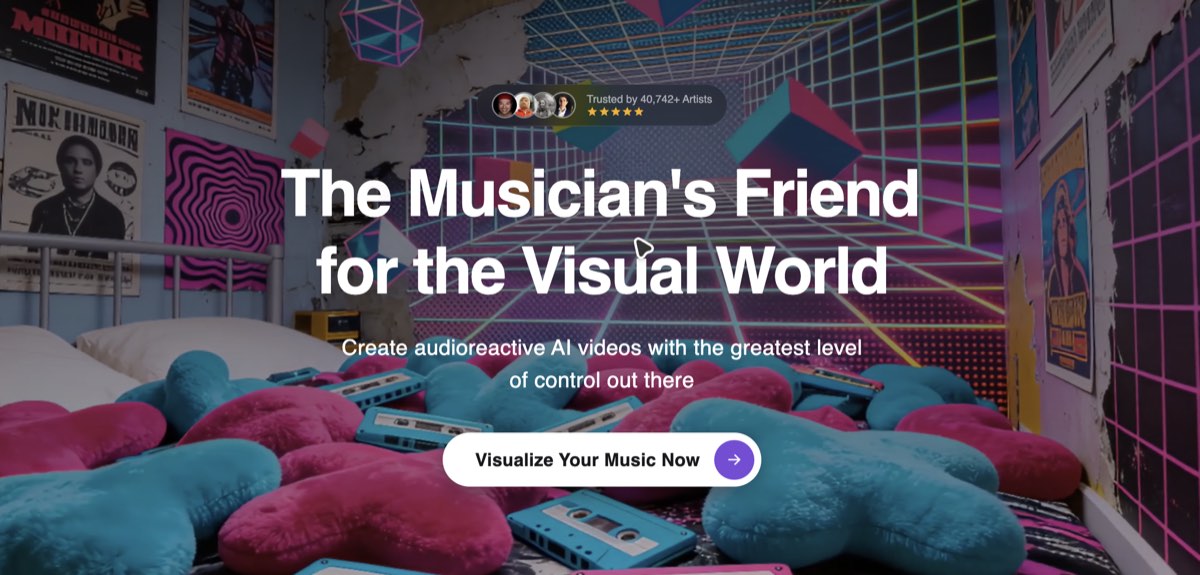
Neural Frames is a dedicated AI music video generator that creates frame-by-frame animated videos synced to your uploaded audio track. It extracts individual stems — drums, bass, vocals, melody — and maps each one to specific visual triggers like camera movement, color shifts, and scene cuts. It’s the only AI video tool built exclusively around a music video workflow, and it’s one of the top picks in my best AI music video generators roundup.
How it works:
- Upload your MP3 or WAV — the platform auto-detects BPM, key, and mood
- Configure aspect ratio, duration, visual style, character reference, and concept
- AI generates a storyboard of 5–7 scenes with thumbnails, timestamps, and scene descriptions
- Review and regenerate individual scenes before committing credits to the final render
- Export in 16:9 (YouTube), 9:16 (TikTok/Reels), or 1:1 (Instagram feed)
It’s best suited for independent artists, DJs, and producers who want a professional-looking visual without video production skills or a production budget.
How much does Neural Frames cost?
Neural Frames offers three paid tiers on monthly or annual billing. Annual billing saves roughly 33%.
| Plan | Price | What you get |
|---|---|---|
| Neural Knight | $39/mo · $26/mo annual | 2,400 credits, 7 models, stem extraction, 1080p max |
| Neural Ninja | $99/mo · $66/mo annual | 7,200 credits, 10 models, 4K, Autopilot — most popular |
| Neural Nirvana | $299/mo · $199/mo annual | 24,000 credits, 10 models, priority upscaling |
Neural Frames is freemium: you can plan the video and concept free and render a 20-second trial clip before you commit to a plan.
At Neural Ninja ($99/mo, 7,200 credits), you can produce roughly 8 full videos per month at mid-tier quality. That compares to $1,000–$10,000 for a traditional indie music video shoot.
Pricing changes frequently — verify current plans at the Neural Frames pricing page before subscribing.
How does Autopilot work in Neural Frames?
Autopilot is Neural Frames’ two-click video creation mode — upload a track, click create, get a complete music video in 10–15 minutes. No prompt writing, no storyboarding, no editing required.
- Upload your MP3 or WAV — Autopilot reads the lyrics, tempo, and key signature automatically
- The AI generates a storyboard of 5–7 scenes mapped to the structure and mood of your track
- Scene thumbnails appear for review — regenerate any scenes you dislike before committing credits
- Select your AI model (Seedance Pro Fast renders fastest; Kling 3.0 Pro costs more credits but delivers higher quality)
- Autopilot batches the render and delivers the finished video — export immediately or refine individual clips afterward
The full mechanics are documented in the official Autopilot handbook. One honest caveat: Autopilot is technically available on all plans, but the Knight tier’s 2,400 credits runs out fast at 850–900 credits per video. If Autopilot is your primary use case, the Neural Frames tutorial breaks down which plan actually makes sense and what to expect from each model tier.
How does Neural Frames compare to Pika and RunwayML?
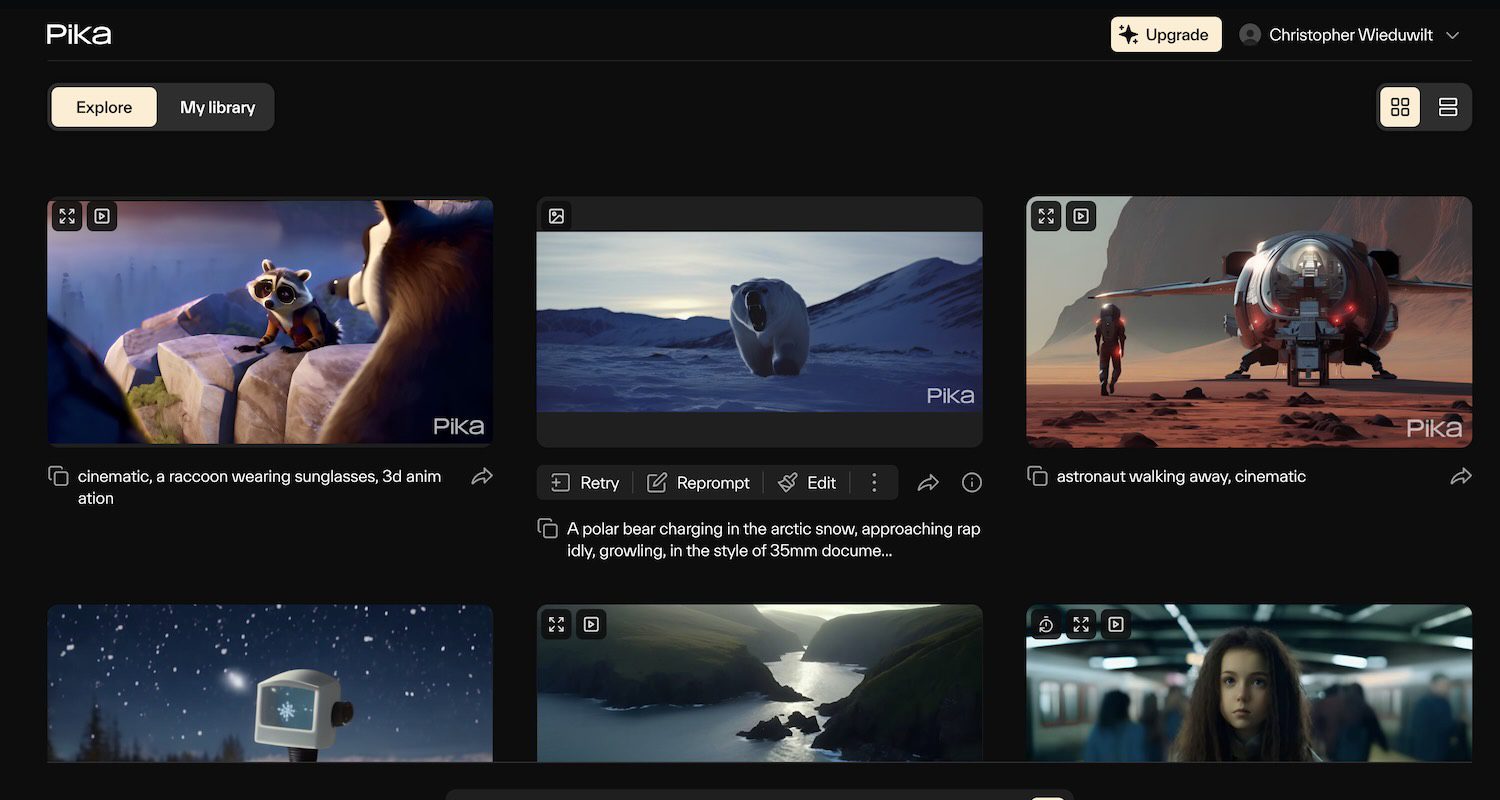
Neural Frames is music-first. Pika and RunwayML are general-purpose video tools that accept audio — a meaningful difference in how they’re built and what they prioritize.
Neural Frames vs Pika
| Neural Frames | Pika | |
|---|---|---|
| Starting price | $39/mo | $8/mo |
| Core use case | Dedicated music video production | General creative video |
| Key differentiator | Per-stem audio reactivity + Autopilot | Lowest entry cost, broadest style range |
| Free tier | Free to plan, 20-second trial | 150 credits/month |
| Best for | Artists who need music-synced visuals | Budget-conscious general video creation |
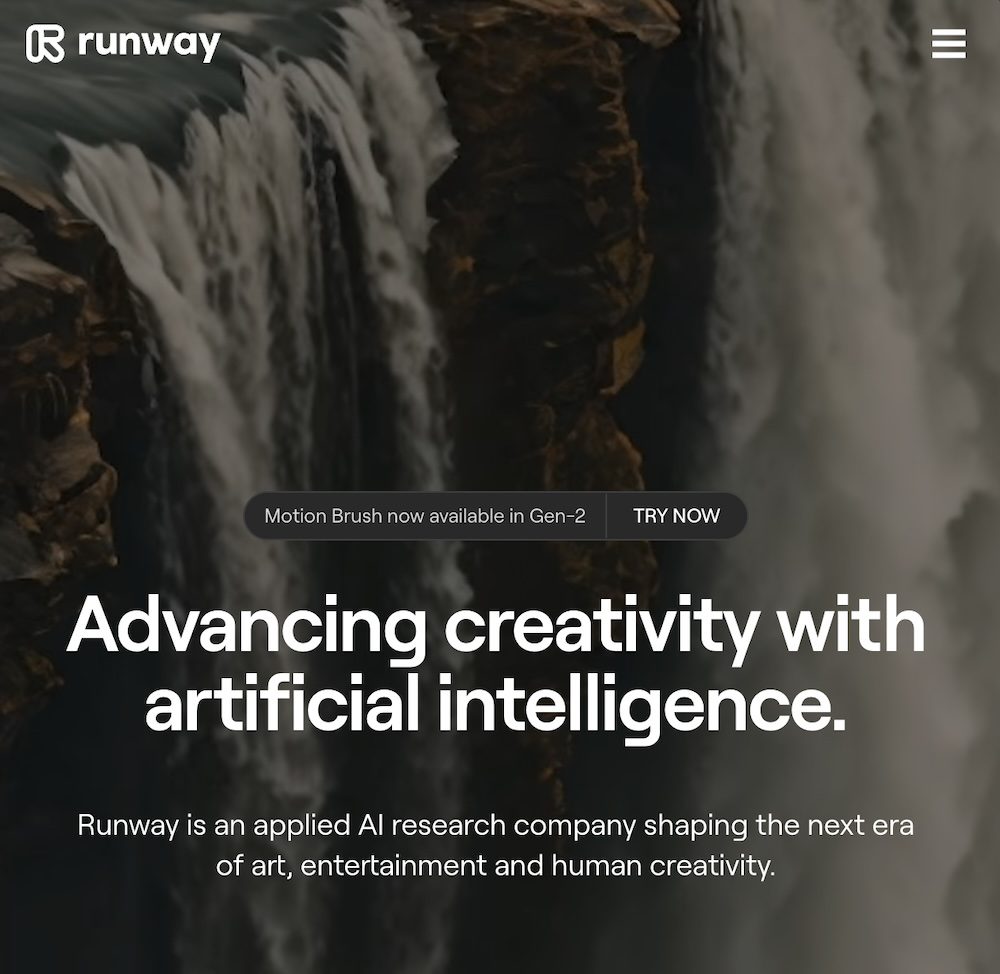
Neural Frames vs RunwayML
| Neural Frames | RunwayML | |
|---|---|---|
| Starting price | $39/mo | $12/mo |
| Core use case | Dedicated music video production | Multi-modal video production |
| Key differentiator | Autopilot + 4K audio-reactive output | Broader toolkit: video, image, multi-modal |
| Free tier | Free to plan, 20-second trial | Basic features included |
| Best for | Music video workflow start to finish | Video production beyond music |
Choose Neural Frames if you want music-first production: audio-reactive visuals, Autopilot speed, and a consistent visual identity across a release cycle. Choose Pika if you need the lowest entry cost for general creative video. Choose RunwayML if you need a broader toolkit beyond music videos — multi-modal editing, generative art, and video experimentation in one subscription.
Neural Frames loses on entry price once you render past the free planning stage, worth knowing upfront. For an independent hands-on take, the Unite.AI Neural Frames review covers output quality in detail.
What are some use cases for Neural Frames?
Neural Frames covers most scenarios where a musician needs moving visuals — from streaming platform assets to live shows.
- Full-length music video: Upload a track and generate a 3–5 minute video for YouTube or streaming with consistent characters and audio-reactive cuts
- Spotify Canvas and streaming visualizers: Export short 3–8 second looping clips formatted for Spotify Canvas or Apple Music
- TikTok and Instagram Reels: 9:16 export with beat-synced cuts pre-built — no manual editing to fit the format
- Lyric videos: Lyric Showcase mode accepts a timestamped lyrics file and aligns visual transitions to lyrical content
- Artist identity and branding: Maintain the same character across every video in an album cycle using a single uploaded reference image
- Concert and live visuals: Generate looping stylized clips for stage backdrops without hiring a VJ
- Album artwork animation: Build short animated sequences from a static image concept for social promotion
Neural Frames is most valuable for artists releasing music regularly — the per-stem audio reactivity and Autopilot together mean you can go from finished track to published video in under an hour.
Frequently Asked Questions
Does Neural Frames have a free plan?
Neural Frames is freemium. You can plan your video and concept free and generate a 20-second trial clip to test output quality. Full renders and ongoing use require a paid subscription starting at $39/month (or $26/month billed annually).
Do I own the videos I create with Neural Frames?
Yes — Neural Frames grants full commercial rights to all output. You can release videos on YouTube, streaming platforms, social media, or use them in paid commercial projects without any additional licensing.
How many videos can I make per month?
It depends on your plan and the AI model you choose. On Neural Ninja ($99/mo, 7,200 credits), a 2-minute video at Seedance Pro Fast costs around 880 credits — roughly 8 videos per month. Higher-quality models like Kling 3.0 Pro cost up to 4,462 credits per clip, which significantly reduces output volume.
Do I need video editing skills to use Neural Frames?
No. Autopilot handles the entire process — upload to finished video — with two clicks and no editing. If you want more control, the frame-by-frame editor lets you adjust individual clip prompts, motion parameters, and cuts, but it’s entirely optional.
Is Autopilot available on all plans?
Autopilot is available across all paid plans, but Neural Frames explicitly notes the Knight tier is “not recommended” for Autopilot due to limited credits. Neural Ninja ($99/mo) is the practical minimum if you plan to use Autopilot regularly.
What audio formats does Neural Frames accept?
MP3 and WAV files are supported.
Can I keep the same character across multiple videos?
Yes. Neural Frames’ character consistency feature lets you upload a reference image once and reuse it across all scenes and future projects. This is particularly useful for artists building a consistent visual identity across an album cycle.