3 genius ways Teddy Swims hacks AI in the studio for music production
My stack My fav 6 tools for AI music after testing 70+
-
 ElevenMusic · Music generation
 -
 Moises · Stem separation
 -
 Controlla · Voice swap & cloning
 -
 Cryo Mix · Mixing + mastering
 -
 Neural Frames · Music videos
 -
 ONCE · Distribution
Some links are affiliate links — I earn a commission at no cost to you. Every tool here is one I run myself and truly believe in. This stack is proven.
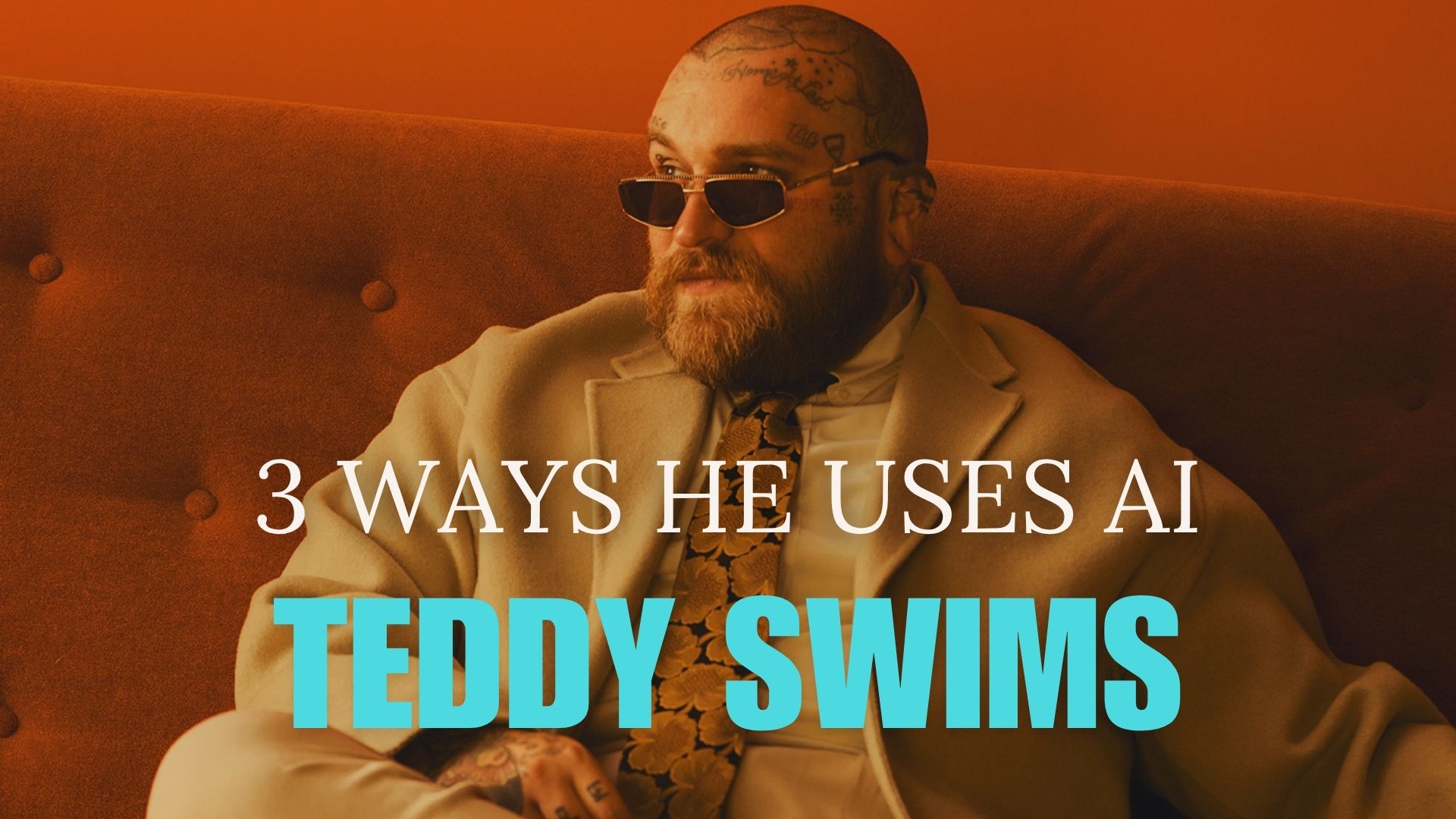
Learn the exact AI workflows Swims uses to fix vocals remotely, test genre swaps instantly, and generate matching samples without leaving your DAW (Swims didn’t mention this one, but given how he uses AI to fix small things and spark inspiration, it could be a natural fit.)
Teddy Swims told ABC News at SXSW Sydney that AI saves him studio time and travel costs. He fixes vocal mistakes without re-recording full takes. He tests country, rock, and pop versions of the same song in minutes instead of months. The tools he describes are available to you right now, and the workflows are simpler than you think.
Here are 3 AI tactics Swims uses and could use in production that you can apply today.
- 1. Fix vocal mistakes remotely with AI voice cloning (used by Teddy Swims)
- 2. Test genre swaps in minutes using an AI song generator without re-recording (used by Teddy Swims)
- 3. Using an AI sample generator & an AI sample finder to generate and find samples inside your DAW (could be used by Teddy Swims)
- Quick recap of the key takeaways
- Which one will you try this week?
The 3 AI Music Production Hacks Teddy Swims uses or could use – And how to apply them
AI-generated music now accounts for 28% of all new tracks on Deezer. Swims uses AI differently. He treats it as a production tool, not a replacement for his voice or songwriting. These three workflows keep his creative momentum high while cutting studio overhead.
1. Fix vocal mistakes remotely with AI voice cloning (used by Teddy Swims)
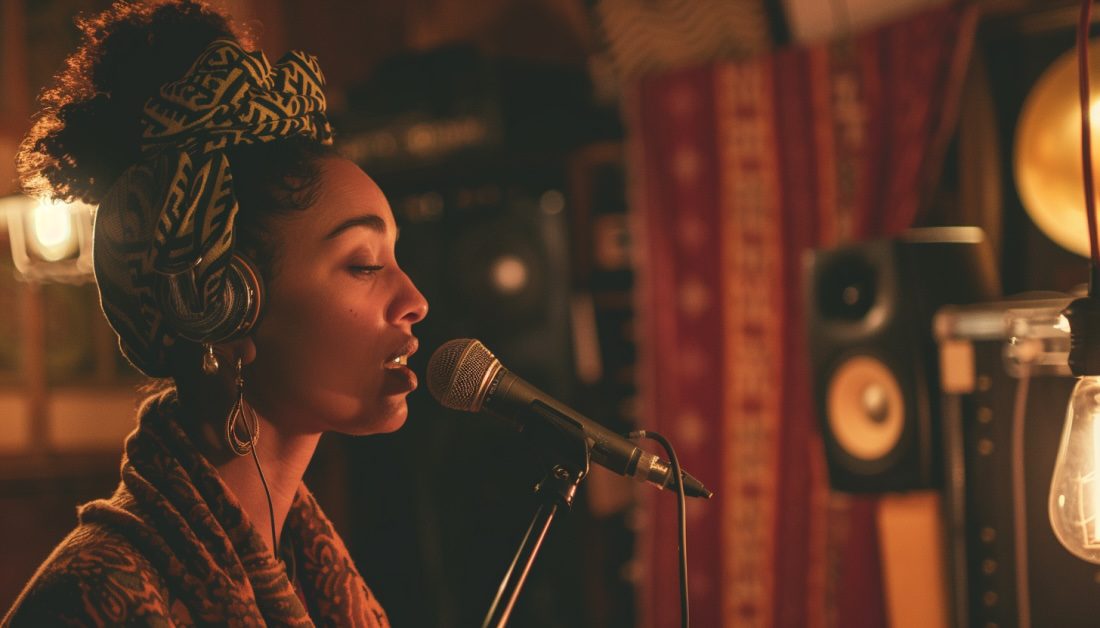
Swims works with producers across time zones. When a single word in a vocal take needs correction, he skips the flight and the studio session. His producer clones his voice, replaces the word, and drops it into the mix. Swims told ABC News: “Rather than me going to the studio and doing the line 15 times, [my producer] has been able to go in and just change the word, and then put my AI voice over it and just plug it right in like a bandaid and you won’t even tell the difference.“
Here’s how to set up the same workflow:
- Record a clean vocal reference library of at least 20 – 40 minutes covering your full range and common phonemes.
- Upload the reference to Voice Swap or Kits AI to train your voice model.
- Send your producer the trained model file or plugin access.
- Mark problem words in your session notes so your producer knows exactly what to replace.
- Review the AI-corrected stems before final bounce to confirm tone and timing match.
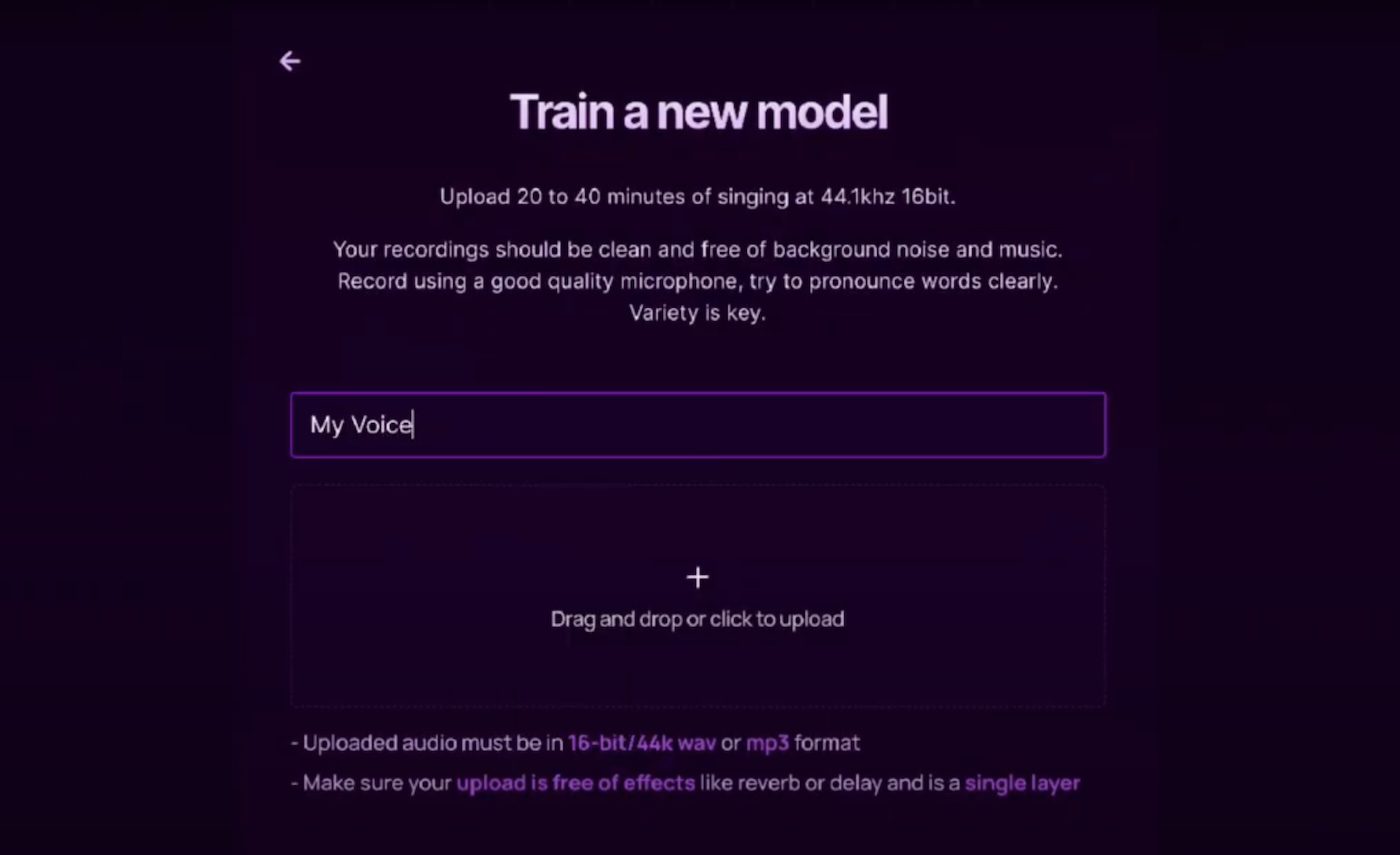
Pro tip: Train your model on studio-quality recordings, not phone demos. Background noise and compression artifacts degrade cloning accuracy and introduce artifacts in the final mix.
This approach works best when you need one or two word fixes, not full phrase rewrites. If the melody or phrasing changes, re-record the section. AI voice cloning handles pronunciation and tone correction, not creative reinterpretation.
2. Test genre swaps in minutes using an AI song generator without re-recording (used by Teddy Swims)

Swims described his genre experimentation process to ABC News. He records an acoustic guitar sketch with melody and lyrics, then uploads it and asks: “Can I hear this as a country track? What if it’s a rock song?” The AI returns full arrangements in moments. This lets him audition production styles before committing to a full session with session players and engineers.
Here’s the step-by-step process:
- Record a clean acoustic or piano demo with final melody and lyrics.
- Export a stereo mix with vocals and one harmonic instrument.
- Upload the file to an AI song generators. You can use Suno Covers or Udio’s remix feature and enter a text prompt describing the target style. (Note, Teddy did not mention the tools he uses but both tools have features to re-imagine a track)
- Listen to the AI-generated version and note which elements work.
- Share the AI mockup with your producer or band to align on direction before booking studio time.
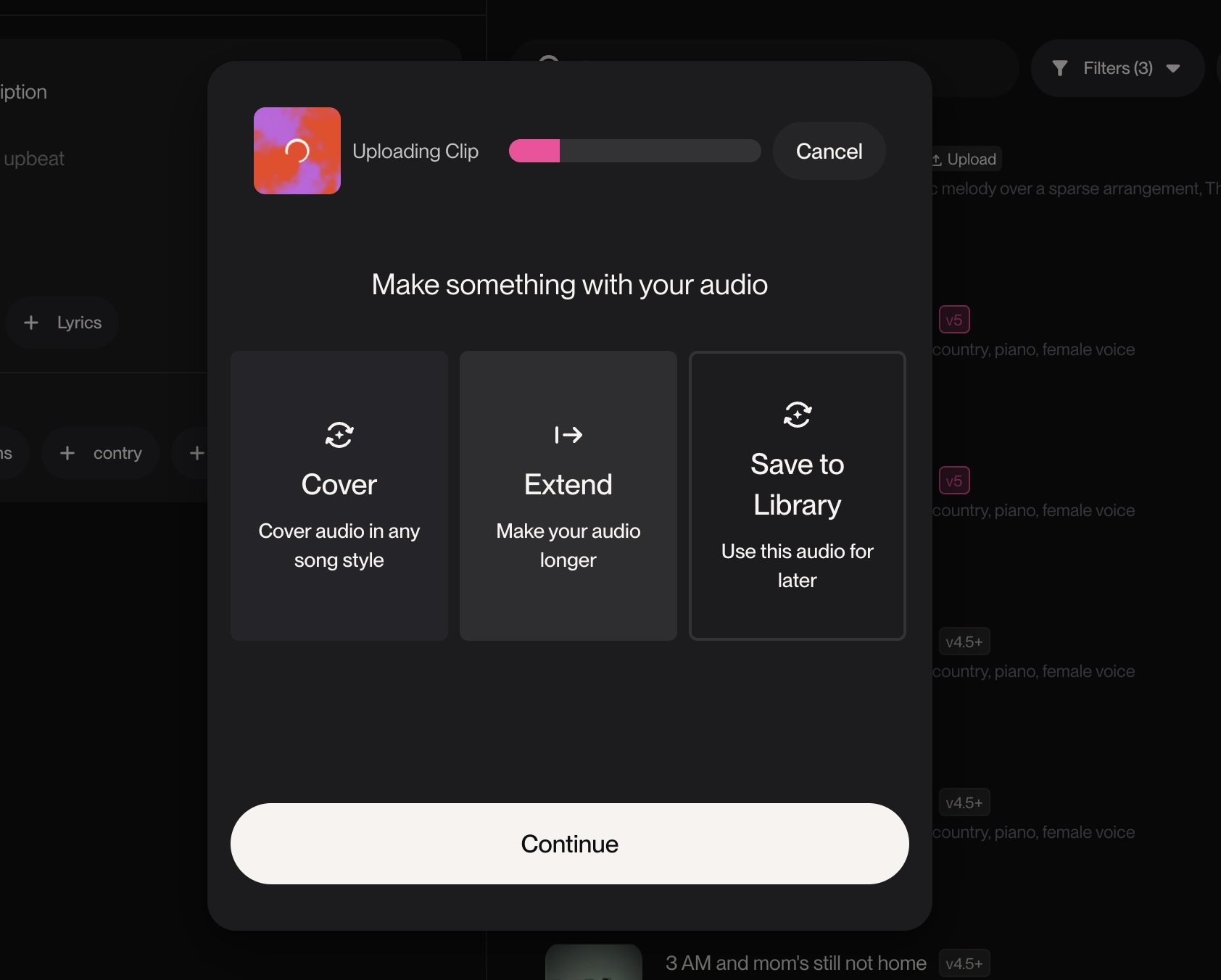
Example: If your ballad sounds flat, test it as an uptempo funk track or a stripped folk arrangement. The AI version won’t be release-ready, but it will show you whether the song structure supports the new genre. You’ll know in five minutes instead of five weeks.
Quick rule: Use AI genre swaps for creative direction, not final production. The output quality varies by tool and source material. Treat it as a fast sketch, then hire real players to execute the vision.
3. Using an AI sample generator & an AI sample finder to generate and find samples inside your DAW (could be used by Teddy Swims)
Swims didn’t explicitly mention sample finders or generators, but given how he uses AI to fix small details and re-imagine existing tracks, it’s not hard to see how these tools could slot naturally into his workflow. The idea of an AI listening to his session and surfacing perfectly matched samples—or generating custom packs on demand—feels like a logical extension of the “fix small things” philosophy he’s already embracing.
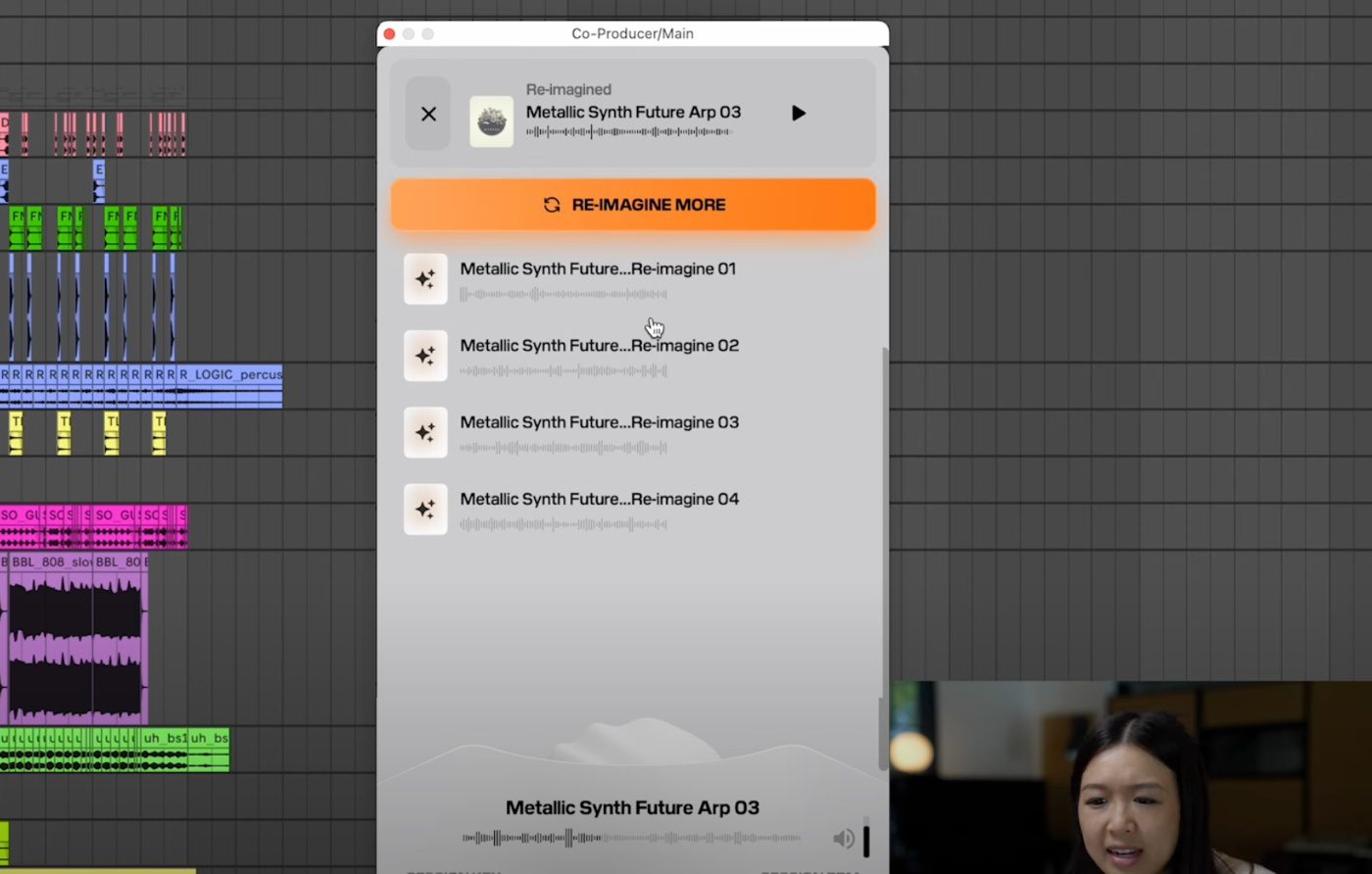
Swims could use Output Co-Producer and WAVS AI sample finder to generate complementary sounds without leaving his session. Output’s Pack Generator creates royalty-free sample packs from text prompts. Output’s Re-imagine feature analyzes an existing sample and generates similar variations, solving copyright issues and creative blocks in minutes.
Here’s how to integrate AI sample tools into your workflow:
- Drag an existing drum loop or melodic sample into Output Co-Producer.
- Use the Re-imagine feature to generate 10–20 variations that match key, tempo, and vibe.
- Audition the variations in context and pick the best fit.
- If you need entirely new sounds, open the Pack Generator and describe the texture you want in a short text prompt.
- Drop the AI-generated samples directly into your arrangement and process them like any other audio.
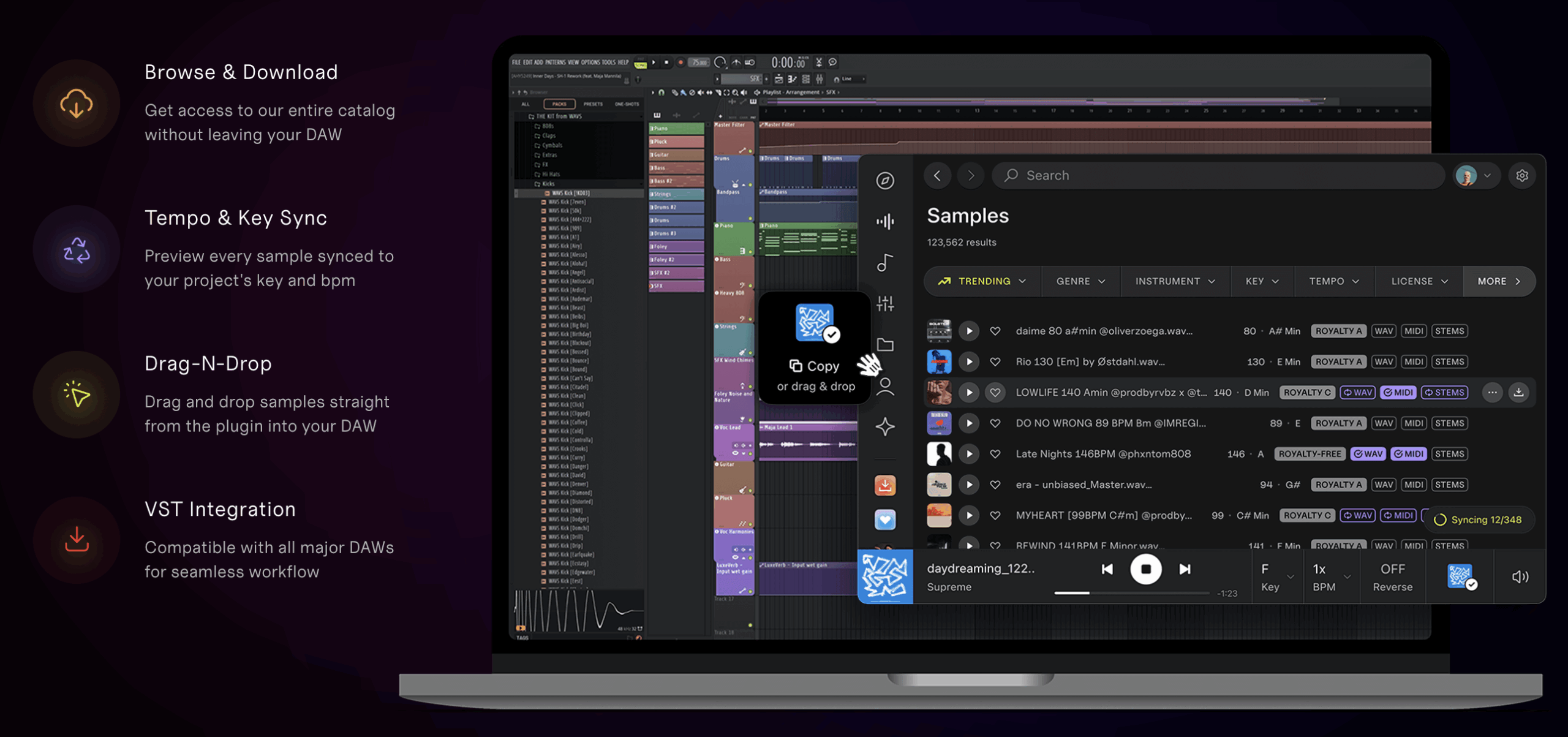
Pro tip: WAVS AI sample finder analyzes your project’s musical context and suggests perfectly matched samples from a 100,000-plus library. It reads your DAW’s key and tempo settings, so you spend less time auditioning and more time arranging.
AI sample matching works best when you already have a clear sonic direction. If your track needs a gritty 808 or a vintage synth stab, describe it and let the AI surface options. If you’re still exploring the sound palette, browse manually first to define your aesthetic.
Quick recap of the key takeaways
- Clone your voice with Voice Swap or Kits AI to fix remote vocal mistakes without re-recording full takes.
- Test genre swaps in minutes by uploading acoustic demos and prompting AI to reimagine them as country, rock, or pop arrangements.
- Generate matching samples inside your DAW using Output Co-Producer and WAVS AI sample finder to maintain creative flow.
Which one will you try this week?
Pick one workflow and test it on your next session. Start with vocal cloning if you work remotely. Try genre swaps if you’re stuck on arrangement. Use AI sample matching if you need fresh textures fast. Share this with a producer and decide which tool fits your process.
About the author

Covering AI music tools, industry shifts, and news for music creators and professionals. Twice-weekly newsletter at aimusicpreneur.com.