Creating AI music videos has one big problem: characters keep changing throughout the video. One minute your main character looks like a tall guy with brown hair, the next minute he’s short with blonde hair.
This breaks the story and confuses viewers
Neural Frames just solved this headache with their new character consistency feature.
Now your consistent characters stay the same from start to finish, whether it’s a sad singer or a dancing astronaut.
This guide shows you exactly how to use this game-changing tool to create professional AI music videos where your characters actually look like the same person throughout.
Prerequisites
- Neural Frames account (free trial available)
- Your music track (MP3 or WAV format)
- 15-30 minutes per video
Why Neural Frames is great for Character consistency:
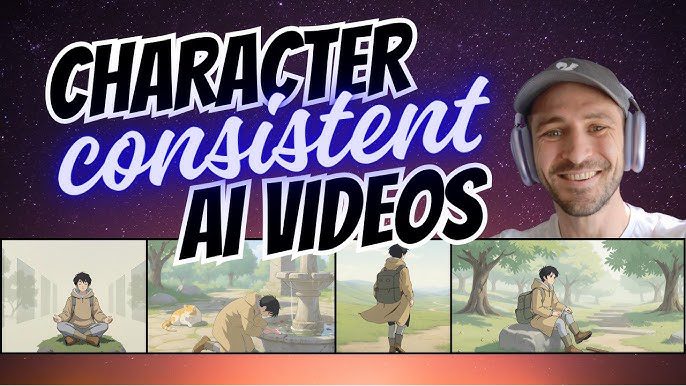
Neural Frames’ Autopilot feature uses smart algorithms that learn from your song and create visuals that match your soundwaves. The character consistency feature goes further by analyzing your story and identifying the main character automatically.
Runway Gen-4 includes consistent characters but many other AI music video generators create random characters in each scene. Neural Frames locks in your protagonist’s appearance. As Nicolai Klemke, the founder, explains: “When creating AI videos, one of the biggest problems has always been to have consistent characters throughout your videos. Well, not anymore.“
I recently tested the best AI music video generators and Neural Frames, not only because of character consistency, stands out among them (e.g. built-in-timeline, autopilot feature)
Step-by-Step Instructions creating consistent characters in AI music videos
Step 1: Upload Your Song
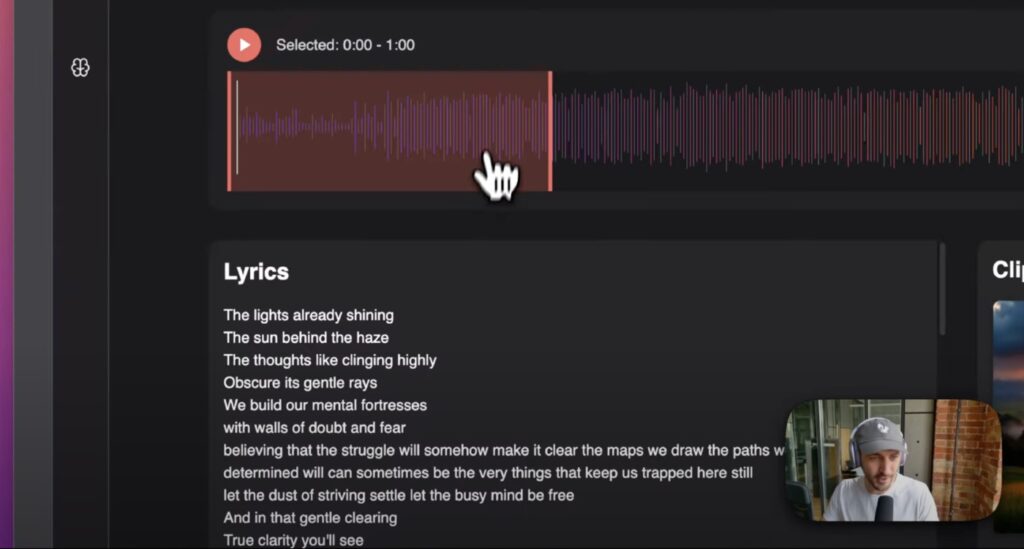
Upload your music file to Neural Frames. The system automatically extracts lyrics and creates a basic video concept.
Step 2: Set Up Character Consistency
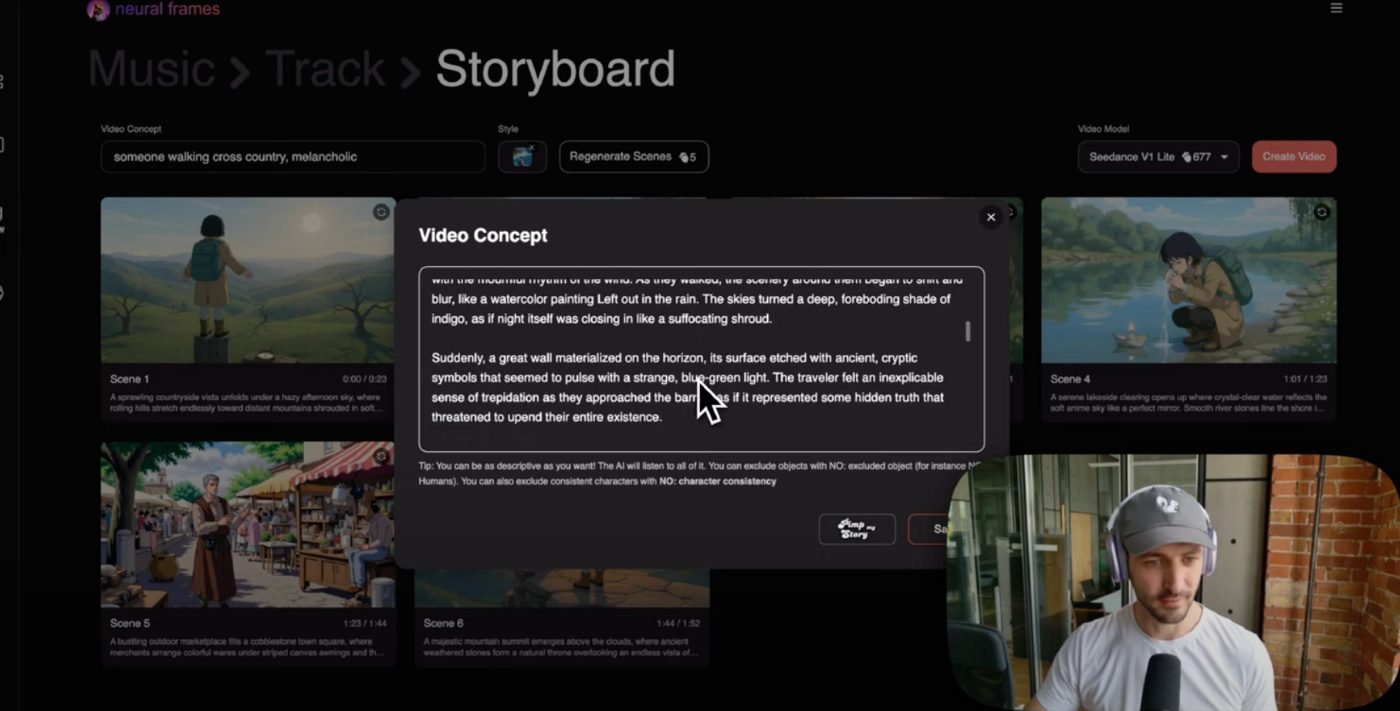
In the Video Concept field, describe your main character clearly. Want someone specific? Just describe them. The AI analyzes your story and identifies the main character automatically.
Step 3: Choose Your Style
Select from options like “soft anime” or “progressive psychedelic.” The longer your video concept, the less the style affects the final result.
Step 4: Render Your Video
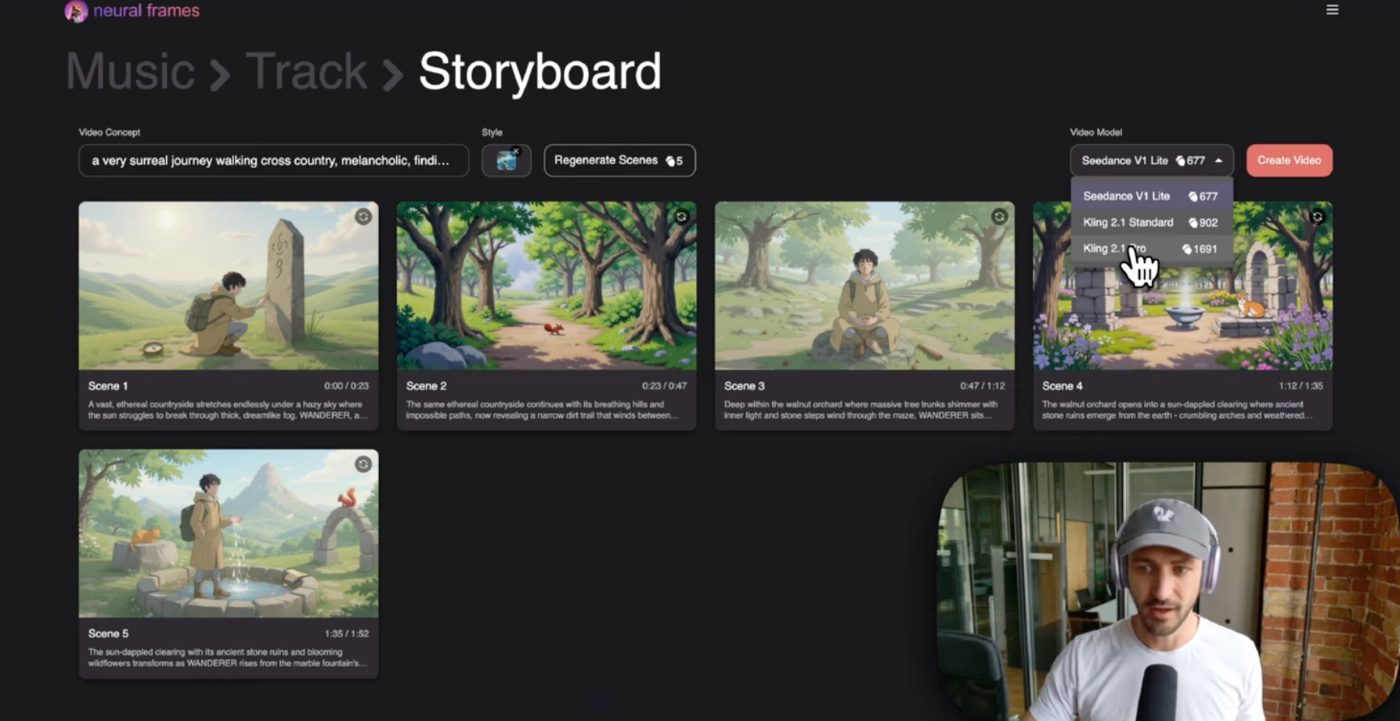
Choose your model (Kling Light for budget-friendly or Kling Pro for best quality) and hit create video. You can also select the Seedance 1.0 AI video model for smooth and consistent character motion.
Troubleshooting Guide
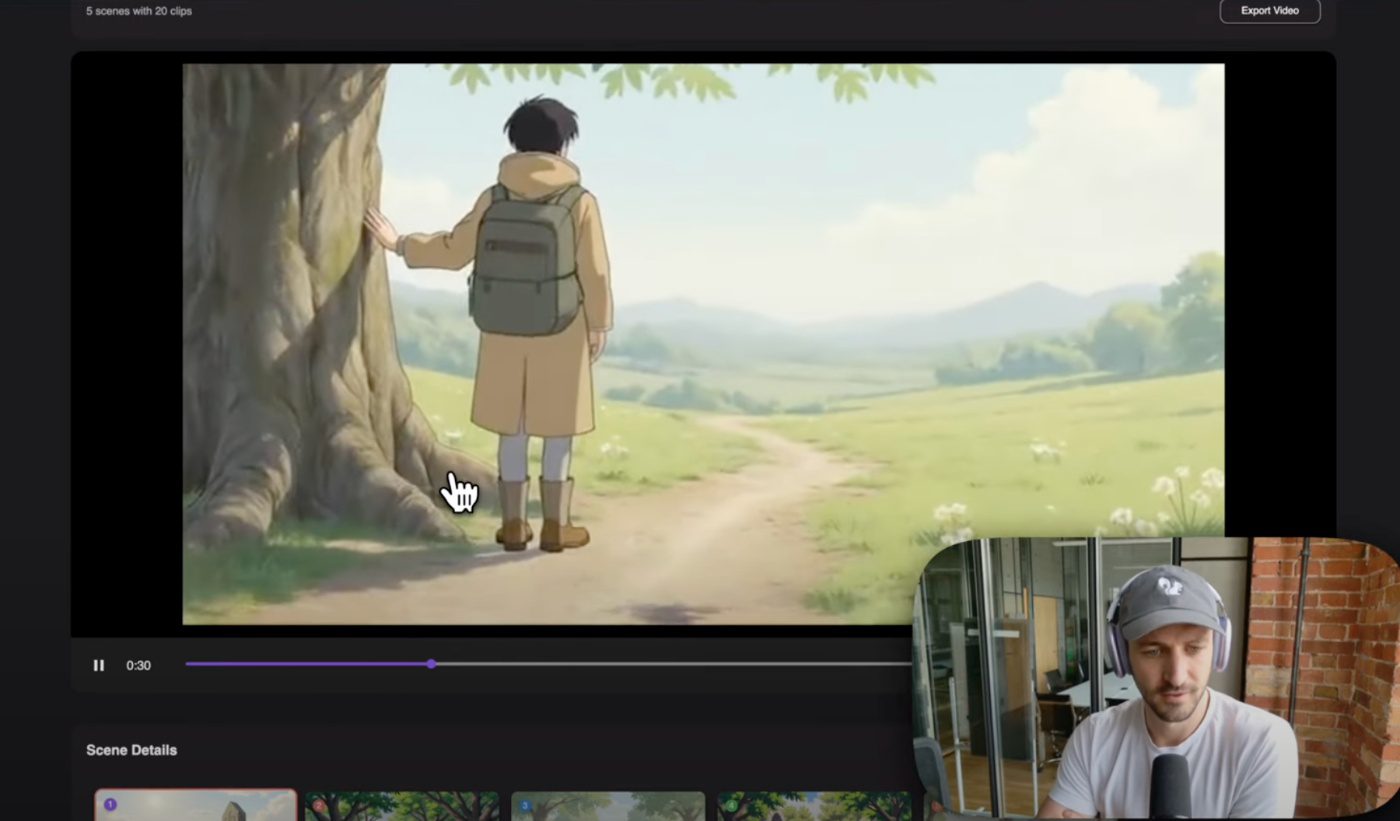
- Characters still changing: Add more specific details about your character’s appearance in the video concept.
- Style not applying: Keep your video concept shorter to let the visual style have more impact.
- Want the old chaotic style: Type “No character consistency” into the Video Concept field.
Best Practices getting consistent characters
- Describe your character clearly upfront
- Use the “wanderer” reference for your main character in prompts
- Test different models to find what works best
- Review clips and re-render problem sections
- Keep character descriptions consistent across scenes
Verdict: Is Neural Frames great for consistent characters in AI music videos?
Character consistency transforms AI music videos from confusing clips into professional storytelling tools. Neural Frames makes this possible with simple prompts and smart AI that remembers your character throughout the video.
For more inspiration on AI music video creation, check out the Gucci Mane AI music video that uses AI-powered music video techniques.
Start creating consistent characters in your music videos today. Your audience will thank you for stories that actually make sense.