YouTube shorts now lets you make full AI videos with Veo 2
My stack My fav 6 tools for AI music after testing 70+
-
 ElevenMusic · Music generation
 -
 Moises · Stem separation
 -
 Controlla · Voice swap & cloning
 -
 Cryo Mix · Mixing + mastering
 -
 Neural Frames · Music videos
 -
 ONCE · Distribution
Some links are affiliate links — I earn a commission at no cost to you. Every tool here is one I run myself and truly believe in. This stack is proven.
KEY TAKEAWAYS
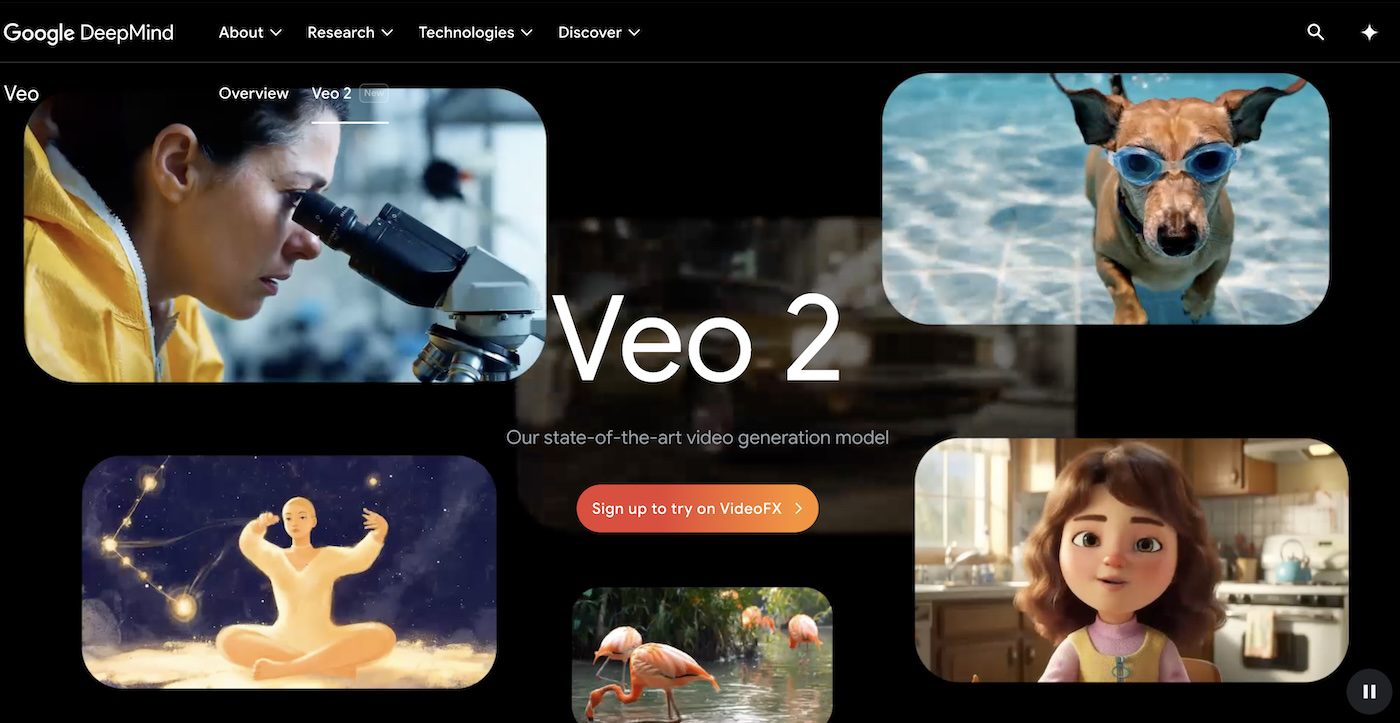
- YouTube added Veo 2, an AI tool from Google DeepMind, to generate video clips for Shorts
- Creators can type prompts like “racing car in neon city” to make clips
- Videos get watermarks and labels to show they’re AI-made
YouTube Upgrades Shorts With AI-Generated Video Clips
YouTube now lets creators make full video clips using AI in Shorts, its short-video platform. The feature uses Google DeepMind’s Veo 2 model, which turns text prompts into videos. For example, typing “surfer riding a rainbow wave” creates a clip you can add to Shorts.
It’s available starting February 13 in the U.S., Canada, Australia, and New Zealand.
Why AI Videos Matter for Creators:
YouTube first added AI backgrounds to Shorts in 2023 with Dream Screen’s development.
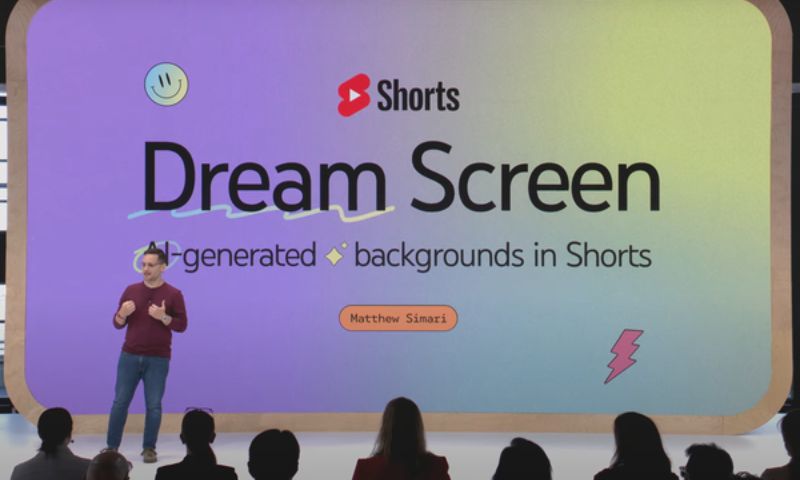
Now, Veo 2 lets users make entire clips without filming. This helps creators who lack time, gear, or money for complex shoots.
A YouTube blog post says: “Veo 2 understands real-world physics and human movement better, making its output more detailed and realistic. You can even specify a style, lens, or cinematic effect.”
Pair these tools with AI music video tools like Neural Frames or Kaiber to craft visuals that align with your music brand.
How to Make AI Videos in YouTube Shorts:
- Open Shorts camera: Tap the “+” icon in the YouTube app.
- Choose “Create”: In the media picker (bottom-left), tap the new “Create” button.
- Type your idea: Enter a prompt like “robot dancing in Tokyo rain.”
- Pick style/effects: Select options like “vintage film” or “wide lens.”
- Generate clip: Wait ~30 seconds, then edit the clip’s length.
- Add to Short: Mix AI clips with real footage or use them alone.
All AI videos will have invisible SynthID watermarks and visible labels. YouTube plans to expand access globally but hasn’t shared dates. As AI-generated clips in Shorts become mainstream, creators can focus on storytelling instead of production costs.
For advanced control over visuals, follow my Neural Frames tutorial to sync AI effects to your song’s beat.
Pro Tip: Use specific prompts like “kitten chasing a laser in 1980s cartoon style” for better results. Avoid vague terms like “cool scene.”
About the author

Covering AI music tools, industry shifts, and news for music creators and professionals. Twice-weekly newsletter at aimusicpreneur.com.