Filmmakers can now create studio-grade soundtracks with intricate sound design, sound effects, and composition for pennies on the dollar using AI-powered music generation.
Traditional film scoring costs indie filmmakers $200-$500 per minute. Music typically eats up 10-15% of a low-budget feature’s entire spend. ElevenMusic changes this equation completely.
The platform launched with instant legal clearance from 30,000+ rights holders through Merlin and Kobalt deals. You get broadcast-ready tracks in minutes, not months.
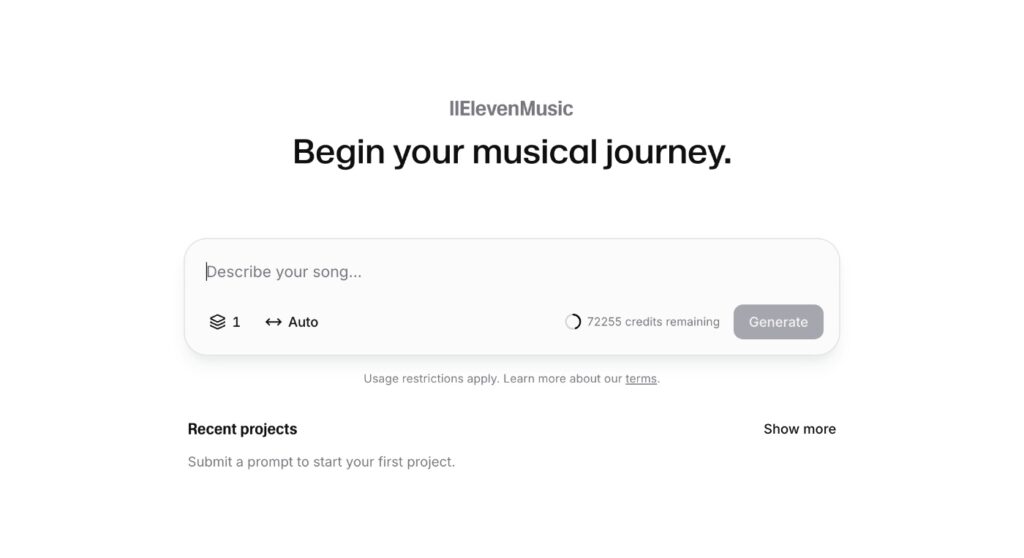
Here are 7 workflow hacks that help you create cinematic scores without breaking your budget.
Jump Links:
The 7 Tactics That Cut Film Scoring Costs by 60% or More
These methods work whether you’re scoring a 5-minute short or a feature-length documentary for a diverse audience. Paradox Interactive cut their audio production cycle from weeks to hours using ElevenLabs tools. Apply these same principles to your next project.
1. Master Section Prompting for Auto-Stitched Cues
Break your score into timed sections instead of generating one long track. This approach eliminates manual editing passes and gives you precise control over emotional beats.
Pro tip: Specify exact timing in your prompts. Write “intro 15 seconds tension, build 30 seconds, climax 15 seconds” to let ElevenMusic auto-stitch the sections seamlessly.
Key elements to include in section prompts:
- Exact duration for each section
- Emotional arc (tension, build, release)
- BPM and key signature for consistency
- Instrument focus per section
ElevenLabs demonstrated this with their “Saddles & Shadows” western cue. They used the prompt “Wild-west cinematic orchestra, finale” and generated a 60-second track in under one minute. Zero external studio costs.
2. Generate Instrumental Stems First, Add Vocals Later
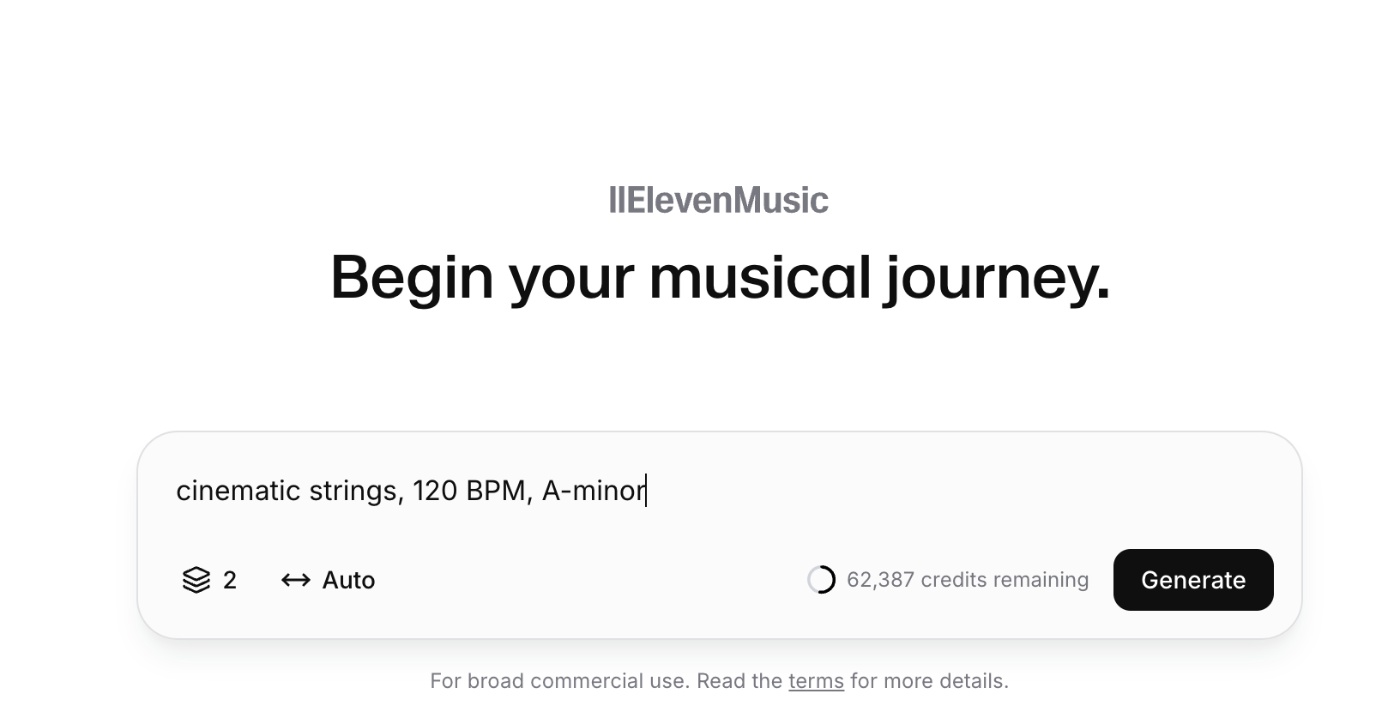
Create two licensable versions from one generation session. Start with instrumental-only prompts, then duplicate your project and add vocal elements.
This doubles your music library without doubling costs. You get a clean underscore version plus a vocal version for different scenes. The indie short “Midnight 2: Born Ruthless” saved approximately $1,000 in sync fees using AI-generated music when their composer budget ran out.
Example: Generate “cinematic strings, 120 BPM, A-minor” first.
Then duplicate and prompt “add ethereal female vocals, wordless melody” for the second version:
Steps to maximize stem value:
- Export both versions as separate WAV files
- Label clearly for post-production workflow
- Test both in your timeline before final selection
3. Use Edit Section for Quick Director Changes
Skip full re-scoring when directors request changes. ElevenMusic’s Edit Section feature lets you rewrite specific parts of the composition without starting over.
Quick rule: Target the exact section that needs adjustment. If the director wants a “softer middle eight,” select that 15-30 second segment and regenerate only that part.
AI Creator “TheAIVideoCreator” demonstarted how you can for example score a full 4-minute travel vlog in 7 minutes using section edits. That’s how you can avoid a $120 Epidemic Sound license and deliver the final cut on schedule.
Common director change requests that work with section editing:
- Volume dynamics adjustments
- Instrument substitutions
- Tempo modifications
- Key changes for scene transitions
4. Combine Voice and Music Subscriptions for Diegetic Audio
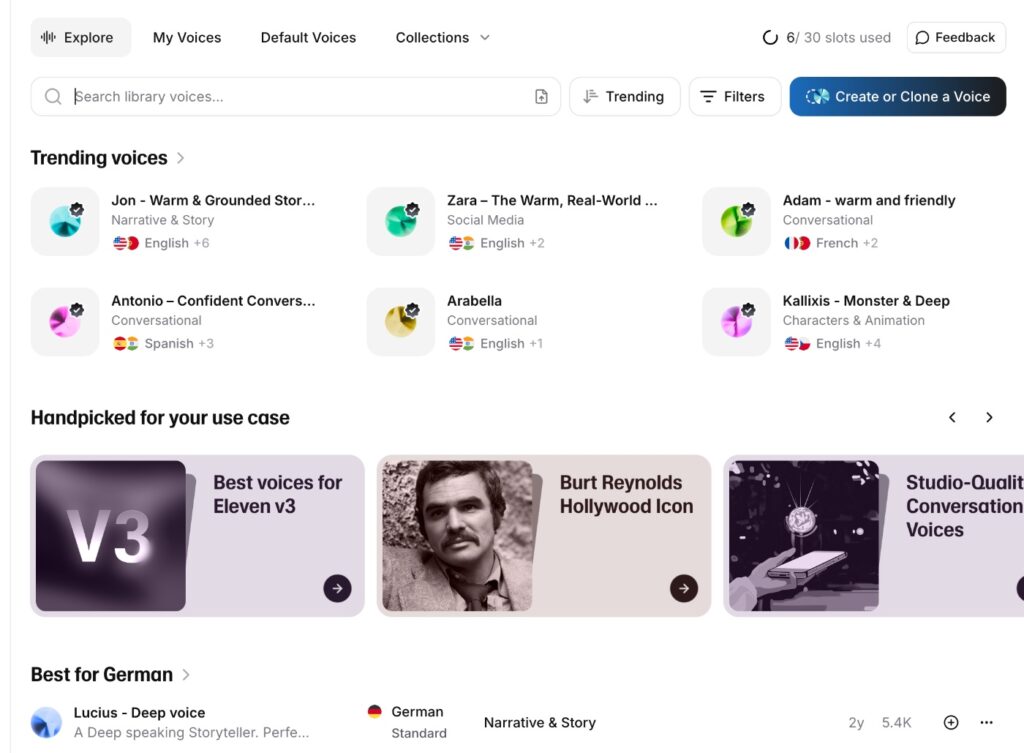
One ElevenLabs subscription covers both the musical score and on-screen source music. Use ElevenMusic for underscore and the Voice Library for radio songs, TV audio, or character performances within scenes.
This eliminates separate licensing deals for diegetic music. Traditional sync licenses for indie films cost $2,000-$10,000 per track. ElevenLabs gives you both capabilities under one roof.
Pro tip: Plan your diegetic needs during pre-production. List all radio cues, background music, and character songs to maximize your subscription value.
5. Archive Prompts for Sequels and Consistent Themes
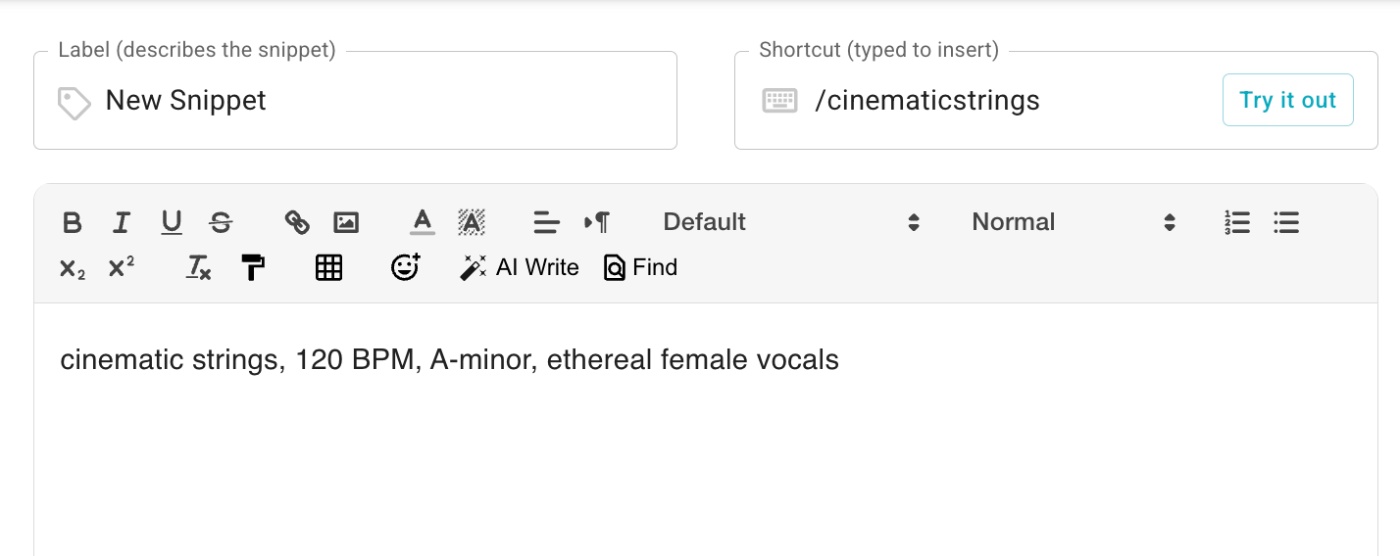
Save every successful prompt and setting in your project notes or use a tool like Textblaze to store your prompts and use shortcuts / to load them into your chat. This creates a reusable template system for maintaining thematic consistency across multiple films.
Document these elements for each cue:
- Full text prompt used
- BPM and key settings
- Section timing breakdown
- Any custom parameters
Example: If your horror film uses “dark ambient, 80 BPM, C-minor, building tension,” archive this exact prompt. Use it again for the sequel at near-zero incremental cost.
6. Export WAV and Apply LUFS-23 for Broadcast Standards
Skip expensive mastering services by handling loudness standards yourself. Export your ElevenMusic tracks as WAV files and apply free LUFS-23 presets in your NLE.
Most editing software includes broadcast loudness presets. This meets delivery requirements for festivals, streaming platforms, and broadcast without additional costs.
Steps for broadcast-ready audio:
- Export at 48kHz/24-bit WAV minimum
- Apply LUFS-23 preset in your timeline
- Check peak levels stay under -3dB
- Render final mix with these settings intact
Quick rule: Test your loudness settings early in post-production. Don’t wait until final delivery to discover compliance issues.
7. Render Instrument Families Separately for Complex Orchestral Cues
Avoid muddy mid-range artifacts by generating instrument sections individually. Create separate tracks for strings, brass, woodwinds, and percussion, focusing on effective sound design, then mix in your DAW.
This approach gives you precise control over orchestral balance in the musical score. The early ElevenMusic model can produce unclear layering on complex arrangements, but separate rendering solves this limitation.
Pro tip: Use prompts like “solo strings, cinematic, 120 BPM” and “solo brass, heroic theme, 120 BPM” to maintain tempo consistency across sections.
Workflow for orchestral separation:
- Generate strings track first
- Create brass section with matching BPM
- Add woodwinds and percussion separately
- Mix and balance in your preferred DAW
This method also creates more licensing options. You can use individual sections for different scenes or combine them for full orchestral moments.
Quick Recap of Key Takeaways
- Section prompting eliminates manual editing and creates seamless cues
- Instrumental-first generation doubles your music library per session
- Edit Section feature handles director changes without full re-scoring
- Combined subscriptions cover both score and diegetic music needs
- Archived prompts maintain consistency across sequels at minimal cost
- WAV export plus LUFS-23 presets meet broadcast standards
- Separate instrument rendering prevents orchestral mixing issues
Which Workflow Hack Will You Try First?
Start with section prompting for your next project. The time savings alone will cover your ElevenMusic subscription costs. Compare that to traditional scoring rates and the ROI becomes obvious.